AAP MCP User Management Tool Set: 32 Tools for AI-Assisted RBAC
By Luca Berton · Published 2024-01-01 · Category: installation
How the AAP MCP Server's 32-tool User management set lets AI agents query AAP roles, teams, and permissions safely via natural language and RBAC.
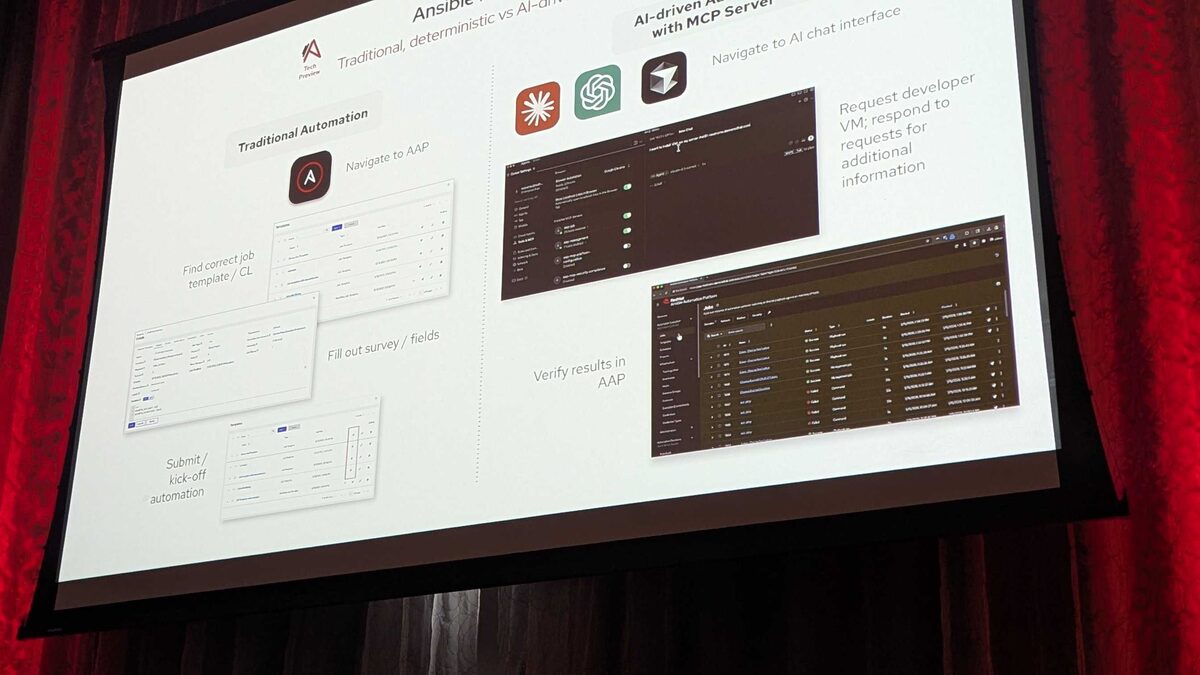
!Cursor IDE settings showing all 6 installed AAP MCP servers
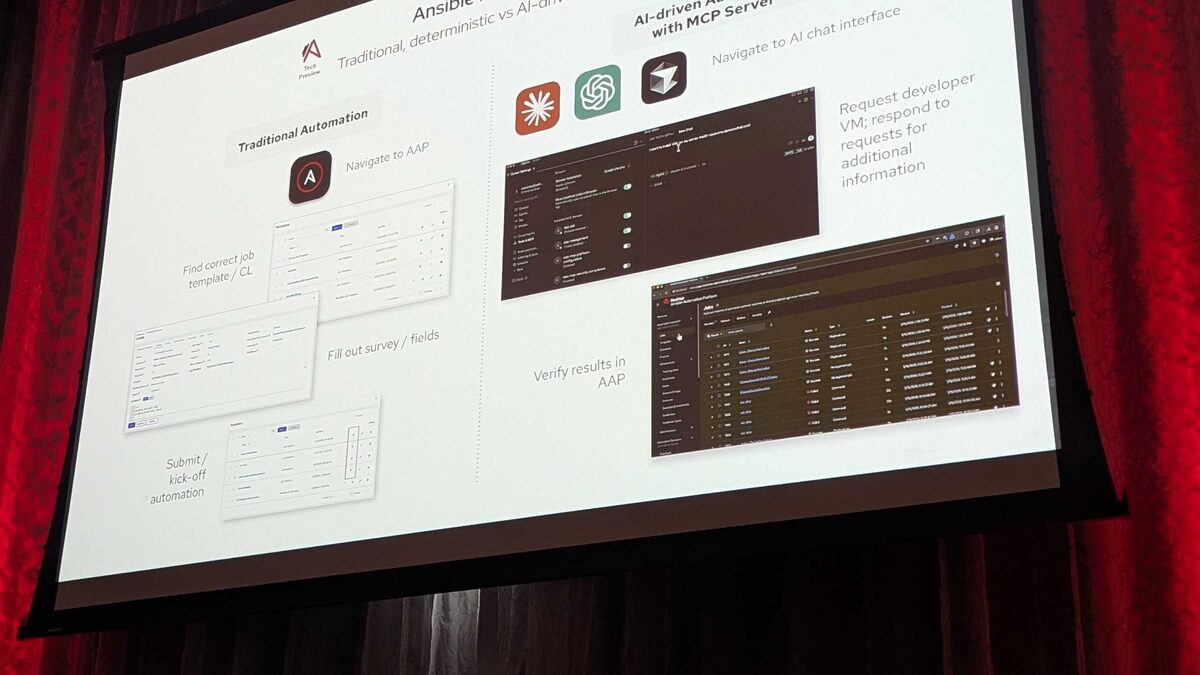
Red Hat's hosted MCP (Model Context Protocol) Server for Ansible Automation Platform, currently a Tech Preview, exposes AAP as a set of declarative endpoints that any LLM or agentic client can call. At Red Hat Tech Day Netherlands 2026 in Bunnik, Fred van Zwieten demoed the server live from Cursor IDE, connecting over plain HTTP with Bearer-token authentication and driving real AAP operations through natural-language prompts. Of the 107 tools spread across six tool sets, the largest by far is User management, with 32 tools dedicated to querying permissions, roles, and teams. This article looks specifically at that tool set: what it is for, why its size matters, and how it fits into a governed, AI-assisted operations workflow.
Why User Management Is the Largest Tool Set
The six AAP MCP tool sets break down like this:
| Tool set | Tool count | Primary focus |
|---|---|---|
| User management | 32 | Query permissions, roles, teams |
| Job management | 25 | Launch, monitor, cancel jobs |
| Platform configuration | 18 | Settings, credentials, integrations |
| System monitoring | 13 | Service health, resource usage |
| Security and compliance | 12 | Audit trails, policy checks |
| Inventory management | 7 | Hosts, groups, variables |
This matters for anyone evaluating whether to enable AI-assisted operations against AAP: the biggest attack surface and the biggest value surface for an LLM agent both live in identity and access, not in job execution. Getting the User management tool set right — read-heavy, tightly scoped, permission-aware — is arguably more consequential for a Tech Preview than getting job orchestration right.
See also: AAP MCP Inventory Management Tool Set: Query Hosts and Groups via AI Agents
What the 32 Tools Cover
Based on the tool set's stated scope — query permissions, roles, and teams — the practical coverage maps onto the same objects an AAP administrator manages today through the controller UI or API: organizations, teams, team memberships, users, user-to-team assignments, built-in roles (Admin, Auditor, Execute, Use, Update, Adhoc, and so on), custom roles, and role assignments scoped to specific resources like job templates or inventories. A natural-language request such as "which teams have execute access to the Paint job template" or "list all users with admin rights on the Production inventory" is exactly the kind of question this tool set exists to answer without anyone hand-crafting a filtered API call.
Crucially, everything demoed at Red Hat Tech Day Netherlands 2026 pointed to this being a read-and-verify model rather than a blank check. In the same session, the Job management tool set demonstrated that the MCP server enforces AAP's own guardrails server-side: launching a "Paint" job template with an invalid survey value of "Purple" was rejected outright because AAP's survey validation ran regardless of what the AI client requested. The architectural implication carries directly over to User management — permission and role data flows back through the same Bearer-token-authenticated session, so an agent can only see and act on what the token's underlying AAP account is actually permitted to see and act on. The AI layer adds a conversational front end; it does not add privilege.
A Governance-First Way to Think About the Tool Set
Teams adopting this Tech Preview should treat the User management tool set as an extension of existing RBAC discipline, not a replacement for it. A few practical guidelines:
- Scope the Bearer token to a service account with the minimum role assignments needed for the queries you actually want agents to run.
- Prefer read-only, audit-style prompts first ("show me all custom roles granted in the last 30 days") before allowing any tool in this set to be paired with write-capable tools from Platform configuration.
- Log and review agent-initiated queries the same way you would review controller API audit logs, since the Security and compliance tool set's 12 tools (audit trails, policy checks) sit right alongside User management in the same MCP session.
- Treat "32 tools" as a signal of surface area, not a checklist to expose all at once — Tech Preview status means tool behavior and even tool counts can change before general availability.
See also: AAP MCP Job Management Tool Set: 25 Tools for AI-Driven Job Control
Example: Automating a Permission Audit Playbook
While the MCP tools themselves are invoked conversationally through a client like Cursor, teams will still want traditional Ansible content to act on findings — for example, provisioning a new team with a defined role scope once an agent has identified a gap. Here's an illustrative playbook using the ansible.controller collection to reconcile a team's role assignments, the kind of remediation task a User management query might trigger:
---
- name: Reconcile team role assignments after RBAC audit
  hosts: localhost
  gather_facts: false
  vars:
    aap_hostname: "https://aap.example.com"
    aap_validate_certs: true
    target_team: "network-ops"
    target_organization: "Default"

  tasks:
    - name: Ensure the network-ops team exists
      ansible.controller.team:
        name: "{{ target_team }}"
        organization: "{{ target_organization }}"
        controller_host: "{{ aap_hostname }}"
        validate_certs: "{{ aap_validate_certs }}"
        state: present

    - name: Grant execute-only role on the Paint job template
      ansible.controller.role:
        user: null
        team: "{{ target_team }}"
        role: execute
        job_templates:
          - "Paint"
        controller_host: "{{ aap_hostname }}"
        validate_certs: "{{ aap_validate_certs }}"
        state: present

    - name: Remove stale admin role flagged by RBAC audit
      ansible.controller.role:
        team: "{{ target_team }}"
        role: admin
        inventories:
          - "Production"
        controller_host: "{{ aap_hostname }}"
        validate_certs: "{{ aap_validate_certs }}"
        state: absent
This is the pattern worth internalizing: MCP's User management tool set is for discovery and verification through natural language, while Ansible playbooks and the ansible.controller collection remain the mechanism for making the actual RBAC change. The agent reads; the playbook writes.
Key Takeaways
- The AAP MCP Server (Tech Preview) exposes 107 tools across six tool sets; User management is the largest, with 32 tools for querying permissions, roles, and teams.
- User management's size reflects the relational complexity of AAP's RBAC model — organizations, teams, users, and role assignments intersect across every other resource type.
- Guardrails demonstrated live at Red Hat Tech Day Netherlands 2026 (such as the rejected "Purple" survey value) confirm the MCP layer enforces AAP's own validation and permission model rather than bypassing it.
- Bearer-token authentication means an agent's visibility into users, roles, and teams is bounded by the token's own AAP permissions — no privilege escalation through conversation.
- Pair conversational, read-oriented MCP queries with existing Ansible content, such as
ansible.controllerrole and team modules, to actually remediate any RBAC gaps an agent surfaces.
See also: AAP MCP Platform Configuration Tool Set: Settings and Credentials via AI
Related Articles
Category: installation