AAP MCP System Monitoring Tool Set: AI-Driven Health Checks Guide
By Luca Berton · Published 2024-01-01 · Category: installation
Learn how the AAP MCP Server's 13-tool System monitoring set lets AI agents check service health and resource usage across Ansible Automation Platform.
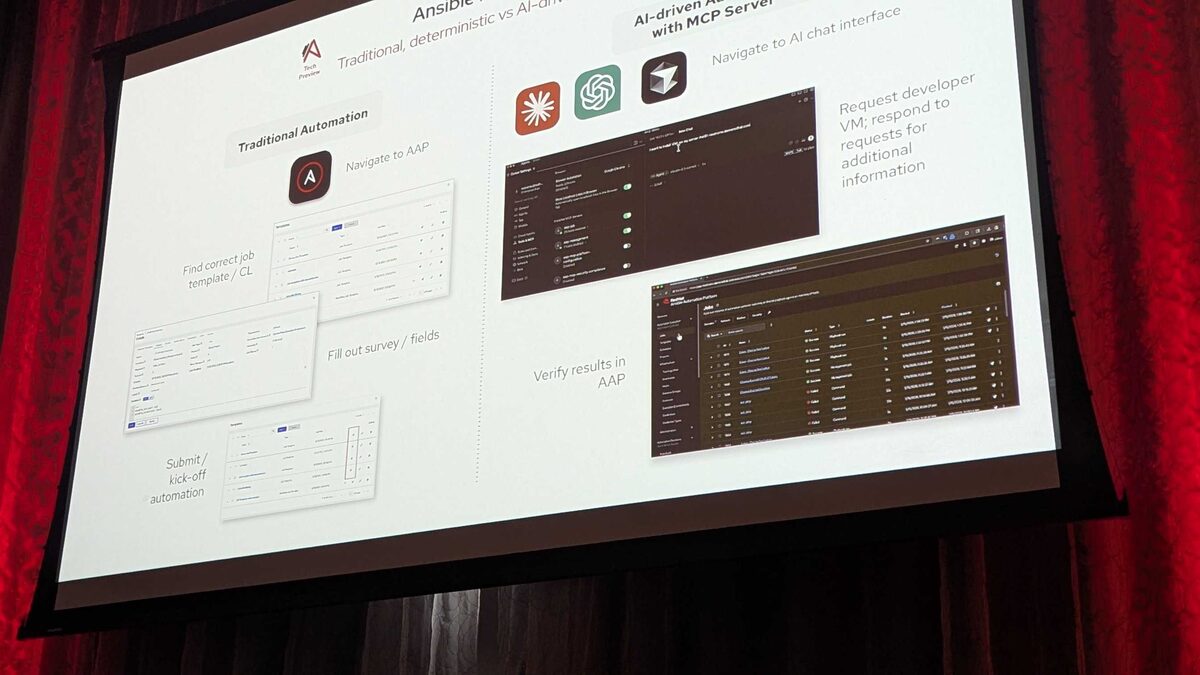
!Cursor IDE settings showing all 6 installed AAP MCP servers
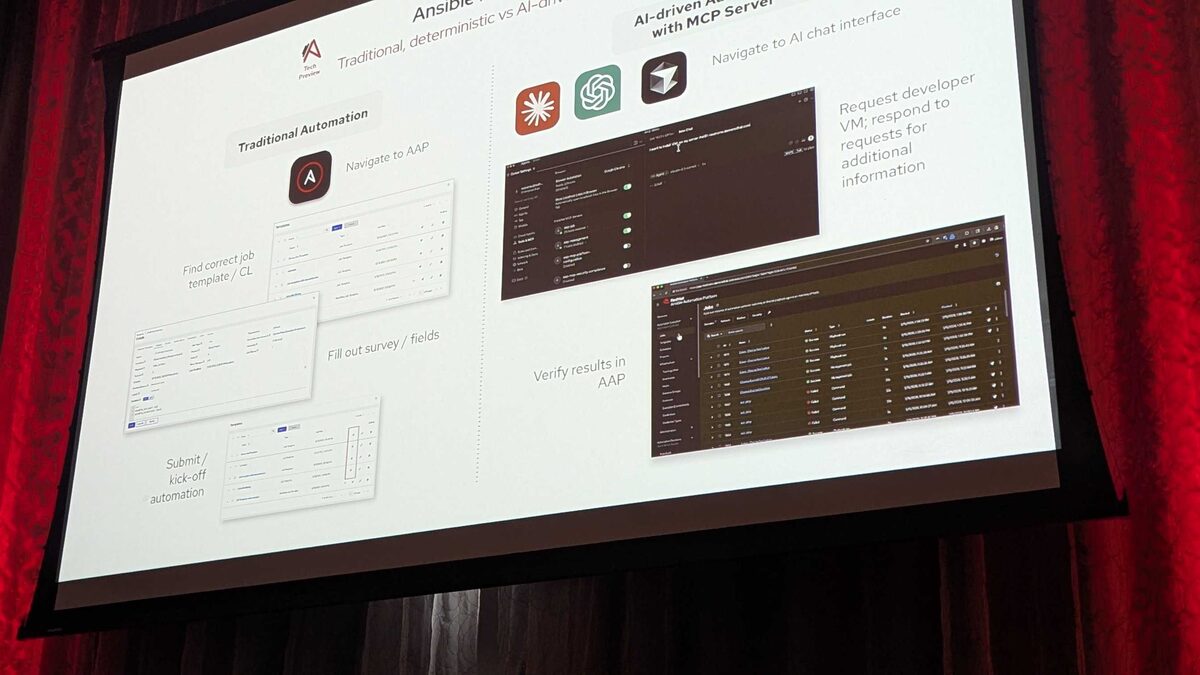
Red Hat's hosted MCP (Model Context Protocol) Server for Ansible Automation Platform, currently shipping as a Tech Preview, exposes AAP's operational surface to any LLM or agentic client as a set of declarative endpoints. Instead of an operator manually clicking through the AAP controller UI or writing ad-hoc API scripts, an AI assistant can call structured tools over plain HTTP with Bearer-token authentication and get back answers grounded in real platform state. This guide focuses on one of the six tool sets demonstrated at Red Hat Tech Day Netherlands 2026 in Bunnik on 3 June 2026: System monitoring, a collection of 13 tools built specifically for checking service health and resource usage.
What the AAP MCP Server Is
The AAP MCP Server sits between an AI client — in the live demo, Fred van Zwieten of Red Hat drove it from the Cursor IDE — and Ansible Automation Platform itself. It speaks the Model Context Protocol, which standardizes how LLMs discover and invoke external tools. Because the connection runs over plain HTTP with Bearer-token auth, any MCP-compatible client can authenticate and start issuing natural-language requests that get translated into concrete AAP API calls.
Across the full server, Red Hat organized 107 tools into six functional tool sets:
| Tool set | Tool count | Primary purpose |
|---|---|---|
| Job management | 25 | Launch, monitor, and cancel jobs |
| Inventory management | 7 | Query hosts, groups, and variables |
| System monitoring | 13 | Check service health, resource usage |
| User management | 32 | Query permissions, roles, teams |
| Security and compliance | 12 | Audit trails, policy checks |
| Platform configuration | 18 | Settings, credentials, integrations |
See also: AAP MCP Inventory Management Tool Set: Query Hosts and Groups via AI Agents
Why a Dedicated Monitoring Tool Set Matters
A recurring theme from the Tech Day demo was that the MCP server does not hand the AI unrestricted access — it hands the AI a curated, declarative interface. That principle applies directly to monitoring. Rather than letting an agent run arbitrary shell commands against controller nodes, the System monitoring tool set gives it a fixed vocabulary of health and resource-usage queries. The AI can reason about what to check and how to interpret the results, but it cannot invent new ways of touching the underlying infrastructure. This is the same guardrail philosophy that, in the job-management tool set, caused a "Purple" survey value to be correctly rejected when launching a Paint job template — AAP's own validation logic still governs what happens, the LLM just decides which validated tool to call and when.
For platform teams, this matters because it turns "is AAP healthy right now?" from a multi-tab, multi-dashboard investigation into a single conversational request that an operator — or an on-call agent — can issue in plain English, with the underlying calls fully auditable as discrete MCP tool invocations.
What the 13 Tools Likely Cover
Red Hat did not publish a full per-tool API reference for System monitoring at Tech Day Netherlands 2026, but the announced scope — "check service health, resource usage" — maps cleanly onto the operational surface every AAP administrator already monitors through the controller UI and API today: instance and instance-group status, capacity consumption, database and message-queue connectivity, and background task/dispatcher throughput. When you connect an MCP client, expect the tool list returned by the server to include entries in that spirit, such as a controller ping/status check, an instance health lookup, a capacity/utilization query, and a job-queue depth check.
See also: AAP MCP Job Management Tool Set: 25 Tools for AI-Driven Job Control
Example: Asking an Agent for a Health Summary
Once an MCP client is authenticated against the AAP MCP Server, a natural-language request like "give me a health summary of the AAP controller" is resolved by the agent selecting one or more System monitoring tools, calling them, and formatting the structured response — the same pattern used in the demo where "show me the last 5 jobs from AAP" returned a clean table rather than raw JSON.
For teams that want to keep a parallel, scheduled health check running through Ansible itself (rather than only on-demand through an AI client), a simple playbook can poll the AAP controller API for the same kind of status data the MCP tools surface:
---
- name: Poll AAP controller health via API
  hosts: localhost
  gather_facts: false
  vars:
    aap_controller_url: "https://aap.example.com"
    aap_validate_certs: true

  tasks:
    - name: Check controller ping endpoint
      ansible.builtin.uri:
        url: "{{ aap_controller_url }}/api/v2/ping/"
        method: GET
        headers:
          Authorization: "Bearer {{ aap_mcp_token }}"
        validate_certs: "{{ aap_validate_certs }}"
        status_code: 200
      register: aap_ping_result

    - name: Fail loudly if a controller instance is unavailable
      ansible.builtin.assert:
        that:
          - aap_ping_result.json.instances | selectattr('capacity', 'equalto', 0) | list | length == 0
        fail_msg: "One or more AAP controller instances report zero capacity"
        success_msg: "All AAP controller instances report healthy capacity"

    - name: Report instance group utilization
      ansible.builtin.debug:
        msg: >
          Instance group {{ item.name }} is at
          {{ (item.consumed_capacity / item.capacity * 100) | round(1) }}% capacity
      loop: "{{ aap_ping_result.json.instance_groups | default([]) }}"
This playbook is not calling MCP tools directly — it's a conventional API poll — but it illustrates the exact data shape (instance capacity, instance-group utilization) that the System monitoring tool set is built to surface conversationally. In practice, teams will likely run both: scheduled Ansible-driven checks for alerting pipelines, and MCP-driven natural-language checks for interactive troubleshooting.
System Monitoring Alongside the Other Tool Sets
The real power shown at Tech Day Netherlands 2026 came from tool sets working together, not in isolation. The root-cause analysis demo — tracing a failed job to an ec2_vpc_name typo ("caap" instead of "aap") compounded by a race condition between two parallel jobs — required the agent to read job stdout and events (Job management), correlate execution history, and reason about what was actually running at the time of failure. A monitoring-aware agent extends that same investigation with concurrency and capacity context: was the instance group saturated when the two jobs collided? Was there a resource contention signal at the moment of failure? Those are exactly the questions the System monitoring tool set exists to answer.
See also: AAP MCP Platform Configuration Tool Set: Settings and Credentials via AI
Key Takeaways
- The AAP MCP Server (Tech Preview) exposes 107 tools across six tool sets; System monitoring is the third-largest at 13 tools.
- System monitoring is scoped to service health and resource usage — controller status, capacity, and connectivity — not arbitrary infrastructure access.
- As with every MCP tool set demonstrated at Red Hat Tech Day Netherlands 2026, AAP's own validation and guardrails still apply; the AI selects and calls tools, it does not bypass platform logic.
- Conversational health checks ("give me a health summary of the AAP controller") complement, rather than replace, scheduled Ansible-based polling for alerting.
- Combining System monitoring with Job management tools enables richer root-cause analysis, correlating capacity and concurrency signals with job failures.
Related Articles
Category: installation