AAP MCP Inventory Management Tool Set: Query Hosts and Groups via AI Agents
By Luca Berton · Published 2024-01-01 · Category: installation
Learn how the AAP MCP Server's 7-tool inventory management set lets AI agents query hosts, groups, and variables in Ansible Automation Platform.
!Cursor IDE settings showing all 6 installed AAP MCP servers
What the AAP MCP Server Brings to Inventory Management
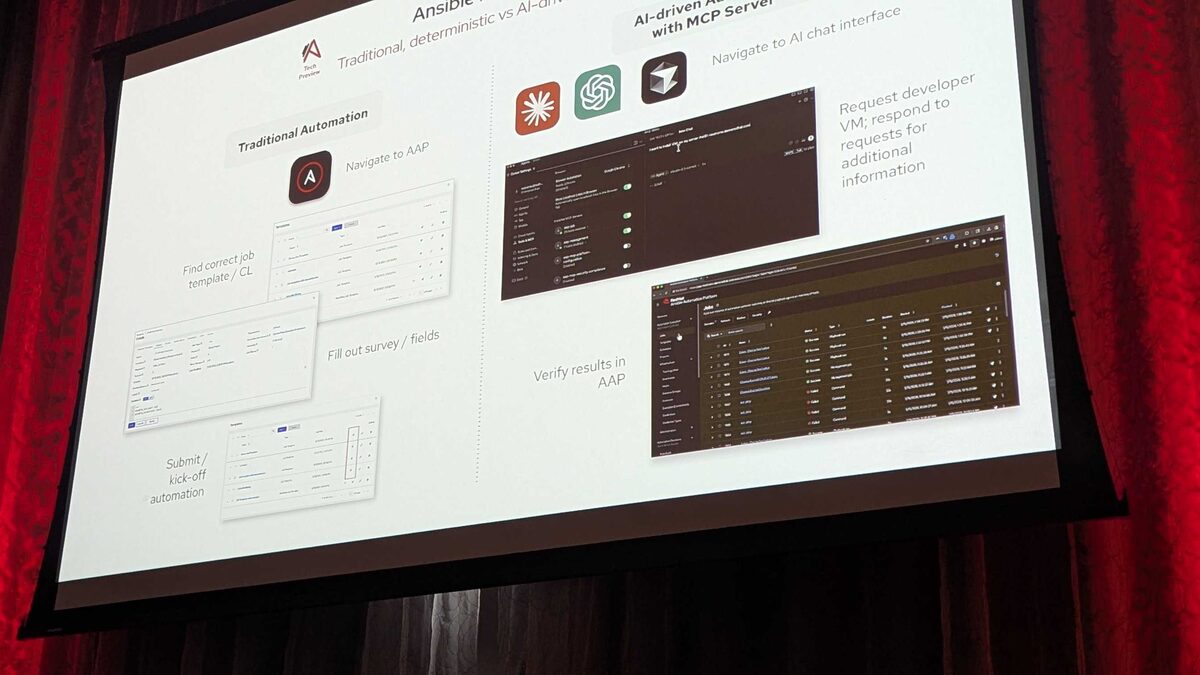
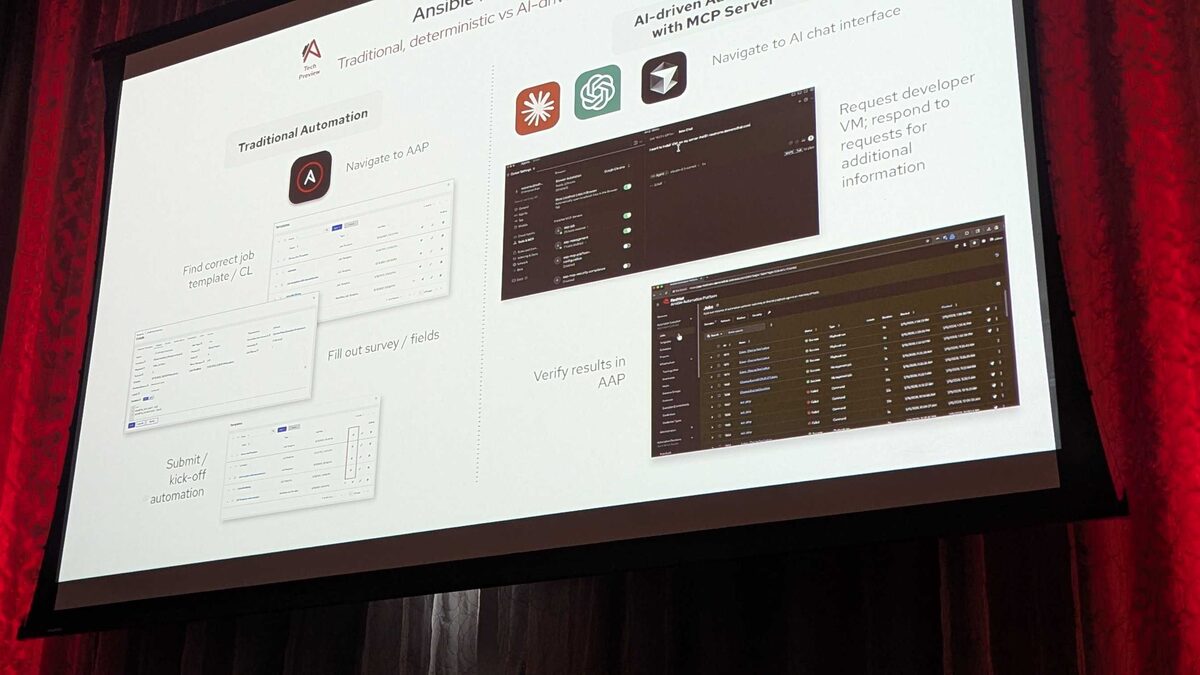
Red Hat's hosted MCP (Model Context Protocol) Server for Ansible Automation Platform, currently in Tech Preview, exposes AAP's core capabilities as declarative endpoints that any LLM-based or agentic client can call. Instead of an AI assistant guessing at REST API paths or scraping the AAP UI, it talks to a purpose-built server over plain HTTP with Bearer-token authentication, and the server translates natural-language intent into validated, governed calls against your AAP instance.
The server was demoed live at Red Hat Tech Day Netherlands 2026 in Bunnik on 3 June 2026 by Fred van Zwieten of Red Hat, who connected an off-the-shelf agentic IDE (Cursor) directly to a running AAP environment and drove it entirely through chat. Across the session, six distinct tool sets were shown, totaling 107 tools:
| Tool Set | Tool Count | Purpose |
|---|---|---|
| Job management | 25 | Launch, monitor, cancel jobs |
| Inventory management | 7 | Query hosts, groups, variables |
| System monitoring | 13 | Check service health, resource usage |
| User management | 32 | Query permissions, roles, teams |
| Security and compliance | 12 | Audit trails, policy checks |
| Platform configuration | 18 | Settings, credentials, integrations |
See also: AAP MCP Job Management Tool Set: 25 Tools for AI-Driven Job Control
Why a Dedicated Inventory Tool Set Matters
Inventory is the foundation every other AAP operation sits on top of. Job templates target inventories, dynamic sources populate them, and troubleshooting almost always starts with "which hosts are actually in this group, and what variables do they carry?" Answering that today usually means opening the AAP UI, drilling into an inventory, expanding groups, and cross-referencing host variables by hand — or writing a one-off script against the AAP REST API.
The inventory tool set collapses that workflow into a conversational query. An engineer (or an autonomous agent acting on their behalf) can ask "which hosts in the production inventory belong to the webservers group and have ansible_python_interpreter overridden?" and get a structured answer back, sourced live from AAP rather than from a stale export.
Because the tool set is read-focused — querying rather than mutating inventory state — it's also one of the lower-risk entry points for teams still building trust in agentic access to their automation platform. You get the productivity win of natural-language lookups without the guardrail concerns that come with tools that can launch jobs or change credentials.
What the 7 Tools Likely Cover
Red Hat has not published a full per-tool API reference for the inventory set as of this Tech Preview, but the demoed behavior and the stated scope — "query hosts, groups, variables" — map cleanly onto the operations any AAP administrator performs against inventory day to day:
- Listing inventories accessible to the authenticated user
- Listing groups within a given inventory
- Listing hosts within a given inventory or group
- Retrieving variables (host vars and group vars) for a specific host
- Retrieving variables for a specific group
- Searching hosts by name pattern or facts across an inventory
- Retrieving inventory source/sync status for dynamic inventories
See also: AAP MCP Platform Configuration Tool Set: Settings and Credentials via AI
Same Guardrails, Read-Only Path
The headline lesson from the Tech Day demo applies just as much here as it did to job management: the AI agent never talks to AAP's database or execution engine directly. Every call, including inventory lookups, passes through the MCP server, which enforces AAP's own RBAC. An agent authenticated with a token scoped to a limited set of inventories will only ever see those inventories through the tool set — it cannot use natural language to talk its way past permissions the underlying AAP user doesn't have.
That same rejection behavior shown live in the demo — where launching a "Paint" job template with an invalid survey value of "Purple" was correctly refused because the MCP server enforces AAP's own survey validation — illustrates the broader design principle: the MCP layer is a faithful proxy for AAP's guardrails, not a bypass. For inventory, that means an agent can read variables and group membership, but write operations (adding hosts, editing variables) sit outside this read-oriented tool set and would be governed by whatever mutation-capable tools and permissions AAP chooses to expose separately.
Example: Using Inventory Data Once an Agent Has Queried It
A practical pattern is to let the agent use MCP inventory tools to identify the target scope, then hand that scope to a conventional playbook. Here's an illustrative task that consumes a host list an agent might have resolved via the inventory tool set before triggering a targeted job:
---
- name: Validate connectivity for hosts identified via AAP MCP inventory query
  hosts: "{{ target_hosts }}"
  gather_facts: false
  tasks:
    - name: Confirm host is reachable and report interpreter path
      ansible.builtin.ping:

    - name: Show resolved group variables for troubleshooting
      ansible.builtin.debug:
        msg: >-
          Host {{ inventory_hostname }} in group {{ group_names | join(', ') }}
          using ansible_python_interpreter={{ ansible_python_interpreter | default('system default') }}

    - name: Flag hosts missing expected environment tag
      ansible.builtin.fail:
        msg: "Host {{ inventory_hostname }} has no 'env' variable set"
      when: env is not defined
In this scenario, target_hosts would be populated dynamically — for example, from a limit expression an agent constructed after using the inventory tool set to confirm which hosts in production actually belong to webservers and lack a required env variable, rather than an engineer manually cross-referencing the AAP UI.
See also: AAP MCP Security and Compliance Tool Set: Audit Trails via AI Agents
Inventory Tools in Context: Root-Cause Analysis
The Tech Day demo's root-cause analysis segment showed why inventory-aware querying matters beyond simple lookups. When a job failed, the agent read job stdout and job events through MCP job-management tools and traced the failure to a typo in an ec2_vpc_name value ("caap" instead of "aap"), compounded by a race condition from two parallel jobs. While that specific diagnosis leaned on job tools rather than inventory tools, the same investigative pattern extends naturally to inventory: an agent troubleshooting a failed play against the wrong hosts could just as easily use the inventory tool set to confirm group membership and catch a misconfigured dynamic inventory source or a host that landed in the wrong group before a single job is even launched.
Key Takeaways
- The AAP MCP Server's Inventory management tool set has 7 tools focused on querying hosts, groups, and variables — it is one of six tool sets totaling 107 tools shown at Red Hat Tech Day Netherlands 2026.
- It is the smallest tool set demoed, reflecting a deliberately narrow, read-oriented scope compared to the 25-tool job management or 32-tool user management sets.
- All access goes through AAP's existing RBAC and validation layers; the MCP server does not let an agent see or do more than the underlying authenticated user already could.
- The practical value is collapsing manual UI drill-downs and ad hoc API scripts into natural-language queries an engineer or agent can run inline while investigating jobs or preparing targeted playbook runs.
- Because it's read-only in scope, inventory querying is a low-risk starting point for teams piloting agentic access to Ansible Automation Platform.
- The tool set remains part of a Tech Preview feature; treat exact tool names and parameters as subject to change until Red Hat publishes general availability documentation.
Related Articles
Category: installation