AAP MCP Platform Configuration Tool Set: Settings and Credentials via AI
By Luca Berton · Published 2024-01-01 · Category: containers-kubernetes
Explore the 18-tool Platform configuration set in Red Hat's AAP MCP Server, letting AI agents manage settings, credentials, and integrations safely.
!mcp.json configuration file showing MCP server endpoints
Why Platform Configuration Needs Its Own Tool Set
When Red Hat unveiled the hosted MCP (Model Context Protocol) Server for Ansible Automation Platform at Red Hat Tech Day Netherlands 2026 in Bunnik, most of the live demo attention went to job monitoring and root-cause analysis. But tucked inside the 107 tools spread across six tool sets is a category that deserves closer scrutiny for anyone running AAP at scale: Platform configuration, with 18 tools covering settings, credentials, and integrations.
This is the tool set that touches the parts of AAP administrators are usually most cautious about. Credentials in particular are the crown jewels of any automation platform — cloud API keys, vault passwords, SSH keys, network device secrets. Exposing that surface area to an AI agent, even a well-behaved one, is exactly the kind of decision that needs a clear mental model before you turn it on in production.
See also: AAP MCP Inventory Management Tool Set: Query Hosts and Groups via AI Agents
What the Platform Configuration Tool Set Actually Covers
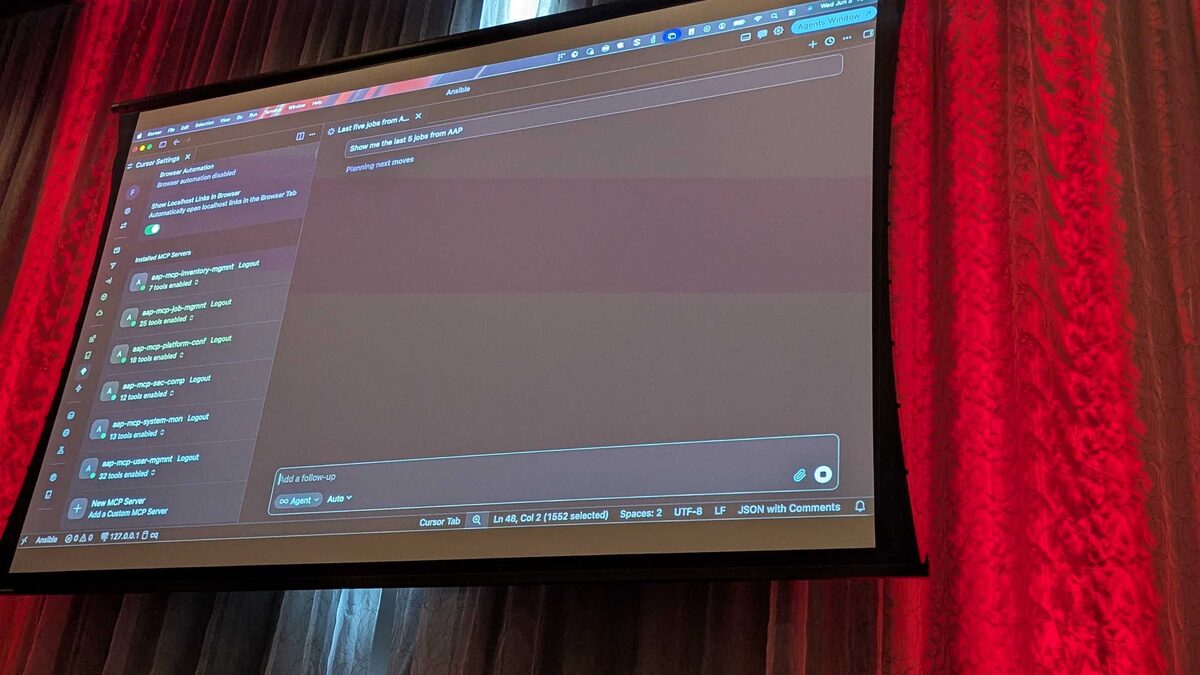
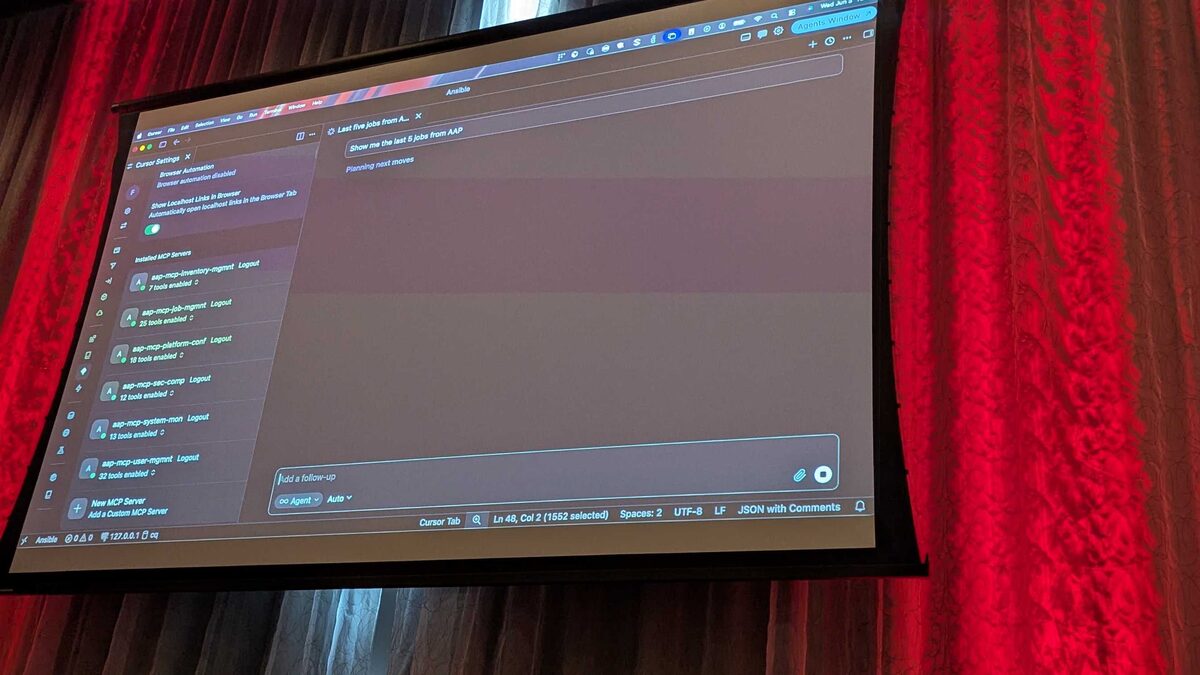
Red Hat's demo, presented by Fred van Zwieten via Cursor IDE over plain HTTP with Bearer-token authentication, grouped AAP's REST API surface into declarative, LLM-consumable endpoints. The Platform configuration tool set is one of six such groupings:
| Tool Set | Tool Count | Primary Purpose |
|---|---|---|
| Job management | 25 | Launch, monitor, cancel jobs |
| User management | 32 | Query permissions, roles, teams |
| Platform configuration | 18 | Settings, credentials, integrations |
| Security and compliance | 12 | Audit trails, policy checks |
| System monitoring | 13 | Service health, resource usage |
| Inventory management | 7 | Hosts, groups, variables |
Settings, Credentials, and Integrations: Three Distinct Concerns
Although Red Hat bundled these under one tool set, they map to three conceptually different jobs an administrator does inside AAP today through the controller UI or ansible-tower-cli/awx API:
- Settings — organization-wide and system-wide configuration: authentication backends, logging verbosity, job execution defaults, license status. These are typically read far more often than written.
- Credentials — the secret material and credential-type definitions used by job templates: cloud provider keys, SCM tokens, vault passwords, machine credentials. Highly sensitive, tightly access-controlled.
- Integrations — connections to systems outside AAP itself: source control repositories, container registries for execution environments, webhook and notification endpoints.
See also: AAP MCP Job Management Tool Set: 25 Tools for AI-Driven Job Control
Guardrails Carry Over From the Core Platform
The clearest evidence from the Bunnik demo that MCP tool sets respect AAP's native guardrails came not from Platform configuration directly, but from a closely related moment: launching a "Paint" job template through natural language with an invalid survey value of "Purple." The MCP server rejected it outright, because AAP's own survey validation ran underneath the tool call — the AI could not talk its way past a constraint the platform itself enforces.
The same principle extends to Platform configuration. A credential type's required fields, an organization's assigned execution environment, or a global setting's allowed value range are still validated by AAP's controller API, not by the LLM's judgment. The tool set gives an agent a natural-language front end to configuration operations; it does not relax the platform's own rules.
Example: Describing the Task an Agent Might Perform
Since Platform configuration tools are declarative wrappers around existing AAP objects, a plausible task an agent executes when asked to "add a new AWS credential for the networking team and attach it to their default execution environment" resembles this underlying playbook logic, which the MCP tool call effectively triggers on your behalf:
---
- name: Provision AWS credential and attach to execution environment
  hosts: localhost
  gather_facts: false
  tasks:
    - name: Create AWS credential in the Networking organization
      ansible.controller.credential:
        name: "networking-aws-prod"
        organization: "Networking"
        credential_type: "Amazon Web Services"
        inputs:
          username: "{{ aws_access_key_id }}"
          password: "{{ aws_secret_access_key }}"
        state: present

    - name: Attach credential to the networking execution environment
      ansible.controller.execution_environment:
        name: "networking-default-ee"
        credential: "networking-aws-prod"
        state: present

    - name: Verify credential is usable by the Network Team
      ansible.controller.role:
        user: "network-team-lead"
        role: "Use"
        resource_type: "credential"
        resource_name: "networking-aws-prod"
        state: present
An agent working through the Platform configuration tool set doesn't write this YAML for you to run separately — it calls the equivalent MCP tools directly against the controller API. But understanding the underlying ansible.controller collection semantics is exactly how administrators should reason about what an agent is allowed to touch, and it's a useful mental check when reviewing what a natural-language request will actually change.
See also: AAP MCP Security and Compliance Tool Set: Audit Trails via AI Agents
Practical Guidance for Rolling This Out
Given that Platform configuration is still a Tech Preview capability, a few practical habits matter before letting agents touch settings and credentials:
- Scope the Bearer token tightly. Issue a token tied to a controller user whose RBAC role is limited to exactly the organizations and credential types the agent needs, not a platform admin account.
- Start read-only. Let agents query current settings and list credentials before granting write access to create or modify them.
- Watch the audit trail. Pair Platform configuration usage with the Security and compliance tool set's 12 tools so every settings or credential change made via natural language shows up in the same audit trail as changes made through the UI or CLI.
- Treat rejections as a feature, not a bug. As the survey-validation rejection during the Bunnik demo showed, a tool call failing because AAP's own rules blocked it is the system working as designed.
Key Takeaways
- The Platform configuration tool set contains 18 of the 107 total tools in Red Hat's hosted AAP MCP Server, covering settings, credentials, and integrations.
- It sits alongside five other tool sets — Job management (25), User management (32), Security and compliance (12), System monitoring (13), and Inventory management (7) — demoed at Red Hat Tech Day Netherlands 2026.
- Because MCP tool calls run through AAP's existing controller API, RBAC and validation rules (like the survey rejection shown live for the "Paint" job template) apply exactly as they do through the UI or CLI.
- Credentials remain the most sensitive objects in this tool set; scope Bearer tokens narrowly and start with read-only access while the feature is in Tech Preview.
- Pairing Platform configuration with the Security and compliance tool set gives administrators a full audit trail of every AI-initiated settings or credential change.
Related Articles
Category: containers-kubernetes