AAP Automation Orchestrator: Building a Human Review Approval Gate
By Luca Berton · Published 2024-01-01 · Category: troubleshooting
How AAP Automation Orchestrator's Human Review gate stops AI remediation before production, with timeout, escalation, and audit trail design.
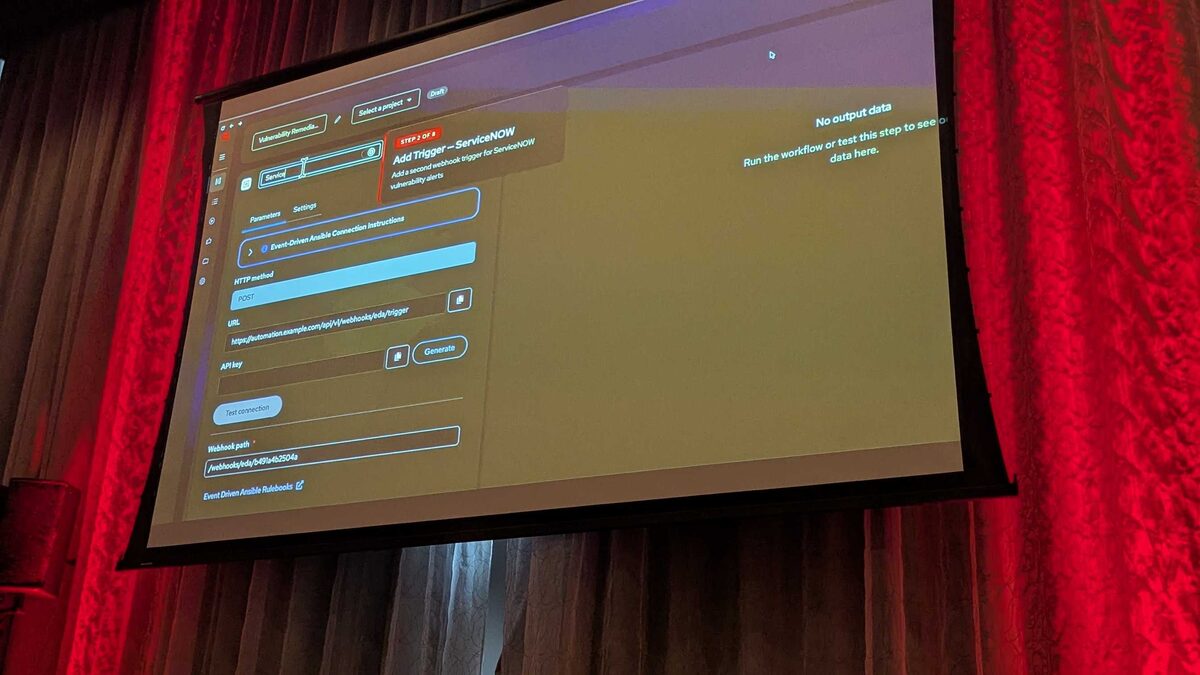
!Automation Orchestrator human review gate, step 5 of 8
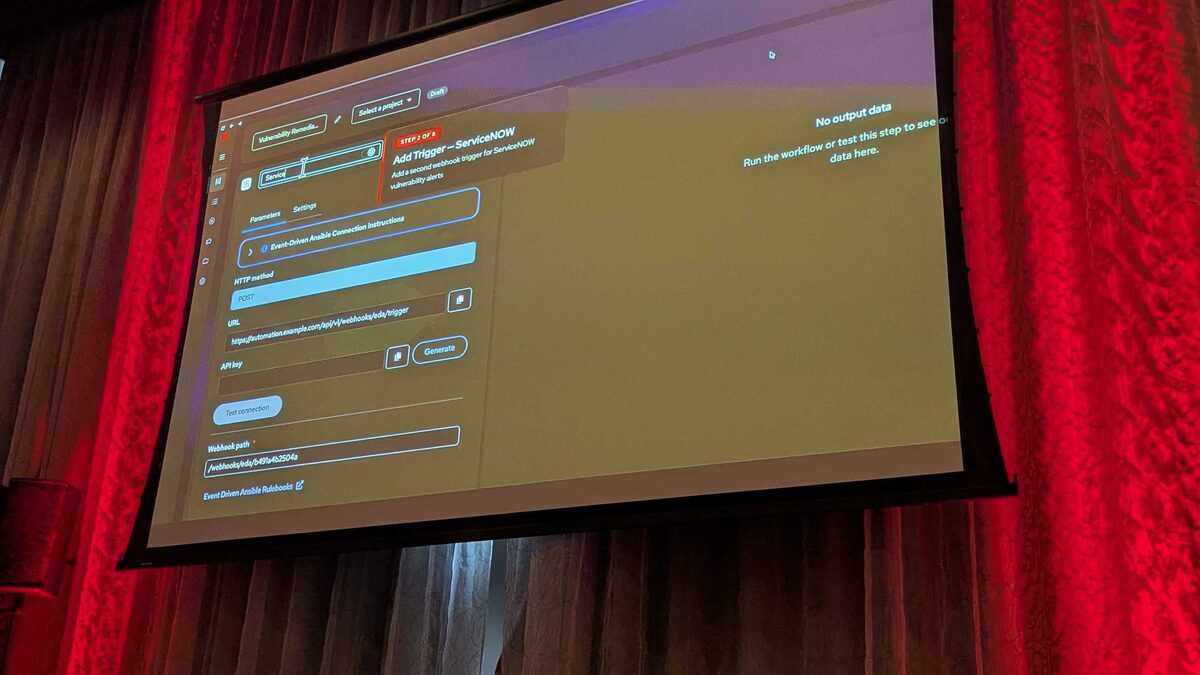
Red Hat's upcoming Automation Orchestrator (coming Q3 2026) makes one design principle non-negotiable: AI isn't improvising against production infrastructure — it's acting through AAP. That principle was demonstrated live at Red Hat Tech Day Netherlands 2026 in Bunnik, and nowhere is it more visible than in Step 4 of the platform's five-step pipeline: the Human Review governance gate. This is the checkpoint where an AI-generated remediation plan stops being a suggestion and either becomes an authorized production action or gets rejected outright — no silent auto-approval, no unattended blast radius.
Where Human Review Sits in the Pipeline
Automation Orchestrator is built on the upstream Temporal durable-execution engine, and it unifies task-based and event-based automation on a single governed canvas. The full pipeline runs in five stages:
- Alerts from multiple sources — agents, events, and playbooks all land on the same canvas
- Events trigger a deterministic rulebook — Event-Driven Ansible (EDA) picks up the alert
- AI analyzes and recommends — an LLM plus MCP tools investigate and propose remediation
- Humans approve — a governance gate before anything touches production
- Automated remediation at scale — deterministic, auditable execution via AAP
See also: AAP Automation Orchestrator: Automated Remediation Execution Explained
What the Human Review Gate Actually Configures
In the live demo, the presenters walked through remediating CVE-2024-6387 ("regresshion"), a critical race condition in OpenSSH's sshd. An AI agent running on Red Hat AI/Nomotron 120b, equipped with MCP tools for Splunk Query, Splunk Alert Search, Splunk Saved Search, and ServiceNow CMDB Lookup, queried AAP inventory, correlated affected hosts to the right host group, matched an existing remediation job template, and assembled a plan — including a rollback strategy — for approval.
That plan doesn't execute itself. It lands in a Human Review node with four configurable elements:
| Setting | Purpose | Demo value |
|---|---|---|
| Usernames to notify | Who is authorized to approve | Named on-call operators |
| Custom message | Context shown to the approver | "Please approve this deployment to production" |
| Timeout | How long the gate waits for a decision | 1 day (default) |
| On-timeout action | What happens if nobody responds | Fail the workflow |
Modeling the Gate in an EDA-Driven Workflow
Even though Automation Orchestrator's canvas is graphical, the underlying execution is still AAP job templates and EDA rulebooks doing the actual work. A simplified rulebook fragment showing how an EDA rule hands off to a workflow with an approval node might look like this:
---
- name: CVE remediation triggered by Instana/ServiceNow webhook
  hosts: all
  sources:
    - ansible.eda.webhook:
        host: 0.0.0.0
        port: 5001

  rules:
    - name: Critical sshd CVE detected
      condition: event.payload.cve_id == "CVE-2024-6387"
      action:
        run_workflow_template:
          name: "regresshion-remediation-workflow"
          organization: "Platform Ops"
          job_args:
            extra_vars:
              affected_cve: "{{ event.payload.cve_id }}"
              source_system: "{{ event.payload.source }}"
              ticket_number: "{{ event.payload.incident_id }}"
The workflow template referenced above is where the Human Review node lives, positioned between the AI recommendation node and the remediation job template. A representative task inside the remediation job template — the piece that only fires once approval is granted — stays a completely ordinary Ansible play:
---
- name: Patch sshd for CVE-2024-6387 in rolling batches
  hosts: "{{ target_host_group }}"
  serial: 4
  become: true
  tasks:
    - name: Ensure approval reference is recorded for audit
      ansible.builtin.debug:
        msg: "Approved by {{ approval_username }} at {{ approval_timestamp }} for ticket {{ ticket_number }}"

    - name: Update openssh-server to patched version
      ansible.builtin.package:
        name: openssh-server
        state: latest

    - name: Restart sshd service
      ansible.builtin.systemd:
        name: sshd
        state: restarted

    - name: Run post-patch health check
      ansible.builtin.uri:
        url: "http://{{ inventory_hostname }}:22"
        method: GET
        status_code: [200, 400]
      register: health_check
      retries: 3
      delay: 5
Note the serial: 4 directive — it mirrors the demo's real execution pattern: 12 hosts across prod, staging, and dev, patched in three batches of four, with zero downtime and every health check passing before the next batch proceeded.
See also: AAP Automation Orchestrator: Configuring Multi-Source Alert Triggers
Why the Timing Numbers Matter
The demo's execution timeline makes the case for a human gate better than any policy document could. Alert ingestion took 0 seconds, ITSM ticket creation 1.2 seconds, vulnerability analysis 4.8 seconds, remediation execution 0.9 seconds, and ticket close 2.1 seconds. That's under 10 seconds of total automated processing time. The human review step took 38.4 seconds — by far the longest phase of the entire run, and the only one that wasn't automated.
That asymmetry is the point. Automation Orchestrator can investigate, correlate, and prepare a fix in single-digit seconds; it deliberately will not act on production infrastructure in that same window. The 38.4-second pause is the cost of keeping a human accountable for the final decision, and it's a cost the architecture treats as a feature rather than a bottleneck.
Key Takeaways
- Step 4, Human Review, is a mandatory governance gate between AI-generated recommendations and AAP-executed remediation — AI proposes, humans dispose.
- Four settings define the gate: notified usernames, a custom approval message, a timeout (1 day by default), and an on-timeout action that defaults to failing the workflow, not auto-approving it.
- In the CVE-2024-6387 demo, human review took 38.4 seconds against under 10 seconds of combined automated processing — proof the gate is where accountability, not speed, is optimized.
- The underlying execution is still ordinary AAP job templates and EDA rulebooks, so approval nodes can sit inside workflow templates you already understand.
- Result of the demo run: 12 hosts patched in 3 rolling batches of 4, zero downtime, all health checks passed, and ServiceNow ticket INC0038291 closed — with a human decision as the only non-deterministic step in the chain.
See also: AAP Automation Orchestrator: ITSM Ticket Integration with ServiceNow
Related Articles
Category: troubleshooting