AAP 2.7 EE Builder Step 2: Adding Collections from Private Automation Hub
By Luca Berton · Published 2024-01-01 · Category: installation
Learn how AAP 2.7's EE Builder Step 2 lets you search Private Automation Hub and GitHub to add certified collections like redhat.rhel_system_roles.
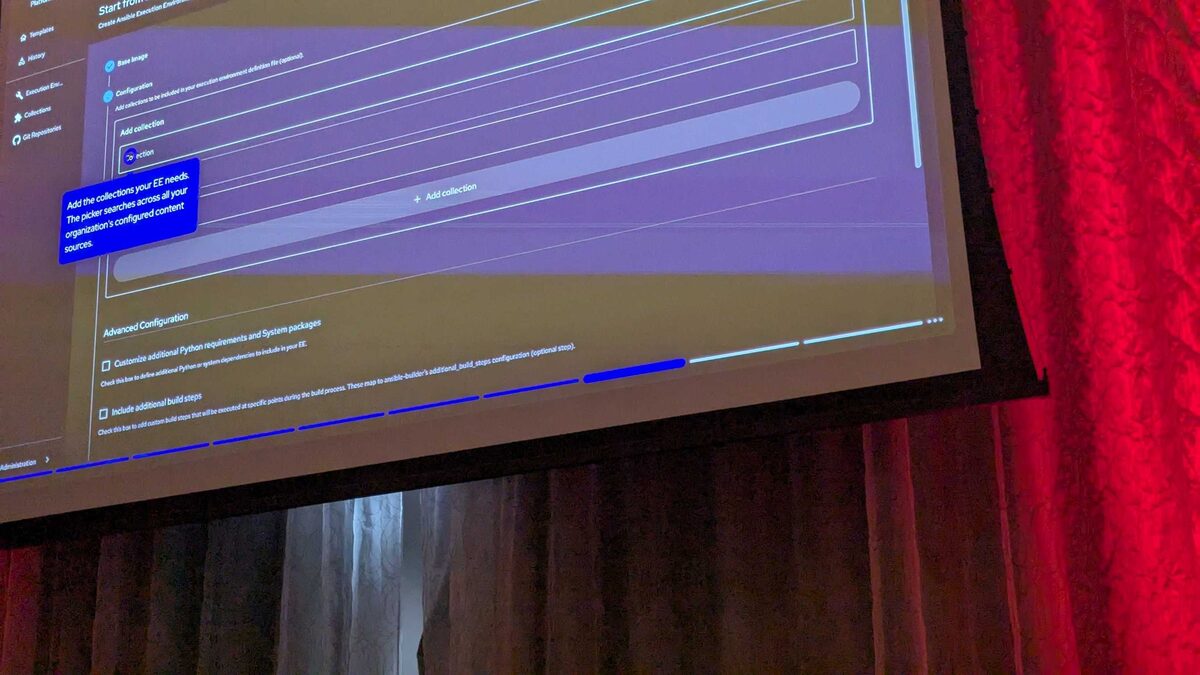
!Collection picker searching Private Automation Hub, AAP 2.7 EE Builder
Introduction
Choosing a base image is only half the story when you build an Execution Environment (EE) in Ansible Automation Platform 2.7's new EE Builder wizard. The image gives you Ansible Core and a Python runtime; it does not give you the content your playbooks actually call — the modules, roles, and plugins packaged as Ansible collections. That's the job of Step 2: Configuration, the stage where you attach collections to the image you picked in Step 1.
This article, based on a demo shown at Red Hat Tech Day Netherlands 2026 in Bunnik on 3 June 2026, walks through what Step 2 does, how the collection picker searches both Private Automation Hub and GitHub, and how the Advanced Configuration options let you go beyond a simple collection list when your EE needs extra Python packages, system packages, or custom build logic.
See also: AAP 2.7 EE Builder Step 1: Choosing a Base Image
Where Step 2 Fits in the EE Builder Wizard
The EE Builder is a four-step visual wizard built into the AAP 2.7 Automation Portal, designed so platform teams can assemble execution environments without hand-writing an execution-environment.yml file. The steps are:
- Base Image — select a Red Hat-provided base image (for example, the recommended Red Hat Ansible Minimal EE with Ansible Core 2.18 on RHEL 9, a 2.18 stable channel variant, Ansible Core 2.16 on RHEL 9, a 2.16 stable channel variant, or a fully custom base image).
- Configuration — add collections and, optionally, extra Python/system dependencies and build steps.
- Destination and Build — name the EE definition, tag it, and publish it to a Git repository.
- Review — a final validation pass before the build actually runs.
The Collection Picker: Two Sources, One Search Box
Inside Step 2, the wizard exposes a search-driven picker that queries two sources at once:
- Private Automation Hub (rh-certified) — your organization's curated, internally hosted repository of Red Hat-certified collections, which is the source most enterprises will standardize on for supported production content.
- GitHub — for collections maintained as source repositories rather than published Hub artifacts, useful for community content or in-house collections your team hasn't (yet) pushed to Hub.
redhat.rhel_system_roles at version 1.20.5 directly from Private Automation Hub. That single interaction — search, select a version, confirm — replaces what used to require manually editing a requirements.yml file and re-running ansible-builder. The wizard pins the exact version you pick, so the resulting EE definition is reproducible: rebuilding it later won't silently pull in a newer, potentially breaking release of the collection.
This matters operationally. Version drift in collections is one of the most common causes of "it worked yesterday" automation failures, and having the version pin baked into the wizard's output — rather than left to a human remembering to type it into YAML — reduces that class of mistake.
See also: AAP 2.7 EE Builder Step 3: Destination, Build, and Publish to Git
What a Selected Collection Looks Like Behind the Scenes
Even though the wizard hides the YAML, it's worth understanding what it's generating, because that's exactly what your playbooks will later depend on. Selecting redhat.rhel_system_roles v1.20.5 in Step 2 is functionally equivalent to adding this to a requirements.yml consumed by the EE build:
---
collections:
  - name: redhat.rhel_system_roles
    version: "1.20.5"
    source: https://<your-private-automation-hub>/api/galaxy/content/rh-certified/
And once the EE is built and assigned to a job template, a playbook can immediately use roles shipped in that collection without any further installation step:
---
- name: Harden and standardize RHEL fleet using system roles
  hosts: rhel_servers
  become: true
  vars:
    timesync_ntp_servers:
      - hostname: pool.ntp.org
        iburst: true

  tasks:
    - name: Apply the timesync role from redhat.rhel_system_roles
      ansible.builtin.import_role:
        name: redhat.rhel_system_roles.timesync

    - name: Apply the firewall role from redhat.rhel_system_roles
      ansible.builtin.import_role:
        name: redhat.rhel_system_roles.firewall
      vars:
        firewall:
          - port: 443/tcp
            state: enabled
            permanent: true
The point isn't the specific roles used above — it's that the wizard's Step 2 output is a normal, standards-compliant collection dependency that any Ansible Core playbook can consume, with no special AAP-only syntax involved.
Advanced Configuration: Beyond the Collection List
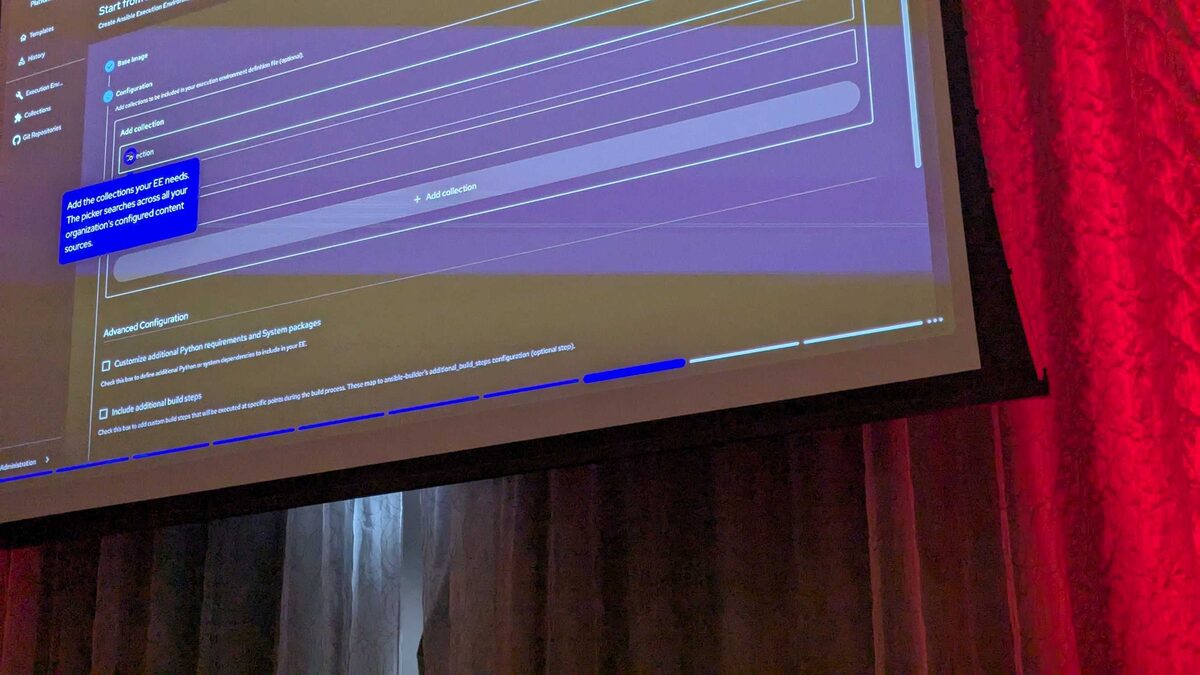
Not every EE need is satisfied by "add a collection." Some collections require system packages (think libpq-dev for PostgreSQL modules) or extra Python libraries not bundled with the collection itself. Step 2's Advanced Configuration section covers that gap, letting you specify:
- Additional Python requirements (equivalent to a
requirements.txtentry in a traditional EE build) - Additional system packages (equivalent to a
bindep.txtentry, installed via the OS package manager during the build) - Custom build steps, for cases where a collection or dependency needs something the standard install flow doesn't cover
See also: AAP 2.7 EE Builder Step 4: Review and Validate Before Build
Comparing the Two Collection Sources
| Aspect | Private Automation Hub (rh-certified) | GitHub |
|---|---|---|
| Typical use case | Supported, production-grade collections | Community or in-house collections not yet on Hub |
| Version pinning | Explicit version selection (e.g., v1.20.5) | Repository ref / release based |
| Governance | Curated by your organization, Red Hat-certified content available | Depends on repository maintainers |
| Best fit | Standardized enterprise automation content | Rapid iteration, internal tooling, pre-Hub publishing |
Key Takeaways
- Step 2 of the AAP 2.7 EE Builder wizard is where you attach content — collections — to the base image chosen in Step 1.
- The collection picker searches both Private Automation Hub (rh-certified) and GitHub, letting you mix certified and source-based content in one EE definition.
- Selecting a collection with an explicit version, such as
redhat.rhel_system_rolesv1.20.5, pins that version into the EE definition for reproducible builds. - Advanced Configuration covers additional Python requirements, system packages, and custom build steps for cases a simple collection list can't handle.
- The wizard's output maps to ordinary
requirements.yml-style collection dependencies, so playbooks consume the resulting EE exactly as they would any hand-built one.
Related Articles
Category: installation