AAP 2.7 EE Builder Step 1: Choosing a Base Image
By Luca Berton · Published 2024-01-01 · Category: containers-kubernetes
How the AAP 2.7 Execution Environment Builder's Base Image step works, with a table comparing Red Hat's Ansible Core 2.18 and 2.16 EE options.
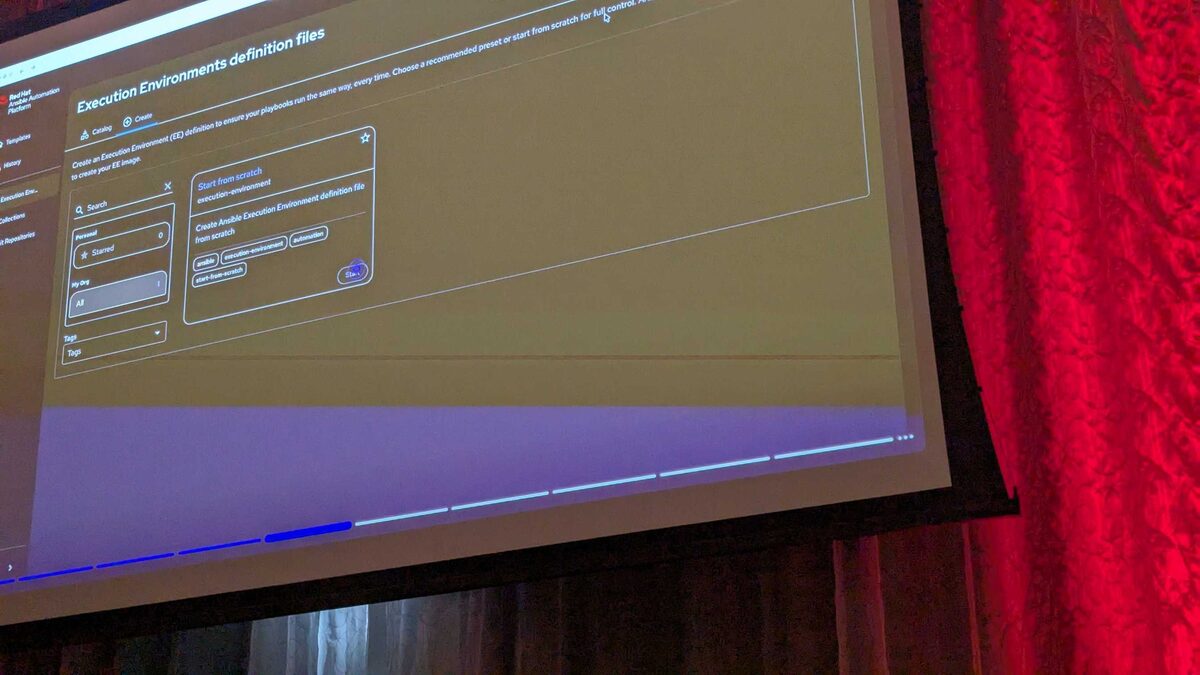
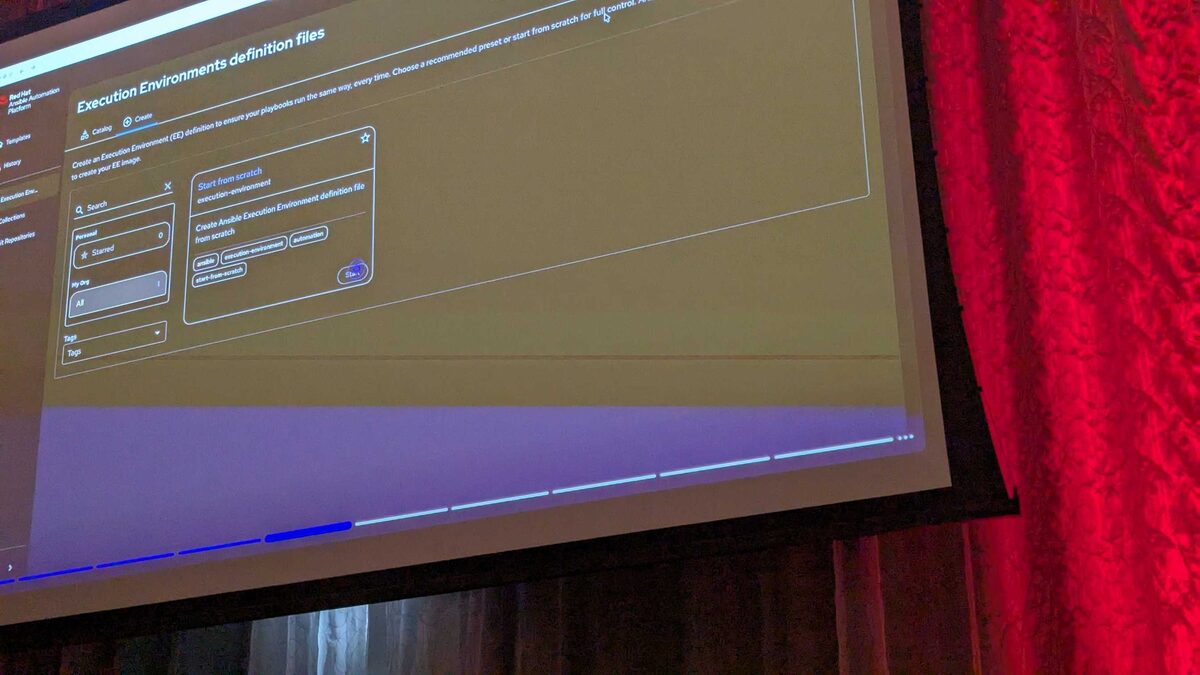
!EE Builder base image selection screen, AAP 2.7
Building an Execution Environment (EE) used to mean hand-crafting an execution-environment.yml file, wiring up ansible-builder, and hoping the resulting container image actually contained the collections and Python dependencies your playbooks needed. With Ansible Automation Platform 2.7, the Automation Portal introduces a visual EE Builder wizard that removes the YAML entirely for teams who want a guided path. This article, grounded in what was demonstrated at Red Hat Tech Day Netherlands 2026 in Bunnik, focuses on the very first decision the wizard asks you to make: Step 1 — Base Image.
Why the Base Image Choice Comes First
Every execution environment is, under the hood, a container image layered on top of a foundation that already contains a specific version of Ansible Core, a specific RHEL release, and the Python runtime that everything else depends on. Collections, roles, and custom Python packages all get added on top of that foundation in later steps of the wizard. Getting the base image right up front avoids two common failure modes:
- Version drift — a collection built and tested against Ansible Core 2.18 behaving unpredictably when executed against 2.16.
- Unsupported customization — teams reaching for a fully custom base image before confirming whether a Red Hat-provided image already satisfies their requirements.
See also: AAP 2.7 EE Builder Step 2: Adding Collections from Private Automation Hub
The Base Image Options in AAP 2.7
At Tech Day Netherlands, the EE Builder demo showed five selectable options on the Base Image screen. Four are Red Hat-provided and pre-validated; the fifth opens the door to full customization.
| Option | Ansible Core | OS | Channel | Typical Use Case |
|---|---|---|---|---|
| Red Hat Ansible Minimal EE (recommended) | 2.18 | RHEL 9 | General availability | New EE definitions, standard automation content |
| Ansible Minimal EE — 2.18 stable channel | 2.18 | RHEL 9 | Stable channel | Teams that want 2.18 with a slower, more conservative update cadence |
| Red Hat Ansible Minimal EE | 2.16 | RHEL 9 | General availability | Existing content still validated against Ansible Core 2.16 |
| Ansible Minimal EE — 2.16 stable channel | 2.16 | RHEL 9 | Stable channel | Legacy playbooks/collections pinned to 2.16 with minimal churn |
| Custom base image | User-defined | User-defined | N/A | Air-gapped registries, hardened images, or organization-mandated base layers |
Red Hat-Provided Images vs. Fully Custom
The distinction between the four curated images and the "custom base image" option matters more than it might first appear:
- Red Hat-provided images are already built, signed, and maintained by Red Hat, and they are the images most Automation Hub-certified collections are tested against. Picking one of these means Step 2 (Configuration) is simply additive — you are layering collections and Python requirements on top of a known-good foundation.
- Custom base image hands you full control, but also full responsibility. This is the right choice when your organization mandates a hardened, internally-built container image, when you operate in an air-gapped environment with your own registry, or when you need an OS or Python version outside Red Hat's current Minimal EE matrix. The trade-off is that the wizard can no longer guarantee compatibility between that base and the collections you add later — validation becomes your job.
See also: AAP 2.7 EE Builder Step 3: Destination, Build, and Publish to Git
What "Stable Channel" Actually Means
Both the 2.18 and 2.16 tracks appear twice in the wizard: once as the standard general-availability image, and once as a "stable channel" variant. The stable channel exists for teams that need predictable, infrequent updates to the underlying base layer — useful when a change-control process requires advance notice before any component in a production EE shifts versions. If your organization rebuilds EEs frequently and wants the latest fixes as soon as they're available, the standard (non-stable-channel) image is the better fit; if you rebuild rarely and prioritize stability over freshness, the stable channel variant reduces surprise.
How Step 1 Feeds Into the Rest of the Wizard
Choosing a base image in Step 1 doesn't just set a container tag — it scopes what happens in the following three steps of the wizard:
- Base Image (this step) — locks in Ansible Core version, OS, and channel.
- Configuration — search and add collections from Private Automation Hub (
rh-certified) or GitHub, plus Advanced Configuration for extra Python requirements, system packages, and custom build steps. - Destination and Build — name, describe, and tag the EE definition, then publish it to a Git repository and optionally trigger an immediate build.
- Review — a final validation screen before the build actually runs.
execution-environment.yml targeting the same recommended base image looks like this:
---
# execution-environment.yml
# Equivalent hand-authored definition for the image selected
# in EE Builder Step 1 (Red Hat Ansible Minimal EE, Ansible Core 2.18, RHEL 9)
version: 3

images:
  base_image:
    name: registry.redhat.io/ansible-automation-platform-27/ee-minimal-rhel9:latest

dependencies:
  ansible_core:
    package_pip: ansible-core==2.18.*
  ansible_runner:
    package_pip: ansible-runner
  python: requirements.txt
  system: bindep.txt

additional_build_files:
  - src: files/requirements.txt
    dest: configs
  - src: files/bindep.txt
    dest: configs
Keeping a parallel YAML definition like this in source control is a reasonable practice even when your team standardizes on the visual wizard, since it gives you a diffable, version-controlled record of exactly which base image and Ansible Core release backs a given EE.
See also: AAP 2.7 EE Builder Step 4: Review and Validate Before Build
Key Takeaways
- The AAP 2.7 EE Builder's Step 1 (Base Image) is the foundation for the entire wizard — you must select it before moving on to Configuration, Destination and Build, or Review.
- Five options are available: Red Hat Ansible Minimal EE on Ansible Core 2.18/RHEL 9 (recommended), a 2.18 stable channel variant, Ansible Core 2.16/RHEL 9, a 2.16 stable channel variant, and a fully custom base image.
- Red Hat-provided images are pre-validated against certified collections; custom base images offer full control but shift compatibility validation onto your team.
- Stable channel variants trade update frequency for predictability — pick them when change control matters more than having the latest patches immediately.
- The base image chosen in Step 1 determines what's safe to layer on in Step 2 (Configuration), where collections such as
redhat.rhel_system_rolesget added from Private Automation Hub or GitHub.
Related Articles
Category: containers-kubernetes