From Alert to Patched Fleet: An OpenClaw and AAP Remediation Walkthrough
By Luca Berton · Published 2024-01-01 · Category: database-automation
Step-by-step walkthrough of the OpenClaw and AAP live demo from Red Hat Tech Day Netherlands 2026: CVE detection to a patched, zero-downtime fleet.
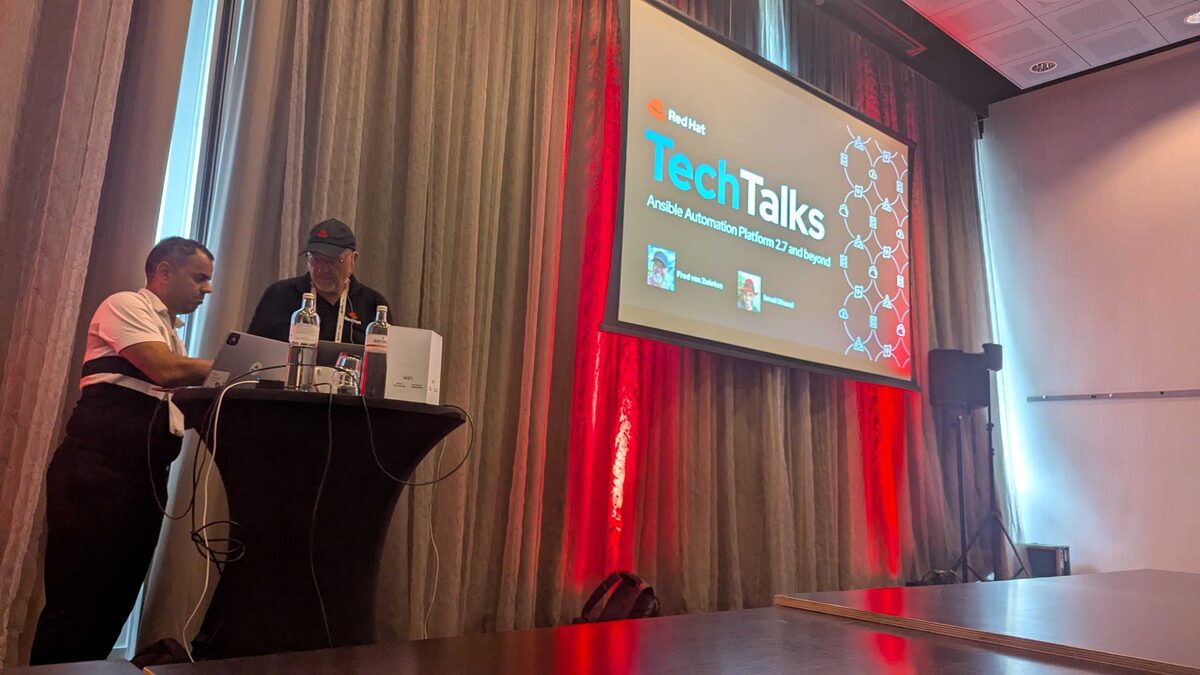
!Red Hat TechTalks — AAP 2.7 and beyond with Fred van Zwieten and Ismail Dhaoui
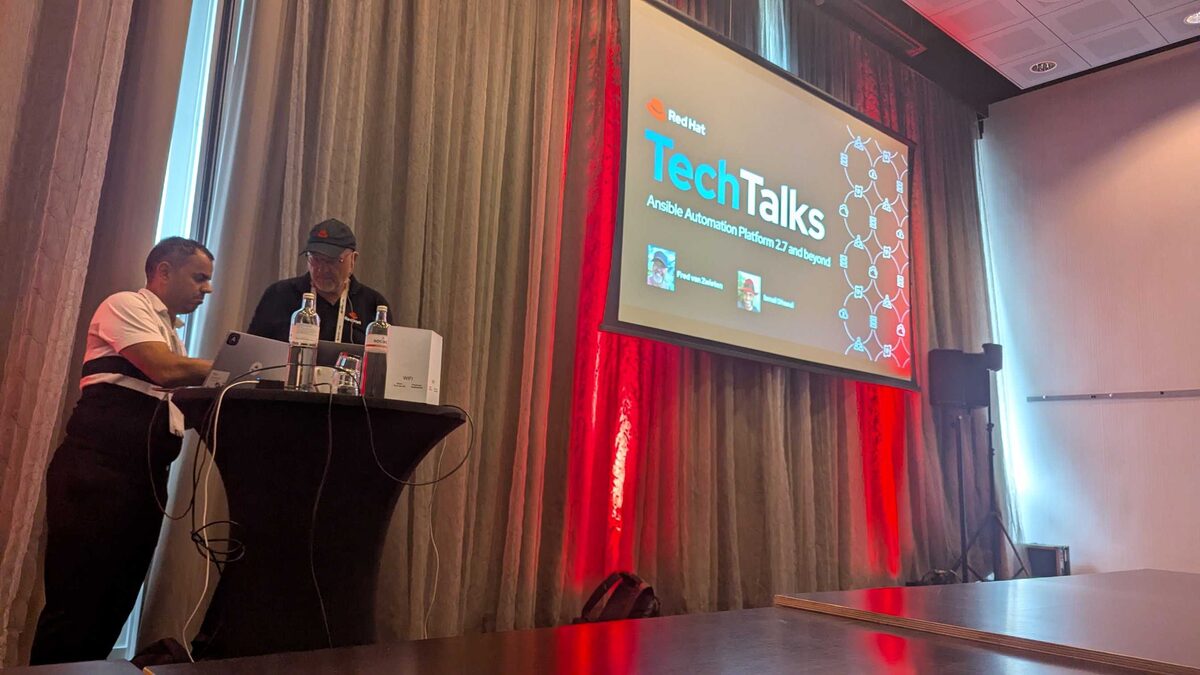
At Red Hat Tech Day Netherlands 2026 in Bunnik, Fred van Zwieten and Ismail Dhaoui closed their "Ansible Automation Platform 2.7 and Beyond" session with a demo that made the whole room go quiet: an AI agent called OpenClaw detected a critical CVE, opened a change ticket, cleared a policy gate, patched four production servers on a rolling basis, and closed out the paperwork — without a human touching a keyboard in between. This article walks through that demo step by step, exactly as it ran, and explains why the "boring" enterprise plumbing underneath it is the actual story.
The setup: what OpenClaw is doing inside AAP
OpenClaw ran as an agent named sre-sally, deployed as a Pod on OpenShift, powered by Claude Sonnet 4.6 via litellm. On the OpenClaw control panel, the audience could watch its tool calls fire in real time: memory_search, runtime_search, and runtime_exec. Those calls weren't hitting some generic shell — they were routed through the AAP MCP server, which exposes a curated set of pre-approved playbooks and job templates as callable tools. That distinction matters more than it sounds: the agent never wrote a line of remediation code. It searched, matched a CVE class to an existing, tested playbook, and asked AAP to run it. Ansible Automation Platform remained the thing actually touching the servers.
See also: OpenClaw and the AAP MCP Server: Architecture for Autonomous Patching
Step 1: Detect and validate
The pipeline opened with sre-sally flagging CVE-2026-31337, a critical vulnerability with a CVSS score of 9.8, affecting four production servers. Before doing anything else, the agent cross-checked the finding against the CVE database to confirm severity and applicability — no action is triggered off an unverified signal. This validation step is what separates an autonomous remediation pipeline from a reckless one: the agent's first job is to be sure, not to be fast.
Step 2: Open the change and notify the owners
Once validated, OpenClaw created a ServiceNow Change Request, CHG0012847, marked priority critical with a maintenance window of 03:00–05:00 EST. The four affected servers were attached directly to the change record, and application owners were paged through PagerDuty. Nothing here bypasses ITSM — the agent is using it exactly as an on-call engineer would, just without the 2 a.m. wake-up call to fill in the ticket fields.
See also: What Is OpenClaw? Agentic CVE Remediation with Ansible Automation Platform
Step 3: The policy gate that has to pass
This is the step Red Hat leaned on hardest during the session. Before any patch touches a host, an Open Policy Agent (OPA) engine runs an automated review against four conditions:
| Check | What it confirms |
|---|---|
| ITSM ticket validated | CHG0012847 exists, is approved, and is linked to the right hosts |
| Maintenance window confirmed | Current or scheduled time falls inside 03:00–05:00 EST |
| Playbook pre-approved | The selected playbook is on the approved list for this CVE class |
| Rollback plan present | A documented rollback path exists before execution starts |
Step 4: Rolling patch and reboot
With the policy check green, AAP executed patch_and_reboot.yml one host at a time, in this order: prod-web-01, prod-web-02, prod-api-01, then prod-db-01 — the database node drained of connections before its reboot. Monitoring was silenced for the maintenance window and automatically restored afterward, so the patching didn't fire a storm of false alerts. Health checks ran on every server after reboot, and all four came back clean.
A representative, illustrative shape of that playbook looks like this:
---
- name: Rolling CVE remediation - patch and reboot
  hosts: patch_targets
  serial: 1
  become: true
  vars:
    cve_id: CVE-2026-31337
    change_ticket: CHG0012847

  pre_tasks:
    - name: Silence monitoring for this host
      ansible.builtin.uri:
        url: "https://monitoring.internal/api/v1/silence"
        method: POST
        body_format: json
        body:
          host: "{{ inventory_hostname }}"
          reason: "{{ change_ticket }} - {{ cve_id }} remediation"

    - name: Drain host if it is a database node
      ansible.builtin.command: /usr/local/bin/drain-node.sh
      when: "'db' in group_names"

  tasks:
    - name: Apply kernel and package updates
      ansible.builtin.dnf:
        name: "*"
        state: latest
      register: patch_result

    - name: Reboot host
      ansible.builtin.reboot:
        reboot_timeout: 600
      when: patch_result.changed

    - name: Run post-patch health check
      ansible.builtin.uri:
        url: "http://{{ inventory_hostname }}:8080/healthz"
        status_code: 200
      retries: 5
      delay: 15

  post_tasks:
    - name: Restore monitoring
      ansible.builtin.uri:
        url: "https://monitoring.internal/api/v1/unsilence"
        method: POST
        body_format: json
        body:
          host: "{{ inventory_hostname }}"
The end state, captured in the final change record CHG9679226, shows the kernel moving from 5.14.0-427.el9 to 5.14.0-503.el9 on all four hosts, with the previous kernel kept as a GRUB boot entry for instant rollback if anything regressed post-patch. Because each host was drained before its reboot, the fleet saw zero downtime throughout.
See also: AAP 2.7 EE Builder Step 1: Choosing a Base Image
Step 5: Close, notify, and file the evidence
The pipeline didn't stop at "servers are patched." OpenClaw closed the ITSM ticket, notified the app owners and the SRE lead that remediation was complete, updated the CMDB with the new kernel version and patch date, and filed a compliance report. For an auditor, the trail looks identical to a well-run human-executed change — because structurally, it is one.
What actually changed, and what didn't
It's tempting to read this demo as "AI patches your servers now." The more accurate reading, and the one Red Hat emphasized explicitly, is narrower and more useful: the agent did not write the fix. It selected a pre-approved playbook exposed through the AAP MCP server and drove existing enterprise guardrails — the policy engine, the ITSM system, the CMDB, the audit trail — faster than a human on-call team could. None of those systems became optional. All of them stayed authoritative. The agent's contribution was orchestration speed, not authority.
Key Takeaways
- The 5-step pipeline was: detect and validate the CVE, open a ServiceNow change and notify owners, pass a hard OPA policy gate, execute a rolling patch-and-reboot playbook, then close and report.
- OpenClaw (agent "sre-sally," Claude Sonnet 4.6 via litellm) never generated remediation code — it called pre-approved playbooks through the AAP MCP server using
memory_search,runtime_search, andruntime_exec. - The OPA policy check (ticket validated, window confirmed, playbook pre-approved, rollback present) had to pass unanimously before any host was touched — a hard gate, not a soft warning.
- The rolling
patch_and_reboot.ymlrun drainedprod-db-01before rebooting it and kept the prior kernel as a GRUB entry, delivering the upgrade from5.14.0-427.el9to5.14.0-503.el9with zero downtime. - Every enterprise guardrail — ITSM, policy engine, CMDB, audit trail — remained authoritative; the agent only made the existing process faster, not less governed.
Related Articles
Category: database-automation