AAP 2.7 EE Builder Step 4: Review and Validate Before Build
By Luca Berton · Published 2024-01-01 · Category: installation
How AAP 2.7's EE Builder wizard Step 4 (Review) validates base image, collections, and destination settings before triggering an execution environment build.
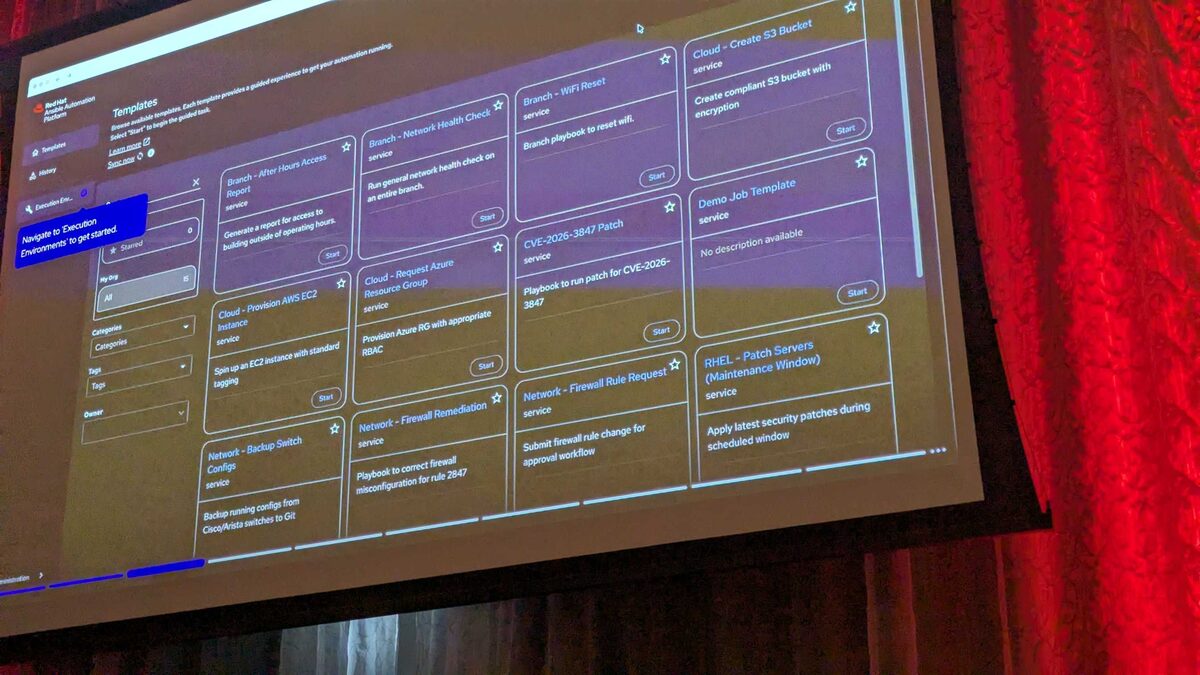
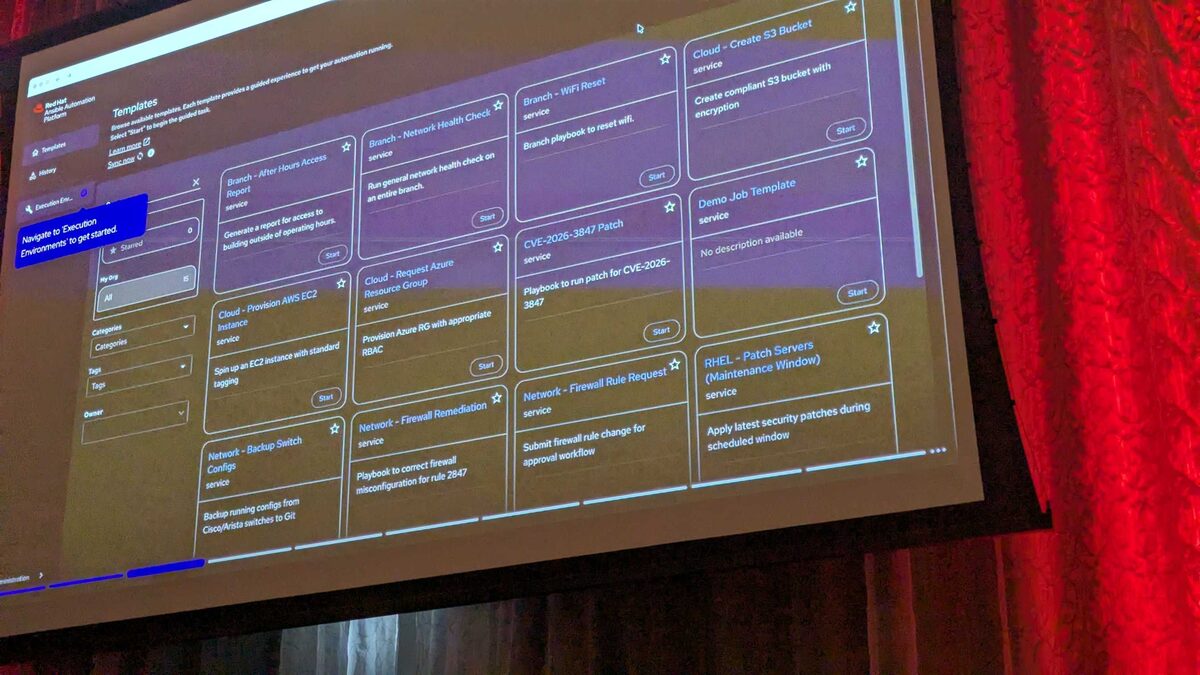
!EE definitions catalog with pre-built environments, AAP 2.7
Why a Review Step Matters for Execution Environments
Execution environments (EEs) are the container images that carry Ansible Core, collections, and their Python and system dependencies into every job run on Ansible Automation Platform. Get one wrong — a missing collection, a mismatched base image, an unintended tag — and the failure doesn't show up until a job template runs against it, often far from whoever built the image. The AAP 2.7 Automation Portal addresses this with a visual EE Builder wizard that lets you assemble an execution environment without touching YAML at all. As shown at Red Hat Tech Day Netherlands 2026 in Bunnik, the wizard walks through four steps: Base Image, Configuration, Destination and Build, and finally Review — the checkpoint this article focuses on.
Step 4 exists precisely because the first three steps happen across separate screens, sometimes minutes apart, and it's easy to lose track of exactly what you've assembled. Review consolidates every decision into one place so you validate before committing compute time and registry space to a build.
See also: AAP 2.7 EE Builder Step 1: Choosing a Base Image
What the Review Step Shows
By the time you reach Step 4, you've already made three sets of decisions:
- Base Image — a Red Hat-provided image such as the recommended Red Hat Ansible Minimal EE (Ansible Core 2.18 on RHEL 9), its stable-channel variant, the Ansible Core 2.16 on RHEL 9 image, its stable-channel variant, or a fully custom base image you supplied.
- Configuration — the collections added via the picker, which searches both Private Automation Hub (rh-certified content) and GitHub, plus anything set in Advanced Configuration (extra Python requirements, system packages, custom build steps).
- Destination and Build — the EE definition's name, description, tags, the Git repository it will publish to, and whether a build should fire automatically right after publishing.
| Section | What to verify in Review |
|---|---|
| Base Image | Correct Ansible Core version (2.18 vs 2.16) and RHEL 9 base, or that your custom image reference is accurate |
| Collections | Every required collection is listed with the intended version (e.g., redhat.rhel_system_roles at v1.20.5) |
| Advanced Configuration | Extra Python/system packages and custom build steps appear exactly as entered, no typos in package names |
| Destination | EE name, description, and tags are meaningful and consistent with your naming convention |
| Git Publish | Target repository is correct and authentication is valid |
| Auto-build | The "build immediately after publishing" toggle reflects your intent |
Why This Matters More Than It Looks
It's tempting to treat Review as a formality, but in EE building it's the last point where a mistake is cheap to fix. Once the build kicks off, the platform pulls base layers, resolves collection dependencies, installs Python and system packages, and pushes the resulting image to your Git-backed pipeline. Catching a missing collection or wrong base image before that point saves a build cycle, a registry push, and — if the EE is already referenced by job templates — a broken automation run.
This is also where the "no YAML" promise of the wizard is tested. Under the hood, everything you reviewed in Step 4 still gets translated into the equivalent of an execution-environment.yml definition and a requirements.yml for collections. Understanding that mapping helps you sanity-check the Review screen even if you've never written EE definitions by hand. For example, a collection you added in Step 2 corresponds conceptually to an entry like this in the underlying requirements:
---
collections:
  - name: redhat.rhel_system_roles
    version: "1.20.5"
    source: https://console.redhat.com/api/automation-hub/content/rh-certified/
And a job template that later consumes this EE simply references it by name, expecting the collection to already be present:
---
- name: Apply RHEL system roles baseline via the built EE
  hosts: rhel_servers
  become: true
  collections:
    - redhat.rhel_system_roles

  tasks:
    - name: Ensure timesync role is applied consistently across the fleet
      ansible.builtin.include_role:
        name: redhat.rhel_system_roles.timesync
      vars:
        timesync_ntp_servers:
          - hostname: 0.pool.ntp.org
            iburst: true
          - hostname: 1.pool.ntp.org
            iburst: true

    - name: Confirm chronyd is active after role application
      ansible.builtin.service_facts:

    - name: Fail fast if chronyd did not converge
      ansible.builtin.assert:
        that:
          - "'chronyd.service' in ansible_facts.services"
          - "ansible_facts.services['chronyd.service'].state == 'running'"
        fail_msg: "chronyd is not running — check the EE's rhel_system_roles version in Review before re-building."
If the Review screen had shown the wrong redhat.rhel_system_roles version, or omitted it entirely, this job would fail at runtime with a much less obvious error — a missing role or module rather than a clear "collection not found." Reviewing carefully at Step 4 turns a runtime mystery into a five-second visual check.
See also: AAP 2.7 EE Builder Step 2: Adding Collections from Private Automation Hub
After Review: Build, Publish, and Catalog
Once you confirm Step 4, the wizard proceeds to build the image, publish the definition to the configured Git repository (if you enabled that in Step 3), and, if auto-build was toggled on, kick off the container build immediately. The resulting EE definition then lands in the Automation Portal's searchable catalog, alongside every other EE definition in your organization — each entry showing its owner, tags, and star/edit/delete actions. That catalog is effectively the long-term audit trail: anyone can later open a definition, see who owns it, and confirm what it contains without re-deriving it from a Review screen that only existed transiently during creation.
This is why treating Review as a real gate — not a rubber stamp — pays off downstream. A well-reviewed, well-tagged EE definition is easier for teammates to find, trust, and reuse instead of spinning up a near-duplicate image.
Key Takeaways
- Step 4 (Review) in the AAP 2.7 EE Builder is the last checkpoint before a container build actually runs, consolidating Base Image, Configuration, and Destination/Build choices into one summary.
- Validate the Ansible Core/RHEL 9 base image version, every collection and its version (e.g.,
redhat.rhel_system_rolesv1.20.5), Advanced Configuration entries, and the Git publish target before confirming. - The wizard lets you navigate back to earlier steps from Review, so mistakes are cheap to fix here and expensive to fix after the build starts.
- Reviewed EE definitions still map conceptually to standard
execution-environment.ymlandrequirements.ymlstructures, which is useful for reasoning about what you're approving. - After a successful Review and build, the EE definition appears in the Automation Portal's searchable catalog with owner, tags, and star/edit/delete actions — making careful naming and tagging at Review time worth the extra minute.
See also: AAP 2.7 EE Builder Step 3: Destination, Build, and Publish to Git
Related Articles
Category: installation