AAP 2.7 UX Improvements: Bulk Host Delete, Feature Flags UI, and Workflow Convergence
By Luca Berton · Published 2024-01-01 · Category: installation
AAP 2.7 ships bulk host delete, a feature-flags runtime UI, repository sync timestamps, and workflow convergence fixes from real customer RFEs.
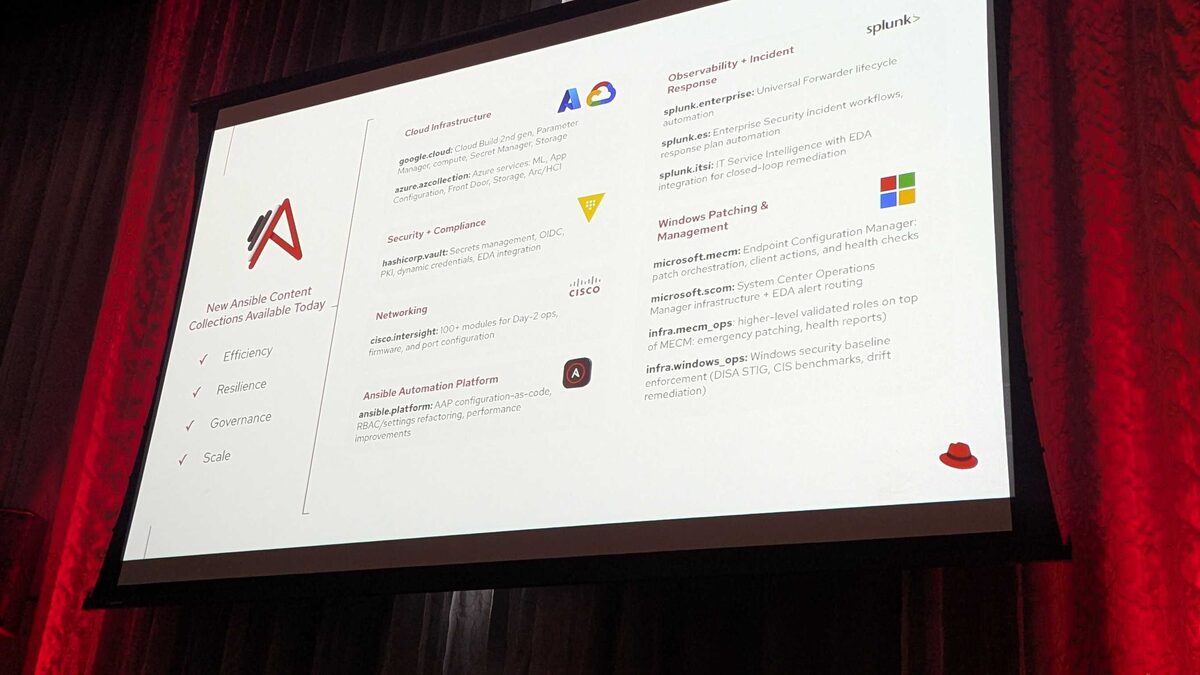
!Additional Platform Enhancements — hardening, parity, operational reliability, AAP 2.7
Red Hat Ansible Automation Platform (AAP) 2.7 is easy to summarize by its headline features: the new Automation Portal, an Automation Intelligent Assistant with bring-your-own-key RAG, a hosted MCP Server in Tech Preview, and the first preview of Automation Orchestrator. But at Red Hat Tech Day Netherlands 2026, held in Bunnik on 3 June 2026, the engineering team spent just as much time on a quieter list — the small, unglamorous UX fixes that came directly from customer-filed Requests for Enhancement (RFEs). This article focuses on that list: what changed, why it was requested, and what it means for day-to-day operators running controller and hub at scale.
These aren't marketing features. They're the friction points that show up in every large AAP deployment once you have hundreds of hosts, dozens of teams, and an operations group that has been asking for the same three or four fixes for multiple release cycles.
Bulk Host Delete
Until AAP 2.7, removing hosts from inventory in bulk meant either scripting against the API or clicking through hosts one at a time in the UI — painful for teams doing regular decommissioning of cloud instances, ephemeral containers, or retired bare-metal nodes. AAP 2.7 adds native multi-select and bulk delete directly in the inventory host list, so operators can select a filtered set of hosts (for example, everything matching a stale last_job timestamp or a decommissioned group) and remove them in a single action instead of a scripted loop.
This is a straightforward quality-of-life change, but it removes a real operational bottleneck for platform teams managing dynamic inventories where host churn is constant — think auto-scaling groups or short-lived CI runners that get registered and then need to be cleaned up in batches.
See also: AAP 2.7 EE Builder Step 1: Choosing a Base Image
Clearer Auth Mapping Labels
AAP's authentication system supports mapping external identity providers (SAML, OIDC, LDAP) to internal organizations, teams, and roles through authenticator maps. Historically, the labels and ordering shown in the UI for these maps were ambiguous enough that administrators sometimes misread precedence or scope, leading to support tickets about users landing in the wrong team or organization after login. AAP 2.7 reworks the labeling so the map type, trigger condition, and resulting role assignment are unambiguous at a glance — a small change that meaningfully reduces misconfiguration risk in enterprise SSO setups.
Repository Sync Date in the UI
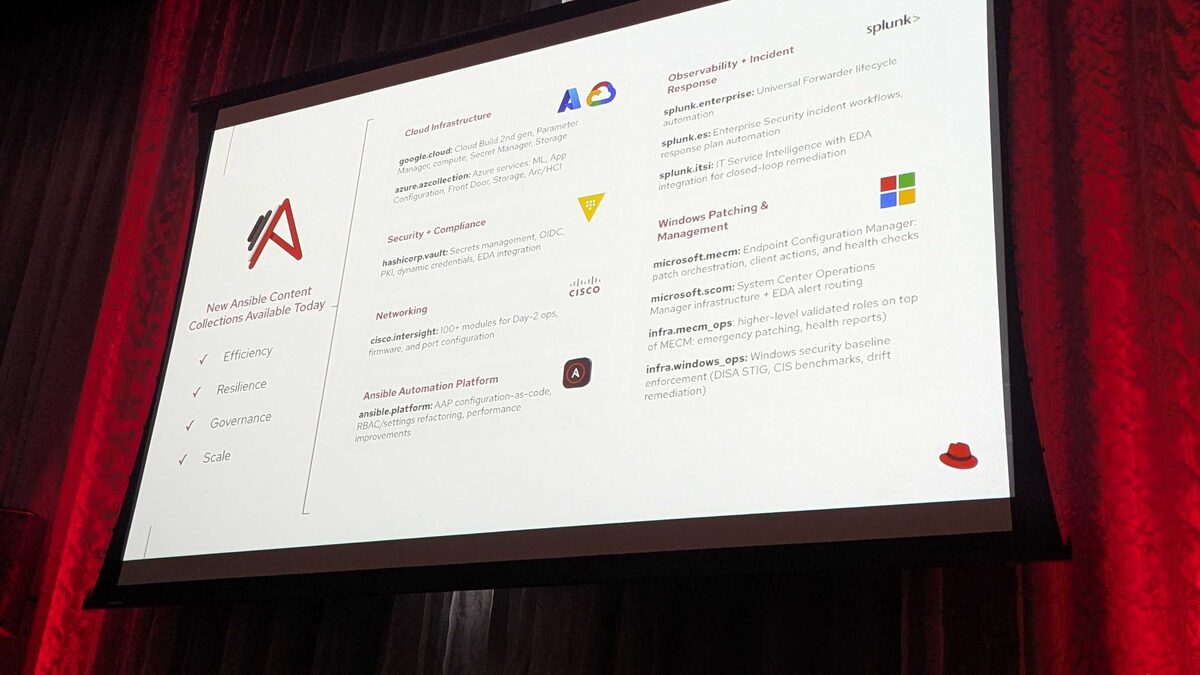
Automation Hub and content repository management previously required checking job output or the API to determine when a repository last synced. AAP 2.7 surfaces the repository sync date directly in the UI. For teams managing execution environment content pipelines — especially with 12 new certified content collections landing in this release (including Splunk, HashiCorp Vault, Cisco Intersight, Microsoft MECM/SCOM, Google Cloud, and Azure) — knowing at a glance whether your mirrored content is current, rather than digging through logs, is a meaningful time-saver during content governance reviews.
See also: AAP 2.7 EE Builder Step 2: Adding Collections from Private Automation Hub
Feature Flags Runtime UI
Perhaps the most structurally interesting of the small UX items is the new feature-flags runtime UI. Rather than toggling platform capabilities through configuration files or environment variables that require a restart, administrators can now enable or disable qualifying features at runtime through the UI. This matters more than it sounds: AAP 2.7 is shipping several Tech Preview capabilities (the hosted MCP Server among them) that organizations may want to stage into production gradually — enabling for a pilot team, validating behavior, then rolling out platform-wide, all without a maintenance window.
Workflow Convergence Improvements
Workflow job templates have long supported convergent nodes — steps that wait on multiple upstream paths before running — but edge cases around node status evaluation and failure propagation created inconsistent behavior in complex workflows. AAP 2.7 tightens up convergence handling so that "run on any" versus "run on all" upstream conditions behave predictably, and so downstream node status reflects the actual outcome of converging branches rather than an ambiguous partial state. For anyone orchestrating multi-team approval flows or fan-in/fan-out automation pipelines, this closes a category of workflows that used to require manual verification after the fact.
See also: AAP 2.7 EE Builder Step 3: Destination, Build, and Publish to Git
Automation Dashboard in the Main UI
Previously an optional or separately surfaced capability, the Automation Dashboard now ships as part of the main UI and installer in AAP 2.7 — giving every deployment out-of-the-box visibility into job trends, host and inventory health, and template usage without a separate install step.
Why These Matter More Than They Look
| Improvement | Problem it solves | Who benefits most |
|---|---|---|
| Bulk host delete | One-by-one host removal doesn't scale | Ops teams with dynamic/cloud inventories |
| Clearer auth mapping labels | Ambiguous SSO role/team precedence | Platform admins, security teams |
| Repository sync date in UI | No visibility into content freshness | Content/EE governance owners |
| Feature flags runtime UI | Config-file toggles require restarts | Admins staging Tech Preview features |
| Workflow convergence fixes | Unpredictable fan-in node status | Workflow authors, orchestration leads |
| Automation Dashboard in main UI | Dashboard was a separate add-on | Every AAP deployment, day one |
Practical Example: Using Convergence in a Cleanup Workflow
The workflow convergence fixes are easiest to appreciate with a concrete example. Consider a workflow template that fans out to patch three regions in parallel, then converges on a single verification node that should only run once all three paths report success:
---
- name: Post-patch convergence verification
  hosts: localhost
  gather_facts: false
  vars:
    regions:
      - name: eu-west
        status: "{{ eu_west_result | default('unknown') }}"
      - name: us-east
        status: "{{ us_east_result | default('unknown') }}"
      - name: ap-south
        status: "{{ ap_south_result | default('unknown') }}"
  tasks:
    - name: Assert all regional patch jobs succeeded before converging
      ansible.builtin.assert:
        that:
          - item.status == 'successful'
        fail_msg: "Region {{ item.name }} did not converge cleanly: {{ item.status }}"
      loop: "{{ regions }}"

    - name: Record convergence outcome for audit
      ansible.builtin.debug:
        msg: "All regions converged successfully; proceeding to production cutover."
In the workflow job template itself, this verification node would be configured with an "all" convergence condition against the three regional patch nodes — behavior that AAP 2.7 now evaluates and reports consistently, including when one branch is skipped rather than failed.
Key Takeaways
- Bulk host delete removes a scripting workaround for teams managing high-churn dynamic inventories.
- Clearer auth mapping labels reduce SSO misconfiguration risk in enterprise identity provider integrations.
- Repository sync date gives content and EE governance teams at-a-glance freshness checks, which pairs well with the 12 new content collections in this release.
- Feature flags runtime UI lets admins stage Tech Preview capabilities like the hosted MCP Server without restarts or maintenance windows.
- Workflow convergence improvements make fan-in/fan-out orchestration predictable, closing a long-standing source of manual verification.
- Automation Dashboard is now bundled in the main UI and installer, not a separate add-on.
Related Articles
Category: installation