Build an AAP Self-Service Template: Create a Compliant S3 Bucket
By Luca Berton · Published 2024-01-01 · Category: troubleshooting
Learn how to build the AAP 2.7 'Cloud - Create S3 Bucket' self-service template so any operator can spin up an encrypted, compliant S3 bucket in one click.
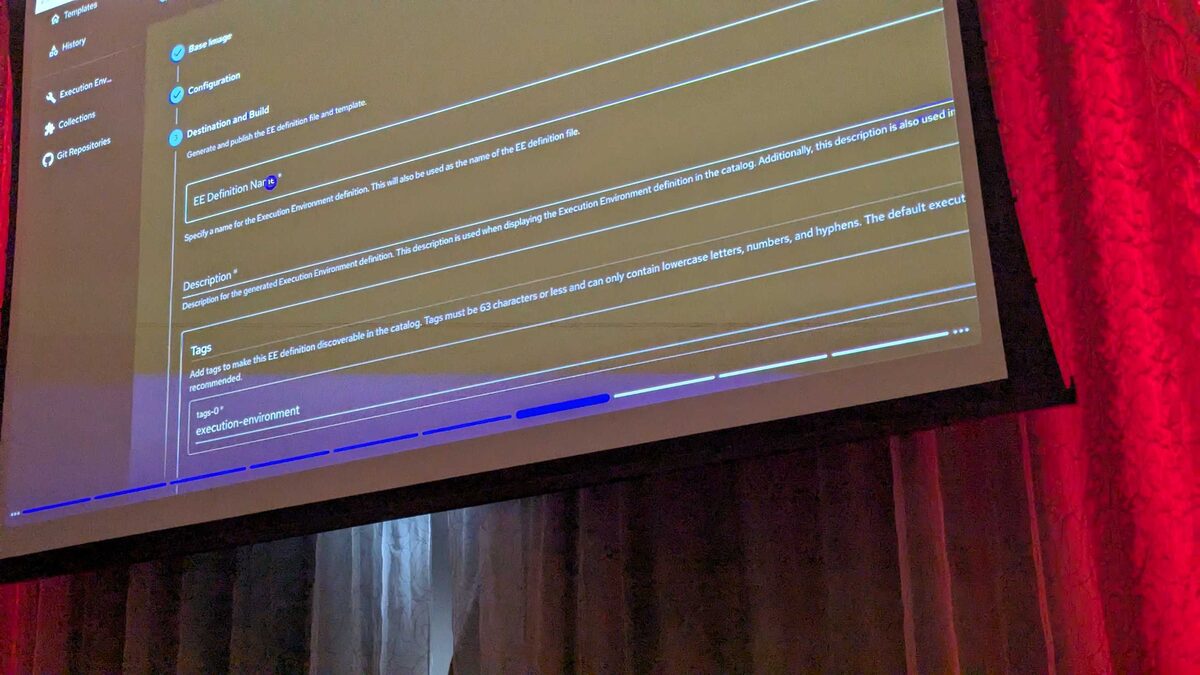
!Automation Portal self-service template gallery, AAP 2.7
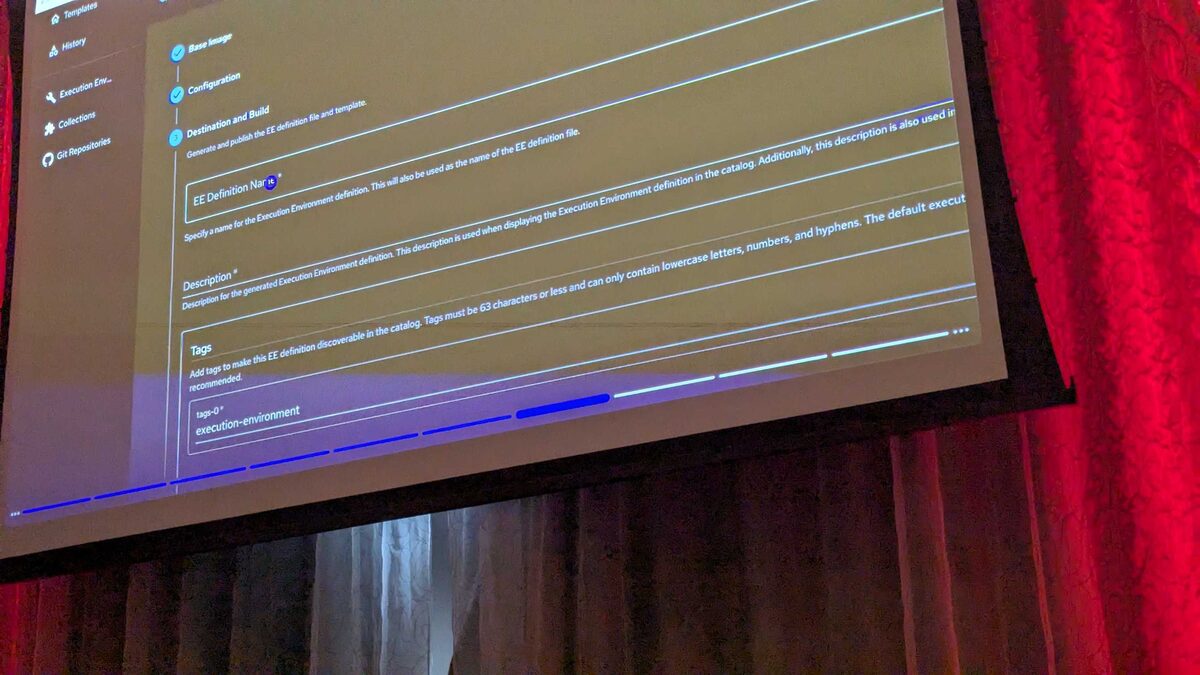
Self-service catalogs are the piece that finally makes automation feel like a product rather than a pile of playbooks. At Red Hat Tech Day Netherlands 2026 in Bunnik, Fred van Zwieten and Ismail Dhaoui demoed the new Automation Portal shipping with Ansible Automation Platform 2.7, and one template in the gallery is a perfect teaching example: Cloud - Create S3 Bucket. This guide walks through what that template does, why it matters, and how you'd build something equivalent for your own AAP environment.
What the Automation Portal Changes
Before the Automation Portal, requesting infrastructure through AAP usually meant knowing which job template to launch, which survey questions to answer correctly, and often which project or inventory it belonged to. That's fine for the automation team, but it's a poor experience for a developer who just needs a bucket for a new microservice.
The Automation Portal flips this around with a self-service gallery. Every entry is a card with a plain-English name and a one-click Start button. In the live demo catalog shown at the event, the gallery included templates like:
- Branch - After Hours Access Report
- Branch - Network Health Check
- Branch - WiFi Reset
- Cloud - Create S3 Bucket
- Cloud - Provision AWS EC2 Instance
- Cloud - Request Azure Resource Group
- CVE Patch
- Network - Backup Switch Configs
- Network - Firewall Remediation
- Network - Firewall Rule Request
- RHEL - Patch Servers (Maintenance Window)
See also: Build an AAP Self-Service Template: Provision an AWS EC2 Instance
Anatomy of the "Cloud - Create S3 Bucket" Template
The template's job, per the demo, is to create a compliant S3 bucket with encryption — not just any bucket, but one that already satisfies your organization's baseline security posture the moment it's provisioned. In practice that means the underlying job template needs to enforce, at minimum:
| Compliance requirement | Why it matters | Where it's enforced |
|---|---|---|
| Server-side encryption (SSE-KMS or SSE-S3) | Data at rest must be encrypted by default | Playbook task, not left to the requester |
| Public access block enabled | Prevents accidental public exposure | Playbook task, always applied |
| Versioning enabled | Protects against accidental deletion/overwrite | Playbook task or survey toggle |
| Standard tagging (owner, cost-center, environment) | Required for chargeback and lifecycle policies | AAP survey fields |
| Bucket naming convention | Keeps inventory and IAM policies predictable | Survey validation / Jinja templating |
Example Playbook Behind the Template
Here's an illustrative playbook you could register as the job template backing "Cloud - Create S3 Bucket." It uses the amazon.aws collection, which is the standard, well-documented path for S3 automation in Ansible.
---
- name: Cloud - Create S3 Bucket (compliant baseline)
  hosts: localhost
  gather_facts: false
  vars:
    bucket_name: "{{ requested_bucket_name }}"
    bucket_environment: "{{ requested_environment | default('dev') }}"
    bucket_owner: "{{ requested_owner }}"
    bucket_cost_center: "{{ requested_cost_center }}"

  tasks:
    - name: Create the S3 bucket with encryption enabled
      amazon.aws.s3_bucket:
        name: "{{ bucket_name }}"
        state: present
        encryption: "aws:kms"
        encryption_key_id: "{{ kms_key_arn }}"
        versioning: true
        public_access:
          block_public_acls: true
          ignore_public_acls: true
          block_public_policy: true
          restrict_public_buckets: true
        tags:
          Owner: "{{ bucket_owner }}"
          Environment: "{{ bucket_environment }}"
          CostCenter: "{{ bucket_cost_center }}"
          ManagedBy: "ansible-automation-platform"
      register: bucket_result

    - name: Report the created bucket back to the requester
      ansible.builtin.debug:
        msg: >-
          Bucket {{ bucket_result.name }} created in
          {{ bucket_environment }} with encryption and public access
          blocked.
A few things worth calling out for anyone adapting this pattern:
- The survey (configured on the job template in AAP) supplies
requested_bucket_name,requested_environment,requested_owner, andrequested_cost_center— these map directly to the input fields the requester fills in on the Automation Portal card. encryption,versioning, and thepublic_accessblock are not survey-driven. They're fixed in the playbook so the compliance baseline can't be bypassed by a requester picking the "wrong" answer.- The credential used to run this template should be scoped narrowly — ideally an IAM role limited to
s3:CreateBucket,s3:PutBucketEncryption,s3:PutBucketVersioning, ands3:PutBucketPublicAccessBlock— rather than a broad admin credential.
Wiring It Into the Automation Portal Gallery
Once the job template exists in AAP with its survey configured, adding it to the self-service gallery is largely a metadata exercise:
- Give the job template a human-readable name that matches the catalog convention (
Cloud - Create S3 Bucket), consistent with the other entries in the catalog such asCloud - Provision AWS EC2 InstanceandCloud - Request Azure Resource Group. - Write a one-line description that a non-technical requester will understand — "create a compliant S3 bucket with encryption" is exactly the kind of plain language the demo used.
- Set the survey questions to the minimum viable set: bucket name, environment, owner, cost center. Fewer required fields means faster adoption.
- Assign the template to the correct team/organization in AAP's RBAC model so only appropriate requesters see the "Start" button.
- Test the full click-to-bucket path end to end before publishing it to the wider audience — including a failure case (duplicate bucket name, invalid tag) so the requester gets a useful error, not a stack trace.
Why This Pattern Matters Beyond S3
The same shape applies to every other template in the demoed catalog. CVE Patch, RHEL - Patch Servers (Maintenance Window), and Network - Firewall Rule Request all follow the identical structure: a compliant, guard-railed playbook underneath, a short survey on top, and a single button exposed to the requester. Once you've built one self-service template well, the rest of your catalog is largely a repeat of the same pattern with different playbooks and different survey fields.
This is also why Red Hat positioned the Automation Portal as a governance win, not just a UX win. Every bucket created through this template is encrypted, versioned, tagged, and blocked from public access — by construction, not by hoping the requester remembers to check a box.
See also: Build an AAP Self-Service Template: Request an Azure Resource Group
Key Takeaways
- The "Cloud - Create S3 Bucket" template, demoed at Red Hat Tech Day Netherlands 2026, lets any authorized requester provision a compliant, encrypted S3 bucket with one click through AAP 2.7's Automation Portal.
- Compliance requirements (encryption, public access blocking, versioning) belong hard-coded in the playbook; variable inputs (name, owner, cost center) belong in the survey.
- The
amazon.aws.s3_bucketmodule gives you the building blocks — encryption, versioning, and public access controls — needed to enforce a security baseline automatically. - Scope the credential behind the template narrowly; self-service should never mean over-privileged.
- The same request-survey-guardrail pattern used for S3 buckets extends cleanly to every other card in the self-service gallery, from EC2 provisioning to firewall rule requests.
Related Articles
- Build an AAP Self-Service Template: Provision an AWS EC2 Instance
- Build an AAP Self-Service Template: Request an Azure Resource Group
- Ansible azure.azcollection Guide: Machine Learning, App Configuration, and Front Door in AAP 2.7
- Ansible google.cloud Collection 2026: Cloud Build, Parameter Manager, and Storage Guide
Category: troubleshooting