Build an AAP Self-Service Template: Branch WiFi Reset Playbook
By Luca Berton · Published 2024-01-01 · Category: troubleshooting
Learn how to package a branch WiFi reset playbook as a one-click AAP 2.7 Automation Portal self-service template for non-technical operators.
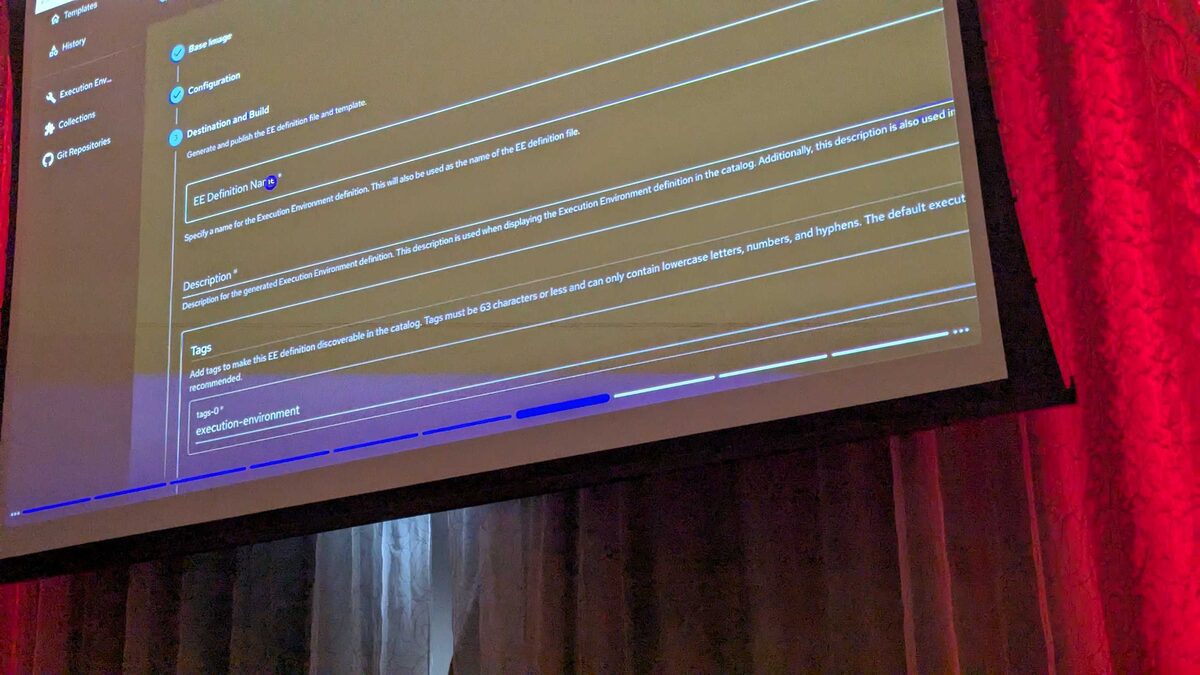
!Automation Portal self-service template gallery, AAP 2.7
Why "Branch - WiFi Reset" Matters as a Self-Service Template
Not every automation problem needs a network engineer at the keyboard. When branch WiFi drops, the fix is often trivially simple — restart the access point service, clear a stale DHCP lease pool, or bounce the SSID broadcast — but the person who notices the outage is usually a store manager or a help desk agent, not someone with Ansible Automation Platform (AAP) credentials or job template know-how.
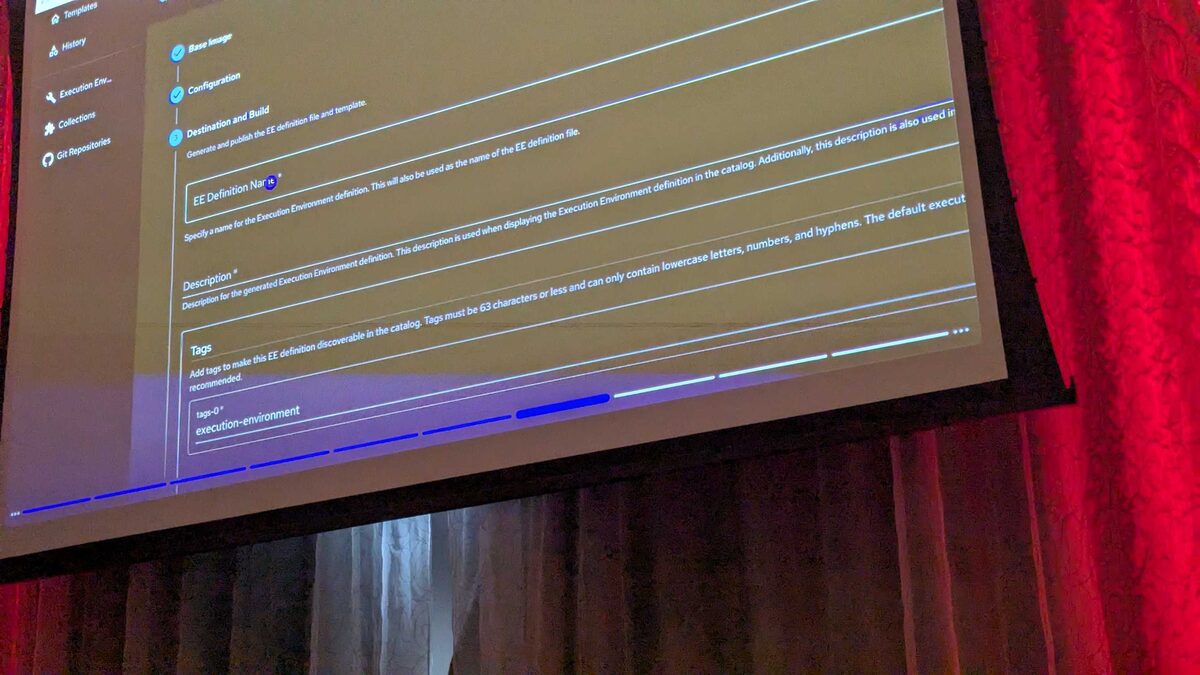
That gap is exactly what Red Hat's new Automation Portal in AAP 2.7 is designed to close. At Red Hat Tech Day Netherlands 2026 in Bunnik (3 June 2026), Fred van Zwieten and Ismail Dhaoui demoed the Automation Portal's self-service template gallery live, showing a catalog of pre-approved, one-click templates that let operators run automation without ever touching the underlying playbook, inventory, or credential configuration. Among the templates in that demo catalog was Branch - WiFi Reset — a branch-scoped playbook to reset WiFi, launched with a single "Start" button.
This article walks through how to build and publish that template so it behaves exactly like the one shown on stage: safe, scoped, and instantly runnable by non-technical staff.
See also: Build an AAP Self-Service Template: After Hours Branch Access Report
What the Automation Portal Self-Service Gallery Actually Does
The Automation Portal sits on top of standard AAP job templates and workflow templates — it doesn't replace them. What it adds is a curated, business-friendly storefront: each entry in the gallery maps to an existing template in the Automation Controller, but the operator only ever sees a friendly name, a short description, and a Start button. There's no controller UI, no survey they don't understand, no inventory picker.
In the Bunnik demo, the catalog included templates spanning several domains, not just networking:
| Template | Domain | Purpose |
|---|---|---|
| Branch - After Hours Access Report | Branch | Report access activity outside operating hours |
| Branch - Network Health Check | Branch | Run a general health check across a branch |
| Branch - WiFi Reset | Branch | Reset WiFi at a branch location |
| Cloud - Create S3 Bucket | Cloud | Create a compliant, encrypted S3 bucket |
| Cloud - Provision AWS EC2 Instance | Cloud | Spin up an EC2 instance with standard tagging |
| Cloud - Request Azure Resource Group | Cloud | Provision an Azure RG with RBAC |
| CVE Patch | Security | Run a patch for a given CVE |
| Network - Backup Switch Configs | Network | Back up Cisco/Arista configs to Git |
| Network - Firewall Remediation | Network | Correct a firewall misconfiguration |
| Network - Firewall Rule Request | Network | Submit a firewall change for approval |
| RHEL - Patch Servers (Maintenance Window) | Systems | Apply security patches in a maintenance window |
Domain - Action. This isn't cosmetic — the Automation Portal groups and filters the gallery by that prefix, so "Branch - WiFi Reset" surfaces alongside the other branch-scoped templates when an operator filters by location or business unit rather than by technology.
Step 1: Write the Underlying Playbook
Before anything touches the Automation Portal, you need a solid job template behind it. A WiFi reset playbook for branch access points is deliberately narrow in scope — it should only ever touch the AP(s) for the branch selected, never the whole fleet.
---
- name: Branch - WiFi Reset
  hosts: "{{ branch_ap_group }}"
  gather_facts: false
  become: true

  vars:
    reset_wait_seconds: 30

  tasks:
    - name: Confirm target access points are reachable
      ansible.builtin.wait_for_connection:
        timeout: 15

    - name: Record pre-reset WiFi service status
      ansible.builtin.service_facts:

    - name: Restart the WiFi radio service on the access point
      ansible.builtin.service:
        name: hostapd
        state: restarted

    - name: Wait for radios to come back online
      ansible.builtin.wait_for:
        timeout: "{{ reset_wait_seconds }}"

    - name: Verify SSID broadcast has resumed
      ansible.builtin.command: iwconfig wlan0
      register: wifi_status
      changed_when: false

    - name: Report reset outcome
      ansible.builtin.debug:
        msg: "WiFi reset completed for {{ branch_ap_group }}: {{ wifi_status.stdout_lines | last }}"
Two design choices matter for self-service safety here. First, hosts is a variable (branch_ap_group), not a static inventory group — the branch is selected by the survey, not hardcoded, so the same playbook serves every branch from one job template. Second, the playbook only restarts a service and confirms broadcast resumption; it never modifies configuration, which keeps the blast radius small enough to trust in non-technical hands.
See also: Build an AAP Self-Service Template: Backup Network Switch Configs to Git
Step 2: Turn It Into a Job Template with a Survey
In Automation Controller, create a job template named Branch - WiFi Reset and attach a survey with a single required question: "Which branch?" — populated from a choice list or a lookup against your CMDB. This is the only input the operator provides; everything else (credentials, inventory source, execution environment) stays locked behind the template definition, invisible to the end user.
Limit the template's permissions so it can only be launched, not edited, by the operator's team — the Automation Portal enforces this at the RBAC layer, but it's good practice to set it at the controller level too.
Step 3: Publish It to the Automation Portal Gallery
Once the job template exists and is scoped correctly, register it in the Automation Portal catalog with:
- Display name:
Branch - WiFi Reset(matches theDomain - Actionconvention used across the gallery) - Description: a one-line, plain-English summary — something an operator with no Ansible background understands instantly, e.g. "Restarts WiFi at a branch location if guests or staff report a dropped connection."
- Category: Branch (so it sits next to After Hours Access Report and Network Health Check)
- Start button: bound to the job template, passing the survey answer straight through
See also: Build an AAP Self-Service Template: Branch Network Health Check
Key Takeaways
- The AAP 2.7 Automation Portal's self-service gallery wraps existing job templates in a one-click, business-friendly interface — it doesn't replace Automation Controller, it hides its complexity.
- Branch - WiFi Reset is a purpose-built, narrow-scope template: it restarts a WiFi service and confirms recovery, nothing more, which makes it safe to expose to non-technical operators.
- Use a survey variable (like
branch_ap_group) to keep one playbook reusable across every branch, rather than duplicating templates per location. - Follow the
Domain - Actionnaming convention (Branch, Cloud, Network, RHEL, CVE) demonstrated live at Red Hat Tech Day Netherlands 2026 so your template surfaces correctly when operators filter the gallery. - Lock down RBAC at the job template level so self-service always means "run," never "edit."
Related Articles
Category: troubleshooting