Build an AAP Self-Service Template: Branch Network Health Check
By Luca Berton · Published 2024-01-01 · Category: troubleshooting
Learn how AAP 2.7's Automation Portal turns a network health check playbook into a one-click self-service template for branch operators.
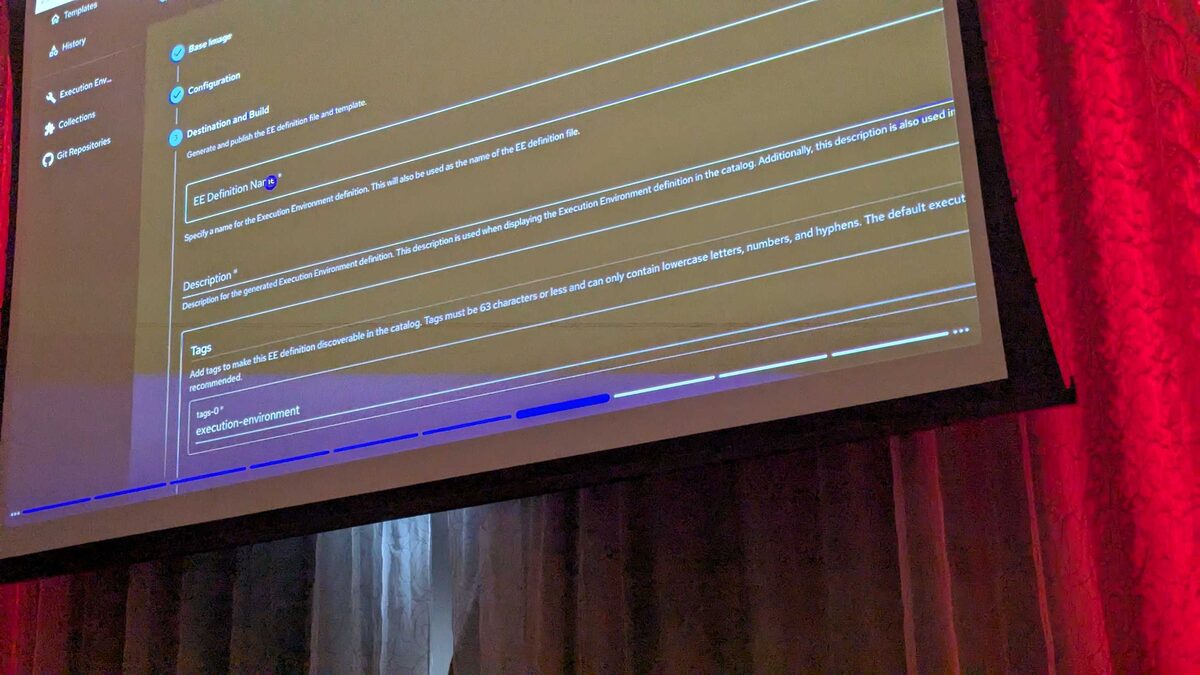
!Automation Portal self-service template gallery, AAP 2.7
Why Self-Service Matters for Branch Operations
Retail chains, banks, and distributed enterprises all share the same operational headache: dozens or hundreds of branch offices, each with its own router, switches, and access points, and a network team that cannot be everywhere at once. Traditionally, checking the health of a branch network meant a network engineer logging into a jump host, finding the right playbook, remembering which inventory group to target, and running it by hand — or worse, filing a ticket and waiting.
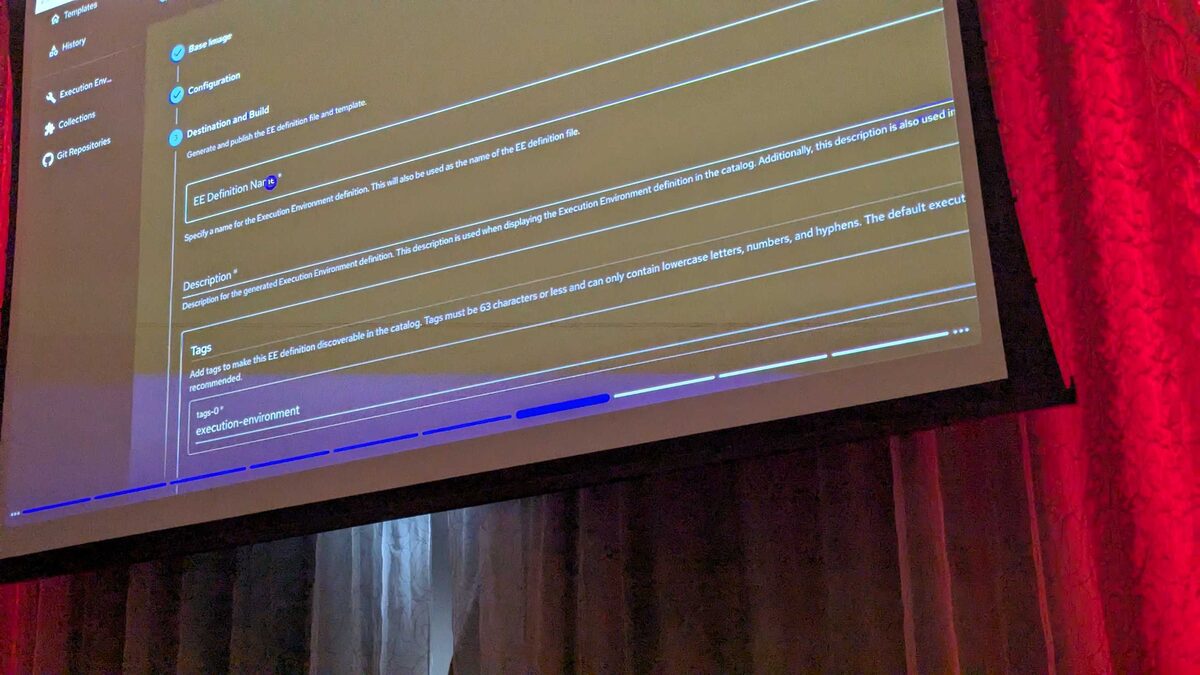
At Red Hat Tech Day Netherlands 2026 in Bunnik, Fred van Zwieten and Ismail Dhaoui demoed a different model. Ansible Automation Platform 2.7 introduces a new Automation Portal with a self-service template gallery. Every template in the gallery has a one-click Start button — the person requesting the action doesn't need to know where the playbook lives, which credentials it uses, or how the survey is structured. They just click Start.
Among the templates shown live in the demo catalog was Branch - Network Health Check, a template built to run a general network health check across an entire branch. This article walks through what that template is, why it belongs in a self-service portal, and how you'd structure the underlying job template and playbook so it holds up to non-expert users clicking Start on a Monday morning.
See also: Build an AAP Self-Service Template: Backup Network Switch Configs to Git
What "Branch - Network Health Check" Does
The template's job, per the demo catalog, is simple to describe: run a general network health check on an entire branch. In practice, that single sentence hides real orchestration value. Instead of a network engineer manually SSHing into a branch's router, core switch, and access points, the operator — who could be a regional IT lead, a help desk technician, or even a store manager with limited access — opens the Automation Portal, finds the tile for the branch's health check, and clicks Start.
Behind that click, AAP resolves everything the engineer would otherwise have to remember:
- Which inventory group represents "the branch" (routers, switches, APs)
- Which credentials to use to reach network devices
- Which playbook and job template to execute
- What surveys or extra variables need to be filled in (for example, the branch site code)
Anatomy of the Underlying Job Template
A self-service template in the Automation Portal is still, under the hood, an ordinary AAP job template — the portal just adds a friendly launch surface on top of it. To make Branch - Network Health Check safe for a non-network-engineer to run, the job template typically combines a few building blocks:
| Component | Purpose |
|---|---|
| Inventory | Dynamic or grouped inventory scoped to a single branch (e.g. branch_nl_042) |
| Survey | Prompts the operator for the branch code or site ID, nothing else |
| Credentials | Machine/network credentials injected by AAP, never exposed to the operator |
| Playbook | Runs connectivity, interface, and reachability checks across branch devices |
| Job template permissions | RBAC restricts who can even see the tile, scoped by team or branch region |
See also: Build an AAP Self-Service Template: Firewall Misconfiguration Remediation
Example Playbook Behind the Template
Here's an illustrative playbook structure that a job template like Branch - Network Health Check could run. It targets a branch-scoped inventory group, checks reachability, gathers interface status, and produces a simple pass/fail summary that the operator sees in the AAP job output.
---
- name: Branch network health check
  hosts: "{{ branch_code }}_network"
  gather_facts: false
  connection: network_cli

  vars:
    health_check_timeout: 15

  tasks:
    - name: Ping each network device to confirm reachability
      ansible.builtin.wait_for:
        host: "{{ ansible_host }}"
        port: 22
        timeout: "{{ health_check_timeout }}"
      delegate_to: localhost
      register: reachability

    - name: Gather interface status from switches and routers
      cisco.ios.ios_facts:
        gather_subset:
          - interfaces
      register: device_facts
      when: reachability is succeeded

    - name: Flag interfaces that are down but administratively enabled
      ansible.builtin.set_fact:
        flapping_interfaces: >-
          {{ device_facts.ansible_facts.ansible_net_interfaces
             | dict2items
             | selectattr('value.operstatus', 'equalto', 'down')
             | selectattr('value.bandwidth', 'defined')
             | map(attribute='key')
             | list }}
      when: device_facts is defined

    - name: Report branch health summary
      ansible.builtin.debug:
        msg: >-
          Branch {{ branch_code }} host {{ inventory_hostname }}:
          reachable={{ reachability is succeeded }},
          flagged_interfaces={{ flapping_interfaces | default([]) }}
This is deliberately conservative: read-only facts gathering and reachability checks, no configuration changes. That matters because a health check template exposed to self-service users should never be able to alter device state — remediation, like the Network - Firewall Remediation template shown in the same demo catalog, belongs in a separate, more tightly access-controlled template.
Fitting Into the Broader Self-Service Catalog
Branch - Network Health Check didn't appear alone in the Bunnik demo. It sat alongside other branch-scoped templates — Branch - After Hours Access Report and Branch - WiFi Reset — plus cloud provisioning templates (Cloud - Create S3 Bucket, Cloud - Provision AWS EC2 Instance, Cloud - Request Azure Resource Group), network templates (Network - Backup Switch Configs, Network - Firewall Remediation, Network - Firewall Rule Request), and patching templates (CVE Patch, RHEL - Patch Servers (Maintenance Window)).
The pattern across all of them is consistent: each template does one clearly scoped job, is named so a non-expert can guess what it does, and hides the automation plumbing behind a Start button. Network Health Check is the read-only, low-risk end of that spectrum — a good first template to expose broadly, since a mistaken click can't break anything, only report on it.
See also: Build an AAP Self-Service Template: Firewall Rule Change Approval Workflow
Designing Your Own Version
If you're building an equivalent template for your own AAP 2.7 environment, keep the design principles from the demo in mind:
- Name it for the audience, not the engineer. "Branch - Network Health Check" tells a store manager exactly what will happen; a name like
net-hc-v3.ymldoes not. - Scope the inventory tightly. One branch, one blast radius. Never let a single template touch every branch by default.
- Keep the survey minimal. Ask for a branch code, not a list of hostnames, ports, and credential IDs.
- Make it read-only where possible. Health checks should observe, not change, device configuration.
- Separate report from remediation. Pair the health check with a distinct, more restricted template for any fix-it action it uncovers.
Key Takeaways
- AAP 2.7's Automation Portal turns job templates into self-service catalog items with a one-click Start button, removing the need for operators to know playbook locations or configuration details.
- Branch - Network Health Check, demoed live at Red Hat Tech Day Netherlands 2026, runs a general health check across an entire branch's network devices.
- The template is a standard AAP job template underneath — the value is in tight inventory scoping, a minimal survey, and read-only playbook logic.
- Health check templates should stay read-only; pair them with separate, access-controlled templates for any remediation action.
- This design pattern — scoped inventory, minimal survey, single clear purpose — applies to every tile in the self-service gallery, from branch checks to cloud provisioning to patch management.
Related Articles
Category: troubleshooting