Build an AAP Self-Service Template: After Hours Branch Access Report
By Luca Berton · Published 2024-01-01 · Category: security-compliance
Learn how AAP 2.7's Automation Portal turns a branch access-report playbook into a one-click self-service template for non-technical operators.
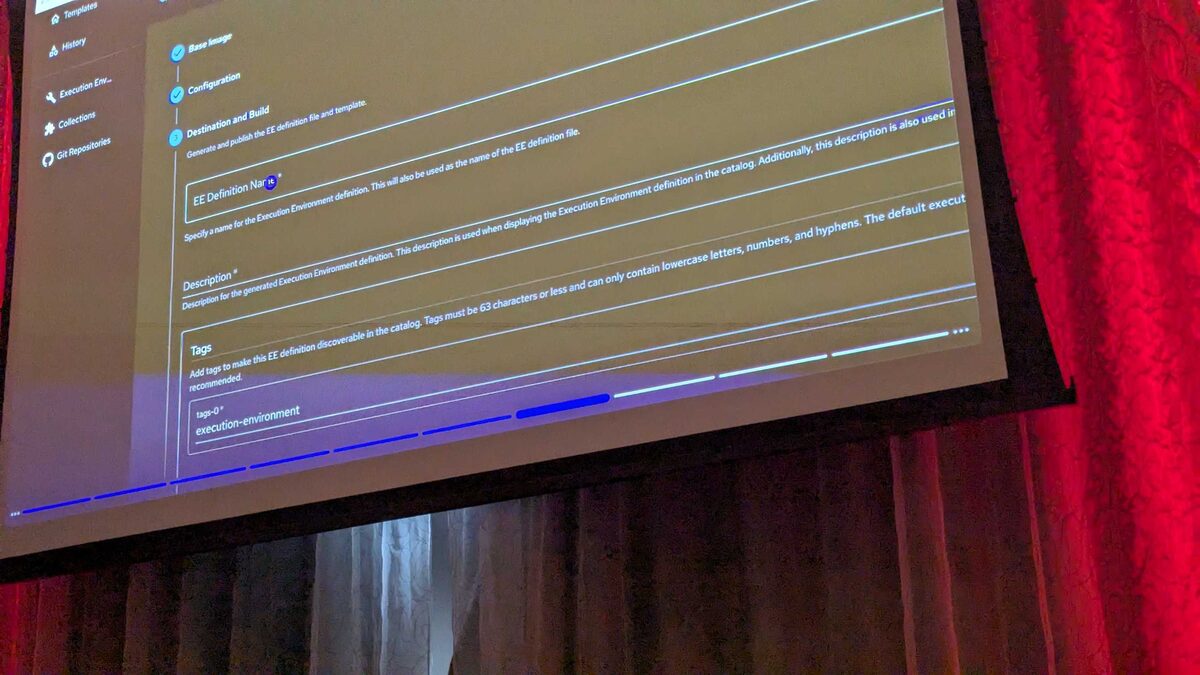
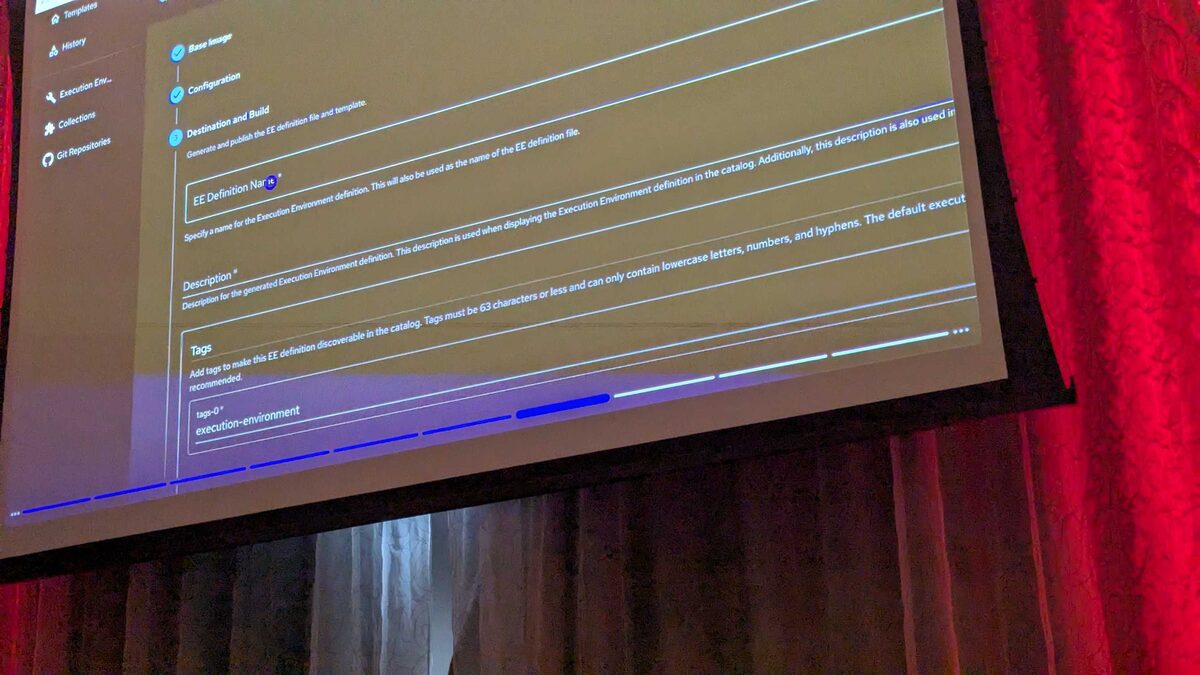
!Automation Portal self-service template gallery, AAP 2.7
Why "After Hours Access" Deserves Its Own Template
At Red Hat Tech Day Netherlands 2026 in Bunnik, Fred van Zwieten and Ismail Dhaoui walked the audience through the new Automation Portal in Ansible Automation Platform (AAP) 2.7. The headline feature is a self-service template gallery: instead of asking an automation engineer to find a playbook, check its extra vars, and launch it from the controller UI, an operator picks a tile from a catalog and presses Start. The platform handles everything else — inventory scoping, credentials, and safe defaults.
Among the templates shown live in the branch-operations section of the catalog was Branch - After Hours Access Report, sitting next to Branch - Network Health Check and Branch - WiFi Reset. Its job is narrow and useful: scan access logs for a given branch and surface any activity that happened outside normal operating hours — a door badge swipe, a VPN login, or an administrative console session logged at 2 a.m. when the store or office should be empty.
This article breaks down what that template looks like under the hood, why it's a good first candidate for self-service, and how you'd structure the underlying playbook so it's safe to expose to non-engineers.
See also: Build an AAP Self-Service Template: Backup Network Switch Configs to Git
What the Template Does From the Operator's Seat
In the Automation Portal demo, the operator experience is deliberately shallow:
- Open the branch operations section of the template gallery.
- Click the Branch - After Hours Access Report tile.
- Select (or confirm) the branch/site from a prompted survey field.
- Click Start.
- Receive a report — job output, an artifact, or a notification — without ever touching an inventory file, a credential, or the underlying playbook path.
Anatomy of the Underlying Job Template
Behind that single Start button sits a normal AAP job template, the same object type that has always existed in the controller. What changes with the Automation Portal is discoverability and packaging, not the execution engine. A reasonable structure for this template's job template configuration looks like this:
| Setting | Purpose |
|---|---|
| Playbook | branch-after-hours-access-report.yml |
| Inventory | Dynamic branch inventory (scoped by survey answer) |
| Credentials | Read-only credential for access/log systems |
| Survey | Prompts for branch/site name and optional date range |
| Execution Environment | EE containing log-query and reporting collections |
| Notifications | Email/Slack notification with the generated report attached |
| Concurrent jobs | Allowed (multiple operators can run it for different branches) |
See also: Build an AAP Self-Service Template: Branch Network Health Check
Example Playbook Structure
Here is an illustrative playbook you could register behind the tile. It queries an access-control or authentication log source, filters for events outside the branch's configured operating hours, and emits a report artifact:
---
- name: Branch - After Hours Access Report
  hosts: branch_gateways
  gather_facts: false
  vars:
    operating_hours_start: "07:00"
    operating_hours_end: "20:00"
    report_path: "/tmp/reports/{{ branch_name }}-after-hours-{{ ansible_date_time.date }}.json"

  tasks:
    - name: Collect access log events for the branch
      ansible.builtin.uri:
        url: "https://{{ access_api_host }}/v1/branches/{{ branch_name }}/access-events"
        method: GET
        headers:
          Authorization: "Bearer {{ access_api_token }}"
        return_content: true
      register: access_events

    - name: Filter events outside operating hours
      ansible.builtin.set_fact:
        after_hours_events: >-
          {{ access_events.json.events
             | selectattr('time', 'lt', operating_hours_start)
             | list
             + access_events.json.events
             | selectattr('time', 'gt', operating_hours_end)
             | list }}

    - name: Write after-hours report artifact
      ansible.builtin.copy:
        content: "{{ after_hours_events | to_nice_json }}"
        dest: "{{ report_path }}"
      delegate_to: localhost

    - name: Notify security channel when after-hours events are found
      community.general.slack:
        token: "{{ slack_token }}"
        channel: "#branch-security"
        msg: >-
          After-hours access report for {{ branch_name }}:
          {{ after_hours_events | length }} event(s) found outside
          {{ operating_hours_start }}-{{ operating_hours_end }}.
      when: after_hours_events | length > 0
This is a plausible shape for the real template, not a documented API — Red Hat's Tech Day session showed the catalog tile and the Start-button experience, not the playbook internals, so treat the task names and variables above as illustrative scaffolding you'd adapt to your own access-control and logging systems.
Why This Belongs in a Self-Service Gallery, Not Just the Controller
Three properties make "After Hours Access Report" a strong self-service candidate:
- Read-only blast radius. It queries and reports; it doesn't remediate. That makes it safe to hand to security analysts, branch managers, or helpdesk staff who aren't Ansible engineers.
- Repeatable, parameterized shape. The only real input is "which branch and, optionally, which date range" — a perfect fit for a short survey rather than a complex extra-vars form.
- High-frequency, low-effort need. Compliance and security teams often want this exact report on demand, not just on a schedule, which is precisely the itch the Automation Portal's one-click model is designed to scratch.
See also: Build an AAP Self-Service Template: Branch WiFi Reset Playbook
Key Takeaways
- AAP 2.7's Automation Portal, demoed at Red Hat Tech Day Netherlands 2026, exposes existing job templates as one-click self-service tiles — the automation itself is unchanged, only its packaging and discoverability improve.
- Branch - After Hours Access Report is a read-only, reporting-focused template: ideal for a first rollout into self-service because it can't misconfigure production systems.
- Behind every tile is a standard job template with a scoped inventory, least-privilege credentials, and a survey — build these deliberately, since operators will never see the playbook path or extra vars directly.
- Reserve destructive or configuration-changing templates (firewall remediation, patching, WiFi resets) for later rollout phases, layered with approval workflows once your team trusts the self-service pattern.
- Treat any specific field names or API shapes for a newly announced feature as illustrative until Red Hat publishes full documentation — validate against your own access-control and logging integrations before production use.
Related Articles
Category: security-compliance