Output Ansible Playbooks as YAML with Callback Plugin
By Luca Berton · Published 2024-01-01 · Category: troubleshooting
Learn how to use Ansible ping module to test connections and customize output with callback plugins, demonstrated with a detailed playbook and inventory setup.
Introduction
Ansible, a powerful open-source automation tool, simplifies complex IT tasks by automating configuration management, application deployment, and other repetitive operations. One of Ansible's strengths lies in its extensibility, allowing users to customize their workflows. In this article, we'll explore the use of Ansible callback plugins and how they can enhance playbook output.
See also: Using Ansible Tree Callback: Save Host Events to Files Easily
Ansible Playbook Overview
Before diving into callback plugins, let's examine a simple Ansible playbook. The playbook named ping.yml showcases the basic functionality of the Ansible ping module. It verifies the connectivity to target hosts and reports the results.
---
- name: Ping module Playbook
  hosts: all
  tasks:
    - name: Test connection
      ansible.builtin.ping:
Additionally, an inventory file specifies the target host, in this case, localhost with a local connection:
localhost ansible_connection=localExecuting the Playbook Without Callback Plugins
When running the playbook without callback plugins, the command looks like this:
ansible-playbook -i inventory ping.yml -vThe output shows the default Ansible playbook execution summary:
PLAY [Ping module Playbook] *****************************************************************

TASK [Gathering Facts] ******************************************************************
ok: [localhost]

TASK [Test connection] ******************************************************************
ok: [localhost] => {"changed": false, "ping": "pong"}

PLAY RECAP ******************************************************************************
localhost                  : ok=2    changed=0    unreachable=0    failed=0    skipped=0    rescued=0    ignored=0
This standard output provides essential information, but what if you want a more detailed and customized report?
See also: Understanding the ansible-console Command: Interactive Ansible REPL Tutorial
Introducing Callback Plugins
Callback plugins in Ansible offer a way to customize and extend the output of playbook runs. In the provided ansible.cfg configuration file, the following lines enable the callback plugin:
[defaults]
callbacks_enabled=community.general.yaml
stdout_callback = community.general.yaml
Now, when running the playbook with the callback plugin, use the same command:
ansible-playbook -i inventory ping.yml -vThe output is now enriched with additional details, providing a more structured and readable format:
PLAY [Ping module Playbook] *****************************************************************

TASK [Gathering Facts] ******************************************************************
ok: [localhost]

TASK [Test connection] ******************************************************************
ok: [localhost] => changed=false
  ping: pong

PLAY RECAP ******************************************************************************
localhost                  : ok=2    changed=0    unreachable=0    failed=0    skipped=0    rescued=0    ignored=0
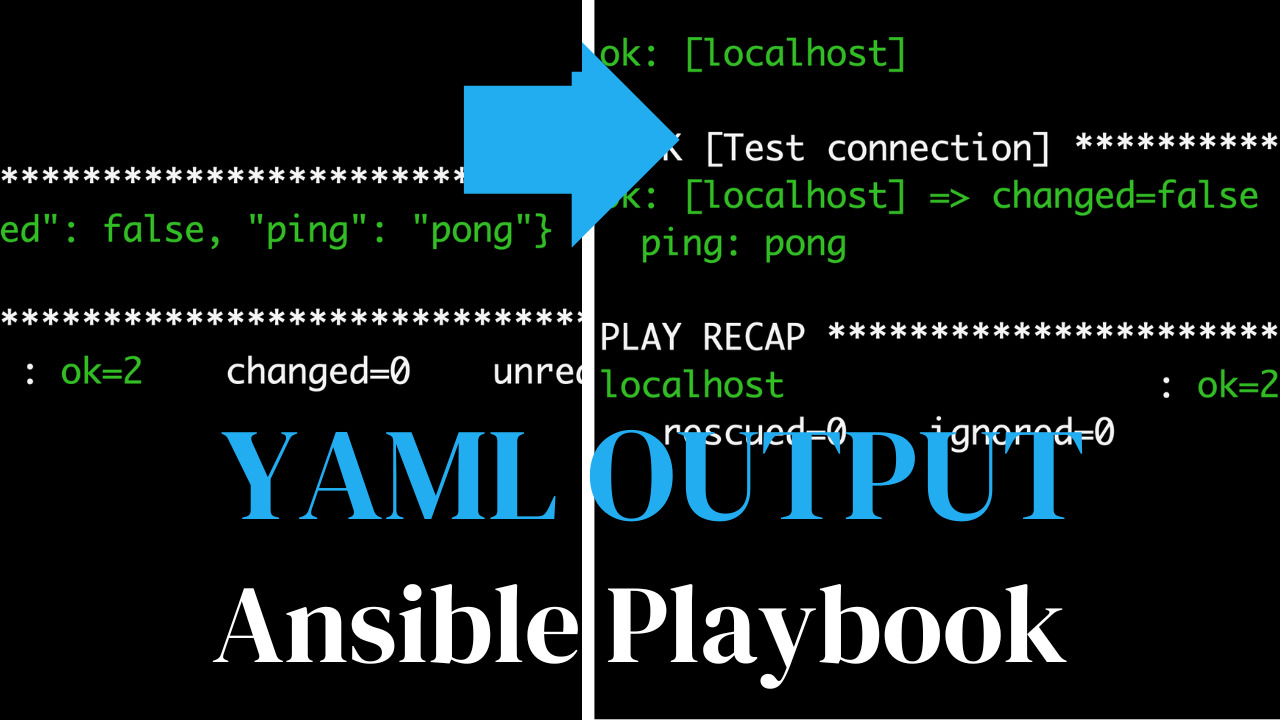
Notice how the changed attribute and the ping: pong message are now displayed in a more structured manner. This enhanced output is especially beneficial when dealing with larger and more complex playbooks.
Conclusion
In this article, we explored the use of Ansible callback plugins to customize the output of playbook runs. By enabling the callback plugin, users can gain more insights and a clearer understanding of the tasks executed during the playbook run. This feature is particularly useful when dealing with intricate automation workflows, allowing for a more streamlined and informative experience. As you continue to work with Ansible, consider exploring and leveraging callback plugins to tailor your automation output to your specific needs.
See also: Ansible extra-vars: Pass Variables via Command Line (--extra-vars Guide)
Related Articles
Category: troubleshooting