Using Ansible Tree Callback: Save Host Events to Files Easily
By Luca Berton · Published 2024-01-01 · Category: troubleshooting
Discover how to use the Ansible Tree callback to save host events to JSON files. Enhance your logging and auditing with this powerful feature introduced.
Introduction
Ansible, an open-source automation tool, is renowned for its ability to streamline IT tasks and configuration management. One of Ansible's powerful features is its extensible callback system, which allows users to capture and handle events triggered during playbook execution. In this article, we'll delve into the ansible.builtin.tree callback, introduced in Ansible-core version 2.11, and explore how it can be utilized to save host events to files.
See also: Output Ansible Playbooks as YAML with Callback Plugin
Understanding the Callback Parameters
directory Parameter
The directory parameter is a crucial component of the ansible.builtin.tree callback. It specifies the path to the directory where per-host JSON files will be saved. When using ad-hoc commands, this directory can be set using the --tree option. The default directory is "~/.ansible/tree."
Let's break down the relevant details:
- Added in Ansible-core 2.11: The
directoryparameter was introduced in Ansible-core version 2.11, making it available for users in more recent releases.
- INI Entry:
  [callback_tree]
  directory = ~/.ansible/tree
directory parameter in the ansible.cfg file under the [callback_tree] section.
- Environment Variable:
export ANSIBLE_CALLBACK_TREE_DIR=~/.ansible/tree
directory parameter can be set using the ANSIBLE_CALLBACK_TREE_DIR environment variable.
Practical Example
To illustrate the usage of the ansible.builtin.tree callback, consider the following example playbook and configuration:
Inventory (inventory)
localhost ansible_connection=localPlaybook (ping.yml)
---
- name: Ping module Playbook
  hosts: all
  tasks:
    - name: Test connection
      ansible.builtin.ping:
Ansible Configuration (ansible.cfg)
[defaults]
callbacks_enabled=ansible.builtin.tree

[callback_tree]
directory = ~/.ansible/tree
In this example:
- The inventory file (
inventory) contains a local host. - The playbook (
ping.yml) is a simple one that pings all hosts to test the connection. - The Ansible configuration file (
ansible.cfg) enables theansible.builtin.treecallback and sets the directory for saving the host events to~/.ansible/tree.
Execution
When the playbook is executed, the ansible.builtin.tree callback will save host events to per-host JSON files in the specified directory (~/.ansible/tree in this case). This information can be invaluable for troubleshooting, auditing, and reviewing the execution flow of Ansible playbooks.
By utilizing this callback, users can gain insights into the details of each host's execution, providing a structured and organized way to capture events during playbook runs.
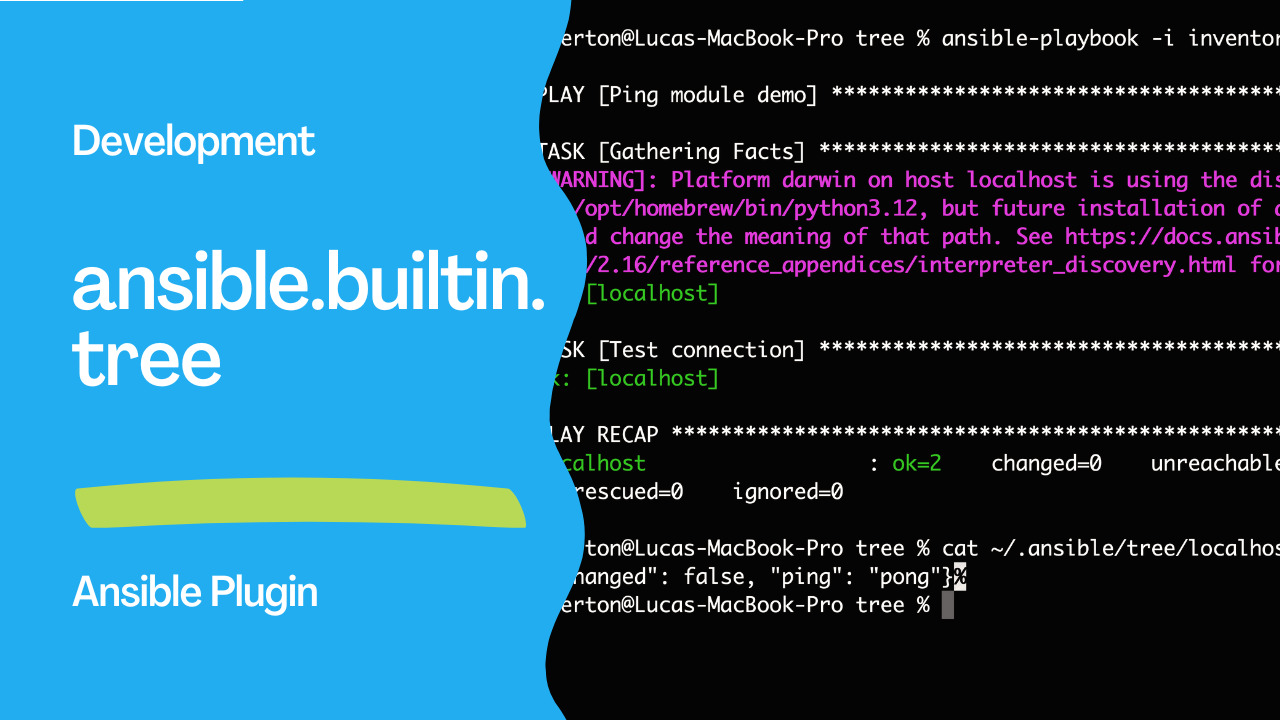
cat ~/.ansible/tree/localhost
{"changed": false, "ping": "pong"}
See also: Understanding the ansible-console Command: Interactive Ansible REPL Tutorial
Conclusion
In conclusion, the ansible.builtin.tree callback is a powerful tool for saving host events to files, enhancing Ansible's capabilities for logging and analysis. Users can leverage this feature to improve the transparency and traceability of their automation workflows. As Ansible continues to evolve, exploring and understanding such features becomes essential for mastering the tool's capabilities.
Related Articles
Category: troubleshooting
Watch the video: Using Ansible Tree Callback: Save Host Events to Files Easily — Video Tutorial