Ansible no_log: Hide Sensitive Data in Playbook Output (Guide)
By Luca Berton · Published 2024-01-01 · Category: troubleshooting
How to use Ansible no_log to protect passwords and sensitive data in playbook output. Prevent secrets from appearing in logs, debug safely.
Introduction
In the world of IT automation and configuration management, security is paramount. One crucial aspect of security is safeguarding sensitive data, especially passwords. Ansible, a powerful automation tool, takes this concern seriously and provides a way to protect your secrets.
However, there's a common pitfall that can potentially expose sensitive information in Ansible playbooks when using loops. This issue is addressed by Ansible Lint's "no-log-password" rule, which checks if playbooks inadvertently write passwords to logs, potentially putting your system's security at risk.
See also: Ansible troubleshooting - Error run-once
The Problem: Logging Passwords
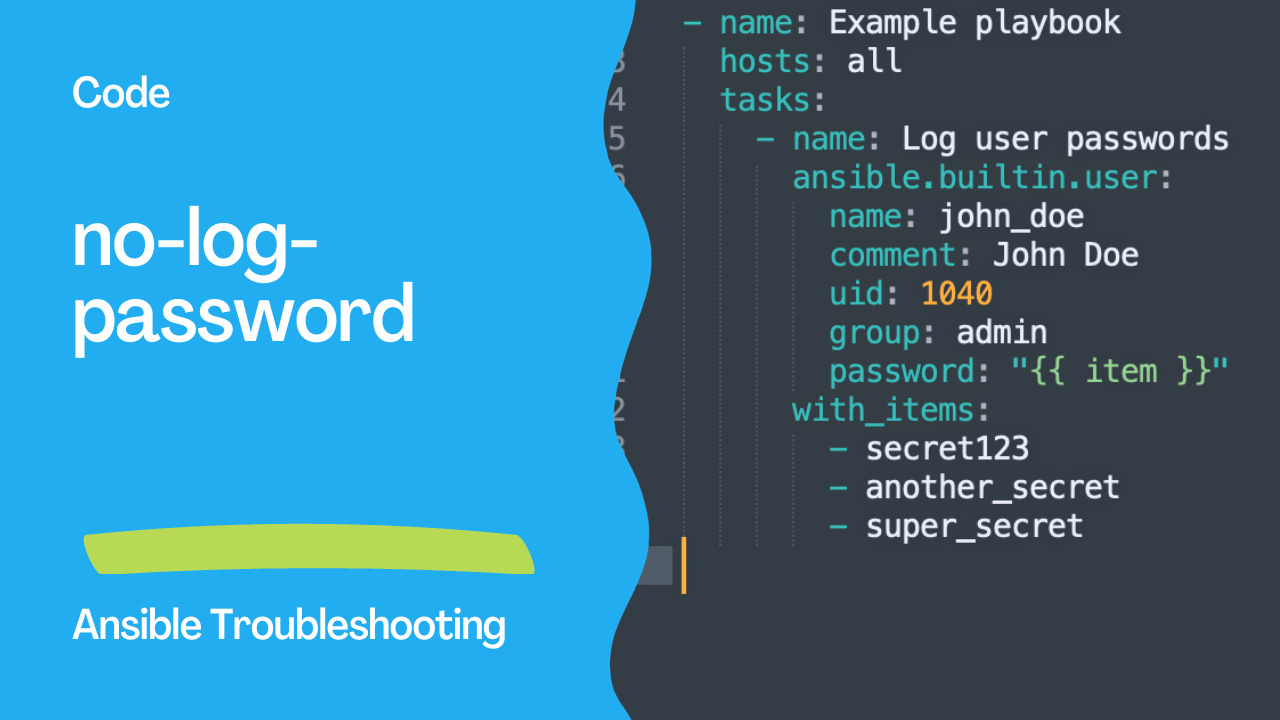
Let's explore why this rule exists. In Ansible, it's common to use loops to perform repetitive tasks. For instance, you might need to create multiple user accounts, each with a unique password. The playbook might look like this:
---
- name: Example playbook
  hosts: all
  tasks:
    - name: Log user passwords
      ansible.builtin.user:
        name: john_doe
        comment: John Doe
        uid: 1040
        group: admin
        password: "{{ item }}"
      with_items:
        - secret123
        - another_secret
        - super_secret
At first glance, this seems perfectly fine. You're creating a user account with different passwords, and you're using a loop to make it more efficient. However, there's a hidden danger here.
The problem arises when these passwords are logged. In this example, if your playbook logs its execution, you might inadvertently expose sensitive data. While Ansible tries to mask sensitive information, it might not be foolproof, especially within loops.
Note: Ansible provides an option to automatically fix for a selection of modules for the "fqcn" error using the ansible-lint --fix option, which can be a helpful tool in resolving this issue in your playbooks.
The Solution: no_log: true
To prevent this inadvertent exposure of passwords, Ansible provides a straightforward solution: setting the no_log attribute to true. This attribute tells Ansible not to log the data, ensuring your secrets remain hidden.
Here's the corrected code:
---
- name: Example playbook
  hosts: all
  tasks:
    - name: Do not log user passwords
      ansible.builtin.user:
        name: john_doe
        comment: John Doe
        uid: 1040
        group: admin
        password: "{{ item }}"
      with_items:
        - secret123
        - another_secret
        - super_secret
      no_log: true
In this revised playbook, you've added no_log: true to the task, making sure the sensitive password data won't appear in logs. This small change significantly enhances the security of your playbook.
See also: Ansible Vault Error: Fix 'Attempting to Decrypt but No Vault Secrets Found'
Conclusion
The "no-log-password" rule in Ansible Lint is a valuable tool for maintaining the security and integrity of your Ansible playbooks. By reminding you to use no_log: true within loops, it helps you avoid unintentionally exposing sensitive data. This simple practice can go a long way in securing your automation workflows and ensuring your organization's data remains protected. So, the next time you're working with loops and sensitive data, remember to use no_log: true, and keep your secrets safe.
Related Articles
Category: troubleshooting