Ansible extra-vars: Pass Variables via Command Line (--extra-vars Guide)
By Luca Berton · Published 2024-01-01 · Category: troubleshooting
How to pass variables to Ansible playbook via command line with --extra-vars (-e). Pass strings, JSON, files, override variables.
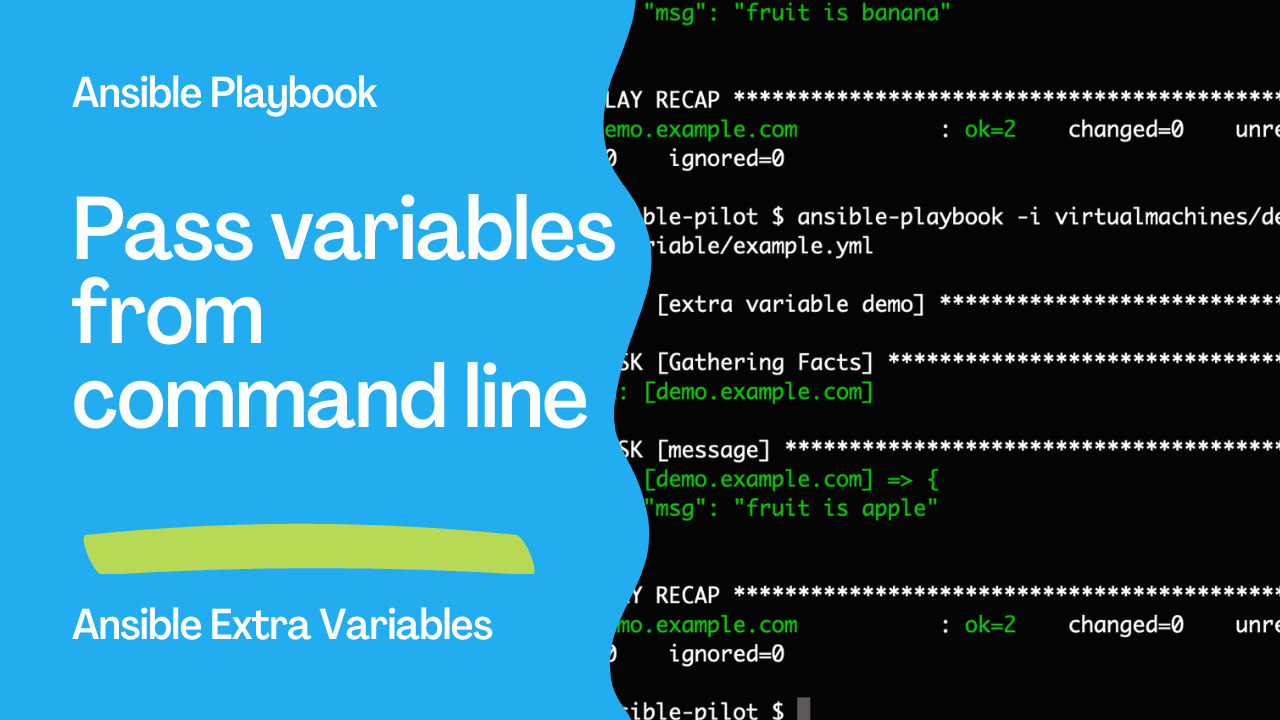
Passing Variables to Ansible Playbook: A Quick Guide
In today's episode of Ansible Pilot, we'll delve into the practical aspect of passing variables to Ansible Playbooks via the command line. This can be a powerful and flexible way to customize your playbook execution based on dynamic inputs. I'm Luca Berton, and let's jump right into the world of Ansible extra variables.
See also: Ansible Troubleshooting: Fix Jinja2 Syntax & Inventory Errors
Understanding Ansible Extra Variables
Ansible extra variables provide a means to pass values to your playbook from the command line. This flexibility is particularly valuable when you need to integrate Ansible into existing automation scripts or workflows. Extra variables can be specified in various formats, and today, we'll explore a few options.
Command Line Syntax
The command line parameter for passing extra variables is --extra-vars, followed by the variable-value pair. Here are some examples:
--extra-vars "fruit=apple"--extra-vars '{"fruit":"apple"}'--extra-vars "@file.json"--extra-vars "@file.yml"
Real-Life Example
Let's illustrate this concept with a real-life example. Consider the following Ansible Playbook:
- example.yml
---
- name: Extra variable Playbook
  hosts: all
  vars:
    fruit: "banana"
  task:
    - name: Print message
      ansible.builtin.debug:
        msg: "fruit is {{ fruit }}"
In this playbook, we have a variable named fruit with a default value of "banana." The playbook then prints a message using the value of this variable.
Executing Without Extra Variables
If we run the playbook without any extra variables, it uses the default value:
$ ansible-playbook -i inventory/Playbook --extra-vars="fruit=apple" example.yml
PLAY [Extra variable Playbook] ************************************************************************
TASK [Gathering Facts] ****************************************************************************
ok: [demo.example.com]
TASK [Print message] *****************************************************************************
ok: [demo.example.com] => {
    "msg": "fruit is apple"
}
PLAY RECAP ****************************************************************************************
demo.example.com           : ok=2    changed=0    unreachable=0    failed=0    skipped=0    rescued=0    ignored=0
Executing With a Plain Extra Variable
Now, let's provide a plain extra variable:
$ ansible-playbook -i inventory/Playbook --extra-vars="fruit=apple" example.yml
PLAY [Extra variable Playbook] ************************************************************************
TASK [Gathering Facts] ****************************************************************************
ok: [demo.example.com]
TASK [Print message] *****************************************************************************
ok: [demo.example.com] => {
    "msg": "fruit is apple"
}
PLAY RECAP ****************************************************************************************
demo.example.com           : ok=2    changed=0    unreachable=0    failed=0    skipped=0    rescued=0    ignored=0
Executing With a JSON Extra Variable
Lastly, let's use a JSON-formatted extra variable:
$ ansible-playbook -i inventory/Playbook --extra-vars='{"fruit":"raspberry"}' example.yml
PLAY [Extra variable Playbook] ************************************************************************
TASK [Gathering Facts] ****************************************************************************
ok: [demo.example.com]
TASK [Print message] *****************************************************************************
ok: [demo.example.com] => {
    "msg": "fruit is raspberry"
}
PLAY RECAP ****************************************************************************************
demo.example.com           : ok=2    changed=0    unreachable=0    failed=0    skipped=0    rescued=0    ignored=0
Conclusion
In summary, passing extra variables to an Ansible Playbook through the command line is a straightforward process. Whether you choose a plain variable, a JSON-formatted one, or even reference a file, Ansible provides the flexibility to cater to your specific needs. This capability opens up endless possibilities for dynamic playbook executions, making your automation workflows even more powerful.
See also: Effective Techniques to Clear Host Errors in Ansible Playbooks
Related Articles
Category: troubleshooting
Watch the video: Ansible extra-vars: Pass Variables via Command Line (--extra-vars Guide) — Video Tutorial