Custom hello-world Ansible Filter Plugin
By Luca Berton · Published 2024-01-01 · Category: collections-galaxy
Unveiling Ansible’s “hello-world” Filter Plugin in foo.bar: A glimpse into personalized automation for tailored solutions.
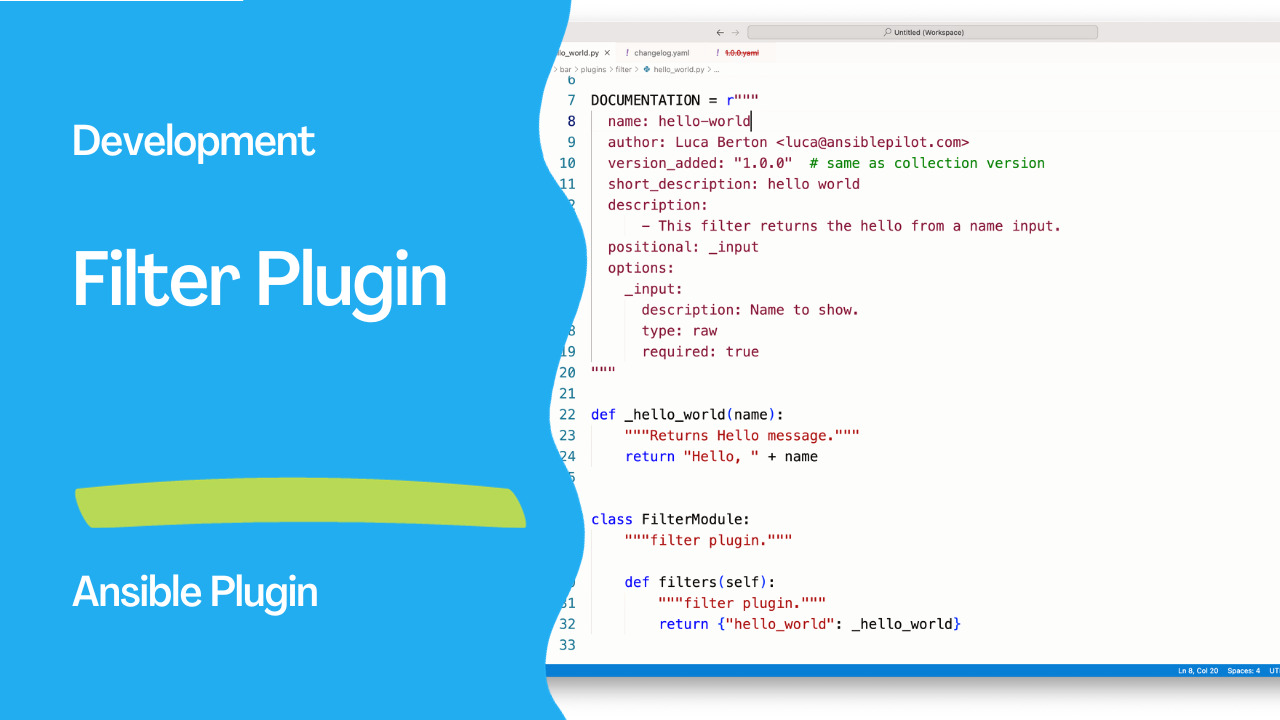
Introduction
In the world of automation and configuration management, Ansible plays a pivotal role in simplifying complex tasks and orchestrating diverse systems. One of the key features that makes Ansible highly versatile is the ability to extend its functionality through plugins. In this article, we’ll dive into the “hello-world" filter plugin written in Python for Ansible within the foo.bar namespace.
See also: Creating Custom Ansible Plugins to Fetch API Data Easily
Understanding the Basics
The “hello-world” filter plugin is a simple yet illustrative example of a filter plugin in Ansible. The purpose of this plugin is to generate a personalized greeting message, taking a name as input and returning a “Hello, [name]” message.
"""A hello-world filter plugin in foo.bar collection."""

from __future__ import absolute_import, division, print_function

__metaclass__ = type

DOCUMENTATION = r"""
  name: hello-world
  author: Luca Berton <luca@ansiblepilot.com>
  version_added: "1.0.0"  # same as collection version
  short_description: hello world
  description:
      - This filter returns the hello from a name input.
  positional: _input
  options:
    _input:
      description: Name to show.
      type: raw
      required: true
"""

def _hello_world(name):
    """Returns Hello message."""
    return "Hello, " + name

class FilterModule:
    """filter plugin."""

    def filters(self):
        """filter plugin."""
        return {"hello_world": _hello_world}
Let’s break down the key components of the provided Python script, hello_world.py:
- Metadata Section:
name: Specifies the name of the filter plugin.author: Indicates the author of the plugin along with their contact email.version_added: Denotes the version in which the plugin was added.short_description: Provides a brief overview of the plugin.description: Offers more detailed information about the plugin, including its purpose.positional: Defines the positional arguments that the plugin accepts.options: Describes the options, such as input parameters, that the plugin supports.
- Filter Implementation:
_hello_worldfunction: This private function takes a name as an argument and returns a greeting message.FilterModuleclass: Defines the filter plugin and its associated methods.
hello_world" filter, which is mapped to the _hello_world function.
Practical Use
To utilize this filter plugin in an Ansible playbook, you can invoke it using thehello_world filter with a specific name as input. Here's an example:
---
- name: Example Playbook
  hosts: localhost
  tasks:
    - name: Display Hello World Message
      debug:
        msg: "{{ 'Your Name' | hello_world }}"
Replace 'Your Name' with the desired name, and when you run this playbook, it will output a message like:
TASK [Display Hello World Message] ********************************************
ok: [localhost] => {
    "msg": "Hello, Your Name"
}
See also: Simplify Ansible Output with the community.general.dense Callback Plugin
Conclusion
Understanding filter plugins in Ansible is crucial for extending the capabilities of your automation scripts. The “hello-world” filter plugin we explored provides a foundation for creating more complex filters tailored to specific use cases. By customizing and expanding upon this example, you can enhance your Ansible playbooks with personalized and dynamic content. Happy automating!
Related Articles
Category: collections-galaxy