Ansible Troubleshooting Installation Issues on macOS and Python
By Luca Berton · Published 2024-01-01 · Category: installation
Learn how to resolve the ImportError for Jinja2 when installing Ansible on macOS using Homebrew, ensuring smooth automation setup.
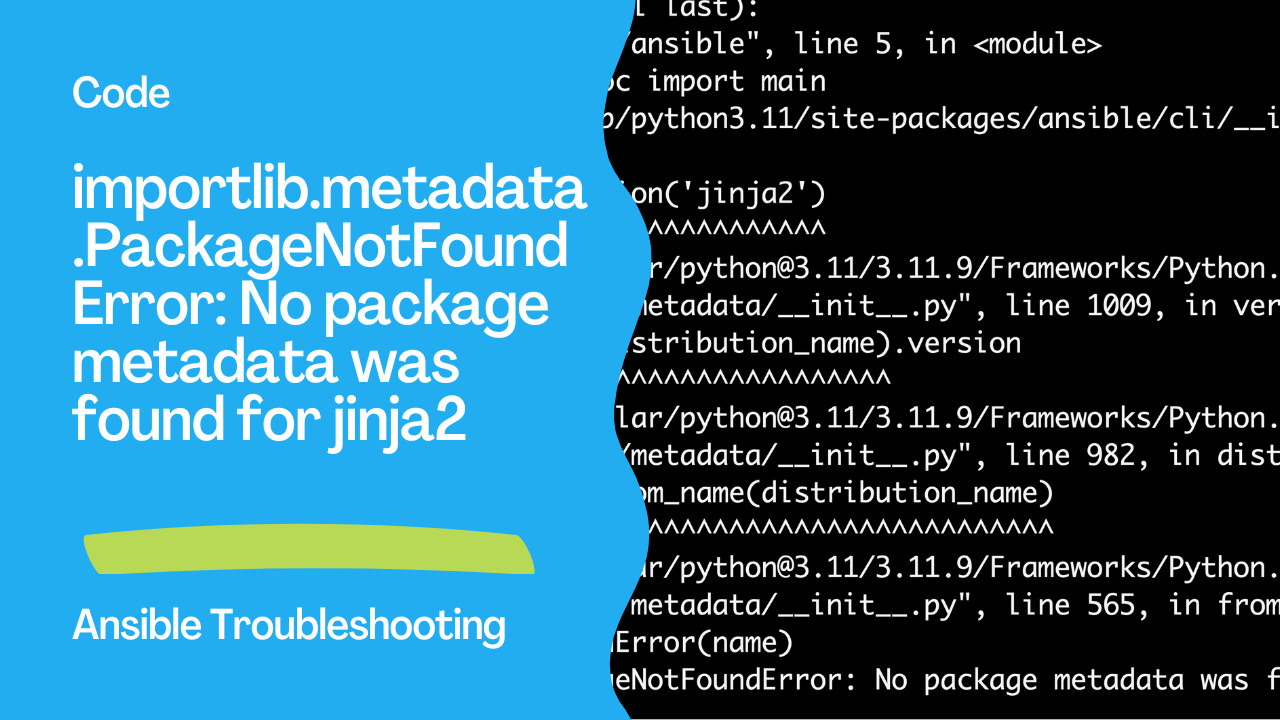
Introduction
Ansible is a powerful automation tool used by IT professionals to manage and configure systems, deploy software, and orchestrate more advanced IT tasks such as continuous deployments or zero-downtime rolling updates. However, installing and configuring Ansible can sometimes pose challenges, particularly on macOS systems managed by Homebrew. This guide provides a step-by-step solution to resolve a common issue related to the Jinja2 package dependency.
See also: Automate Text Capitalization with Ansible Playbooks
The Problem: ImportError for Jinja2
Many users encounter the following error when trying to execute Ansible commands on their macOS:
Traceback (most recent call last):
  File "/opt/homebrew/bin/ansible", line 5, in <module>
    from ansible.cli.adhoc import main
  File "/opt/homebrew/lib/python3.11/site-packages/ansible/cli/__init__.py", line 73, in <module>
    jinja2_version = version('jinja2')
                     ^^^^^^^^^^^^^^^^^
  File "/opt/homebrew/Cellar/python@3.11/3.11.9/Frameworks/Python.framework/Versions/3.11/lib/python3.11/importlib/metadata/__init__.py", line 1009, in version
    return distribution(distribution_name).version
           ^^^^^^^^^^^^^^^^^^^^^^^^^^^^^^^
  File "/opt/homebrew/Cellar/python@3.11/3.11.9/Frameworks/Python.framework/Versions/3.11/lib/python3.11/importlib/metadata/__init__.py", line 982, in distribution
    return Distribution.from_name(distribution_name)
           ^^^^^^^^^^^^^^^^^^^^^^^^^^^^^^^^^^^^^^^^^
  File "/opt/homebrew/Cellar/python@3.11/3.11.9/Frameworks/Python.framework/Versions/3.11/lib/python3.11/importlib/metadata/__init__.py", line 565, in from_name
    raise PackageNotFoundError(name)
importlib.metadata.PackageNotFoundError: No package metadata was found for jinja2
This error typically arises because the Jinja2 package is not found in the Python environment used by Ansible. Let’s walk through the steps to resolve this issue.
Step 1: Remove Conflicting Ansible Installations
First, remove any existing Ansible installations that might be causing conflicts. This includes binaries and related files:
rm /opt/homebrew/bin/ansible
rm /opt/homebrew/bin/ansible-config
rm /opt/homebrew/bin/ansible-connection
rm /opt/homebrew/bin/ansible-console
rm /opt/homebrew/bin/ansible-doc
rm /opt/homebrew/bin/ansible-galaxy
rm /opt/homebrew/bin/ansible-inventory
rm /opt/homebrew/bin/ansible-playbook
rm /opt/homebrew/bin/ansible-pull
rm /opt/homebrew/bin/ansible-test
rm /opt/homebrew/bin/ansible-vault
See also: Mastering Time in Ansible: An Introduction to the now() Function
Step 2: Create and Activate a Virtual Environment
Using a virtual environment is a good practice to avoid conflicts between system-wide and project-specific dependencies. Create and activate a virtual environment with the following commands:
python3 -m venv ansible-env
source ansible-env/bin/activate
Step 3: Install Jinja2 and Ansible in the Virtual Environment
With the virtual environment active, install Jinja2 and Ansible:
pip install jinja2 ansibleSee also: Ansible upper, lower, capitalize & title Filters: Text Case Guide
Step 4: Verify the Installation
Ensure that both Jinja2 and Ansible are installed and accessible:
python -m pip show jinja2
python -m pip show ansible
Step 5: Reinstall Ansible with Homebrew
If you prefer using Homebrew for managing Ansible, proceed with the reinstallation:
brew install ansibleIf you encounter linking issues, force the link:
brew link --overwrite ansibleStep 6: Verify Ansible Installation
Finally, verify that Ansible is correctly installed and functioning:
ansible --versionYou should see output similar to this, confirming the correct installation of Ansible and its dependencies:
ansible [core 2.17.0]
  config file = None
  configured module search path = ['/Users/username/.ansible/plugins/modules', '/usr/share/ansible/plugins/modules']
  ansible python module location = /opt/homebrew/Cellar/ansible/10.0.1/libexec/lib/python3.12/site-packages/ansible
  ansible collection location = /Users/username/.ansible/collections:/usr/share/ansible/collections
  executable location = /opt/homebrew/bin/ansible
  python version = 3.12.3 (main, Apr  9 2024, 08:09:14) [Clang 15.0.0 (clang-1500.3.9.4)]
  jinja version = 3.1.4
  libyaml = True
Conclusion
By following these steps, you can resolve the Jinja2 dependency issue and ensure that Ansible runs smoothly on your macOS system. Using a virtual environment to manage dependencies helps prevent conflicts and ensures a more stable and predictable development environment. If you continue to experience issues, double-check the installation paths and ensure no conflicting packages exist. Happy automating with Ansible!
Related Articles
- discovering content via Ansible Galaxy
- Ansible template guide
- Ansible inventory file structure
- Ansible Vault guide
See also
Category: installation
Watch the video: Ansible Troubleshooting Installation Issues on macOS and Python — Video Tutorial