Simplify Ansible Output with the community.general.dense Callback Plugin
By Luca Berton · Published 2024-01-01 · Category: networking
Learn how to reduce verbosity in Ansible output using callback plugins, enhancing efficiency and integration in large-scale automation tasks.
Introduction
Ansible, an open-source automation tool, simplifies complex IT tasks by orchestrating configuration management, application deployment, and task automation. One of the essential features of Ansible is its ability to provide feedback on the tasks it performs through output messages. In certain scenarios, especially when dealing with large-scale automation or integrating Ansible with other tools, reducing the verbosity of the output becomes crucial. This is where Ansible callback plugins come into play.
See also: Simplifying Ansible Output with the community.general.unixy Callback Plugin
Understanding Ansible Inventory and Playbooks
Before diving into callback plugins, let's quickly revisit the basic components of an Ansible setup: the inventory file and playbooks.
Inventory
The inventory file defines the hosts on which Ansible will perform tasks. In the example, we see a simple inventory file with the localhost defined as the target host.# inventory
localhost ansible_connection=localPlaybook (ping.yml)
A playbook is a YAML file that outlines a set of tasks to be executed on specified hosts. In this example, we have a playbook namedping.yml that tests the connection to the hosts using the Ansible ping module.
# ping.yml
---
- name: Ping module Playbook
  hosts: all
  tasks:
    - name: Test connection
      ansible.builtin.ping:
Ansible Configuration (ansible.cfg)
The Ansible configuration file (ansible.cfg) allows users to customize various settings. In this case, the configuration includes a callback plugin configuration to control the output verbosity.
# ansible.cfg
[defaults]
callbacks_enabled = community.general.dense
stdout_callback = community.general.dense
Introducing community.general.dense Callback Plugin
The community.general.dense callback plugin is designed to minimize the standard output (stdout) of Ansible, providing a cleaner and more concise representation of task execution. Let's explore how to leverage this plugin to streamline Ansible output.
Using community.general.dense Callback Plugin
To enable the community.general.dense callback plugin, include the following configuration in your ansible.cfg file:
[defaults]
callbacks_enabled = community.general.dense
stdout_callback = community.general.dense
This ensures that the dense callback plugin is set as the standard output callback.
Ansible Execution Without community.general.dense
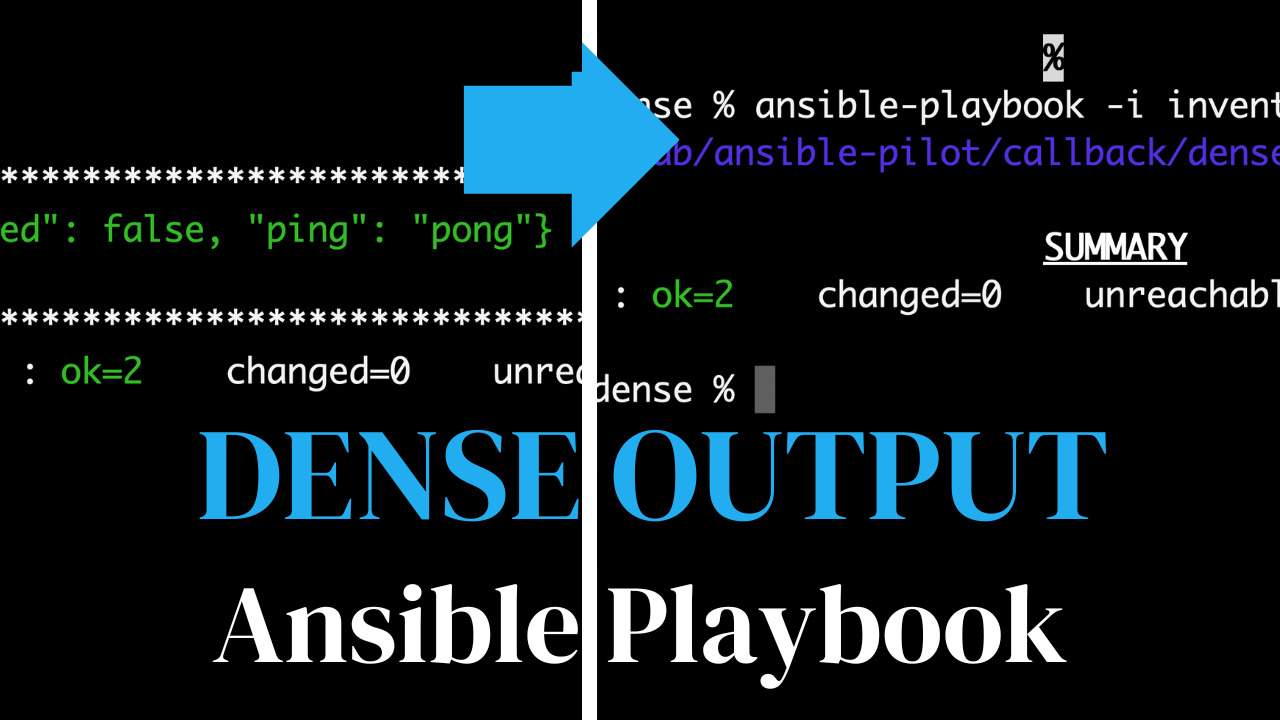
When running an Ansible playbook without the community.general.dense callback plugin, the output can be verbose, displaying detailed information about each task.
ansible-playbook -i inventory ping.ymlThe output includes information about the host, gathered facts, and the result of each task, making it suitable for debugging and detailed analysis.
Ansible Execution With community.general.dense
By utilizing the community.general.dense callback plugin, the output becomes more concise, especially useful in scenarios where a brief summary is preferred.
ansible-playbook -i inventory ping.ymlThe streamlined output, as shown in the example, provides a high-level overview of the playbook execution, summarizing the number of tasks executed and their outcomes.
PLAY 1: PING MODULE DEMOThis minimalistic representation is beneficial when dealing with a large number of tasks or integrating Ansible into systems where concise output is preferred.
See also: Automating PostgreSQL Configuration with Ansible Setting Maximum Connections
Conclusion
Ansible callback plugins, such as community.general.dense, offer a flexible way to tailor the output of Ansible to suit different needs. By choosing the appropriate callback plugin, users can strike a balance between detailed information and streamlined summaries, optimizing their Ansible experience based on the specific requirements of their automation workflows.
Related Articles
Category: networking
Watch the video: Simplify Ansible Output with the community.general.dense Callback Plugin — Video Tutorial