Creating Custom Ansible Plugins to Fetch API Data Easily
By Luca Berton · Published 2024-01-01 · Category: installation
Learn how to create custom Ansible plugins to fetch data from APIs. Enhance your automation tasks with this detailed step-by-step guide.
Introduction
Ansible is a powerful automation tool used for configuration management, application deployment, and task automation. While it comes with a rich set of modules and plugins, there are times when you might need to extend its capabilities by writing custom plugins. In this article, we will walk you through the process of creating a custom Ansible plugin to retrieve user data from an API endpoint.
See also: Ansible script Module: Run Local Scripts on Remote Hosts Guide
Why Create a Custom Plugin?
Creating a custom plugin allows you to:
- Extend Ansible's functionality to meet specific needs.
- Integrate with external APIs that are not covered by existing modules.
- Simplify complex tasks by encapsulating them in reusable plugins.
Our Goal
We will create a custom lookup plugin that fetches a list of users from https://reqres.in/api/users?page=2 and makes this data available for use in Ansible playbooks.
Prerequisites
- Basic understanding of Ansible and Python.
- Ansible installed on your machine.
- Internet connection to access the API.
Step-by-Step Guide
Step 1: Directory Structure
Create the necessary directory structure for the custom plugin. By default, Ansible looks for plugins in the lookup_plugins directory within your project.
mkdir -p my_ansible_project/lookup_pluginsStep 2: Write the Plugin Code
Create a file named list_users.py inside the lookup_plugins directory with the following content:
# python 3 headers, required if submitting to Ansible
from __future__ import (absolute_import, division, print_function)
__metaclass__ = type

DOCUMENTATION = r"""
  name: list_users
  author: Your Name <your.email@example.com>
  version_added: "0.1"
  short_description: Retrieve list of users from an API
  description:
      - This lookup retrieves the list of users from the provided API.
"""

from ansible.errors import AnsibleError
from ansible.plugins.lookup import LookupBase
from ansible.utils.display import Display
import requests

display = Display()

class LookupModule(LookupBase):

    _URL_ = "https://reqres.in/api/users?page=2"

    def run(self, terms, variables=None, **kwargs):
        try:
            res = requests.get(self._URL_)
            res.raise_for_status()
            users = res.json().get('data', [])

        except requests.exceptions.HTTPError as e:
            raise AnsibleError(f'There was an error retrieving users. The lookup API returned {res.status_code}')
        except Exception as e:
            raise AnsibleError(f'Unhandled exception in lookup plugin. Origin: {e}')

        return users
This code defines a custom lookup plugin that makes a GET request to the specified API endpoint and returns the list of users. The run method handles the API request and error handling.
Step 3: Using the Custom Plugin in a Playbook
Now that we have our custom plugin, let's use it in an Ansible playbook. Create a playbook file named test_plugin.yml with the following content:
---
- name: Test custom plugin
  hosts: localhost
  tasks:
    - name: Get list of users
      debug:
        msg: "{{ lookup('list_users') }}"
This playbook uses the debug module to print the list of users retrieved by our custom plugin.
Step 4: Running the Playbook
Navigate to the directory containing your playbook and run it using the following command:
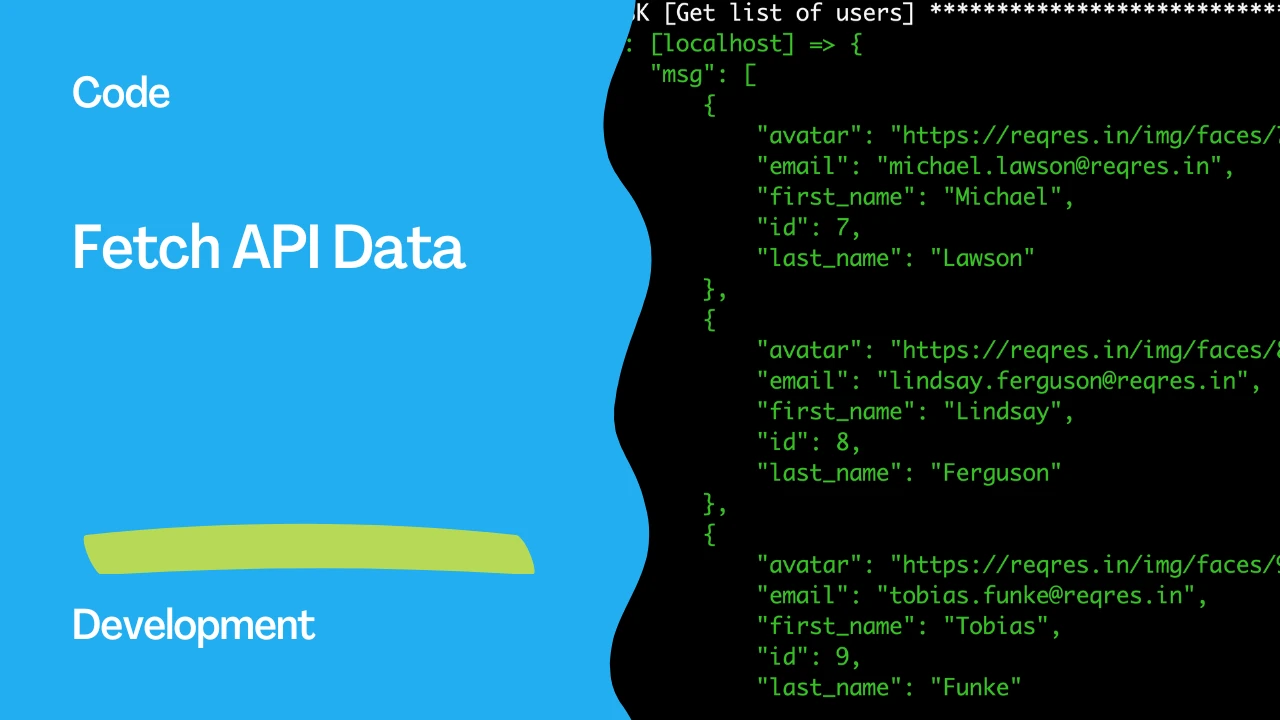
ansible-playbook test_plugin.ymlYou should see output similar to the following:
TASK [Get list of users] *******************************************************************
ok: [localhost] => {
    "msg": [
        {
            "id": 7,
            "email": "michael.lawson@reqres.in",
            "first_name": "Michael",
            "last_name": "Lawson",
            "avatar": "https://reqres.in/img/faces/7-image.jpg"
        },
        {
            "id": 8,
            "email": "lindsay.ferguson@reqres.in",
            "first_name": "Lindsay",
            "last_name": "Ferguson",
            "avatar": "https://reqres.in/img/faces/8-image.jpg"
        }
        ...
    ]
}
See also: Custom hello-world Ansible Filter Plugin
Conclusion
In this article, we've Playbooknstrated how to create a custom Ansible plugin to retrieve user data from an API. This approach can be extended to interact with various external services, making your automation tasks even more powerful and flexible. Custom plugins enable you to tailor Ansible to your specific needs, allowing you to automate and manage your infrastructure more effectively.
Related Articles
- EC2 provisioning with Ansible
- Ansible script Module: Run Local Scripts on Remote Hosts Guide
- Custom hello-world Ansible Filter Plugin
See also
Category: installation
Watch the video: Creating Custom Ansible Plugins to Fetch API Data Easily — Video Tutorial