Mastering Ansible-Creator: Simplify Your Ansible Collection Development
By Luca Berton · Published 2024-01-01 · Category: installation
Discover how to install and use Ansible-Creator to simplify Ansible Collection development. Enhance your automation projects with this powerful tool and Visual.
Introduction
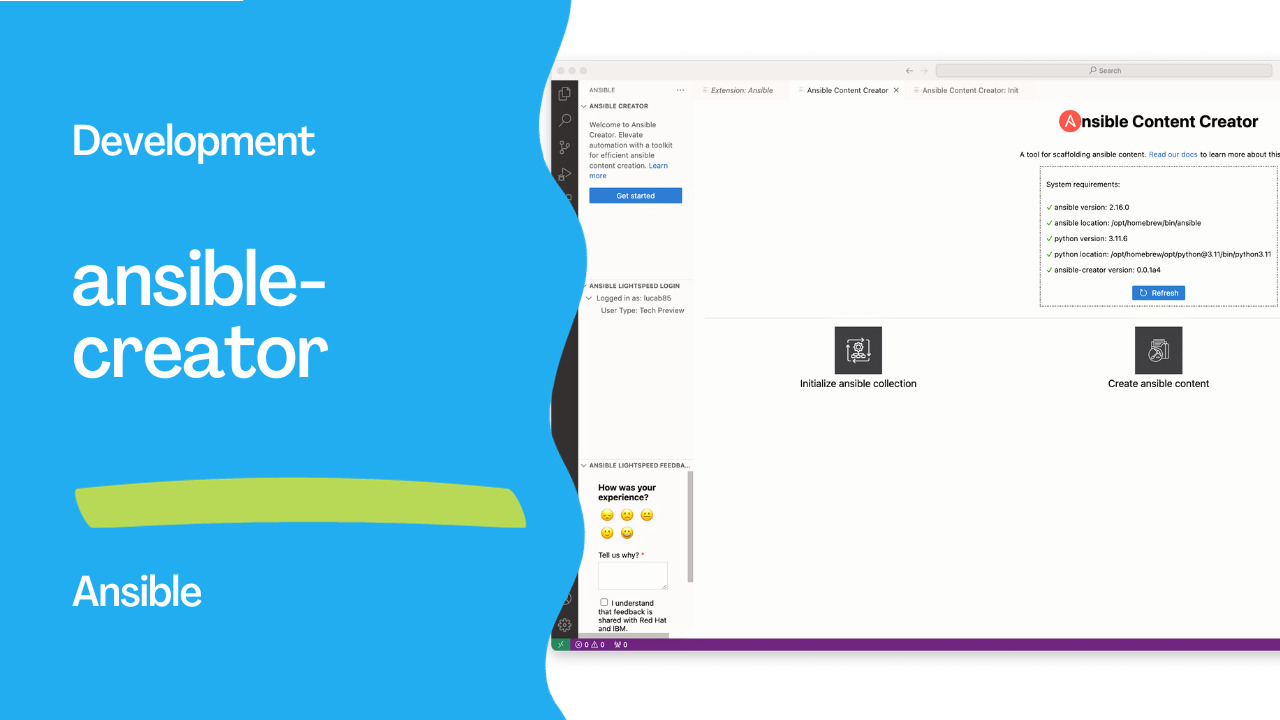
Ansible, the open-source automation platform, has become an integral part of many IT environments, simplifying complex tasks through the creation and management of Ansible Collections. To further enhance the user experience, the Ansible team has introduced a new tool –ansible-creator. In this article, we'll explore ansible-creator and its capabilities, focusing on its installation and basic usage.
See also: Creating Ansible Collection Using ansible-creator and VS Code Ansible Extension
Installing ansible-creator
Before diving intoansible-creator, users need to ensure that it is installed on their system. The installation process involves the use of Python's package manager, pip. If pip is not installed, users can install it with the following command:
sudo easy_install pipOnce pip is installed, ansible-creator can be installed using the following commands:
pip3 install ansible-creatorGetting Started: After a successful installation, users can verify the version and check the available commands by using the following commands:
ansible-creator --version
ansible-creator --help
The output will provide information about the installed version and the available commands, giving users a quick reference for future use.
Initializing an Ansible Collection
The primary function ofansible-creator is to simplify the process of creating a new Ansible Collection. The 'init' command is used for this purpose. Users can initialize a new collection by providing the desired name in the format . ansible-creator init my_namespace.my_collectionThis command will generate the necessary directory structure and files, creating a skeleton framework for the new Ansible Collection. Users can customize the initialization process by specifying additional options, such as the log file path, log level, and output format.
See also: Simplify Ansible Output with the community.general.dense Callback Plugin
Customization Options
ansible-creator provides several options to customize the initialization process. Some of the notable options include:
--naor--no-ansi: Disables the use of ANSI codes for terminal color.--lfor--log-file: Specifies the log file to write to.--llor--log-level: Sets the log level for file output.--laor--log-append: Appends to the log file if set to true.--json: Outputs messages in JSON format.-v: Increases the verbosity of the CLI output.
--init-path option. By default, the collection is created in the current working directory. Additionally, the --force option allows users to force the re-initialization of an existing directory as an Ansible Collection.
Visual Studio Code
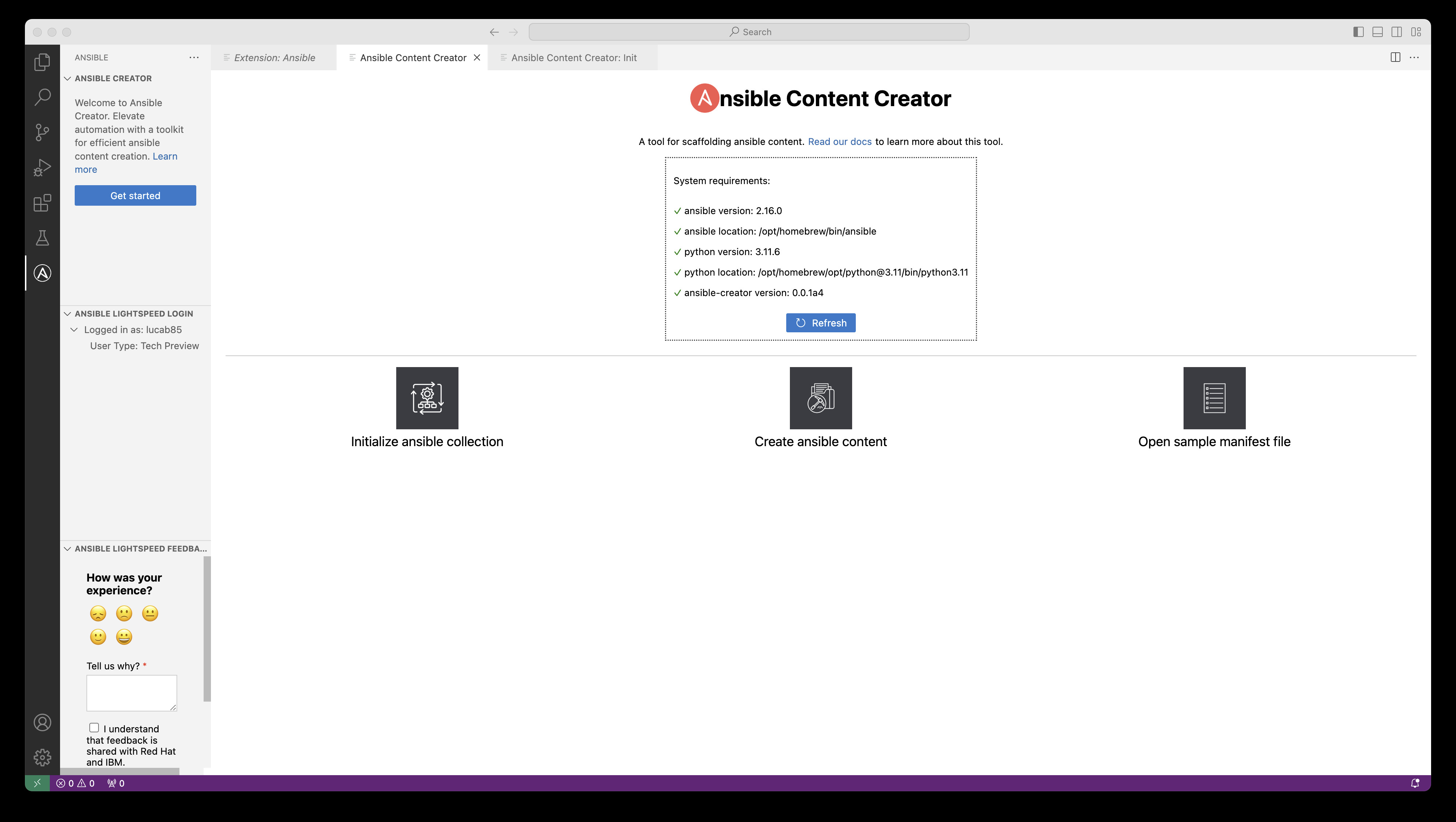
Integration with popular development environments is crucial for enhancing the efficiency and user experience of any automation tool, andansible-creator takes a step further by seamlessly integrating with Visual Studio Code (VSCode). With the latest Ansible extension for VSCode, users can enjoy a comprehensive development environment that combines the power of ansible-creator with the rich features of VSCode. This integration allows Ansible content creators to leverage the code editing capabilities, syntax highlighting, and debugging tools provided by VSCode. Additionally, users can benefit from version control integration, making collaboration and code management even more straightforward. The tight integration of ansible-creator with the latest Ansible extension for VSCode ensures that developers have a robust and efficient platform for building, testing, and maintaining their Ansible Collections within a familiar and developer-friendly environment.
See also: Simplifying Ansible Output with the community.general.unixy Callback Plugin
Conclusion
Ansible-creator is a powerful tool that simplifies the process of creating Ansible Collections, enabling users to focus on content development rather than dealing with the intricacies of directory structures and file setups. As Ansible continues to evolve, ansible-creator stands out as a valuable addition to the toolkit, streamlining workflows and enhancing the overall Ansible experience.Related Articles
- become directives in Ansible
- Creating Ansible Collection Using ansible-creator and VS Code Ansible Extension
- Simplify Ansible Output with the community.general.dense Callback Plugin
See also
Category: installation
Watch the video: Mastering Ansible-Creator: Simplify Your Ansible Collection Development — Video Tutorial