Connect the AAP Intelligent Assistant to Red Hat AI: Setup Guide
By Luca Berton · Published 2024-01-01 · Category: installation
Step-by-step setup guide to connect the AAP Intelligent Assistant to Red Hat AI on AAP 2.6+/2.7, with BYOM context and RAG/BYOK notes.
!BYOM provider compatibility matrix, AAP 2.7
Why Connect the Intelligent Assistant to Red Hat AI
The Intelligent Assistant is the chatbot embedded directly in the Ansible Automation Platform (AAP) UI, designed to help automators write playbooks, troubleshoot job failures, and answer platform questions without leaving their console. Since AAP introduced Bring Your Own Model (BYOM) support, organizations can choose which large language model backend powers that chatbot instead of being locked into a single vendor.
At Red Hat Tech Day Netherlands 2026 in Bunnik, Red Hat laid out the current BYOM provider compatibility matrix for AAP 2.7's AI features. For the Intelligent Assistant specifically, Red Hat AI is a fully supported provider starting at AAP 2.6, making it the recommended first-party path for teams who want tight integration, predictable support, and a model stack that Red Hat itself maintains end to end.
This guide walks through what "connecting" the Intelligent Assistant to Red Hat AI actually involves, how it compares to the other supported providers, and what's coming next with Bring Your Own Knowledge (BYOK).
See also: AAP BYOM Provider Comparison 2026: Red Hat AI vs OpenAI vs Azure vs watsonx vs Gemini
Provider Compatibility at a Glance
Not every AI feature in AAP 2.7 supports every model provider today. Before you configure anything, it's worth understanding where Red Hat AI fits relative to the alternatives — and where it doesn't yet apply.
| Provider | Intelligent Assistant (chatbot) | Coding Assistant (VS Code extension) |
|---|---|---|
| Red Hat AI | Supported (AAP 2.6+) | Supported (AAP 2.6+) |
| OpenAI | Supported (AAP 2.6+) | Coming Soon |
| Azure OpenAI | Supported (AAP 2.6+) | Coming Soon |
| IBM watsonx | Not supported | Supported (AAP 2.5+, first external provider) |
| Google Gemini / Vertex AI | Coming Soon | Supported (AAP 2.6+) |
Prerequisites
Before connecting the Intelligent Assistant to Red Hat AI, confirm the following:
- You are running AAP 2.6 or later (AAP 2.7 recommended for the latest BYOM matrix and features described here).
- You have platform administrator access to the AAP controller/gateway to register a model provider.
- Your Red Hat AI endpoint (self-hosted inference server or Red Hat-managed AI service) is reachable from the AAP instance, with network policies and firewall rules allowing outbound HTTPS from AAP to the Red Hat AI endpoint.
- You have a valid API credential/token for the Red Hat AI service, provisioned according to your Red Hat AI deployment's authentication model.
Setting Up the Connection
At a high level, connecting the Intelligent Assistant to Red Hat AI follows the same BYOM provider-registration pattern AAP uses for any supported model backend:
- Register the model provider. In the AAP platform settings, navigate to the AI/model provider configuration area and add a new provider entry pointing to your Red Hat AI endpoint.
- Supply credentials. Store the Red Hat AI API token as an AAP credential object so the platform can authenticate against the inference endpoint without embedding secrets in configuration files.
- Assign the provider to the Intelligent Assistant. Select Red Hat AI as the active model backend for the chatbot feature specifically — remember, provider assignment in AAP 2.7 is per-feature, so this step does not automatically apply to the Coding Assistant.
- Validate connectivity. Use the built-in test/validation action in the provider configuration screen to confirm AAP can reach the Red Hat AI endpoint and receive a successful model response.
- Test in the UI. Open the Intelligent Assistant panel in the AAP console and ask a sample automation question to confirm responses are being generated end to end.
---
- name: Apply a change reviewed via the AAP Intelligent Assistant
  hosts: web_servers
  become: true
  vars:
    change_ticket: "CHG0012345"
    reviewed_by: "platform-team"

  tasks:
    - name: Record change metadata for audit trail
      ansible.builtin.debug:
        msg: >
          Applying change {{ change_ticket }} reviewed by
          {{ reviewed_by }}, suggested via AAP Intelligent Assistant.

    - name: Ensure required package version is installed
      ansible.builtin.package:
        name: httpd
        state: present

    - name: Apply hardened configuration template
      ansible.builtin.template:
        src: templates/httpd-hardened.conf.j2
        dest: /etc/httpd/conf/httpd.conf
        owner: root
        group: root
        mode: "0644"
      notify: restart httpd

  handlers:
    - name: restart httpd
      ansible.builtin.service:
        name: httpd
        state: restarted
This kind of playbook is exactly the sort of content the Intelligent Assistant, once connected to Red Hat AI, can help draft, explain, or troubleshoot directly inside the AAP UI.
See also: Connect the AAP Coding Assistant to Google Gemini: Setup Guide
What's Next: Bring Your Own Knowledge (BYOK)
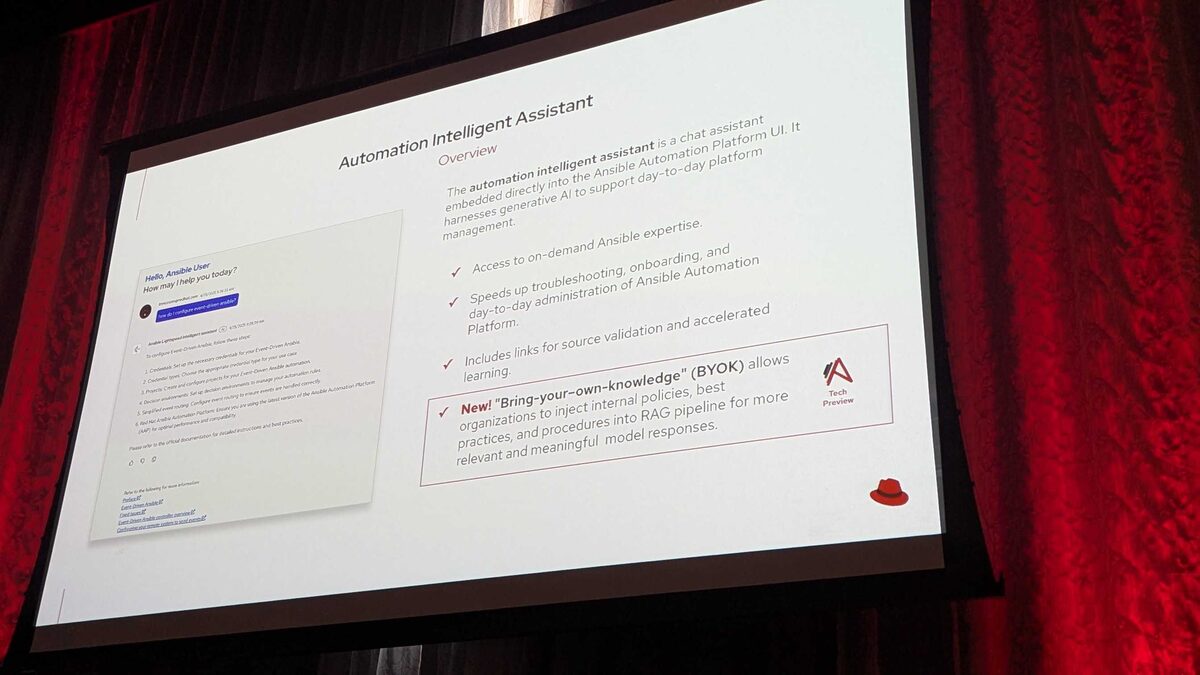
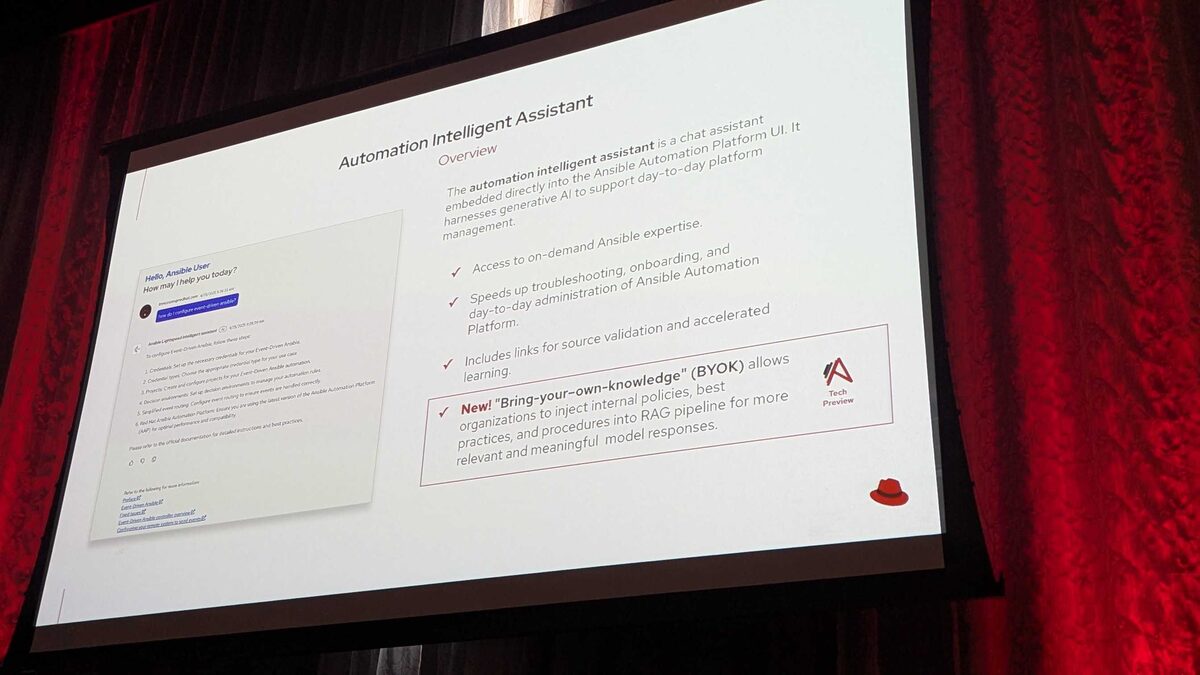
Also announced at Red Hat Tech Day Netherlands 2026 was Bring Your Own Knowledge (BYOK), currently in Tech Preview. BYOK extends the Intelligent Assistant's retrieval-augmented generation (RAG) pipeline so it isn't limited to generic Ansible documentation. Organizations will be able to inject their own internal knowledge — change-management procedures, network naming conventions, compliance requirements such as PCI-DSS, HIPAA, or SOC2, and internal runbooks — directly into the Assistant's grounding sources.
For teams connecting the Intelligent Assistant to Red Hat AI today, BYOK is worth planning around now: the model backend (Red Hat AI) and the knowledge grounding layer (BYOK) are separate, complementary pieces of the same AI stack. Getting the Red Hat AI connection solid first sets you up to layer organization-specific knowledge on top once BYOK matures beyond Tech Preview.
Key Takeaways
- Red Hat AI is a fully supported Intelligent Assistant provider starting at AAP 2.6, and is the only provider currently supported across both the Intelligent Assistant and the Coding Assistant.
- IBM watsonx supports the Coding Assistant (since AAP 2.5) but is explicitly not supported for the Intelligent Assistant — verify per-feature support before assuming a connection carries over.
- Google Gemini/Vertex AI support for the Intelligent Assistant is listed as Coming Soon; OpenAI and Azure OpenAI are already supported alternatives at AAP 2.6+.
- Connecting the Intelligent Assistant to Red Hat AI is a platform-level BYOM provider registration: add the endpoint, store credentials securely, assign the provider to the chatbot feature, and validate connectivity before rolling it out to users.
- Bring Your Own Knowledge (BYOK), announced as Tech Preview at Red Hat Tech Day Netherlands 2026, will let organizations ground Intelligent Assistant answers in their own policies and runbooks rather than generic documentation alone — plan your Red Hat AI connection with this future layer in mind.
Related Articles
Category: installation