Connect the AAP Intelligent Assistant to OpenAI: Setup Guide
By Luca Berton · Published 2024-01-01 · Category: installation
Step-by-step guide to connecting the AAP Intelligent Assistant to OpenAI on Ansible Automation Platform 2.6/2.7 using the BYOM model.
!BYOM provider compatibility matrix, AAP 2.7
Red Hat Ansible Automation Platform (AAP) 2.7 lets organizations bring their own large language model provider to power the Intelligent Assistant, the chatbot embedded directly in the AAP UI. Among the supported providers, OpenAI stands out as one of the easiest to get running for teams that already have an OpenAI account and want conversational automation help without standing up a private model. This guide walks through what BYOM means for the Intelligent Assistant, where OpenAI fits in Red Hat's provider compatibility matrix, and how to connect the two.
This guidance reflects the BYOM (Bring Your Own Model) provider compatibility matrix Red Hat presented at Red Hat Tech Day Netherlands 2026 in Bunnik on 3 June 2026, which laid out exactly which AI features support which model providers, and from which AAP version.
What Is BYOM on AAP 2.7?
BYOM, or Bring Your Own Model, is Red Hat's framework for letting customers point AAP's AI-assisted features at the LLM provider of their choice rather than being locked into a single vendor. AAP 2.7 exposes this through two distinct AI surfaces:
- Intelligent Assistant — the chatbot embedded in the AAP UI, used for asking questions, generating playbook snippets, and getting contextual help while working in controller, automation hub, or the Ansible Lightspeed experience.
- Coding Assistant — the Ansible VS Code extension that offers inline code suggestions while authoring playbooks and roles.
See also: Connect the AAP Coding Assistant to Google Gemini: Setup Guide
Provider Compatibility Matrix
Red Hat's Tech Day presentation broke down provider support feature by feature. Here is the matrix as announced:
| Provider | Intelligent Assistant | Coding Assistant |
|---|---|---|
| Red Hat AI | AAP 2.6+ | AAP 2.6+ |
| OpenAI | AAP 2.6+ | Coming Soon |
| Azure OpenAI | AAP 2.6+ | Coming Soon |
| IBM watsonx | Not supported | AAP 2.5+ (first external provider supported) |
| Google Gemini / Vertex | Coming Soon | AAP 2.6+ |
Prerequisites
Before connecting the Intelligent Assistant to OpenAI, confirm the following:
- You are running AAP 2.6 or later (AAP 2.7 recommended for the latest Intelligent Assistant capabilities, including BYOK described below).
- You have platform administrator access to the AAP UI, specifically to the AI configuration settings.
- You have an OpenAI API account with an active API key and sufficient quota/billing configured for expected chatbot usage.
- Outbound network access from your AAP instance to the OpenAI API endpoint is permitted by your network policy and any egress proxy/firewall rules.
Connecting the Intelligent Assistant to OpenAI
At a high level, the connection is a platform-level configuration change performed once by an administrator, after which the Intelligent Assistant becomes available to all authorized users across the AAP UI.
- Log in to AAP as a platform administrator and navigate to the platform-level AI/model provider settings (found under the automation platform's global settings, not inside an individual controller instance).
- Select OpenAI as the model provider for the Intelligent Assistant feature. Because the Coding Assistant does not yet support OpenAI, you will only see this option surfaced for the Intelligent Assistant configuration panel — this is expected behavior per the compatibility matrix above, not an error.
- Enter your OpenAI API key and model identifier. Store the API key using AAP's built-in credential/secrets handling rather than pasting it into a plain configuration file, so it benefits from the platform's encryption at rest.
- Set request limits and timeouts appropriate to your organization's usage patterns and OpenAI rate limits.
- Save and test the connection. AAP will perform a lightweight validation call against the OpenAI API to confirm the key and endpoint are reachable before enabling the assistant for end users.
- Verify from the UI by opening the Intelligent Assistant chat panel and asking a simple question (for example, "how do I write a handler that restarts nginx?") to confirm responses are being generated through OpenAI.
---
- name: Ensure OpenAI credential exists for the AAP Intelligent Assistant
  hosts: localhost
  gather_facts: false
  tasks:
    - name: Create or update the OpenAI API credential in automation controller
      ansible.controller.credential:
        name: "OpenAI Intelligent Assistant Key"
        organization: "Default"
        credential_type: "OpenAI API Token"
        inputs:
          api_key: "{{ openai_api_key }}"
        state: present

    - name: Confirm the credential is visible to platform administrators
      ansible.controller.credential_info:
        name: "OpenAI Intelligent Assistant Key"
      register: cred_check

    - name: Show credential lookup result
      ansible.builtin.debug:
        var: cred_check
Treat the module and credential type names above as illustrative — always check the exact ansible.controller collection documentation shipped with your AAP version for the current module and credential-type names, since BYOM configuration surfaces are still evolving.
See also: Connect the AAP Coding Assistant to IBM watsonx: Setup Guide
A Note on BYOK: Grounding the Assistant in Your Own Knowledge
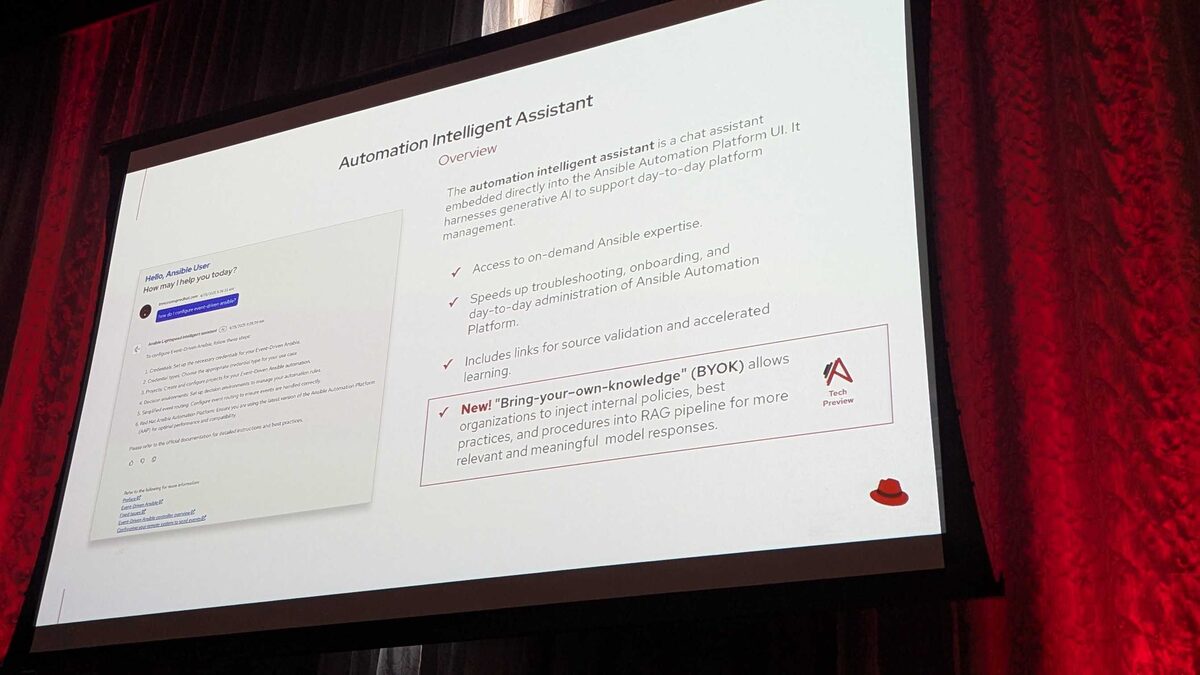
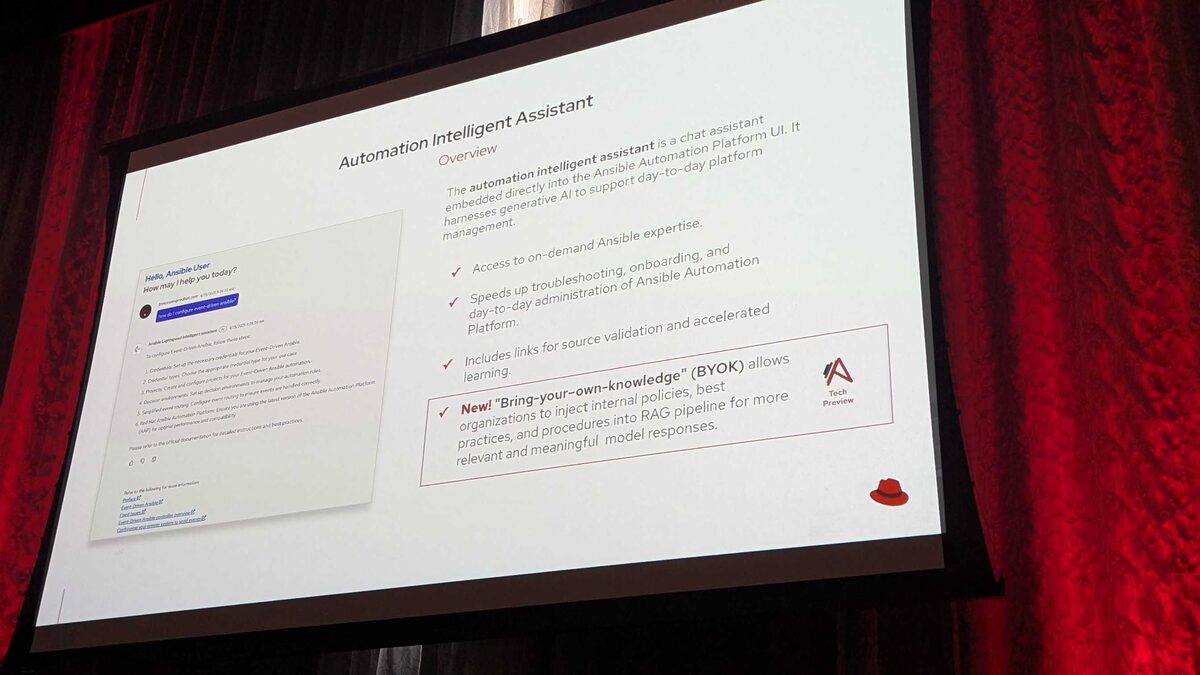
Alongside BYOM, Red Hat also announced BYOK ("Bring Your Own Knowledge") as a Tech Preview feature at the same event. BYOK lets organizations inject their own internal policies, best practices, and procedures into the Intelligent Assistant's retrieval-augmented generation (RAG) pipeline. In practice, this means the assistant's answers can be grounded not just in generic Ansible documentation, but in your organization's own change-management procedures, network naming conventions, compliance requirements such as PCI-DSS, HIPAA, or SOC2, and internal runbooks.
BYOK is independent of which model provider you choose for BYOM — you can pair an OpenAI-backed Intelligent Assistant with a BYOK-enabled knowledge base once that feature graduates from Tech Preview, giving you both a capable general-purpose model and organization-specific context in the same chat experience.
Key Takeaways
- OpenAI is a fully supported model provider for the AAP Intelligent Assistant starting at AAP 2.6+, per the BYOM compatibility matrix presented at Red Hat Tech Day Netherlands 2026.
- OpenAI is not yet supported for the Coding Assistant (VS Code extension) — that integration is listed as "Coming Soon," so do not expect inline OpenAI-powered code suggestions in VS Code yet.
- IBM watsonx supports the Coding Assistant since AAP 2.5 (the first external provider supported anywhere on the platform) but is not supported for the Intelligent Assistant at all.
- Connecting OpenAI requires platform administrator access, an OpenAI API key stored securely via AAP's credential handling, and a one-time configuration in the platform's AI settings.
- BYOK (Tech Preview) can layer your organization's own policies and runbooks on top of any BYOM-connected provider, including OpenAI, for more grounded, compliance-aware chatbot answers.
Related Articles
Category: installation