Connect the AAP Coding Assistant to Google Gemini: Setup Guide
By Luca Berton · Published 2024-01-01 · Category: installation
Step-by-step guide to connecting the AAP Coding Assistant VS Code extension to Google Gemini/Vertex under AAP 2.7's BYOM model support.
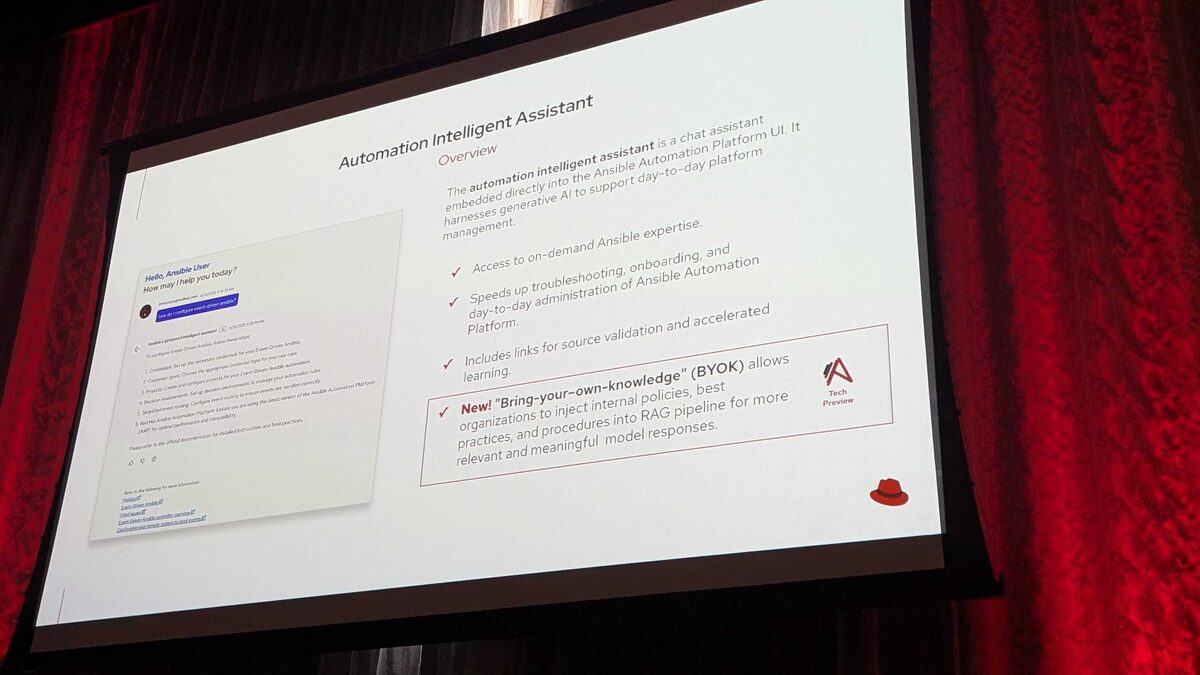
!BYOM provider compatibility matrix, AAP 2.7
Red Hat Ansible Automation Platform 2.7 opens the Coding Assistant — the AI pair-programmer built into the Ansible VS Code extension — to Google Gemini and Vertex AI as a Bring Your Own Model (BYOM) provider. This was confirmed as part of the BYOM provider compatibility matrix presented at Red Hat Tech Day Netherlands 2026 in Bunnik on 3 June 2026. If your organization already standardizes on Google Cloud's AI stack, you no longer need to route Ansible content generation through Red Hat AI alone — you can point the Coding Assistant directly at your own Gemini or Vertex endpoint.
This guide walks through what BYOM means for the Coding Assistant specifically, how it compares to the other providers on the matrix, and how to configure the connection.
BYOM: Two Assistants, Two Different Support Timelines
AAP 2.7 ships two distinct AI surfaces, and it's important not to conflate them — they have different provider support timelines:
- Intelligent Assistant — the chatbot embedded directly in the AAP web UI, used for querying documentation, troubleshooting job failures, and general platform Q&A.
- Coding Assistant — the Ansible VS Code extension's inline suggestion and generation engine, used while authoring playbooks, roles, and collections.
See also: Connect the AAP Coding Assistant to IBM watsonx: Setup Guide
Provider Compatibility Matrix
Here's the full BYOM picture as presented at Red Hat Tech Day Netherlands 2026:
| Provider | Intelligent Assistant (AAP UI chatbot) | Coding Assistant (VS Code extension) |
|---|---|---|
| Red Hat AI | Supported (AAP 2.6+) | Supported (AAP 2.6+) |
| OpenAI | Supported (AAP 2.6+) | Coming Soon |
| Azure OpenAI | Supported (AAP 2.6+) | Coming Soon |
| IBM watsonx | Not supported | Supported (AAP 2.5+) — first external provider supported |
| Google Gemini/Vertex | Coming Soon | Supported (AAP 2.6+) |
Prerequisites
Before connecting the Coding Assistant to Gemini, confirm the following:
- You are running AAP 2.6 or later (Gemini/Vertex support for the Coding Assistant was introduced at 2.6 and carries forward into 2.7).
- You have the Ansible VS Code extension installed and updated to a version that exposes the BYOM model provider settings.
- You have a Google Cloud project with the Vertex AI API enabled, or a valid Gemini API key if you're connecting through the direct Gemini API rather than Vertex.
- You have the necessary IAM permissions in Google Cloud to generate or manage service account credentials (if using Vertex) or an API key (if using the Gemini API directly).
- Network egress from your development workstation (or wherever VS Code runs) to Google's API endpoints is permitted by your organization's firewall/proxy rules.
Configuring the Connection
At a high level, connecting the Coding Assistant to Gemini/Vertex follows the same BYOM pattern as watsonx: you register the external model as a credential/model source in the extension's settings, then select it as the active provider for code generation.
- Open VS Code and go to the Ansible extension settings.
- Under the AI/Coding Assistant model provider section, choose Google Gemini/Vertex as the provider type.
- Supply your authentication details:
- For Vertex AI: your GCP project ID, region, and a service account key (or workload identity configuration).
- For the direct Gemini API: your API key.
- Select the target model (e.g., a Gemini model suited for code generation tasks).
- Save the configuration and restart the extension's language server if prompted.
- Test the connection by opening a playbook and triggering an inline suggestion or a generation prompt.
See also: Connect the AAP Intelligent Assistant to Azure OpenAI: Setup Guide
Example: A Playbook Task Generated With Gemini as the Backing Model
The point of BYOM is that the authoring workflow stays identical regardless of which model is behind the Coding Assistant. Here's an illustrative example of a task you might get suggested when asking the assistant to "ensure the nginx service is installed, enabled, and configured with a custom worker count":
---
- name: Configure and enable nginx with tuned worker processes
  hosts: web_servers
  become: true
  vars:
    nginx_worker_processes: 4

  tasks:
    - name: Install nginx package
      ansible.builtin.package:
        name: nginx
        state: present

    - name: Deploy nginx worker configuration
      ansible.builtin.template:
        src: templates/nginx_workers.conf.j2
        dest: /etc/nginx/conf.d/workers.conf
        owner: root
        group: root
        mode: "0644"
      notify: Reload nginx

    - name: Ensure nginx service is enabled and running
      ansible.builtin.service:
        name: nginx
        state: started
        enabled: true

  handlers:
    - name: Reload nginx
      ansible.builtin.service:
        name: nginx
        state: reloaded
Whether this suggestion came from Red Hat AI, watsonx, or Gemini/Vertex, the output shape is the same — valid, idempotent Ansible YAML. What changes behind the scenes is the model doing the reasoning and completion.
Where BYOK Fits In
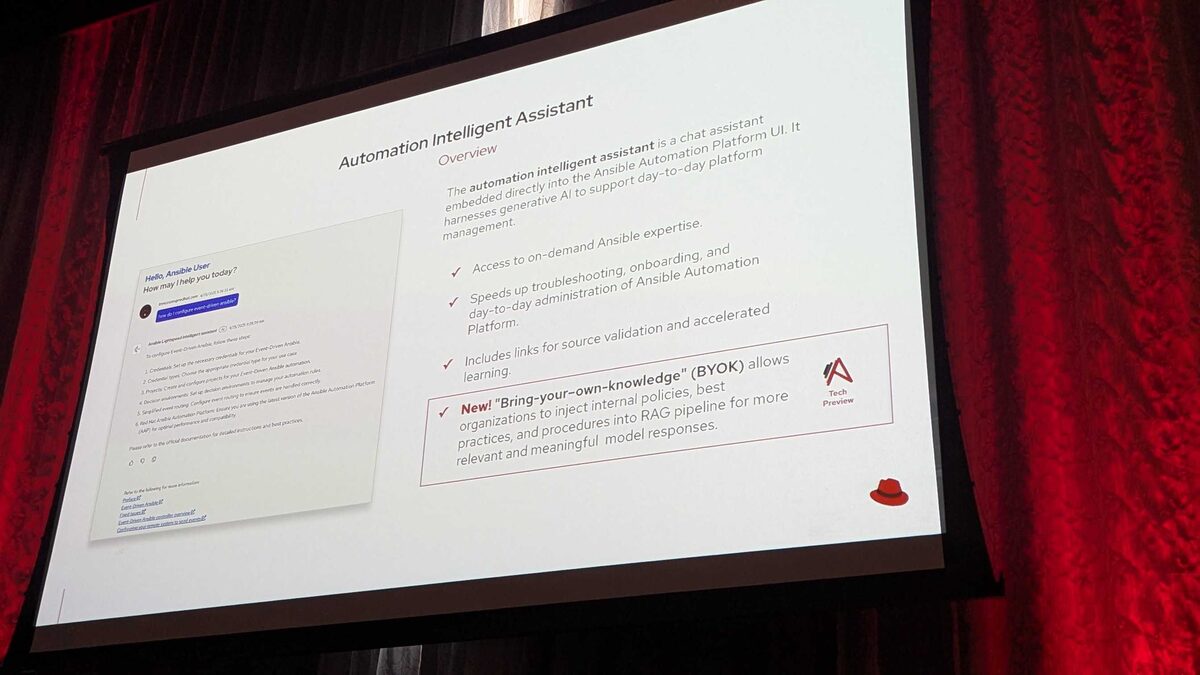
It's worth noting a related but separate announcement from the same event: BYOK (Bring Your Own Knowledge), currently in Tech Preview. BYOK lets organizations inject their own internal policies, best practices, and procedures into the Intelligent Assistant's RAG pipeline — meaning answers can be grounded in your organization's actual change-management procedures, network naming conventions, and compliance requirements such as PCI-DSS, HIPAA, or SOC2, plus internal runbooks, rather than only generic public Ansible documentation. BYOK is scoped to the Intelligent Assistant, not the Coding Assistant, so it doesn't change how you connect Gemini to VS Code — but it's a signal of where Red Hat is heading with grounding AI features in organization-specific context across the platform.
See also: Connect the AAP Intelligent Assistant to OpenAI: Setup Guide
Key Takeaways
- The Coding Assistant (VS Code extension) and Intelligent Assistant (AAP UI chatbot) have separate BYOM provider timelines — don't assume support in one implies support in the other.
- Google Gemini/Vertex is supported for the Coding Assistant starting at AAP 2.6, but is only "Coming Soon" for the Intelligent Assistant.
- IBM watsonx was the first external provider supported by the Coding Assistant (AAP 2.5+), predating Gemini/Vertex support by one release.
- OpenAI and Azure OpenAI remain "Coming Soon" for the Coding Assistant even though both are already live on the Intelligent Assistant.
- Connecting Gemini/Vertex requires a GCP project with Vertex AI enabled (or a Gemini API key), configured directly in the Ansible VS Code extension's model provider settings.
- BYOK, a separate Tech Preview feature, extends the Intelligent Assistant's RAG pipeline with organization-specific policies and compliance context — it does not affect Coding Assistant connectivity.
Related Articles
Category: installation