Simplify Disk Management with Ansible Quota Module
By Luca Berton · Published 2024-01-01 · Category: installation
Learn how to use the Ansible quota module to automate disk space quotas for users and groups, ensuring efficient resource management.
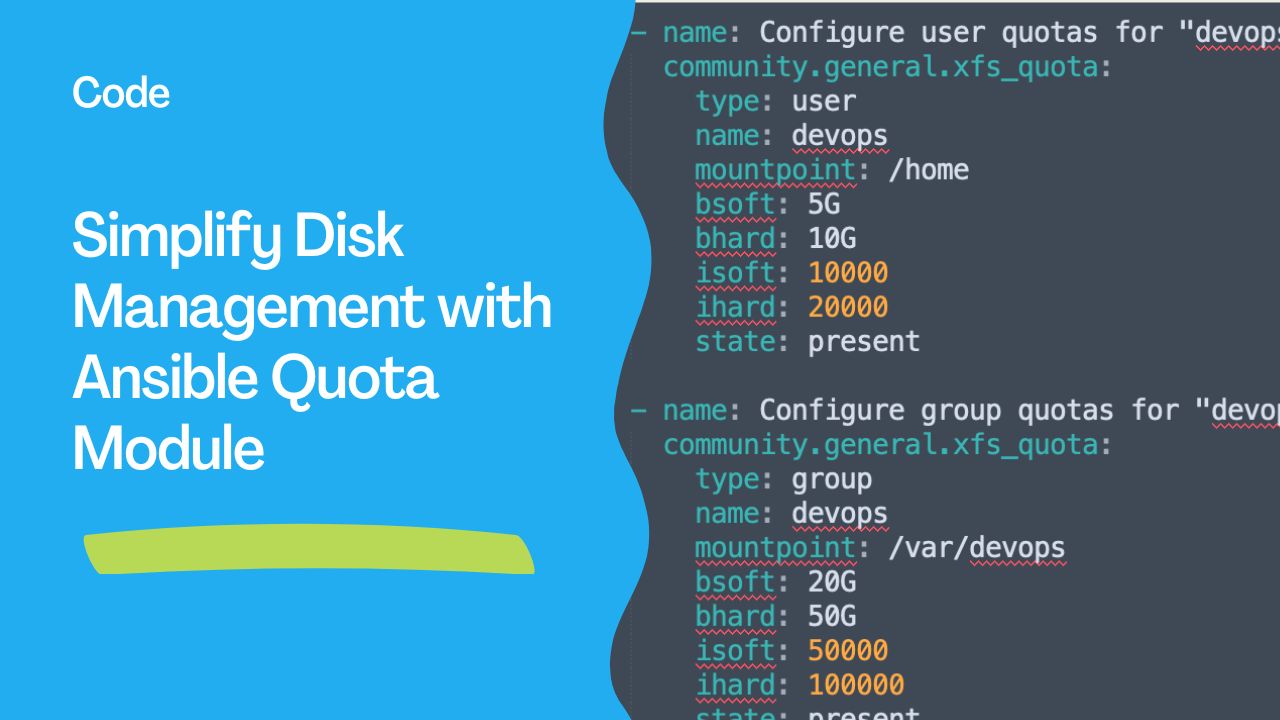
Managing disk usage quotas is critical for ensuring fair resource allocation in shared environments like multi-user servers or DevOps pipelines. Although Ansible doesn't have a dedicated quota module, it remains a powerful tool for automating disk quota management using alternative modules and techniques. In this article, we’ll explore practical ways to manage disk quotas with Ansible.
---
What Are Disk Quotas?
Disk quotas are limits set on the amount of disk space or inodes that a user or group can use on a filesystem. They are essential for:
- Preventing Resource Hoarding: Ensures no single user consumes excessive disk space.
- Maintaining System Performance: Prevents systems from becoming sluggish due to storage overuse.
- Enforcing Compliance: Helps adhere to organizational storage policies.
quota and xfs_quota to manage disk quotas. While Ansible lacks a specific quota module, you can leverage its capabilities to automate quota-related tasks.
---
See also: Troubleshooting: Configure User Quotas on Ansible Managed Systems
Automating Quota Management with Ansible
1. Enable Quotas on the Filesystem
Before managing quotas, you must enable them on the target filesystem. For ext4 filesystems:
sudo mount -o remount,usrquota /dev/sda1For XFS filesystems:
sudo xfs_quota -x -c "quota enable" /In Ansible, you can automate this process:
- name: Enable quotas on ext4 filesystem
  hosts: all
  become: true
  tasks:
    - name: Remount with user quota enabled
      ansible.builtin.command:
        cmd: mount -o remount,usrquota /
---
Playbook: Manage XFS Quotas for User and Group devops
Here’s an example playbook where both the user and group are named devops. It configures quotas for the user devops and the group devops.
---
- name: Manage XFS Quotas for User and Group "devops"
  hosts: all
  become: true
  tasks:

    - name: Ensure xfsprogs is installed
      ansible.builtin.package:
        name: xfsprogs
        state: present

    - name: Configure user quotas for "devops" on /home
      community.general.xfs_quota:
        type: user
        name: devops
        mountpoint: /home
        bsoft: 5G
        bhard: 10G
        isoft: 10000
        ihard: 20000
        state: present

    - name: Configure group quotas for "devops" on /var/devops
      community.general.xfs_quota:
        type: group
        name: devops
        mountpoint: /var/devops
        bsoft: 20G
        bhard: 50G
        isoft: 50000
        ihard: 100000
        state: present

    - name: Verify quota settings
      ansible.builtin.shell: xfs_quota -x -c "report -h"
      register: quota_report
      changed_when: false

    - name: Display quota report
      ansible.builtin.debug:
        var: quota_report.stdout
---
See also: Troubleshooting: Configure User Quotas on XFS File Systems Using Ansible
Usage Instructions
- Prepare the Filesystem:
- Ensure the target filesystems (
/homeand/var/devops) are mounted with XFS and quota options enabled:
     sudo mount -o remount,usrquota,grpquota /home
     sudo mount -o remount,usrquota,grpquota /var/devops
- Install the Required Collection:
- Ensure
community.generalcollection is installed:
ansible-galaxy collection install community.general
- Run the Playbook:
ansible-playbook xfs_quota.yml -i inventory
---
Best Practices
- Test in a Staging Environment:
- Monitor Quota Usage:
repquota or xfs_quota to monitor disk usage and ensure policies are effective.
- Ensure Compatibility:
quota or xfs_quota).
- Integrate with Monitoring:
---
See also: Ansible extra-vars: Pass Variables via Command Line (--extra-vars Guide)
Conclusion
While Ansible lacks a dedicated quota module, its flexibility allows for effective automation of disk quota management. By leveraging existing modules like ansible.builtin.command, community.general.xfs_quota, and custom scripts, administrators can enforce disk usage policies across their infrastructure efficiently.
This approach not only saves time but also ensures compliance with organizational storage policies, making Ansible an indispensable tool for disk management automation.
Related Articles
Category: installation
Watch the video: Simplify Disk Management with Ansible Quota Module — Video Tutorial