Automate Text Capitalization with Ansible Playbooks
By Luca Berton · Published 2024-01-01 · Category: troubleshooting
Discover how to use Ansible to automate the capitalization of text. This guide explores an example playbook that capitalizes given text, demonstrates execution.
Introduction
In the realm of IT automation, Ansible stands out as a powerful tool for configuring, managing, and deploying infrastructure. Its simplicity and flexibility make it a favorite among system administrators and DevOps professionals. In this article, we'll explore a practical example that goes beyond the conventional server configurations. We'll delve into using Ansible to automate the capitalization of text.
See also: Ansible upper, lower, capitalize & title Filters: Text Case Guide
Introduction to Ansible Playbooks
Ansible Playbooks are configuration files written in YAML that define a set of tasks to be executed on remote hosts. These playbooks enable automation across various systems, making them an excellent choice for handling repetitive tasks. In this example, we have a simple Ansible Playbook named capitalize.yml that capitalizes a given text.
---
- name: Capitalize
  hosts: all
  gather_facts: false
  vars:
    my_text: "hello world"
  tasks:
    - name: Print message on the screen
      ansible.builtin.debug:
        msg: "{{ my_text | capitalize }}"
Let's break down the key components of this playbook:
- name: Describes the purpose of the playbook.
- hosts: Specifies the target hosts. In this case, it's set to
all, meaning it will run on all hosts defined in the inventory. - gather_facts: Determines whether to gather facts about the hosts. We've set it to
falseto skip this step for simplicity. - vars: Defines variables used in the playbook. Here, we have
my_textset to "hello world." - tasks: Contains a list of tasks to be executed. In this example, there's a single task to print the capitalized message on the screen.
The Localhost Inventory File
In Ansible, the inventory file specifies the hosts on which the playbook will run. In our case, the inventory file (inventory) contains a single line defining the localhost with the connection set to local. This means the playbook will be executed on the local machine.
localhost ansible_connection=localRunning the Playbook
Executing the playbook is straightforward. Using the ansible-playbook command with the -i flag to specify the inventory file, we run:
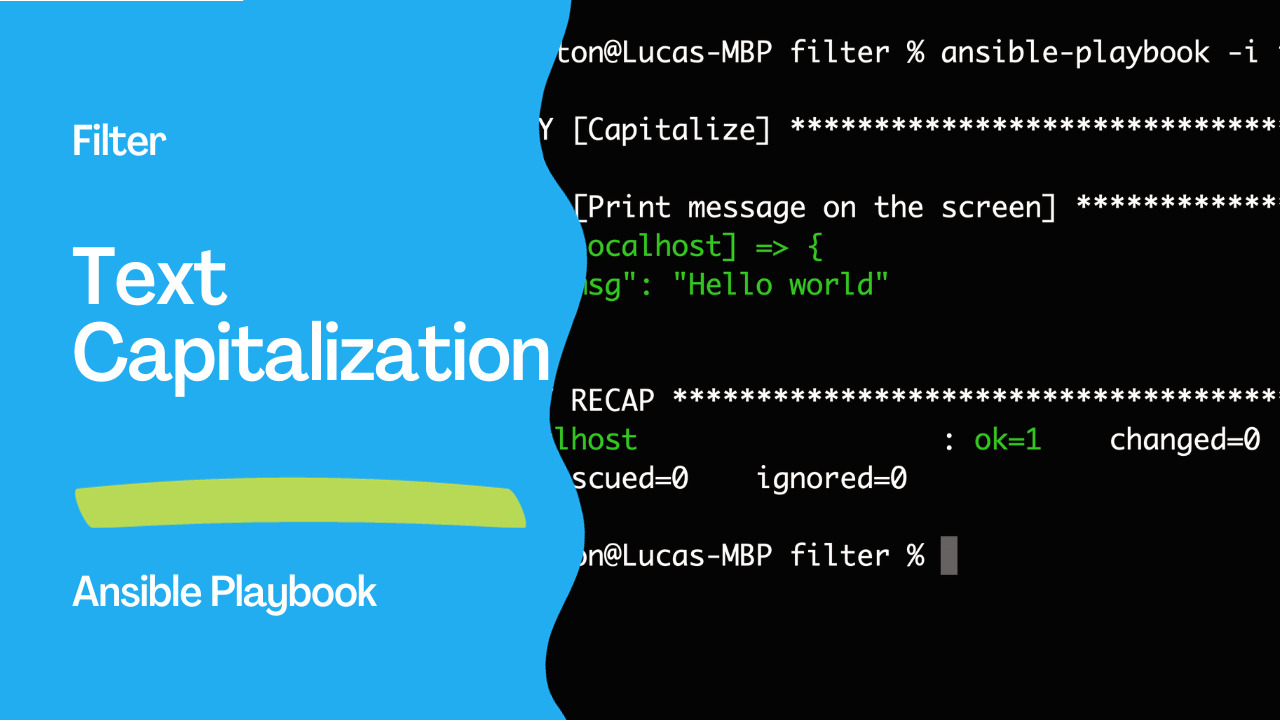
$ ansible-playbook -i inventory capitalize.ymlUpon running the playbook, Ansible processes the defined tasks and provides feedback on the execution. In the example output you provided:
PLAY [Capitalize] ***********************************************************************
TASK [Print message on the screen] ******************************************************
ok: [localhost] => {
    "msg": "Hello world"
}
PLAY RECAP ******************************************************************************
localhost                  : ok=1    changed=0    unreachable=0    failed=0    skipped=0    rescued=0    ignored=0
The output confirms that the task was successfully executed on the localhost host, and the message "Hello world" was printed on the screen.
See also: Simplify Ansible Output with the community.general.dense Callback Plugin
Customizing the Playbook
You can easily adapt this playbook to capitalize different text by modifying the my_text variable. Additionally, you can extend the playbook to capitalize text from external sources, such as files or dynamic inventories.
Conclusion
This example Playbooknstrates the versatility of Ansible in automating not only system configurations but also text processing tasks. By leveraging Ansible Playbooks, you can efficiently handle various automation scenarios, making it a valuable tool in the toolkit of any IT professional.
See also: Simplifying Ansible Output with the community.general.unixy Callback Plugin
Related Articles
- Ansible inventory best practices
- Ansible upper, lower, capitalize & title Filters: Text Case Guide
- Simplify Ansible Output with the community.general.dense Callback Plugin
See also
Category: troubleshooting