Ansible upper, lower, capitalize & title Filters: Text Case Guide
By Luca Berton · Published 2024-01-01 · Category: troubleshooting
How to transform text case in Ansible with upper, lower, capitalize, and title filters. Convert strings for configs, templates, and variable manipulation.
Introduction
In the ever-evolving landscape of IT automation, Ansible continues to be a go-to tool for simplifying and streamlining repetitive tasks. While traditionally known for its prowess in system configuration and infrastructure management, Ansible extends its capabilities to even the minutiae of text processing. In this article, we'll explore a practical use case: automating the transformation of text to uppercase using an Ansible playbook.
See also: Automate Text Capitalization with Ansible Playbooks
The Uppercase Ansible Playbook
Below is an Ansible playbook named upper.yml designed to capitalize a given text and print the result on the screen.
---
- name: Uppercase
  hosts: all
  gather_facts: false
  vars:
    my_text: "hello world"
  tasks:
    - name: Print message on the screen
      ansible.builtin.debug:
        msg: "{{ my_text | upper }}"
Breaking down the playbook components:
- name: Describes the purpose of the playbook.
- hosts: Specifies the target hosts; in this case, it's set to
allfor execution on all hosts defined in the inventory. - gather_facts: Set to
falseto skip gathering facts about hosts, ensuring a quicker execution. - vars: Defines the
my_textvariable with the initial value set to "hello world." - tasks: Contains a single task to print the uppercase message on the screen.
The Inventory File
Ansible requires an inventory file to specify the hosts where the playbook will run. The inventory file in this example designates the localhost with the connection set to local, indicating that the playbook will be executed on the local machine.
localhost ansible_connection=localExecuting the Playbook
Running the playbook is a straightforward process. The ansible-playbook command, coupled with the -i flag to specify the inventory file, is used:
$ ansible-playbook -i inventory upper.ymlUpon execution, Ansible processes the defined tasks and outputs the result:
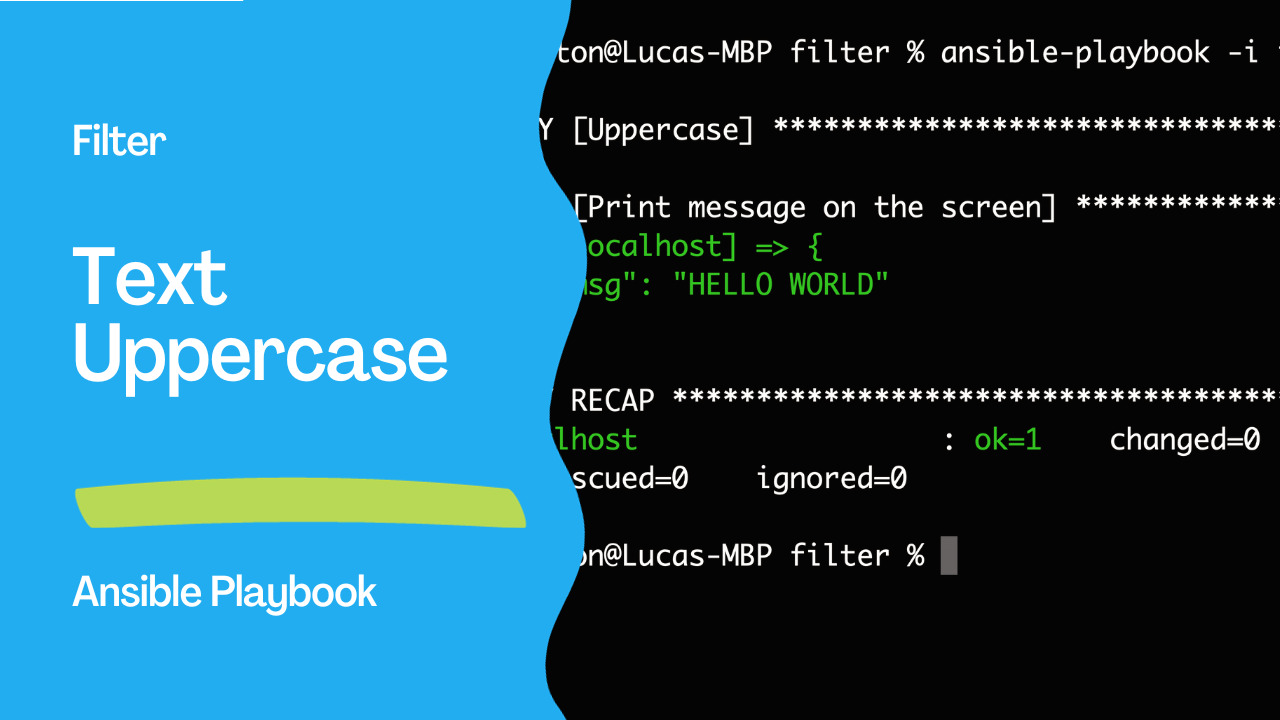
PLAY [Uppercase] ************************************************************************

TASK [Print message on the screen] ******************************************************
ok: [localhost] => {
    "msg": "HELLO WORLD"
}

PLAY RECAP ******************************************************************************
localhost                  : ok=1    changed=0    unreachable=0    failed=0    skipped=0    rescued=0    ignored=0
The output confirms the successful execution of the playbook on the localhost host, resulting in the message "HELLO WORLD" being printed on the screen.
See also: Simplify Ansible Output with the community.general.dense Callback Plugin
Customizing and Extending
This example illustrates the simplicity of leveraging Ansible for text manipulation tasks. To adapt the playbook for different text or sources, modify the my_text variable. Additionally, you can expand the playbook's functionality to capitalize text from external files or dynamic inventories.
Conclusion
As Playbooknstrated, Ansible is not only a powerhouse for system configurations but also a versatile tool for text processing automation. Whether you're a system administrator, a DevOps professional, or anyone involved in IT operations, Ansible's capabilities extend to tasks both large and small, showcasing its value in the realm of automation.
See also: Simplifying Ansible Output with the community.general.unixy Callback Plugin
Case Filters
- debug:
    msg:
      - "{{ 'hello world' | upper }}"       # HELLO WORLD
      - "{{ 'HELLO WORLD' | lower }}"       # hello world
      - "{{ 'hello world' | title }}"       # Hello World
      - "{{ 'hello world' | capitalize }}"  # Hello world
Practical Use Cases
Normalize hostnames
- set_fact:
    hostname: "{{ inventory_hostname | lower }}"
    hostname_upper: "{{ inventory_hostname | upper }}"
Case-insensitive comparison
- name: Check OS family
  debug:
    msg: "This is a Debian system"
  when: ansible_os_family | lower == 'debian'
Generate filenames
- name: Create log file with lowercase hostname
  ansible.builtin.file:
    path: "/var/log/{{ inventory_hostname | lower | replace(' ', '-') }}.log"
    state: touch
Configuration templates
# config.j2
SERVER_NAME={{ server_name | upper }}
db_name={{ database_name | lower }}
Display_Name={{ app_name | title }}
Environment variables
- name: Set env vars (convention: uppercase)
  ansible.builtin.lineinfile:
    path: /etc/environment
    line: "{{ item.key | upper }}={{ item.value }}"
  loop:
    - { key: app_home, value: /opt/myapp }
    - { key: db_host, value: db.example.com }
  become: true
String Manipulation Filters
| Filter | Input | Output |
|---|---|---|
upper | hello | HELLO |
lower | HELLO | hello |
title | hello world | Hello World |
capitalize | hello WORLD | Hello world |
trim | " hello " | "hello" |
replace('a','b') | cat | cbt |
regex_replace | Pattern replacement | |
truncate(5) | hello world | he... |
wordwrap(40) | Long text → wrapped | |
center(20) | Centered text |
Combine with Other Filters
# Slugify a string
- set_fact:
    slug: "{{ 'Hello World! Test' | lower | regex_replace('[^a-z0-9]+', '-') | trim('-') }}"
  # hello-world-test

# Create username from full name
- set_fact:
    username: "{{ full_name | lower | replace(' ', '.') }}"
  # john.doe
FAQ
Can I chain case filters?
Yes: {{ 'HeLLo' | lower | capitalize }} → Hello
How do I convert snake_case to CamelCase?
msg: "{{ 'my_variable_name'.split('_') | map('capitalize') | join('') }}"
# MyVariableName
Is there a swapcase filter?
Not built-in. Use a custom filter or: {{ text | regex_replace('[a-z]', '\\U\\0') }} won't work in Jinja2. Write a filter plugin instead.
Case Filters
- vars:
    name: "hello world"
  debug:
    msg:
      upper: "{{ name | upper }}"           # HELLO WORLD
      lower: "{{ name | lower }}"           # hello world
      capitalize: "{{ name | capitalize }}"  # Hello world
      title: "{{ name | title }}"           # Hello World
Practical: Environment Config
- vars:
    env: "production"
  template:
    src: config.j2
    dest: /etc/myapp/config
  # In template:
  # ENV={{ env | upper }}
  # app_name={{ app_name | lower }}
Hostname Normalization
- set_fact:
    normalized_hostname: "{{ ansible_hostname | lower | replace(' ', '-') }}"

- debug:
    msg: "Host: {{ normalized_hostname }}"
Conditional on Case-Insensitive Match
# Compare regardless of case
- debug:
    msg: "It's Ubuntu!"
  when: ansible_distribution | lower == "ubuntu"
Generate Config Keys
- vars:
    settings:
      database_host: localhost
      database_port: 5432
  copy:
    content: |
      {% for key, value in settings.items() %}
      {{ key | upper }}={{ value }}
      {% endfor %}
    dest: /etc/myapp/.env
# DATABASE_HOST=localhost
# DATABASE_PORT=5432
Slug Generation
- set_fact:
    slug: "{{ title | lower | replace(' ', '-') | regex_replace('[^a-z0-9-]', '') }}"
regex_replace for Advanced Transforms
# CamelCase to snake_case
- debug:
    msg: "{{ 'MyVariableName' | regex_replace('([A-Z])', '_\\1') | lower | regex_replace('^_', '') }}"
# my_variable_name

# Snake to CamelCase (template)
# {% set parts = var.split('_') %}
# {{ parts | map('capitalize') | join('') }}
String Manipulation Filters
| Filter | Input | Output |
|---|---|---|
upper | hello | HELLO |
lower | HELLO | hello |
capitalize | hello world | Hello world |
title | hello world | Hello World |
trim | " hello " | "hello" |
replace('a','b') | cat | cbt |
regex_replace | Pattern-based | replacement |
truncate(10) | long string | long strin... |
center(20) | hello | " hello " |
wordwrap(40) | long line | wrapped lines |
FAQ
How to convert first letter only?
capitalize does this: "hello" | capitalize → "Hello".
Can I chain multiple filters?
Yes: "{{ name | lower | replace(' ', '_') | truncate(20) }}".
How to handle None/undefined?
Use default: "{{ name | default('unknown') | upper }}".
Related Articles
Category: troubleshooting