Enhancing Ansible Role Development with Best Practices with ansible-later
By Luca Berton · Published 2024-01-01 · Category: installation
Discover ansible-later, a fast and user-friendly linting tool for Ansible roles. Learn about its installation, configuration, and default settings to enforce.
Introduction
When it comes to developing Ansible roles in a collaborative environment, adhering to coding and best practices is essential. It ensures that roles are readable, maintainable, and minimizes troubleshooting time. ansible-later is a valuable tool designed to serve as a best practice scanner and linting tool for Ansible resources.
See also: Ansible-Lint: Complete Guide to Linting Playbooks & Roles
What is ansible-later?
ansible-later focuses on providing a fast and user-friendly linting experience for Ansible roles. While it may not offer the depth of analysis provided by some other tools like ansible-lint, it serves as an excellent choice for quickly identifying and enforcing best practices within your Ansible codebase.
Installation
To get started with ansible-later, ensure that Ansible is installed on your system. You can install ansible-later using pip with one of the optional dependency groups – either ansible or ansible-core:
- install for the current user
pip install ansible-later[ansible] --user # or ansible-later[ansible-core]- install system-wide
sudo pip install ansible-later[ansible] # or ansible-later[ansible-core]Configuration
By default, ansible-later ships with configurations that are suitable for most users. However, customization is possible through YAML configuration files or CLI options. The configuration options include settings for custom Ansible modules, variable formatting rules, allowed literal bools, and more.
It follows a hierarchy for configuration, with CLI options having the highest priority, allowing users flexibility in setting their preferences.
See also: Conditional Ansible Role Execution in Playbooks
Default Settings
The default configuration includes settings for custom Ansible modules, variable formatting rules, literal bools, and more. Users can override these defaults based on their specific needs.
# Sample Default Configuration
ansible:
  custom_modules: []
  double-braces:
    max-spaces-inside: 1
    min-spaces-inside: 1
  literal-bools: ["True", "False", "yes", "no"]
  named-task:
    exclude: ["meta", "debug", "block", "include_role", ...]
  native-yaml:
    exclude: []
  ...
logging:
  json: False
  level: "warning"
rules:
  buildin: True
  exclude_files: []
  filter: []
  ...
yamllint:
  colons: {max-spaces-after: 1, max-spaces-before: 0}
  document-start: {present: True}
  empty-lines: {max: 1, max-end: 1, max-start: 0}
  ...
Usage
To lint your Ansible files, use the following command:
ansible-later FILESIf no files are provided, ansible-later reviews all files in the current working directory (excluding hidden files and folders). You can also specify files, directories, or use glob patterns to target specific files for linting.
See also: Ansible Automation: Complete Guide to IT Automation with Playbook Examples
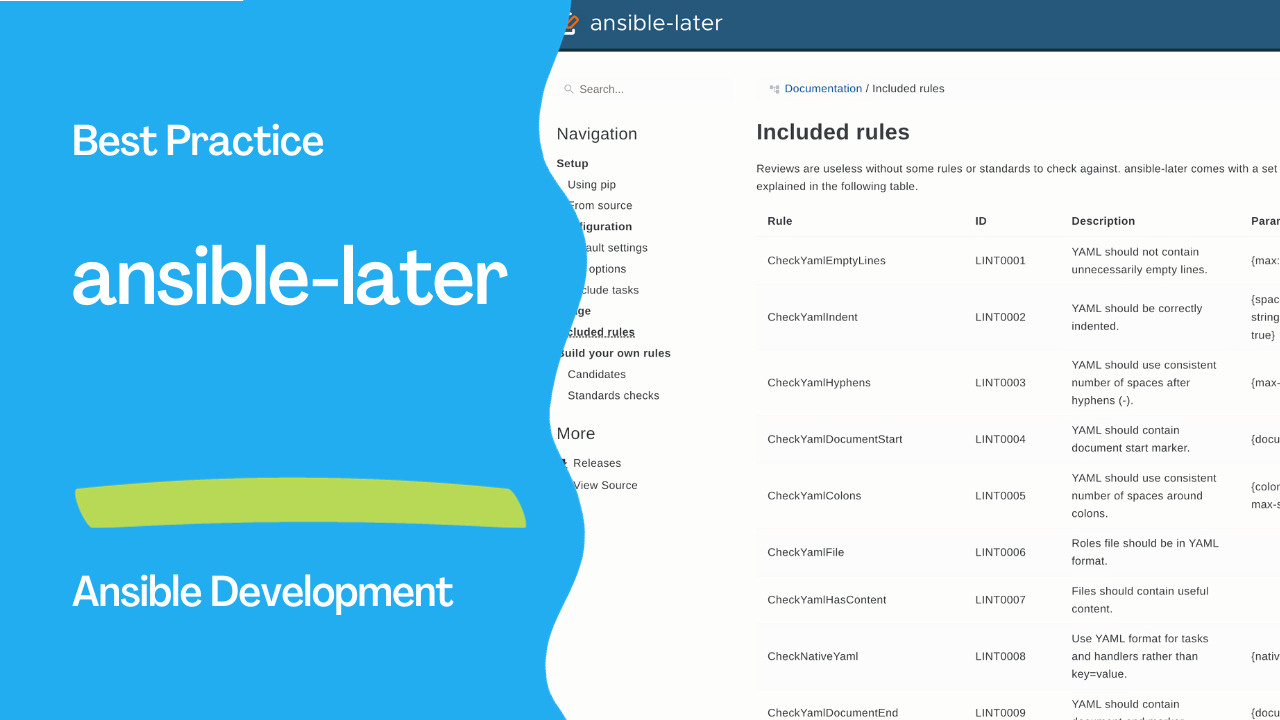
Included Rules
ansible-later comes with a set of built-in rules that cover various aspects of Ansible role development. Here are some of the rules:
- LINT0001: YAML should not contain unnecessarily empty lines.
- LINT0002: YAML should be correctly indented.
- ANSIBLE0001: Single tasks should be separated by an empty line.
- ANSIBLE0004: YAML should use a consistent number of spaces around variables.
- ... and many more.
Links
- https://ansible-later.geekdocs.de/
Example
- playbook.yml
- hosts: localhost
  gather_facts: false
  vars:
    my_text: "hello world"
  tasks:
    - debug:
        msg: "{{ my_text | upper }}"
    - debug:
msg: "{{ my_text | capitalize }}"- output
$ ansible-later playbook.yml
ERROR: [LINT0002] Standard 'YAML should not contain unnecessarily empty lines' not met:
... playbook.yml:1: missing document start "---"

ERROR: [ANSIBLE0004] Standard 'YAML should use consistent number of spaces around variables' not met:
... playbook.yml:9: no suitable numbers of spaces (min: 1 max: 1)

ERROR: [ANSIBLE0014] Standard 'Literal bools should be consistent' not met:
... playbook.yml:2: literal bools should be written as `True, False, yes, no`

WARNING: [ANSIBLE9998] Best practice 'Standards version should be pinned' not met:
... playbook.yml: Standards version not set. Using latest standards version 0.3

ERROR: [LINT0009] Standard 'YAML should contain document end marker' not met:
... playbook.yml:9: missing document end "..."

ERROR: [LINT0004] Standard 'YAML should contain document start marker' not met:
... playbook.yml:1: missing document start "---"
Conclusion
Incorporating ansible-later into your Ansible development workflow can significantly improve the quality and maintainability of your roles. By enforcing best practices and adhering to a set of rules, you contribute to a more consistent and collaborative coding environment. Remember, while ansible-later is a powerful tool, combining it with other testing and deployment tools like Molecule can further enhance your role development process.
Related Articles
Category: installation