Ansible win_file Module: Create & Manage Files on Windows (Guide)
By Luca Berton · Published 2024-01-01 · Category: troubleshooting
How to create and manage files on Windows with Ansible win_file module (ansible.windows.win_file). Create files, directories, symlinks on Windows.
How to create an empty file in Windows-like systems with Ansible?
See also: Ansible win_file Module: Create Directory on Windows Hosts (Guide)
Ansible creates an empty file
ansible.windows.win_file- Creates, touches, or removes files or directories
win_file.
The full name is ansible.windows.win_file, which means that is part of the collection of modules to interact with windows machines.
It's a module pretty stable and out for years.
It creates, touches, or removes files or directories.
For Linux targets, use the ansible.builtin.file module) instead.
Parameters
- path path - file path
- state string - file/absent/directory/touch
See also: Add Windows Registry on Windows-like systems - Ansible module win_regedit
Links
Playbook
Create an empty file in Windows-like systems with Ansible playbook
code
---
- name: win_file module demo
  hosts: all
  become: false
  gather_facts: false
  vars:
    myfile: 'C:\Users\vagrant\Desktop\example.txt'
  tasks:
    - name: Creating an empty file
      ansible.windows.win_file:
        path: "{{ myfile }}"
        state: touch
execution
ansible-pilot $ ansible-playbook -i virtualmachines/win/inventory create\ file/file-windows.yml
PLAY [win_file module demo] ***********************************************************************
TASK [Creating an empty file] *********************************************************************
changed: [WindowsServer]
PLAY RECAP ****************************************************************************************
WindowsServer              : ok=1    changed=1    unreachable=0    failed=0    skipped=0    rescued=0    ignored=0
ansible-pilot $
idempotency not valid
ansible-pilot $ ansible-playbook -i virtualmachines/win/inventory create\ file/file-windows.yml
PLAY [win_file module demo] ***********************************************************************
TASK [Creating an empty file] *********************************************************************
changed: [WindowsServer]
PLAY RECAP ****************************************************************************************
WindowsServer              : ok=1    changed=1    unreachable=0    failed=0    skipped=0    rescued=0    ignored=0
ansible-pilot $
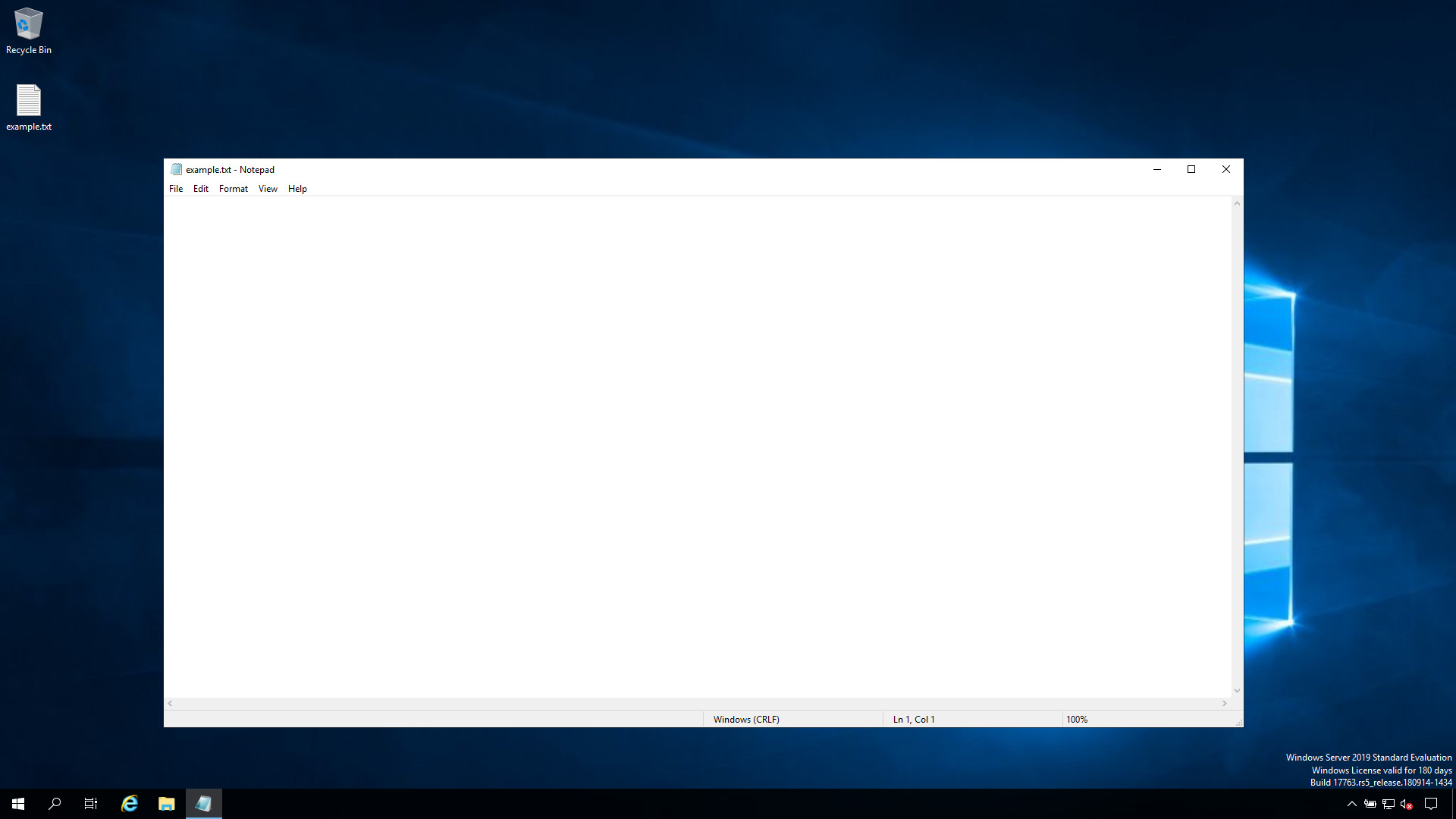
before execution

after execution
See also: Check .NET Framework Version on Windows with Ansible
Conclusion
Now you know how to create an empty file in Windows-like systems with Ansible.
Related Articles
Category: troubleshooting
Watch the video: Ansible win_file Module: Create & Manage Files on Windows (Guide) — Video Tutorial