Create AWS S3 Bucket Using Ansible: Step-by-Step Guide
By Luca Berton · Published 2024-01-01 · Category: installation
Discover how to automate the creation of AWS S3 buckets using Ansible. Our detailed guide covers the prerequisites, step-by-step playbook creation.
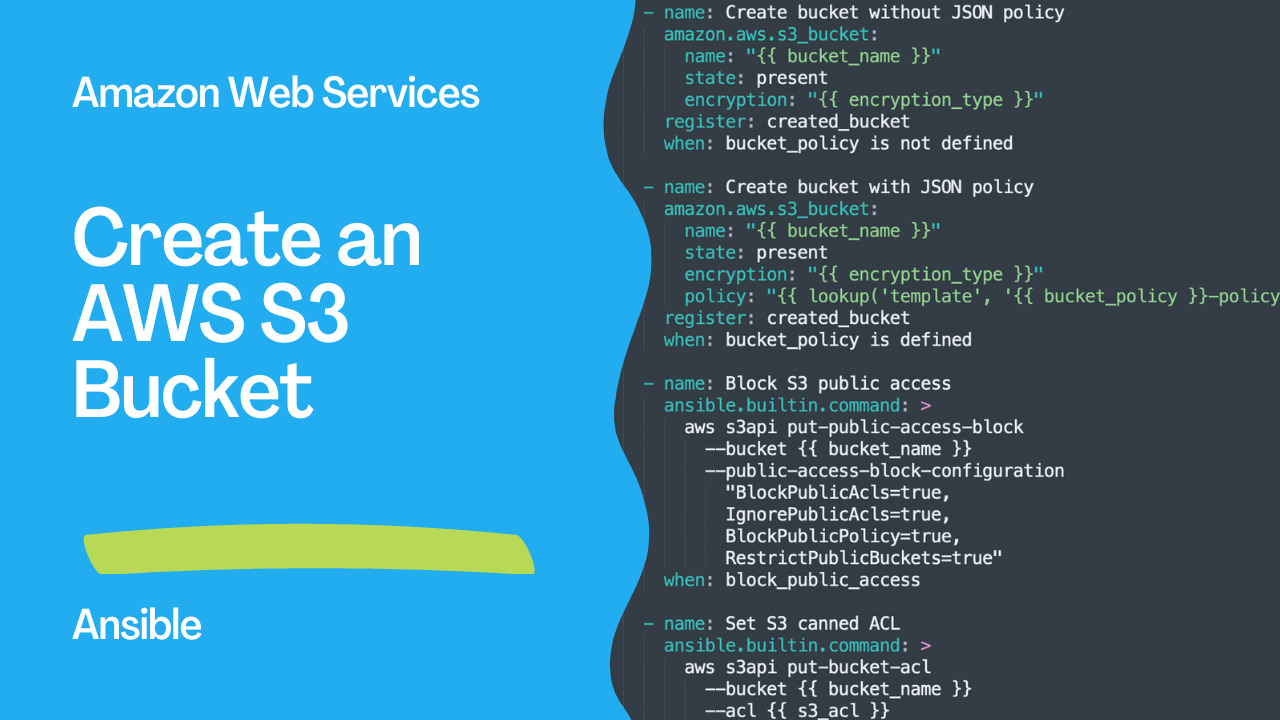
S3 Bucket
AWS S3 bucket is a popular object storage service that offers a cost-effective and scalable solution to store and retrieve large amounts of data. In this article, we will discuss how to create an S3 bucket using Ansible, an open-source automation platform.Ansible is a powerful tool for infrastructure automation, configuration management, and application deployment. It uses YAML-based playbooks to define the desired state of the infrastructure and executes tasks on the target hosts using SSH or other remote protocols. Ansible provides a rich set of modules that can be used to automate various AWS services, including S3.
To create an S3 bucket in AWS, DigitalOcean, Ceph, Walrus, FakeS3 and StorageGRID using Ansible, we need to define a playbook that includes the required tasks. The playbook consists of three main sections:
- Variables: This section defines the variables that will be used in the playbook. In our example, we define four variables:
bucket_name,encryption_type,bucket_policy, ands3_acl. We set the default value for encryption_type to an empty string as we are not using encryption in this example. The bucket_policy variable specifies the name of the JSON policy file that will be used to set the bucket policy. We use a generic policy by default. Finally, we set the canned ACL for the bucket to public-read.
- Tasks: This section defines the tasks that will be executed on the target hosts. In our example, we define four tasks. The first task creates an S3 bucket without a JSON policy if the
bucket_policyvariable is not defined. We use theamazon.aws.s3_bucketmodule to create the bucket and register the output in the created_bucket variable. The second task creates an S3 bucket with a JSON policy if the bucket_policy variable is defined. We use the same module as in the first task but provide a policy file to set the bucket policy. The third task blocks public access to the S3 bucket by using the aws s3api put-public-access-block command. The fourth task sets the canned ACL for the S3 bucket using theaws s3api put-bucket-aclcommand.
- When: This section specifies the conditions under which the tasks will be executed. In our example, we use the when keyword to conditionally execute the second and third tasks. The second task is executed only if the bucket_policy variable is defined. The third task is executed only if the block_public_access variable is defined.
See also: Ansible AWS EC2: Automate Ubuntu Instance Creation & Data Collection
How to Create an AWS S3 Bucket using Ansible
Amazon Simple Storage Service (S3) is a highly scalable and durable cloud-based object storage service provided by Amazon Web Services (AWS). It is used for storing and retrieving data, including images, videos, documents, and other types of files.
Ansible is an open-source automation tool used for configuration management, application deployment, and task automation. In this article, we will explore how to create an AWS S3 bucket using Ansible.
Prerequisites
- An AWS account
- Ansible installed on your local machine
- AWS CLI installed on your local machine
Step 1: Set up AWS Credentials
Before creating an S3 bucket, you need to configure your AWS credentials. You can do this by setting the following environment variables:export AWS_ACCESS_KEY_ID=your_access_key
export AWS_SECRET_ACCESS_KEY=your_secret_keyStep 2: Write the Ansible Playbook
Create a new file named "s3-bucket.yml" and paste the following code:---
- name: Create AWS S3 Bucket
hosts: all
vars:
bucket_name: "s3_example"
encryption_type: "AES256"
bucket_policy: "generic"
s3_acl: "public-read"
tasks:
- name: Create bucket without JSON policy
amazon.aws.s3_bucket:
name: "{{ bucket_name }}"
state: present
encryption: "{{ encryption_type }}"
register: created_bucket
when: bucket_policy is not defined
- name: Create bucket with JSON policy
amazon.aws.s3_bucket:
name: "{{ bucket_name }}"
state: present
encryption: "{{ encryption_type }}"
policy: "{{ lookup('template', '{{ bucket_policy }}-policy.json.j2') }}"
register: created_bucket
when: bucket_policy is defined
- name: Block S3 public access
ansible.builtin.command: >
aws s3api put-public-access-block
--bucket {{ bucket_name }}
--public-access-block-configuration
"BlockPublicAcls=true,
IgnorePublicAcls=true,
BlockPublicPolicy=true,
RestrictPublicBuckets=true"
when: block_public_access
- name: Set S3 canned ACL
ansible.builtin.command: >
aws s3api put-bucket-acl
--bucket {{ bucket_name }}
--acl {{ s3_acl }}This Ansible playbook defines the following variables:
- "bucket_name": the name of the S3 bucket to be created.
- "encryption_type": the type of encryption to be used for the S3 bucket.
- "bucket_policy": the name of the JSON policy file to be used for the S3 bucket. If this variable is not defined, the bucket will be created without a policy.
- "s3_acl": the canned ACL to be set for the S3 bucket.
- The first task creates the S3 bucket without a JSON policy if "bucket_policy" variable is not defined.
- The second task creates the S3 bucket with a JSON policy if "bucket_policy" variable is defined. The JSON policy is read from a Jinja2 template file.
- The third task blocks public access to the S3 bucket by using the "aws s3api put-public-access-block" command. This task is only executed when the "block_public_access" variable is defined.
- The fourth task sets the canned ACL (Access Control List) for the S3 bucket by using the "aws s3api put-bucket-acl" command.
Step 3: Execute the Ansible Playbook
To execute the playbook, we need to run theansible-playbook command with the playbook file name as the argument. We also need to provide the AWS access key ID and secret access key as environment variables or using an AWS profile.
Links
See also: Getting Started with Amazon EC2 Instances
Demo
This is an Ansible playbook for creating an AWS S3 bucket. The playbook uses the "amazon.aws.s3_bucket" module and has four tasks:- The first task creates the S3 bucket without a JSON policy if "bucket_policy" variable is not defined.
- The second task creates the S3 bucket with a JSON policy if "bucket_policy" variable is defined. The JSON policy is read from a Jinja2 template file.
- The third task blocks public access to the S3 bucket by using the "aws s3api put-public-access-block" command. This task is only executed when the "block_public_access" variable is defined.
- The fourth task sets the canned ACL (Access Control List) for the S3 bucket by using the "aws s3api put-bucket-acl" command.
- "bucket_name": the name of the S3 bucket to be created.
- "encryption_type": the type of encryption to be used for the S3 bucket.
- "bucket_policy": the name of the JSON policy file to be used for the S3 bucket. If this variable is not defined, the bucket will be created without a policy.
- "s3_acl": the canned ACL to be set for the S3 bucket.
- "block_public_access": a boolean variable that determines whether public access to the S3 bucket should be blocked.
- s3_create.yml
---
- name: Create AWS S3 Bucket
  hosts: all
  vars:
    bucket_name: "s3_example"
    encryption_type: ""
    bucket_policy: "generic"
    s3_acl: "public-read"
  tasks:
    - name: Create bucket without JSON policy
      amazon.aws.s3_bucket:
        name: "{{ bucket_name }}"
        state: present
        encryption: "{{ encryption_type }}"
      register: created_bucket
      when: bucket_policy is not defined

    - name: Create bucket with JSON policy
      amazon.aws.s3_bucket:
        name: "{{ bucket_name }}"
        state: present
        encryption: "{{ encryption_type }}"
        policy: "{{ lookup('template', '{{ bucket_policy }}-policy.json.j2') }}"
      register: created_bucket
      when: bucket_policy is defined

    - name: Block S3 public access
      ansible.builtin.command: >
        aws s3api put-public-access-block
          --bucket {{ bucket_name }}
          --public-access-block-configuration
            "BlockPublicAcls=true,
            IgnorePublicAcls=true,
            BlockPublicPolicy=true,
            RestrictPublicBuckets=true"
      when: block_public_access

    - name: Set S3 canned ACL
      ansible.builtin.command: >
        aws s3api put-bucket-acl
          --bucket {{ bucket_name }}
--acl {{ s3_acl }}- templates/generic-policy.json.j2
{
  "Version":"2013-05-01",
  "Statement":[
    {
      "Sid":"PublicRead",
      "Effect":"Allow",
      "Principal": "*",
      "Action":["s3:GetObject"],
      "Resource":["arn:aws:s3:::{{ bucket_name }}/*"]
    }
  ]
}
Conclusion
In this article, we discussed how to create an S3 bucket using Ansible. Ansible provides a simple and flexible way to automate infrastructure provisioning and configuration management. With the help of the amazon.aws.s3_bucket module and some basic tasks, we can easily create an S3 bucket with the desired configuration. We hope this article provides a good starting point for automating your S3 bucket creation and management tasks using Ansible.
See also: Creating an Application Load Balancer with Ansible in AWS
Related Articles
Category: installation