Effortlessly Create AWS IAM Users and Store their Access Keys with Ansible
By Luca Berton · Published 2024-01-01 · Category: troubleshooting
Effortlessly create AWS IAM users and store their access keys securely with Ansible and AWS SSM Parameter Store, ensuring scalable and secure management.
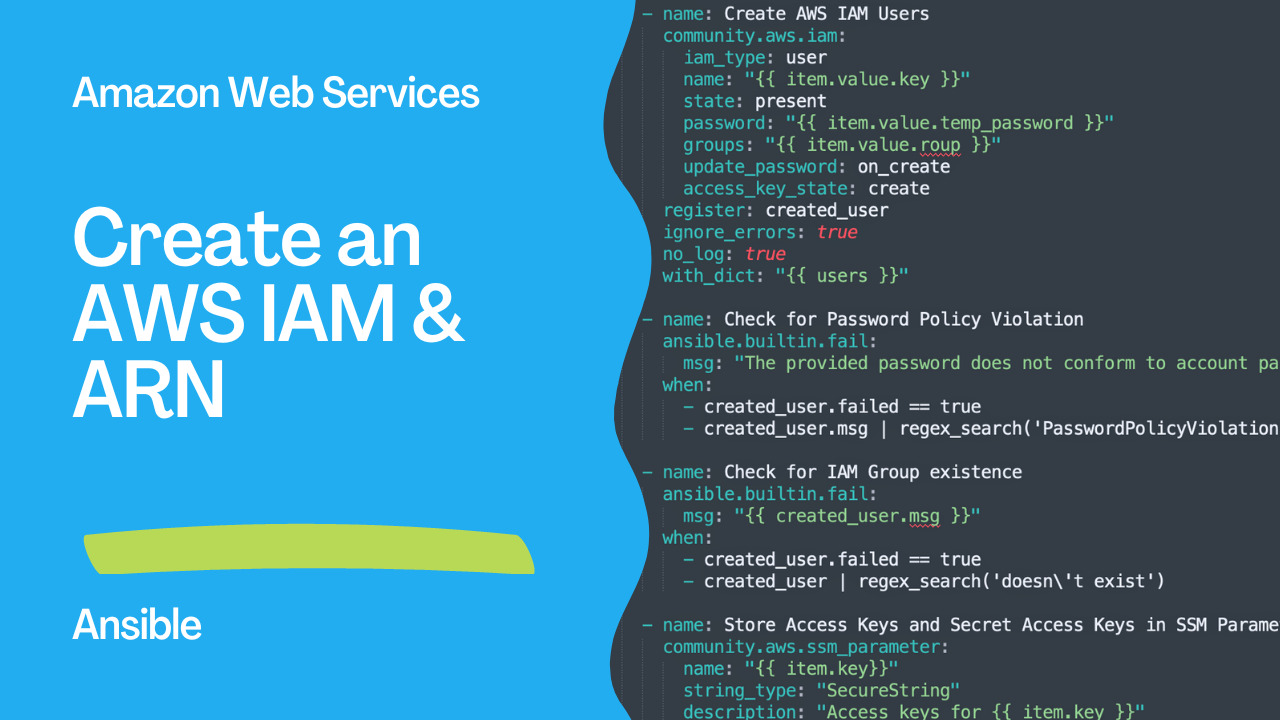
Amazon Identity and Access Management (Amazon IAM)
Amazon IAM (Identity and Access Management) is a web service provided by Amazon Web Services (AWS) that enables you to manage access to AWS resources for users and groups within your organization. IAM enables you to create and manage IAM users, groups, and roles, and to control access to AWS services and resources using policies that you create and manage.
IAM allows you to centrally manage access to AWS resources by creating individual IAM users and assigning permissions to them based on the principle of least privilege. You can define granular permissions to allow or deny access to specific AWS services and resources based on the user's role or function within your organization.
IAM also enables you to use temporary security credentials, such as access keys and session tokens, to provide secure access to AWS resources. You can create and rotate these credentials programmatically, which helps ensure the security of your AWS environment.
IAM also provides a range of features that enable you to manage and monitor access to your AWS resources. For example, you can use IAM to generate detailed access reports and to audit user activity within your AWS environment. IAM also integrates with other AWS services, such as AWS CloudTrail, to provide comprehensive security and compliance monitoring capabilities.
Overall, Amazon IAM is a powerful service that enables you to manage access to your AWS resources in a secure and granular way, while also providing the flexibility and scalability needed to manage access to resources in complex environments.
See also: Ansible AWS EC2: Automate Ubuntu Instance Creation & Data Collection
Ansible and Amazon IAM
The code you have provided is a YAML file that contains an Ansible playbook that is used to create AWS IAM users and store their access keys and secret access keys in SSM Parameter Store. Let's break down this code to understand it better.
Firstly, the playbook defines the hosts that the playbook will run on using the hosts parameter. In this case, the playbook will run on all the hosts specified in the Ansible inventory file.
Next, the playbook defines a variable named users that contains the details of the users that need to be created. Each user has a key, a temporary password, and a group to which they belong.
The playbook then defines a task named "Create AWS IAM Users" that uses the community.aws.iam module to create the IAM users using the details provided in the users variable. This task loops through each user in the users variable using the with_dict parameter.
The register parameter is used to capture the output of the community.aws.iam module in a variable named created_user. The ignore_errors and no_log parameters are used to ignore any errors that occur during the creation of the users and to prevent sensitive information from being logged.
The playbook then defines a task named "Check for Password Policy Violation" that checks if the password provided for the user violates the AWS account password policy. If the password violates the policy, the task fails, and an error message is displayed.
The playbook then defines a task named "Check for IAM Group existence" that checks if the IAM group specified in the users variable exists. If the group does not exist, the task fails, and an error message is displayed.
The playbook then defines a task named "Store Access Keys and Secret Access Keys in SSM Parameter Store" that uses the community.aws.ssm_parameter module to store the access keys and secret access keys of the users in the SSM Parameter Store. This task loops through each user in the users variable and creates a separate SSM parameter for each user.
The playbook then defines a task named "Append user ARN to list" that uses the ansible.builtin.set_fact module to append the ARN of the newly created IAM user to a list named users_arn. This task only executes if the user is created successfully.
In summary, this Ansible playbook creates IAM users in AWS and stores their access keys and secret access keys in the SSM Parameter Store. It also performs checks to ensure that the password provided for the user complies with the AWS account password policy and that the IAM group specified in the users variable exists.
Links
See also: Getting Started with Amazon EC2 Instances
Demo
This is an Ansible playbook for populating AWS IAM users and ARN users. The playbook uses the community.aws.iam and community.aws.ssm_parameter modules to create IAM users, store their access keys and secret access keys in SSM Parameter Store, and append their ARNs to a list. It also includes error handling for cases where the password policy is violated or the IAM group doesn't exist.
---
- name: Populate users AWS IAM and ARN Users
  hosts: all
  vars:
    users:
      example:
        key: "example"
        temp_password: "temppassword"
        group: "users"
  tasks:
    - name: Create AWS IAM Users
      community.aws.iam:
        iam_type: user
        name: "{{ item.value.key }}"
        state: present
        password: "{{ item.value.temp_password }}"
        groups: "{{ item.value.roup }}"
        update_password: on_create
        access_key_state: create
      register: created_user
      ignore_errors: true
      no_log: true
      with_dict: "{{ users }}"

    - name: Check for Password Policy Violation
      ansible.builtin.fail:
        msg: "The provided password does not conform to account password policy."
      when:
        - created_user.failed == true
        - created_user.msg | regex_search('PasswordPolicyViolation')

    - name: Check for IAM Group existence
      ansible.builtin.fail:
        msg: "{{ created_user.msg }}"
      when:
        - created_user.failed == true
        - created_user | regex_search('doesn\'t exist')

    - name: Store Access Keys and Secret Access Keys in SSM Parameter Store
      community.aws.ssm_parameter:
        name: "{{ item.key}}"
        string_type: "SecureString"
        description: "Access keys for {{ item.key }}"
        value: "{{ created_user.user_meta.access_keys[0].access_key_id }} |
        {{ created_user.user_meta.access_keys[0].secret_access_key }}"
      when:
        - created_user.changed == true

    - name: Append user ARN to list
      ansible.builtin.set_fact:
        users_arn: "{{ users_arn + [created_user.user_meta.created_user.arn] }}"
      when:
        - created_user.changed == true
        - append_to_list == "yes"
Conclusion
This is an Ansible playbook for populating AWS IAM users and ARN users. The playbook uses the community.aws.iam and community.aws.ssm_parameter modules to create IAM users, store their access keys and secret access keys in SSM Parameter Store, and append their ARNs to a list. It also includes error handling for cases where the password policy is violated or the IAM group doesn't exist.
See also: Create AWS S3 Bucket Using Ansible: Step-by-Step Guide
Related Articles
Category: troubleshooting