Ansible AWS EC2: Automate Ubuntu Instance Creation & Data Collection
By Luca Berton · Published 2024-01-01 · Category: installation
How to automate AWS EC2 Ubuntu instance creation with Ansible. Launch instances, collect host data, configure security groups.
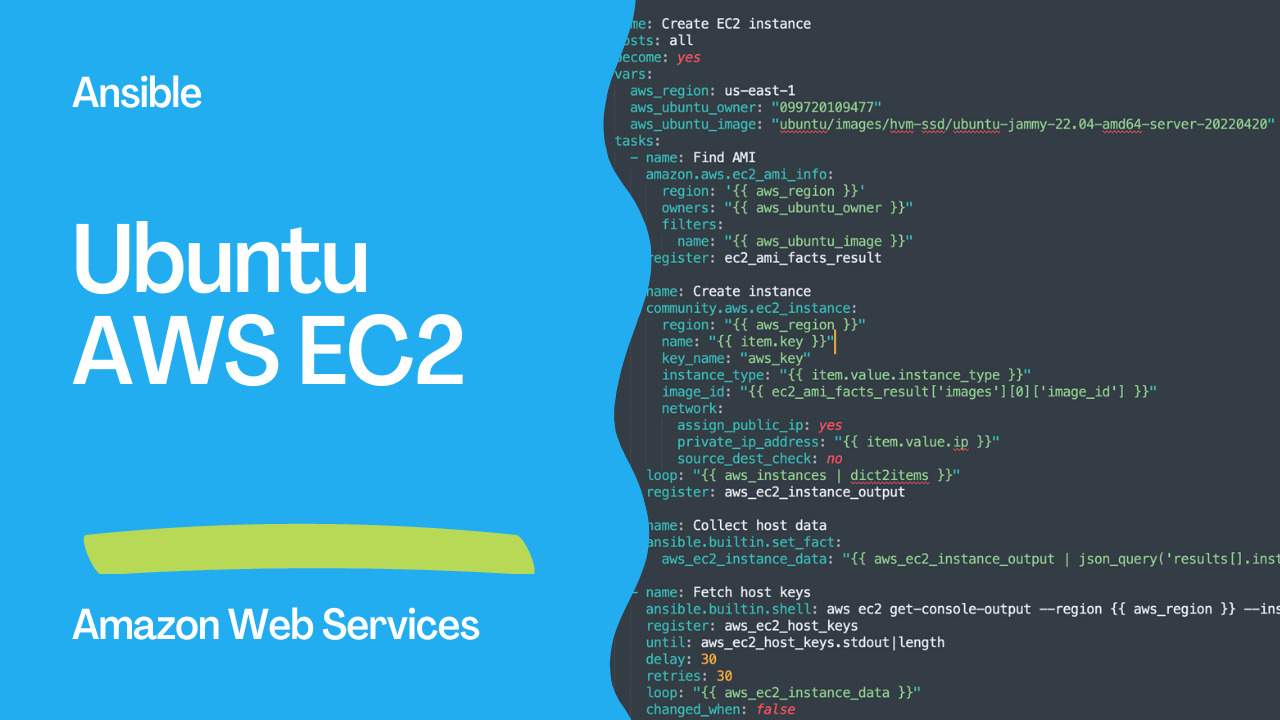
Introduction
This is an Ansible playbook written in YAML format that uses the amazon.aws.ec2_instance Ansible EC2 module to automate the creation of Amazon Elastic Compute Cloud (EC2) instances and collects the host data.
The playbook has three tasks:
- The first task, named “find ami,” uses the
amazon.aws.ec2_ami_infomodule to find an Amazon Machine Image (AMI) based on the specified filters and store the result in theec2_ami_facts_resultvariable. - The second task, named “instances,” uses the
amazon.aws.ec2_instancemodule to create EC2 instances based on the specified parameters, including the AMI ID obtained from the previous task. It loops through a list of instances defined in theaws_instancesvariable, and stores the output in theaws_ec2_instance_outputvariable. - The third task, named “collect host data”, uses the
ansible.builtin.set_factmodule to extract the relevant data from theaws_ec2_instance_outputvariable and stores it in theaws_ec2_instance_datavariable. - The fourth task, named “fetch host keys”, uses the
ansible.builtin.shellmodule to run a command that retrieves the host keys from the instances. It loops through the instances in theaws_ec2_instance_datavariable and stores the output in theaws_ec2_host_keysvariable. It will keep retrying the command until it gets non-empty output or exceeds the maximum number of retries specified. The output will be discarded as it's not registered in a variable.
Links
code
- ec2.yml
---
- name: Create EC2 instance
- hosts: all
  become: yes
  vars:
    aws_region: us-east-1
    aws_ubuntu_owner: "099720109477"
    aws_ubuntu_image: "ubuntu/images/hvm-ssd/ubuntu-jammy-22.04-amd64-server-20220420"
  tasks:
    - name: Find AMI
      amazon.aws.ec2_ami_info:
        region: '{{ aws_region }}'
        owners: "{{ aws_ubuntu_owner }}"
        filters:
          name: "{{ aws_ubuntu_image }}"
      register: ec2_ami_facts_result

    - name: Create instance
      amazon.aws.ec2_instance:
        region: "{{ aws_region }}"
        name: "{{ item.key }}"
        key_name: "aws_key"
        instance_type: "{{ item.value.instance_type }}"
        image_id: "{{ ec2_ami_facts_result['images'][0]['image_id'] }}"
        network:
          assign_public_ip: yes
          private_ip_address: "{{ item.value.ip }}"
          source_dest_check: no
      loop: "{{ aws_instances | dict2items }}"
      register: aws_ec2_instance_output

    - name: Collect host data
      ansible.builtin.set_fact:
        aws_ec2_instance_data: "{{ aws_ec2_instance_output | json_query('results[].instances[0].[tags.Name, public_ip_address, instance_id]') }}"

    - name: Fetch host keys
      ansible.builtin.shell: aws ec2 get-console-output --region {{ aws_region }} --instance-id {{ item[2] }} --output text'
      register: aws_ec2_host_keys
      until: aws_ec2_host_keys.stdout|length
      delay: 30
      retries: 30
      loop: "{{ aws_ec2_instance_data }}"
changed_when: false- inventory
localhost ansible_connection=localexecution
ansible-playbook -i inventory ec2.ymlSee also: Search for AWS EC2 AMI ID by Region - Ansible module ec2_ami_info
Amazon collections
Note that this playbook requires amazon.aws and community.aws collections to be installed. Additionally, the aws command line tool (AWS CLI) must be installed and configured on the machine where Ansible is running.
ansible-galaxy collection install amazon.aws
ansible-galaxy collection install community.aws
Ansible ec2_ami_info module
ec2_ami_info is an Ansible module that retrieves information about Amazon Machine Images (AMIs) in an AWS region. It provides a way to filter the AMIs by attributes such as the owner, the name, the creation date, and others. The module returns a list of AMIs that match the specified filters.
In the playbook, the amazon.aws.ec2_ami_info module is used to find an AMI based on the specified filters, including the AWS region, the owner, and the name. The result is registered in the ec2_ami_facts_result variable, which is later used to obtain the AMI ID for creating the EC2 instances.
See also: Configuring Ansible for AWS: Setup Guide & Playbook
Ansible ec2_instance module
ec2_instance is an Ansible module that creates, modifies, starts, stops, and terminates Amazon Elastic Compute Cloud (EC2) instances in an AWS region. It provides a way to configure various aspects of an EC2 instance, including the instance type, the AMI ID, the key pair, the security groups, the network interfaces, the storage volumes, and others.
In the playbook, the amazon.aws.ec2_instance module is used to launch EC2 instances based on the specified parameters, including the AMI ID obtained from the previous task. It loops through a list of instances defined in the aws_instances variable, which contains the instance type, the IP address, and other attributes. The ec2_instance module creates a new instance for each item in the list and registers the output in the aws_ec2_instance_output variable used in subsequent tasks.
Ansible set_fact module
set_fact is an Ansible module that sets a variable to a specific value or the result of a task. It allows creating new variables or updating existing ones, which can be later used in other tasks, templates, or playbooks.
In the playbook, the ansible.builtin.set_fact module is used to create a new variable called aws_ec2_instance_data, which is populated with a list of values extracted from the aws_ec2_instance_output variable using the json_query filter. The aws_ec2_instance_data variable contains information about the instances launched in the previous task, including the name, the public IP address, and the instance ID. The set_fact module enables passing data between different parts of the playbook or across different playbooks, making it a powerful tool for automation and orchestration.
See also: Configure a Python Virtual Environment for Ansible AWS - ansible collection amazon.aws
Ansible shell module
shell is an Ansible module that executes a command or script on the target host. It allows running arbitrary shell commands, scripts, or one-liners and capturing their output for further processing.
In the playbook, the ansible.builtin.shell module is used to execute an AWS CLI command that retrieves the console output of an EC2 instance. The command uses the aws CLI tool with the ec2 get-console-output command and it takes the AWS region and the instance ID as parameters. The command output is captured in the aws_ec2_host_keys variable, which is used in the subsequent tasks.
Note that running shell commands with the shell module has some limitations and considerations, such as the need to escape special characters, the differences in shell environments, and the security implications of running untrusted code. Therefore, using the dedicated Ansible modules for specific tasks is recommended whenever possible.
Conclusion
In summary, the playbook uses various Ansible modules to automate the deployment of EC2 instances on AWS. It first uses theec2_ami_info module to find an AMI based on specific filters, including the AWS region, the owner, and the name. It then uses the ec2_instance module to launch EC2 instances based on the specified parameters, including the AMI ID obtained from the previous task. The set_fact module creates a new variable that contains information about the instances launched in the previous task. Finally, the shell module executes an AWS CLI command that retrieves the console output of the EC2 instances, which is captured in a variable for further processing. Overall, the playbook Playbooknstrates how Ansible can automate complex tasks in AWS environments, increasing efficiency and reducing errors.
Related Articles
Category: installation