Automating Butt Plugin Configuration and Management with Ansible
By Luca Berton · Published 2024-01-01 · Category: installation
Discover how to set up and manage the Butt plugin for seamless audio streaming. Automate configurations and updates with Ansible for efficiency.
The Butt plugin (Broadcast Using This Tool) is a versatile and widely-used plugin for audio streaming and recording. Whether you're setting up a live broadcast or managing multiple recording systems, automating the configuration of the Butt plugin with Ansible can save time and ensure consistency across systems.
---
What is the Butt Plugin?
The Butt plugin is an open-source tool designed for streaming audio to online servers and recording locally. It is commonly used for:
- Live Broadcasting: Stream audio to platforms like Icecast or Shoutcast.
- Audio Recording: Save high-quality audio files locally for future use.
- Cross-Platform Compatibility: Available on Windows, macOS, and Linux.
---
See also: Automating Distributed File System Replication (DFSR) with Ansible
Why Use Ansible for Butt Plugin Management?
- Automation: Automate repetitive setup tasks, including installation and configuration.
- Scalability: Deploy the Butt plugin across multiple devices efficiently.
- Consistency: Apply uniform settings, such as server configurations and recording options.
- Error Reduction: Eliminate manual mistakes during setup and updates.
Setting Up the Butt Plugin
Manual Steps
- Download the Plugin:
- Visit the official website and download the plugin for your operating system.
- Install Dependencies:
- Ensure required libraries and tools (e.g., audio drivers) are installed on your system.
- Configure Audio Settings:
- Set up the audio input, bitrate, and server connection settings.
- Test the Connection:
- Verify that the plugin streams successfully to your target server.
Automating with Ansible
Example Playbook for Installing the Butt Plugin
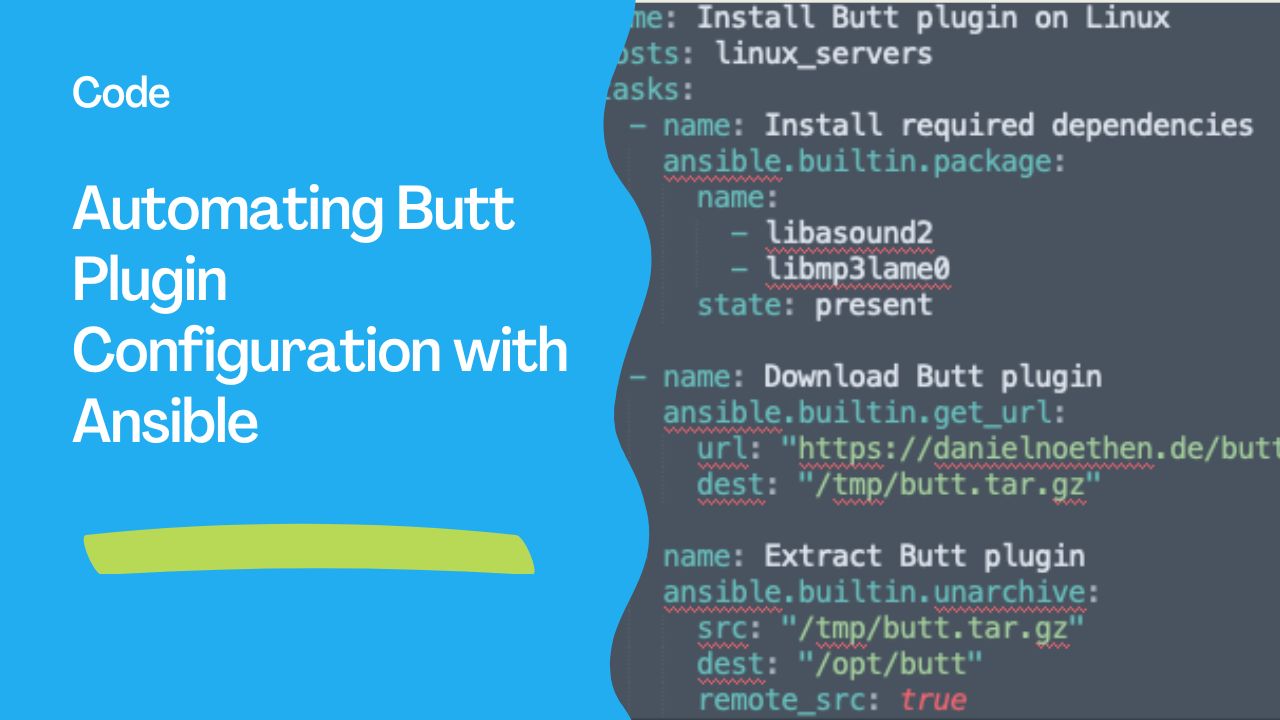
This playbook automates the installation of the Butt plugin on Linux systems.- name: Install Butt plugin on Linux
hosts: linux_servers
tasks:
- name: Install required dependencies
ansible.builtin.package:
name:
- libasound2
- libmp3lame0
state: present
- name: Download Butt plugin
ansible.builtin.get_url:
url: "https://danielnoethen.de/butt/downloads/butt-0.1.32.tar.gz"
dest: "/tmp/butt.tar.gz"
- name: Extract Butt plugin
ansible.builtin.unarchive:
src: "/tmp/butt.tar.gz"
dest: "/opt/butt"
remote_src: true---
Example Playbook for Configuring the Plugin
This playbook configures the plugin settings, including audio input and server connection details.- name: Configure Butt plugin
hosts: linux_servers
tasks:
- name: Create configuration file
ansible.builtin.copy:
dest: "/opt/butt/config.ini"
content: |
[audio]
input_device=default
bitrate=128
[server]
host=stream.example.com
port=8000
mount=/live
password=stream_password---
Example Playbook for Monitoring Plugin Usage
Track and log Butt plugin streaming activity.- name: Monitor Butt plugin usage
hosts: linux_servers
tasks:
- name: Log streaming start time
ansible.builtin.lineinfile:
path: "/var/log/butt_plugin.log"
line: "{{ ansible_date_time.iso8601 }} - Butt plugin streaming started."---
See also: Effective Techniques to Clear Host Errors in Ansible Playbooks
Tips for Optimizing Butt Plugin Management
- Use Pre-Tested Configurations:
- Test settings on a single system before deploying them at scale with Ansible.
- Monitor Streaming:
- Automate health checks to ensure the plugin is functioning properly.
- Secure Credentials:
- Use Ansible Vault to encrypt server passwords and other sensitive information.
- Update Regularly:
- Automate updates to ensure you're using the latest version of the Butt plugin.
Advantages of Combining Butt Plugin and Ansible
- Centralized Control:
- Manage plugin installations and updates from a single Ansible control node.
- Streamlined Setup:
- Deploy configurations across multiple systems with minimal effort.
- Improved Reliability:
- Ensure consistent and error-free plugin setups.
The Butt plugin, when paired with Ansible automation, simplifies audio streaming and recording configurations for users managing multiple systems. By automating setup, updates, and monitoring, you can focus on delivering high-quality broadcasts while minimizing administrative overhead.
See also: Browser in a Browser Proxy with Ansible Automation
Related Articles
Category: installation