Automating Key Management with Ansible Using ansible.utils.remove_keys
By Luca Berton · Published 2024-01-01 · Category: vmware-automation
Master Ansible's remove_keys utility to remove keys dynamically using regex patterns in playbooks for efficient data management and automation.
Introduction
In automation workflows, efficient data manipulation plays a crucial role, especially when managing sensitive data or cleaning structured inputs. Ansible, known for its simplicity and flexibility, offers utilities to handle such scenarios. One such utility isansible.utils.remove_keys, a Python method used to remove keys from a dictionary based on specified criteria, such as matching patterns.
This article dives into the utility's usage, focusing on the target and matching_parameter arguments, and demonstrates its practical application with an Ansible playbook.
See also: Ansible Development: Write Custom Modules, Plugins & Collections
Understanding ansible.utils.remove_keys
The ansible.utils.remove_keys method provides a systematic way to delete dictionary keys. Key arguments include:
target: A regular expression (regex) pattern defining which keys to target for removal.matching_parameter: Defines how the matching is determined. For regex-based matching, this value is"regex".
ansible.utils.remove_keys(target='^note$', matching_parameter='regex')"note" from the given dictionary.
Why Use ansible.utils.remove_keys?
- Data Cleaning: Useful when cleaning unwanted metadata or temporary data.
- Enhanced Security: Prevents accidental propagation of sensitive information.
- Flexibility: Allows dynamic targeting of keys using regex patterns.
See also: Integrate Ansible with VMware vRealize Automation Efficiently
Playbook Demonstration
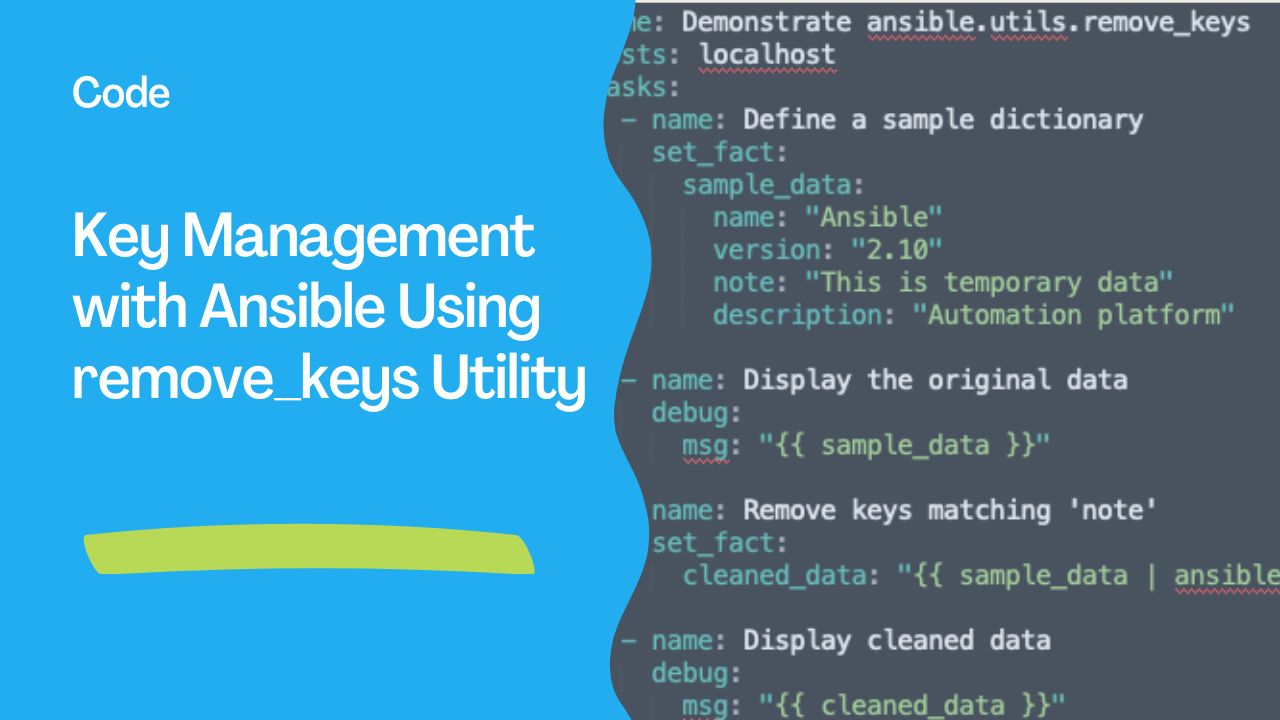
Below is a simple playbook leveraging the ansible.utils.remove_keys utility:
---
- name: Demonstrate ansible.utils.remove_keys
  hosts: localhost
  tasks:
    - name: Define a sample dictionary
      set_fact:
        sample_data:
          name: "Ansible"
          version: "2.10"
          note: "This is temporary data"
          description: "Automation platform"

    - name: Display the original data
      debug:
        msg: "{{ sample_data }}"

    - name: Remove keys matching 'note'
      set_fact:
        cleaned_data: "{{ sample_data | ansible.utils.remove_keys(target='^note$', matching_parameter='regex') }}"

    - name: Display cleaned data
      debug:
        msg: "{{ cleaned_data }}"
Explanation of the Playbook
- Setup Sample Data: Creates a dictionary with some keys to simulate structured input.
- Show Original Data: Uses the
debugmodule to display the dictionary before processing. - Remove Unwanted Keys: Applies the
ansible.utils.remove_keysutility to remove keys matching the regex pattern (notein this case). - Output Cleaned Data: Displays the dictionary after key removal.
Running the Playbook
- Save the playbook as
remove_keys_demo.yml. - Execute it with:
ansible-playbook remove_keys_demo.yml
- Observe the output to confirm that the
"note"key has been successfully removed.
Example Output
TASK [Display the original data] *********************************************
ok: [localhost] => {
    "msg": {
        "description": "Automation platform",
        "name": "Ansible",
        "note": "This is temporary data",
        "version": "2.10"
    }
}

TASK [Display cleaned data] *************************************************
ok: [localhost] => {
    "msg": {
        "description": "Automation platform",
        "name": "Ansible",
        "version": "2.10"
    }
}
---
Conclusion
Theansible.utils.remove_keys utility simplifies dictionary manipulation within Ansible workflows, offering a powerful tool for dynamic key removal. Its flexibility to use regex ensures precise targeting, making it invaluable for cleaning data structures in real-world scenarios.
Integrating such utilities into your playbooks not only reduces manual overhead but also enforces consistency across automation tasks. Experiment with this playbook to see how this utility can streamline your data handling processes!
See also: Ansible Automation: Complete Guide to IT Automation with Playbook Examples
Related Articles
Category: vmware-automation