Ansible troubleshooting - Windows 11 Error 0x80370102 WSL: Windows Subsystem for Linux
By Luca Berton · Published 2024-01-01 · Category: installation
How to troubleshoot the Windows 11 WSL: Windows Subsystem for Linux - Error: 0x80370102 The virtual machine could not be started because a required feature.
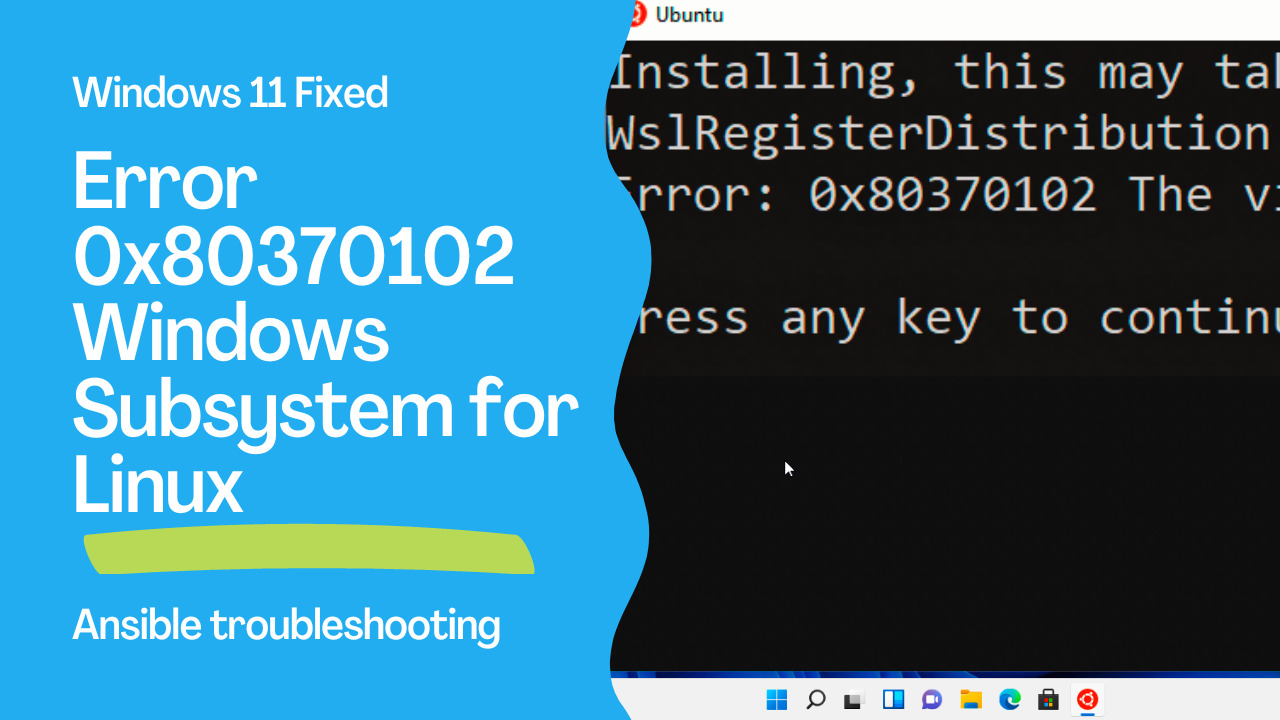
Today we're going to talk about Ansible troubleshooting, specifically about Windows Subsystem for Linux error 0x80370102.
Windows Subsystem for Linux - Ubuntu distribution
Installing, this may take a few minutes...
WslRegisterDistribution failed with error: 0x80370102
Error: 0x80370102 The virtual machine could not be started because a required feature is not installed.

Press any key to continue...
This is the full error message that you might encounter whether you run the Windows Subsystem for Linux - Ubuntu distribution.
## Playbook
The best way of talking about Ansible troubleshooting is to jump in a live Playbook to show you practically the error 0x80370102 Windows Subsystem for Linux and how to solve it! Live Playbook of Error 0x80370102 Windows Subsystem for Linux and fix on Windows version 11 Build 22000 release 210604-1624.
error code
- error reproducer WSL installation
Windows PowerShell
Copyright (C) Microsoft Corporation. All rights reserved.

Install the latest PowerShell for new features and improvements! https://aka.ms/PSWindows

PS C:\Users\user> wsl --install
Installing: Virtual Machine Platform
Virtual Machine Platform has been installed.
Installing: Windows Subsystem for Linux
Windows Subsystem for Linux has been installed.
Downloading: WSL Kernel
Installing: WSL Kernel
WSL Kernel has been installed.
Downloading: GUI App Support
Installing: GUI App Support
GUI App Support has been installed.
Downloading: Ubuntu
The requested operation is successful. Changes will not be effective until the system is rebooted.
PS C:\Users\user>
- error reproducer Ubuntu WSL
Installing, this may take a few minutes...
WslRegisterDistribution failed with error: 0x80370102
Error: 0x80370102 The virtual machine could not be started because a required feature is not installed.

Press any key to continue...
Windows Subsystem for Linux version 2 need enabled Windows features:
Windows Subsystem for Linux
Hyper-V Platform
Hyper-V Hypervisor
If unsupported CPU or Virtualization environment you got the error:
"Hyper-V cannot be installed: The processor does not support second level address translation (SLAT)"workaround
- workaround for unsupported CPU or Virtualization environment
wsl --update
wsl --set-default-version 1
wsl --list -o
wsl --install -d Ubuntu
workaround execution
outputWindows PowerShell
Copyright (C) Microsoft Corporation. All rights reserved.
Install the latest PowerShell for new features and improvements! https://aka.ms/PSWindows
PS C:\Users\user> wsl --update
Checking for updates...
Downloading updates...
Installing updates...
This change will take effect on the next full restart of WSL. To force a restart, please run 'wsl --shutdown'.
Kernel version: 5.10.60.1
PS C:\Users\user> wsl --set-default-version 1
The operation completed successfully.
PS C:\Users\user> wsl --list -o
The following is a list of valid distributions that can be installed.
Install using 'wsl --install -d <Distro>'.
NAME FRIENDLY NAME
Ubuntu Ubuntu
Debian Debian GNU/Linux
kali-linux Kali Linux Rolling
openSUSE-42 openSUSE Leap 42
SLES-12 SUSE Linux Enterprise Server v12
Ubuntu-16.04 Ubuntu 16.04 LTS
Ubuntu-18.04 Ubuntu 18.04 LTS
Ubuntu-20.04 Ubuntu 20.04 LTS
PS C:\Users\user> wsl --install -d Ubuntu
Ubuntu is already installed.
Launching Ubuntu...
PS C:\Users\user>
Installing, this may take a few minutes...
Please create a default UNIX user account. The username does not need to match your Windows username.
For more information visit: https://aka.ms/wslusers
Enter new UNIX username: Playbook
New password:
Retype new password:
passwd: password updated successfully
Installation successful!
To run a command as administrator (user "root"), use "sudo <command>".
See "man sudo_root" for details.

Welcome to Ubuntu 20.04 LTS (GNU/Linux 4.4.0-22000-Microsoft x86_64)

 * Documentation:  https://help.ubuntu.com
 * Management:     https://landscape.canonical.com
 * Support:        https://ubuntu.com/advantage

  System information as of Mon Jan 10 16:57:36 UTC 2022

  System load:    0.52      Users logged in:       0
  Usage of /home: unknown   IPv4 address for eth0: 10.0.2.15
  Memory usage:   73%       IPv4 address for eth1: 169.254.235.130
  Swap usage:     1%        IPv4 address for eth1: 192.168.0.209
  Processes:      7

0 updates can be installed immediately.
0 of these updates are security updates.


The list of available updates is more than a week old.
To check for new updates run: sudo apt update


This message is shown once once a day. To disable it please create the
/home/Playbook/.hushlogin file.
Playbook@demo:~$
See also: Ansible troubleshooting - Windows 10 Error 0x80370102 WSL: Windows Subsystem for Linux
Conclusion
Now you know how to troubleshoot the Windows Subsystem for Linux error 0x80370102.Related Articles
- patching Windows with Ansible
- Ansible troubleshooting - Windows 10 Error 0x80370102 WSL: Windows Subsystem for Linux
- Ansible troubleshooting - Module Failure on Windows-target
See also: Ansible troubleshooting - Module Failure on Windows-target
Root Cause
Error 0x80370102 on Windows 11 means the Virtual Machine Platform is not enabled or hardware virtualization is disabled in BIOS/UEFI.
Fix Steps
Step 1: Enable Virtualization in BIOS/UEFI
Restart → Enter BIOS → Enable Intel VT-x or AMD-V/SVM Mode.
Step 2: Enable Required Windows Features
# Run as Administrator
dism.exe /online /enable-feature /featurename:Microsoft-Windows-Subsystem-Linux /all /norestart
dism.exe /online /enable-feature /featurename:VirtualMachinePlatform /all /norestart

# Or via Settings → Apps → Optional Features → More Windows Features
# Check: Windows Subsystem for Linux, Virtual Machine Platform

Restart-Computer
Step 3: Update WSL
wsl --update
wsl --set-default-version 2
Step 4: Install Ansible
# Inside WSL
sudo apt update
sudo apt install -y python3-pip
pip3 install ansible --user

# Or use system package
sudo apt install -y ansible
See also: Ansible troubleshooting - Unhandled exception while executing module win_user
Using Ansible from WSL to Manage Windows
# inventory.ini
[windows]
localhost ansible_host=127.0.0.1

[windows:vars]
ansible_connection=winrm
ansible_winrm_transport=ntlm
ansible_winrm_port=5985
ansible_user=YourUser
ansible_password="{{ vault_win_password }}"
FAQ
Is the fix different for Windows 11 vs Windows 10?
The fix is identical — enable virtualization in BIOS and the Virtual Machine Platform feature. Windows 11 requires TPM 2.0 and Secure Boot, which don't affect WSL.
Can I run WSL 2 inside a VM?
Yes, with nested virtualization. Hyper-V and VMware Workstation support nested virtualization. VirtualBox has limited support.
Category: installation
Watch the video: Ansible troubleshooting - Windows 11 Error 0x80370102 WSL: Windows Subsystem for Linux — Video Tutorial