Ansible troubleshooting - Error 304: inline-env-var
By Luca Berton · Published 2024-01-01 · Category: troubleshooting
Rule 304, inline-env-var, advises against setting environment variables directly within the ansible.builtin.command module.
Introduction
Ansible, the powerful automation tool, empowers users to streamline tasks and processes efficiently. However, ensuring best practices and maintaining a clean and predictable playbook is crucial. Ansible-Lint, a popular linting tool for Ansible playbooks, enforces a range of rules to help users optimize their automation scripts. In this article, we focus on Rule 304, "inline-env-var," in Ansible-Lint which checks that environment variables should not be set within the ansible.builtin.command module. Instead, the ansible.builtin.shell module or the environment keyword should be used for this purpose.
See also: Ansible troubleshooting - Error 102: No Jinja2 in 'when' Conditions
Understanding Rule 304
Rule 304, "inline-env-var," offers a simple yet effective piece of guidance for Ansible playbook authors. It highlights the importance of maintaining clarity and best practices in your playbooks by ensuring that environment variables are not set directly within the ansible.builtin.command module.
Problematic Code
Consider this problematic code snippet:
---
- name: Example playbook
  hosts: all
  tasks:
    - name: Set environment variable
      ansible.builtin.command: MY_ENV_VAR=my_value # <- Sets an environment variable in the command module.
In this code, the playbook attempts to set an environment variable (MY_ENV_VAR) directly within the ansible.builtin.command module. While this might work, it is not the recommended approach.
Output:
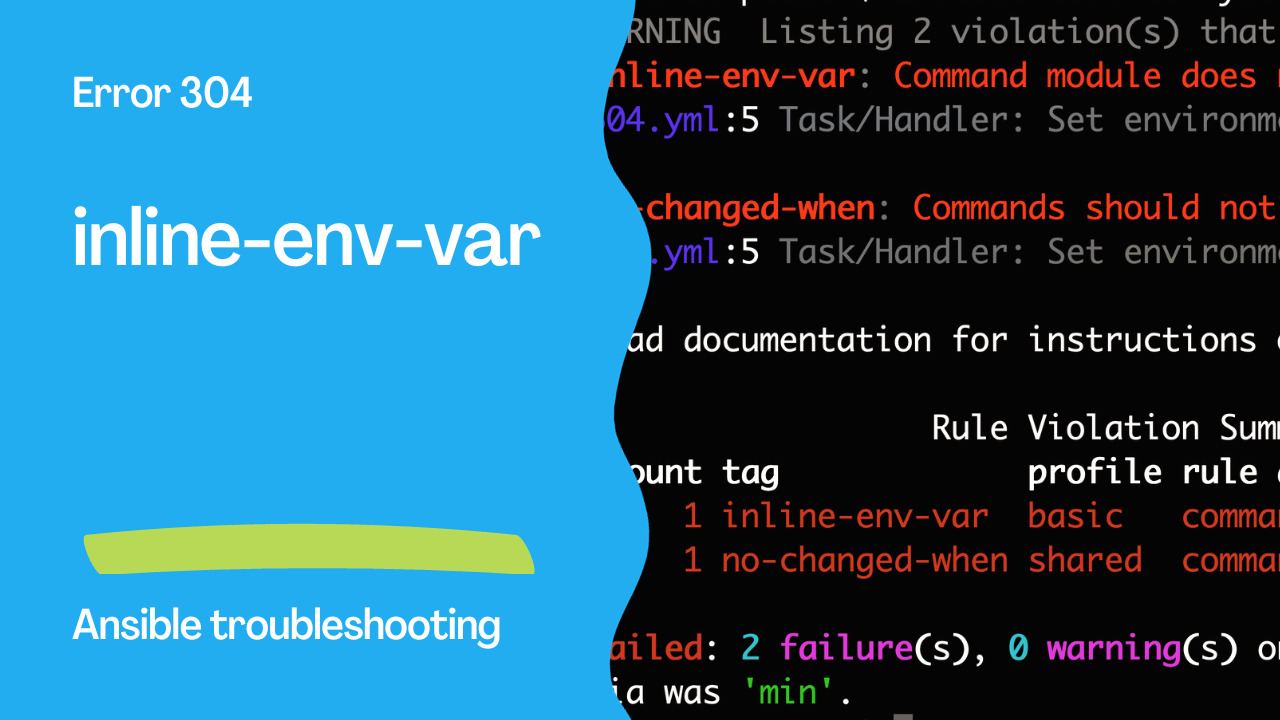
WARNING  Listing 2 violation(s) that are fatal
inline-env-var: Command module does not accept setting environment variables inline.
304.yml:5 Task/Handler: Set environment variable

no-changed-when: Commands should not change things if nothing needs doing.
304.yml:5 Task/Handler: Set environment variable

Read documentation for instructions on how to ignore specific rule violations.

                  Rule Violation Summary
 count tag             profile rule associated tags
     1 inline-env-var  basic   command-shell, idiom
     1 no-changed-when shared  command-shell, idempotency

Failed: 2 failure(s), 0 warning(s) on 1 files. Last profile that met the validation criteria was 'min'.
See also: Ansible troubleshooting - Error 104: Deprecated Bare Vars
Correct Code
The corrected code aligning with Rule 304 looks like this:
---
- name: Example playbook
  hosts: all
  tasks:
    - name: Set environment variable
      ansible.builtin.shell: echo $MY_ENV_VAR
      environment:
        MY_ENV_VAR: my_value # <- Sets an environment variable with the environment keyword.
In this improved version, the playbook uses the ansible.builtin.shell module to set the environment variable and leverages the environment keyword for that purpose. This adheres to best practices and promotes a more structured and readable playbook.
Why Avoid Setting Environment Variables in ansible.builtin.command
Avoiding the inline setting of environment variables in the ansible.builtin.command module is essential for several reasons:
- Clarity: Storing environment variable settings in a separate, structured section of the playbook enhances clarity and readability.
- Predictability: Using the
ansible.builtin.shellmodule or theenvironmentkeyword ensures that environment variables are set consistently and predictably across tasks.
- Idempotence: This approach aligns with Ansible's idempotent nature, as it separates environment variable setting from command execution.
- Flexibility: By following this practice, you can easily modify or extend environment variables as needed without altering the command tasks themselves.
Alternative Correct Code
It's worth noting that Rule 304 allows for flexibility in how you set environment variables. Here's an alternative correct code snippet:
---
- name: Example playbook
  hosts: all
  tasks:
    - name: Set environment variable
      ansible.builtin.shell: MY_ENV_VAR=my_value # <- Sets an environment variable with the shell module.
In this version, the environment variable is set using the ansible.builtin.shell module, which is a valid alternative to using the environment keyword with the ansible.builtin.shell module.
See also: Ansible troubleshooting - Error 105: Deprecated Module Usage
Conclusion
Rule 304, "inline-env-var," is a straightforward yet valuable guideline within Ansible-Lint that promotes best practices and readability in Ansible playbooks. By refraining from setting environment variables directly within the ansible.builtin.command module and instead using the ansible.builtin.shell module or the environment keyword, you can ensure your playbooks are structured, predictable, and aligned with Ansible's idempotent nature. This practice enhances the quality and maintainability of your automation scripts and contributes to a more efficient and error-free Ansible workflow.
Related Articles
Category: troubleshooting