Ansible troubleshooting - Error 202: Risky Octal Permissions
By Luca Berton · Published 2024-01-01 · Category: troubleshooting
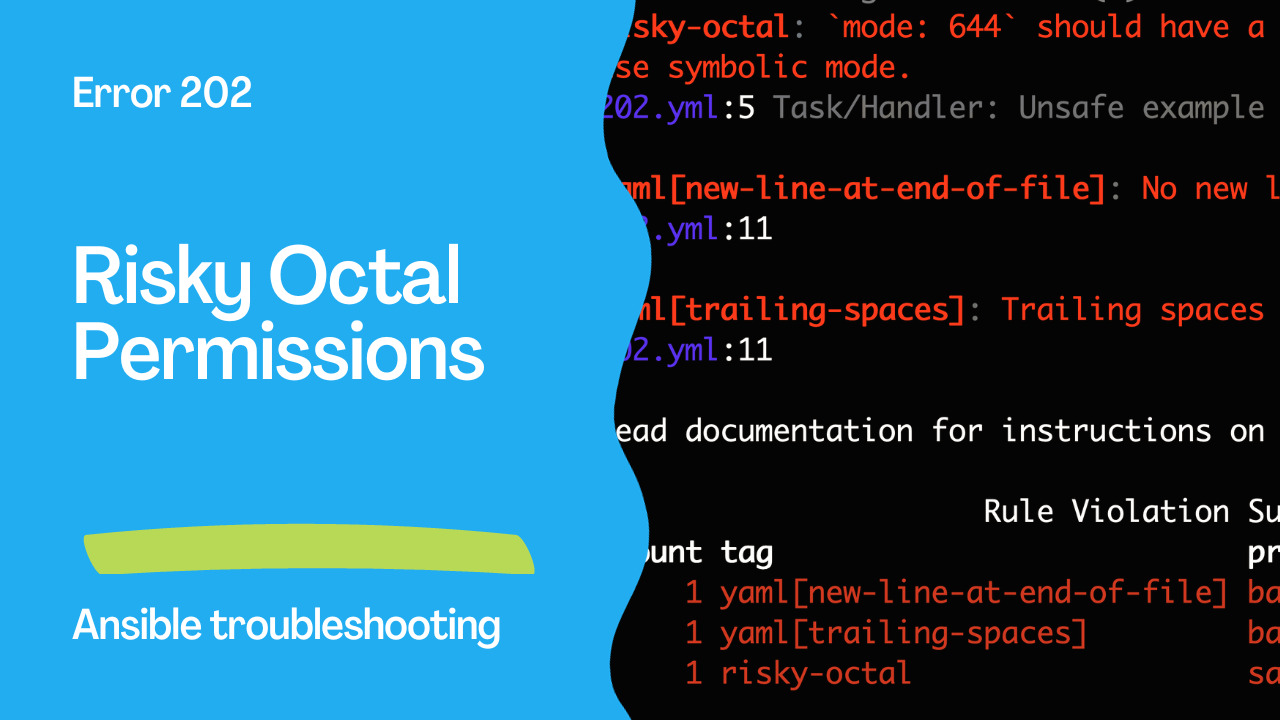
Ansible Error 202, "`risky-octal`", warns against using octal file permissions without a leading zero, which can lead to unpredictable outcomes.
Introduction
Ansible, a powerful automation tool, enables you to manage configurations, deploy software, and automate various tasks in a structured and organized manner. However, to harness the full potential of Ansible, it’s essential to follow best practices and avoid potential pitfalls. In this article, we’ll explore Ansible Error 202, “risky-octal”, in Ansible-Lintwhich focuses on the use of octal file permissions in your Ansible playbooks. We’ll discuss why using integers or octal values in YAML can lead to unexpected behavior and how to ensure that your file permissions are defined safely and predictably.
See also: Ansible troubleshooting - Error 102: No Jinja2 in 'when' Conditions
The Problem: Risky Octal File Permissions
Ansible Error 202, “risky-octal”, is designed to prevent the use of octal file permissions in a non-standard form, which can result in unpredictable outcomes. Octal file permissions are typically written with a leading zero (e.g., 0644). When you omit the leading zero and use an integer (e.g., 644), the YAML parser interprets the value differently, leading to unexpected results.
Problematic Code Example:
---
- name: Example playbook
  hosts: localhost
  tasks:
    - name: Unsafe example of declaring Numeric file permissions
      ansible.builtin.file:
        path: /etc/foo.conf
        owner: foo
        group: foo
        mode: 644 # <- Risky octal without a leading zero
In the above code snippet, the “mode” parameter lacks the leading zero in the octal permission, making it prone to unpredictable behavior.
Output:
WARNING  Listing 3 violation(s) that are fatal
risky-octal: `mode: 644` should have a string value with leading zero `mode: "01204"` or use symbolic mode.
202.yml:5 Task/Handler: Unsafe example of declaring Numeric file permissions

yaml[new-line-at-end-of-file]: No new line character at the end of file
202.yml:11

yaml[trailing-spaces]: Trailing spaces
202.yml:11

Read documentation for instructions on how to ignore specific rule violations.

                      Rule Violation Summary
 count tag                           profile rule associated tags
     1 yaml[new-line-at-end-of-file] basic   formatting, yaml
     1 yaml[trailing-spaces]         basic   formatting, yaml
     1 risky-octal                   safety  formatting

Failed: 3 failure(s), 0 warning(s) on 1 files. Last profile that met the validation criteria was 'min'.
Modules that are checked
- ansible.builtin.assemble
- ansible.builtin.copy
- ansible.builtin.file
- ansible.builtin.replace
- ansible.builtin.template
See also: Ansible troubleshooting - Error 104: Deprecated Bare Vars
Correcting File Permissions
To address Ansible Error 202 and define file permissions safely and predictably, you should use a quoted string with a leading zero when specifying octal permissions. Here’s how to do it correctly:---
- name: Example playbook
hosts: localhost
tasks:
- name: Safe example of declaring Numeric file permissions (1st solution)
ansible.builtin.file:
path: /etc/foo.conf
owner: foo
group: foo
mode: "0644" # <- Quoting and the leading zero will prevent surprisesIn the corrected code, we have placed the octal value in double quotes with a leading zero, ensuring that it’s interpreted correctly.
An alternative, equally valid approach is to use a string with a “0o” prefix:
---
- name: Example playbook
  hosts: localhost
  tasks:
    - name: Safe example of declaring Numeric file permissions (2nd solution)
      ansible.builtin.file:
        path: /etc/foo.conf
        owner: foo
        group: foo
        mode: "0o644" # <- Using the "0o" prefix for octal permissions
Benefits of Safe File Permissions
- Predictable Behavior: Using a leading zero or the “0o” prefix ensures that the YAML parser correctly interprets octal file permissions, avoiding unexpected outcomes.
- Consistency: Safe file permissions contribute to consistent playbook behavior and make your automation more reliable.
- Clarity: Quoting octal permissions improves the readability of your code and ensures that your intentions are clear to others who may work on the playbook.
- Avoiding Surprises: Ensuring safe file permissions eliminates potential surprises or issues caused by incorrect interpretation.
Conclusion
Ansible Error 202, “risky-octal”, serves as an important reminder to use octal file permissions in a safe and predictable manner. By quoting octal values with a leading zero or using the “0o” prefix, you can ensure that your playbooks run as expected and without any surprises.
In the world of infrastructure automation, predictability and reliability are paramount. Therefore, when working with Ansible, remember to define your file permissions in a manner that avoids unexpected behavior and supports consistent execution of your tasks.
See also: Ansible troubleshooting - Error 105: Deprecated Module Usage
Related Articles
Category: troubleshooting