Ansible troubleshooting - Error 105: Deprecated Module Usage
By Luca Berton · Published 2024-01-01 · Category: troubleshooting
Ansible Error 105, "Deprecated Module", warns against using outdated modules that lack maintenance and may be removed in future releases.
Introduction
Ansible, the widely used automation tool, empowers users to automate complex tasks, manage configurations, and orchestrate workflows efficiently. However, like any evolving technology, Ansible has its own set of best practices and guidelines. In this article, we'll explore Ansible Error 105, "Deprecated Module," in Ansible-Lint which highlights the use of modules that are no longer actively maintained. We'll discuss why using deprecated modules is a concern and provide insights into how to ensure your Ansible playbooks remain secure and up-to-date.See also: Ansible troubleshooting - Error 102: No Jinja2 in 'when' Conditions
The Problem: Deprecated Modules
Ansible Error 105, "Deprecated Module", serves as a critical warning against using modules that are no longer actively supported or maintained. Deprecated modules pose several concerns for Ansible users:- Lack of Maintenance: Deprecated modules are no longer actively maintained, which means they may contain security vulnerabilities or compatibility issues that still need to be addressed. Using such modules in your playbooks can pose a significant security risk.
- Temporary Availability: When a module is marked as deprecated, it may still be available temporarily. However, there is a clear plan for its eventual removal. Relying on these modules is not a sustainable solution, as they will cease to exist in future Ansible releases.
Problematic Code Example
---
- name: Example playbook
  hosts: localhost
  tasks:
    - name: Configure VLAN ID
      ansible.netcommon.net_vlan: # <- Uses a deprecated module.
        vlan_id: 20
In the above code snippet, the ansible.netcommon.net_vlan module is deprecated and should be replaced with a supported and actively maintained module.
Output:
WARNING  <unknown>:1: SyntaxWarning: invalid decimal literal

WARNING  Listing 1 violation(s) that are fatal
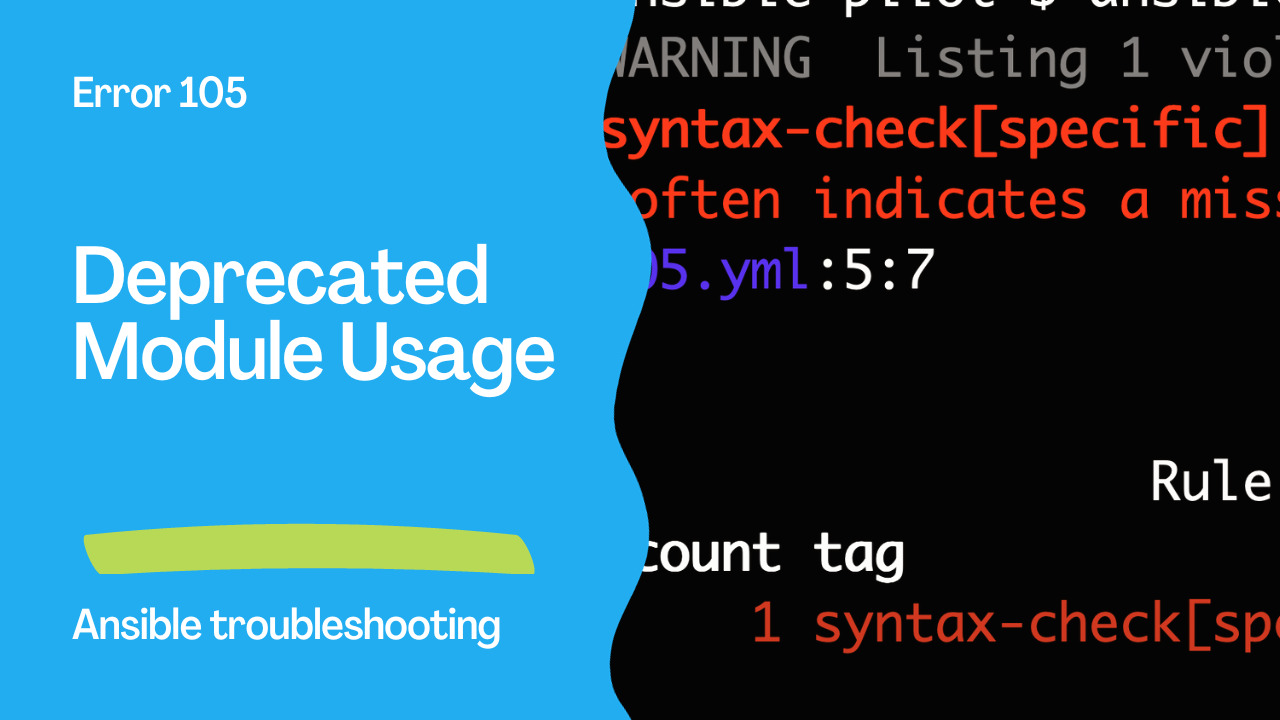
syntax-check[specific]: couldn't resolve module/action 'ansible.netcommon.net_vlan'. This often indicates a misspelling, missing collection, or incorrect module path.
105.yml:5:7


                  Rule Violation Summary
 count tag                    profile rule associated tags
     1 syntax-check[specific] min     core, unskippable

Failed: 1 failure(s), 0 warning(s) on 1 files.
Correcting the Code
To address Ansible Error 105 and ensure the security and longevity of your Ansible playbooks, you should replace deprecated modules with actively supported alternatives. Here's an example of how to do it correctly:---
- name: Example playbook
hosts: localhost
tasks:
- name: Configure VLAN ID
dellemc.enterprise_sonic.sonic_vlans: # <- Uses a platform-specific module.
config:
- vlan_id: 20In the corrected code, the deprecated module ansible.netcommon.net_vlan has been replaced with a platform-specific module dellemc.enterprise_sonic.sonic_vlans that is actively maintained and supported.
See also: Ansible troubleshooting - Error 104: Deprecated Bare Vars
Benefits of Replacing Deprecated Modules
- Enhanced Security: Using actively maintained modules ensures that your playbooks are not susceptible to known vulnerabilities, making your automation tasks more secure.
- Long-Term Compatibility: Active modules are compatible with the latest Ansible releases and are more likely to be compatible with future versions, safeguarding your automation investment.
- Community Support: Supported modules have an engaged community that can provide assistance, updates, and improvements, allowing you to stay up to date with best practices and emerging standards.
- Reduced Technical Debt: Replacing deprecated modules now reduces the technical debt that would accumulate if you continue using them.
Conclusion
Ansible Error 105, "Deprecated Module", is a crucial reminder to keep your Ansible playbooks up-to-date and secure. By replacing deprecated modules with actively maintained ones, you ensure the longevity and reliability of your automation tasks. Additionally, staying informed about module replacements and removal dates through the Ansible module index is vital for making informed decisions about your playbook structure.
In the world of automation, adaptability and currency are key, and by addressing deprecated modules promptly, you can guarantee the continued success of your Ansible automation efforts.
Related Articles
Category: troubleshooting