Streamlining Notifications with Ansible: Sending Email Reports
By Luca Berton · Published 2024-01-01 · Category: installation
Simplify Notifications: Seamlessly Integrate Gmail for Effortless Communication with community.general.mail module.
Introduction
Automation has become the cornerstone of efficient IT operations in today's fast-paced technological landscape. Ansible, a powerful open-source automation tool, empowers organizations to simplify complex tasks and workflows. One such task is sending email notifications, an essential component of keeping stakeholders informed about various processes and events within a system. In this article, we’ll explore a practical example of how to use Ansible to send email reports using a playbook.See also: Ansible gather_facts: Display Network Information & System Facts (Guide)
Links
- https://docs.ansible.com/ansible/latest/collections/community/general/mail_module.html
The Ansible Playbook: Sending Email Reports
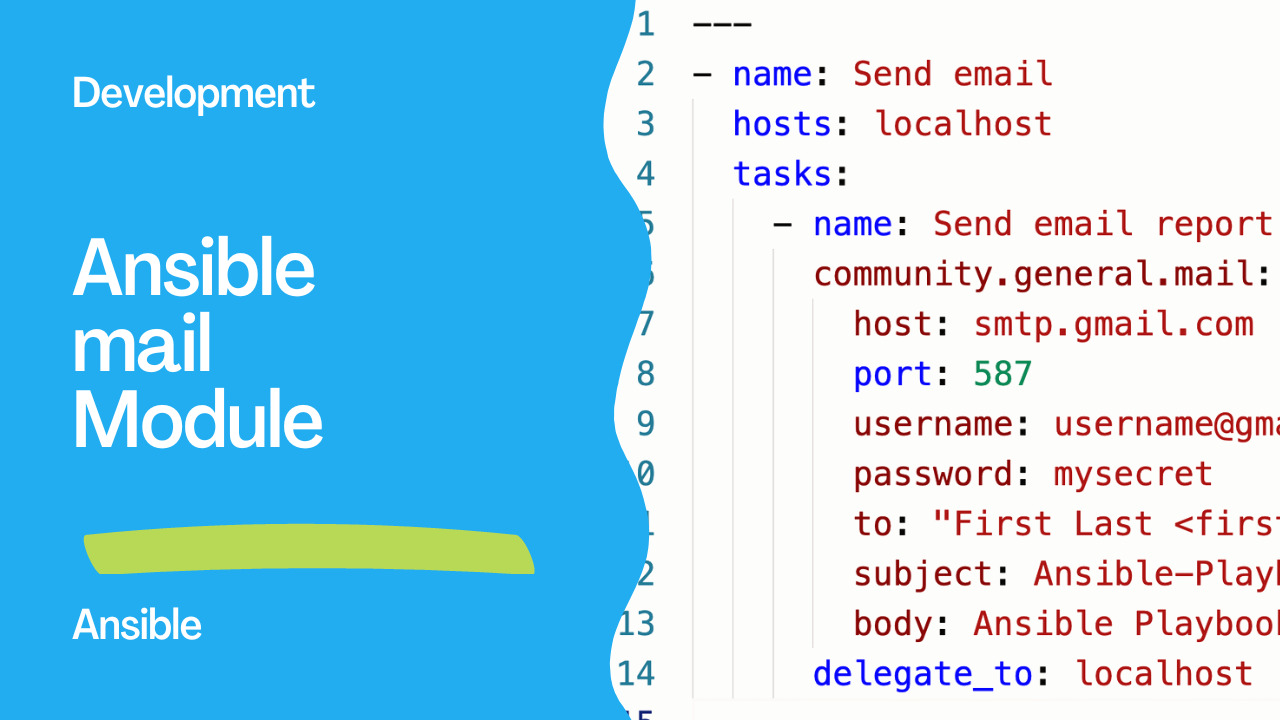
The provided Ansible playbook snippet Playbooknstrates how to send email reports using thecommunity.general.mail module. This module offers a straightforward way to interact with email servers and send notifications from within an Ansible playbook.
---
- name: Send email
  hosts: localhost
  tasks:
    - name: Send email report
      community.general.mail:
        host: smtp.gmail.com
        port: 587
        username: username@gmail.com
        password: mysecret
        to: "First Last <first.last@mail.com>"
        subject: Ansible-Playbook Report
        body: Ansible Playbook notify
      delegate_to: localhost
The playbook snippet consists of three primary sections:
- Play Definition: The playbook begins with defining the play’s name and target hosts. In this case, the play is executed on the
localhost.
- Task Definition: Inside the play, there’s a task defined under the
taskssection. This task is named “Send email report” and utilizes thecommunity.general.mailmodule to send an email. Please note that we need thecommunity.generalcollection installed in our system:
ansible-galaxy collection install community.general- Module Configuration: The Ansible module includes various parameters to send the email. These parameters include the SMTP server’s hostname (
smtp.gmail.com), port (587), sender’s email (username@gmail.com), sender’s password (mysecret), recipient’s email (first.last@mail.com), email subject (Ansible-Playbook Report), and the email body (Ansible Playbook notify).
delegate_to parameter specifies that the task should be executed on the localhost.
Understanding the Use Case
This Ansible playbook snippet is designed to send an email report, which can have multiple applications:- Deployment Notifications: In a continuous integration/continuous deployment (CI/CD) pipeline, this playbook can be used to notify team members about the successful deployment of a new version.
- Error Alerts: By integrating this playbook into your error-handling process, you can automatically send notifications when critical errors occur in your system.
- Task Completion Reports: Long-running tasks or batch processes can be configured to send a notification upon completion.
Configuration and Customization
To use this playbook, you need to replace the placeholder values with your actual information:username@gmail.comandmysecret: Replace these with your Gmail account credentials or an app-specific password.
First Last: Replace this with the recipient’s name and email address.
Ansible-Playbook ReportandAnsible Playbook notify: Customize the subject and body of the email to match your specific use case.
mail.yml file and execute it using the ansible-playbook command:
ansible-playbook mail.ymlAnsible will execute the playbook tasks and utilize the community.general.mail module to send the email report to the specified recipient.
See also: Automate Redmine Installation on Ubuntu LTS 22.04 with Ansible
Conclusion
The provided Ansible playbook snippet showcases how automation can simplify sending email notifications. By leveraging Ansible’s capabilities, you can enhance organizational communication, keep stakeholders informed, and streamline crucial operational workflows. Whether it’s deployment notifications, error alerts, or task completion reports, Ansible empowers you to manage notifications efficiently and effectively, contributing to a more responsive and informed IT environment.Related Articles
Category: installation