Ansible wait_for & Delayed Tasks: Time Management in Playbooks
By Luca Berton · Published 2024-01-01 · Category: troubleshooting
How to manage delays and timing in Ansible playbooks. Use wait_for module, async tasks, poll intervals, and pause for time-based automation.
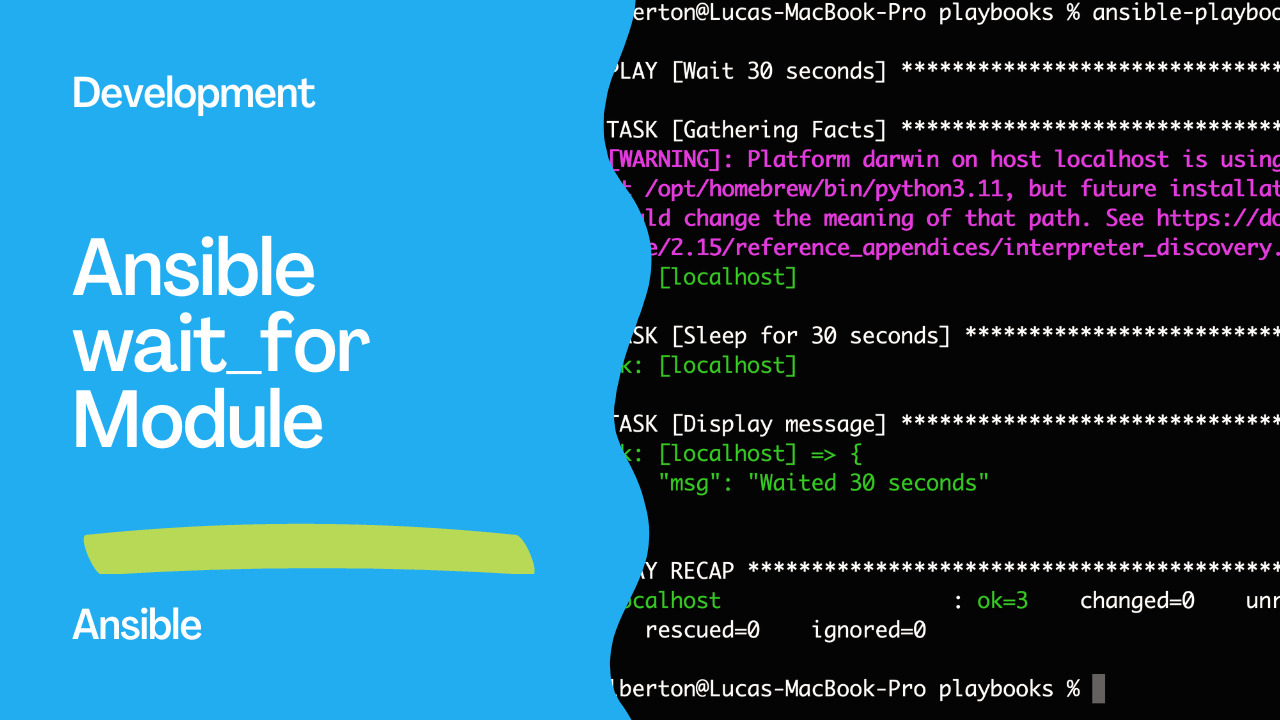
Introduction
Ansible, a versatile automation tool, empowers system administrators to achieve operational excellence through streamlined workflows and simplified configurations. This article delves into a specific Ansible playbook that showcases the art of managing time-sensitive tasks using declarative playbooks. By understanding and implementing delayed execution, administrators can effortlessly control when and how tasks are executed across a cluster of hosts.See also: Ansible Scheduled Tasks: Cron Jobs & at Module for Timed Execution
Links
- https://docs.ansible.com/ansible/latest/collections/ansible/builtin/wait_for_module.html
Understanding the Playbook
In the following Ansible playbook snippet, we’ll explore how to introduce a delay in task execution and display a message after the delay:---
- name: Wait 30 seconds
hosts: all
tasks:
- name: Sleep for 30 seconds
ansible.builtin.wait_for:
timeout: 30
delegate_to: localhost
- name: Display message
ansible.builtin.debug:
msg: "Waited 30 seconds"Breaking Down the Playbook
- Playbook Name: The playbook initiates with a descriptive name, “Wait 30 seconds,” signifying its purpose.
- Target Hosts: The playbook is configured to apply its tasks to all hosts listed in the Ansible inventory (
hosts: all), ensuring consistency across the specified hosts.
- Tasks Section: The
tasks:section encapsulates the series of tasks to be sequentially executed on the designated hosts.
- Sleep for 30 Seconds: The initial task, named “
Sleep for 30 seconds,” employs theansible.builtin.wait_formodule. This module introduces a delay in task execution, effectively pausing the playbook’s progress for 30 seconds. Thetimeoutparameter specifies the duration of the delay. Additionally, thedelegate_to: localhostdirective instructs Ansible to perform this task on the control machine rather than the remote hosts. - Display Message: The subsequent task, named “Display message,” employs the
ansible.builtin.debugmodule. This module is used to present debug information. In this case, themsgparameter contains a message indicating that 30 seconds have been waited.
Execution
ansible-playbook -i inventory wait_for.ymlOutput
PLAY [Wait 30 seconds] ******************************************************************

TASK [Gathering Facts] ******************************************************************
ok: [localhost]

TASK [Sleep for 30 seconds] *************************************************************
ok: [localhost]

TASK [Display message] ******************************************************************
ok: [localhost] => {
    "msg": "Waited 30 seconds"
}

PLAY RECAP ******************************************************************************
localhost                  : ok=3    changed=0    unreachable=0    failed=0    skipped=0    rescued=0    ignored=0
See also: Securely Automate Sudo Passwords in Ansible Playbooks
Conclusion
By utilizing Ansible’s declarative playbooks, administrators can orchestrate and automate tasks across a distributed environment with remarkable precision. This showcased playbook highlights the importance of delayed task execution and message display, showcasing how to leverage thewait_for module to introduce delays and the debug module to communicate important information.
Incorporating such time management capabilities into your Ansible workflows can prove invaluable when orchestrating complex sequences of tasks or when synchronization between different components is critical. As you explore Ansible further, you’ll find that its adaptable nature caters to various scenarios, enabling you to handle tasks from the simplest configurations to the most intricate automation challenges.
Related Articles
Category: troubleshooting