Automate Redmine Installation on Ubuntu LTS 22.04 with Ansible
By Luca Berton · Published 2024-01-01 · Category: installation
Learn how to automate the installation of Redmine on Ubuntu 22.04 LTS using Ansible, ensuring a consistent and efficient deployment process for your project.
Introduction
Welcome to a comprehensive guide on automating the installation of Redmine on Ubuntu LTS 22.04 using Ansible. In today’s rapidly evolving technological landscape, streamlining the deployment process of essential software like Redmine has become a priority for efficient project management and collaboration. Redmine, a versatile and widely-used project management tool, facilitates tasks ranging from issue tracking to time tracking, all within a unified platform.This guide delves into the integration of Ansible, a powerful automation tool, to orchestrate the installation of Redmine on Ubuntu LTS 22.04. Ansible eliminates the manual complexities of software deployment by providing a clear, repeatable, and automated solution. By following this tutorial, you’ll harness the capabilities of Ansible to expedite the installation process, ensuring consistency and accuracy across multiple instances.
Whether you’re a seasoned DevOps professional seeking to optimize deployment workflows or an IT enthusiast eager to explore the realms of automation, this guide will equip you with the knowledge and steps needed to effortlessly set up Redmine on the latest Ubuntu LTS release. Let’s embark on this journey to enhance your project management efficiency through seamless and automated deployment.
See also: Ansible regex_search: Extract Text with Patterns (Complete Guide)
Links
- https://www.redmineup.com/pages/help/installation/installing-redmine-on-ubuntu-20-04
Step by Step
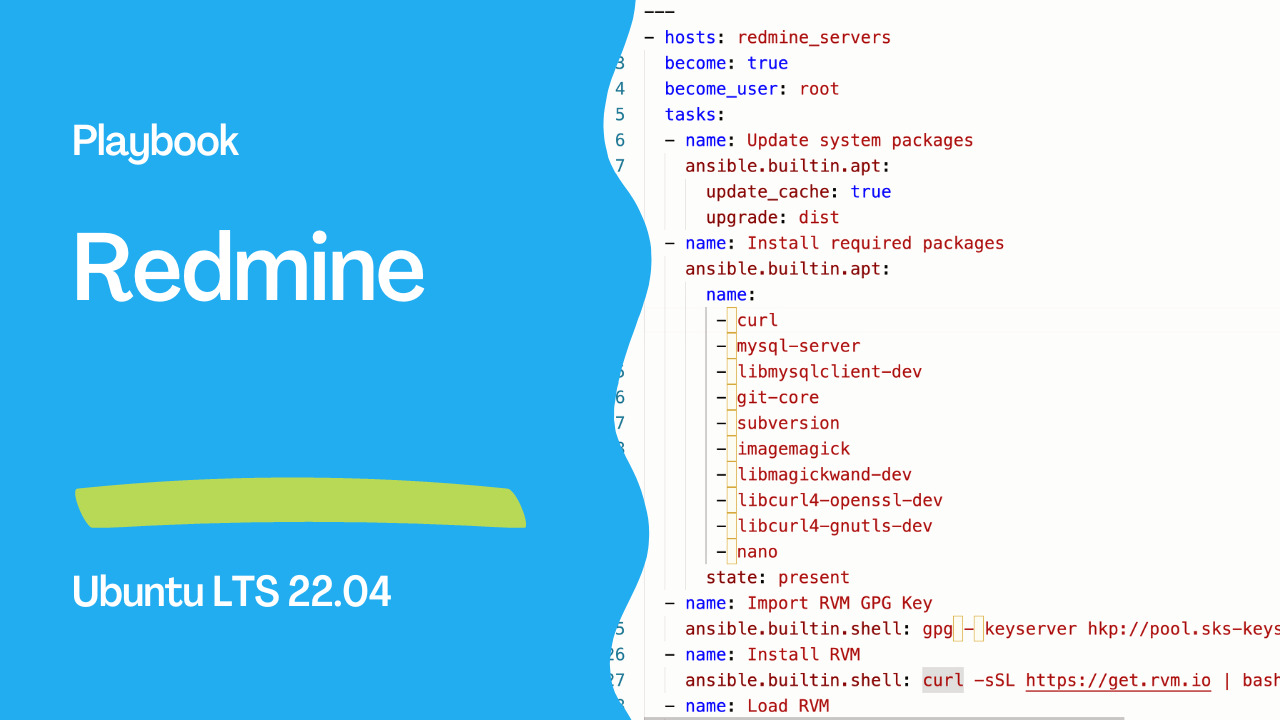
The following Ansible playbook for Redmine installation on Ubuntu 22.04. Please note that you should adapt this playbook based on your specific requirements and environment. You should install Ansible on your system before running the playbook.Save this playbook as install_redmine.yml:
---
- hosts: redmine_servers
  become: true
  become_user: root
  tasks:
  - name: Update system packages
    ansible.builtin.apt:
      update_cache: true
      upgrade: dist
  - name: Install required packages
    ansible.builtin.apt:
      name:
       - curl
       - mysql-server
       - libmysqlclient-dev
       - git-core
       - subversion
       - imagemagick
       - libmagickwand-dev
       - libcurl4-openssl-dev
       - libcurl4-gnutls-dev
       - nano
      state: present
  - name: Import RVM GPG Key
    ansible.builtin.shell: gpg - keyserver hkp://pool.sks-keyservers.net - recv-keys 409B6B1796C275462A1703113804BB82D39DC0E3 7D2BAF1CF37B13E2069D6956105BD0E739499BDB
  - name: Install RVM
    ansible.builtin.shell: curl -sSL https://get.rvm.io | bash
  - name: Load RVM
    ansible.builtin.shell: source /etc/profile.d/rvm.sh
  - name: Install Ruby
    ansible.builtin.shell: |
        rvm get head
        rvm install ruby-2.7
  - name: Install Passenger gem
    ansible.builtin.shell: 'gem install passenger - no-document'
  - name: Install Redmine dependencies
    ansible.builtin.apt:
    name:
       - build-essential
       - libssl-dev
       - libreadline-dev
    state: present
  - name: Install Nginx
    ansible.builtin.apt:
      name: nginx
      state: present
  - name: Configure Nginx site
    ansible.builtin.template:
      src: nginx.conf.j2
      dest: /etc/nginx/sites-available/redmine
    notify: Reload Nginx
  - name: Start Nginx
    ansible.builtin.service:
      name: nginx
      state: started
      enabled: true
  handlers:
  - name: Reload Nginx
    ansible.builtin.service:
      name: nginx
      state: restarted
Create a Jinja2 template named nginx.conf.j2 in the same directory as the playbook with the following content:
server {
 listen 80;
 server_name [your_server_domain_name]; # Replace with your domain name
 root /var/data/redmine/public;
 passenger_enabled on;
 client_max_body_size 10m; # Max attachment size
}
To run the playbook:
ansible-playbook -i inventory.ini install_redmine.ymlRemember to replace [your_server_domain_name] with your actual domain name. Also, make sure to customize this playbook based on your specific needs and ensure that the paths, usernames, and other settings match your environment.
See also: Ansible Scheduled Tasks: Cron Jobs & at Module for Timed Execution
Conclusion
In conclusion, automating the installation of Redmine on Ubuntu LTS 22.04 through Ansible offers a powerful solution for simplifying and accelerating the deployment process. The manual intricacies and potential errors associated with traditional installation methods can be significantly reduced by harnessing the capabilities of Ansible's configuration management and automation framework. This approach enhances efficiency and promotes consistency across deployments, ensuring that the Redmine project management system is up and running reliably.Moreover, using Ansible in conjunction with Ubuntu LTS 22.04 Playbooknstrates the adaptability of modern tools to streamline complex tasks. This approach aligns well with the ever-evolving landscape of IT operations, where time and precision are paramount. With the step-by-step playbook provided in this guide, administrators can confidently replicate the installation process across multiple instances, saving time and effort while maintaining a robust and standardized setup.
As organizations seek efficient solutions for managing their project workflows, the integration of automation tools like Ansible becomes increasingly relevant. By automating the installation of Redmine, teams can focus more on strategic activities and project management, knowing that the foundation is reliably established. As technology advances, embracing such automation practices paves the way for smoother operations and more agile development environments.
Related Articles
Category: installation