Ansible 'list object has no attribute' Error: Fix Guide
By Luca Berton · Published 2024-01-01 · Category: troubleshooting
Fix Ansible 'list object has no attribute length' and similar errors. Understand type mismatches, use type_debug, and handle lists vs dicts correctly.
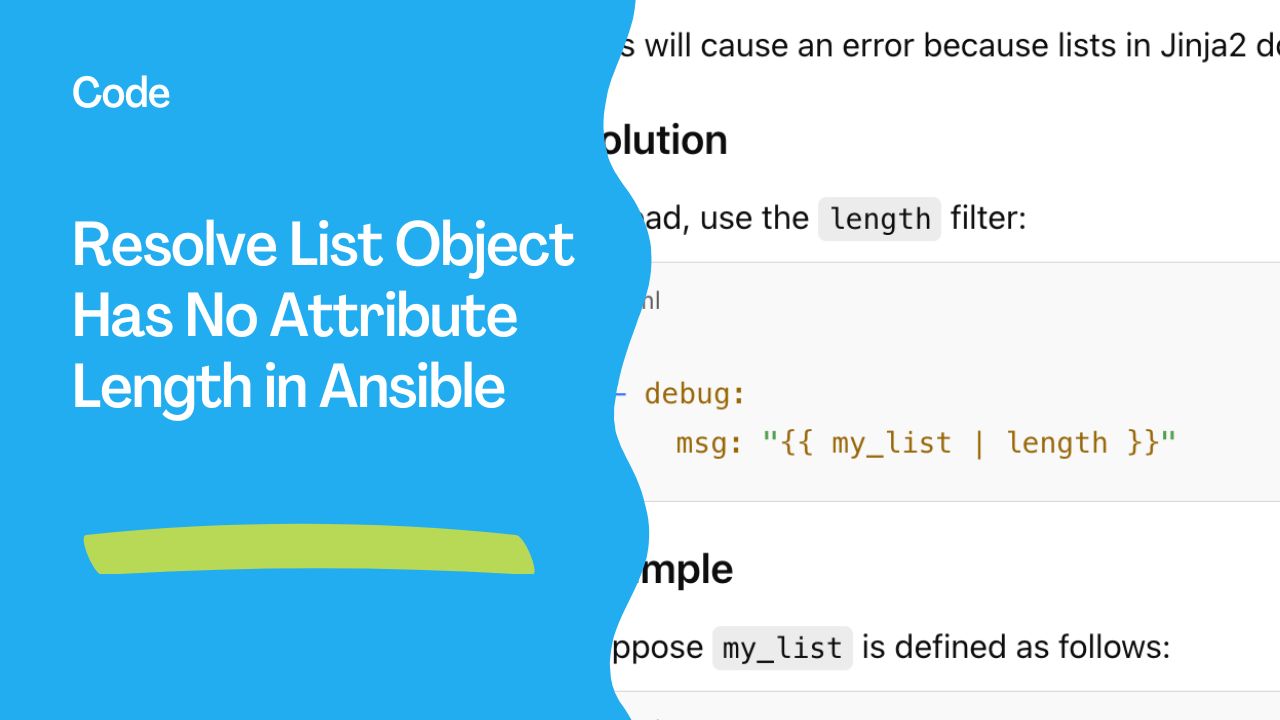
The error message list object has no attribute length typically occurs in Ansible when attempting to use the attribute length on a list. In Ansible, the Jinja2 templating language is used, and lists don’t have a length attribute. Instead, you should use the length filter to get the length of a list.
Here's how to resolve this issue:
Problem
You may be trying to get the length of a list like this:
- name: Display list length
  ansible.builtin.debug:
    msg: "{{ my_list.length }}"
This will cause an error because lists in Jinja2 don't have a length attribute.
Solution
Instead, use the length filter:
- name: Display list length
  ansible.builtin.debug:
    msg: "{{ my_list | length }}"
Example
Suppose my_list is defined as follows:
my_list:
  - item1
  - item2
  - item3
Then, to get the length of my_list, you would use:
- name: Display list length
  ansible.builtin.debug:
    msg: "The length of my_list is {{ my_list | length }}"
Explanation
my_list | lengthapplies thelengthfilter tomy_list, which will return the number of elements in the list.- This approach is compatible with Jinja2, which is the templating system Ansible uses.
Additional Tip
If you encounter other similar issues with attributes, remember to check if a Jinja2 filter might solve it, as Ansible commonly leverages filters for list and dictionary operations.
The Fix
In Jinja2, length is a filter, not a property:
# WRONG
- debug:
    msg: "Count: {{ my_list.length }}"

# CORRECT
- debug:
    msg: "Count: {{ my_list | length }}"
See also: Effective Techniques to Clear Host Errors in Ansible Playbooks
Common Patterns
Check list length in conditionals
- debug:
    msg: "Processing {{ packages | length }} packages"
  when: packages | length > 0
Compare sizes
- fail:
    msg: "Only {{ results | length }}/{{ expected }} responded"
  when: results | length < expected
String length
- fail:
    msg: "Password must be 12+ characters"
  when: user_password | length < 12
Common Jinja2 Filter Mistakes
| Wrong (attribute) | Correct (filter) | |
|---|---|---|
list.length | list | length |
string.upper() | string | upper |
string.lower() | string | lower |
string.strip() | string | trim |
string.replace('a','b') | string | replace('a','b') |
list.sort() | list | sort |
Empty List Checks
# All equivalent:
when: my_list | length == 0
when: my_list | length > 0
when: my_list       # Truthy (empty = false)
when: not my_list   # True if empty
See also: Integrate Ansible with VMware vRealize Automation Efficiently
FAQ
Why doesn't .length work?
Ansible uses Jinja2 templates, not JavaScript. In Jinja2, length is a filter applied with pipe (|).
Can I use count instead?
Yes - count is an alias for length:
msg: "{{ my_list | count }}"How about dict length?
Same syntax works for dictionaries:
msg: "{{ my_dict | length }} keys"The Error
fatal: "list object has no attribute 'length'"
# or
fatal: "'list' object has no attribute 'len'"
See also: Ansible Automation: Complete Guide to IT Automation with Playbook Examples
The Fix: Use | length Filter
# WRONG - Python syntax doesn't work in Jinja2
- debug: msg="{{ my_list.length }}"
- debug: msg="{{ len(my_list) }}"
- debug: msg="{{ my_list.len() }}"

# CORRECT - Use Jinja2 filter
- debug: msg="{{ my_list | length }}"
Common Patterns
Check if list is empty
# CORRECT
- name: Skip if no servers
  debug: msg="No servers to process"
  when: servers | length == 0

# Alternative
- debug: msg="No servers"
  when: servers is not defined or servers | length == 0

# Simplest
- debug: msg="Has servers"
  when: servers  # Truthy check (empty list is false)
Check minimum count
- fail:
    msg: "Need at least 3 servers for HA cluster"
  when: groups['dbservers'] | length < 3
Loop with count
- debug:
    msg: "Processing {{ servers | length }} servers"

- debug:
    msg: "Server {{ idx + 1 }}/{{ servers | length }}: {{ item }}"
  loop: "{{ servers }}"
  loop_control:
    index_var: idx
Filter then count
- set_fact:
    active_count: "{{ users | selectattr('active', 'eq', true) | list | length }}"
    admin_count: "{{ users | selectattr('role', 'eq', 'admin') | list | length }}"
Related Jinja2 Filters
| Python | Jinja2 Filter | ||
|---|---|---|---|
len(list) | list \ | length | |
list.sort() | list \ | sort | |
list.reverse() | list \ | reverse | |
str.upper() | str \ | upper | |
str.lower() | str \ | lower | |
str.strip() | str \ | trim | |
str.replace() | str \ | replace(a, b) | |
str.split() | str \ | split(delim) | |
dict.keys() | dict \ | dict2items \ | map(attribute='key') |
In Templates
{# WRONG #}
Total: {{ servers.length }}

{# CORRECT #}
Total: {{ servers | length }}

{% if servers | length > 0 %}
{% for server in servers %}
- {{ server.name }}
{% endfor %}
{% else %}
No servers configured.
{% endif %}
FAQ
Why doesn't Python syntax work?
Ansible uses Jinja2 templating, not raw Python. Jinja2 uses pipe filters (| length) instead of methods (.length).
How do I get the length of a string?
Same filter: {{ "hello" | length }} → 5
How do I get dict length (number of keys)?
msg: "{{ my_dict | length }}"
# Or
msg: "{{ my_dict.keys() | list | length }}"
The Error
fatal: [web1]: FAILED! => {"msg": "'list' object has no attribute 'length'"}Quick Fix
# WRONG — 'length' is not a Python/Jinja2 attribute
msg: "Count: {{ my_list.length }}"

# CORRECT — use the 'length' filter
msg: "Count: {{ my_list | length }}"
Common Variations
# WRONG
{{ my_list.count }}     # Use: {{ my_list | length }}
{{ my_list.size }}      # Use: {{ my_list | length }}
{{ my_list.keys() }}    # Lists don't have keys — this is a dict method
{{ my_dict.items }}     # Use: {{ my_dict.items() }} or {{ my_dict | dict2items }}

# CORRECT
{{ my_list | length }}
{{ my_dict | length }}
{{ my_dict.keys() | list }}
Debug the Type
# Check what type your variable actually is
- debug:
    msg: "Type: {{ my_var | type_debug }}"
# Outputs: "list", "dict", "str", "int", "AnsibleUndefined", etc.
List vs Dict Confusion
# This is a LIST (ordered, indexed)
users:
  - alice
  - bob
# Access: users[0], users | length, users | first

# This is a DICT (key-value, unordered)
user:
  name: alice
  role: admin
# Access: user.name, user['role'], user.keys()
Expected Dict, Got List
# WRONG — trying to access dict attribute on a list
- debug:
    msg: "{{ result.name }}"
  # If result is a list: [{"name": "alice"}, {"name": "bob"}]

# CORRECT — access the item first
- debug:
    msg: "{{ result[0].name }}"
# Or loop through
- debug:
    msg: "{{ item.name }}"
  loop: "{{ result }}"
register Returns a List
- command: whoami
  register: result
  # result.stdout is a string
  # result.stdout_lines is a list

# WRONG
msg: "{{ result.stdout.length }}"

# CORRECT
msg: "Lines: {{ result.stdout_lines | length }}"
Safe Access with default
# Prevent attribute errors
msg: "{{ my_var.name | default('unknown') }}"
msg: "{{ my_list | length | default(0) }}"
msg: "{{ my_dict.get('key', 'fallback') }}"
FAQ
Why does length work as a filter but not attribute?
Python lists use len() function, not .length property. Jinja2's length filter wraps len().
How to check if variable is a list?
when: my_var is iterable and my_var is not string and my_var is not mapping
# Or simpler:
when: my_var | type_debug == 'list'
How to convert between types?
{{ my_string | from_json }}          # String → dict/list
{{ my_dict | dict2items }}           # Dict → list of {key, value}
{{ my_items | items2dict }}          # List → dict
{{ my_string.split(',') | list }}    # String → list
Related Articles
Category: troubleshooting