Ansible-Lint Error load-failure: Fix Module & Plugin Load Errors
By Luca Berton · Published 2024-01-01 · Category: installation
Fix ansible-lint load-failure error. Resolve missing collections, broken imports, Python dependency issues, and plugin load failures with troubleshooting steps.
---
Introduction
The "load-failure" error is a common issue that can occur during the linting process of Ansible playbooks. This error is triggered when the linter fails to process a file, indicating a potential issue with the file's content. There are several reasons why this error may occur, and it's essential to understand them to troubleshoot effectively.
Possible Causes of load-failure:
- Unsupported Encoding: Ansible only supports files with UTF-8 encoding. If a playbook contains a different encoding, the linter may fail to process it.
- Not an Ansible File: If the file being processed is not a valid Ansible playbook or role file, it may result in a "load-failure" error. Ensure that the file follows the correct Ansible structure and format.
- Unsupported Custom YAML Objects: If the playbook contains custom YAML objects with the prefix "
!!", the linter may have difficulty parsing them. Avoid using unsupported YAML objects in your playbooks.
- Vault Decryption Issue: In cases where the linter fails to decrypt an inline "
!vault" block, it can trigger a "load-failure" error. This issue might be related to problems with the vault password or the encryption format.
Handling the load-failure Error:
The "load-failure" error is not skippable, meaning it cannot be added to the warn_list or skip_list to bypass linting. However, in situations where the error is related to vault decryption and cannot be avoided, you can add the offending file to the exclude_paths configuration. This will exclude the problematic file from the linting process, allowing the remaining files to be processed.
See also: Ansible Troubleshooting: 15 Common Errors and How to Fix Them (2026)
Spotting the Problem
Let's take a look at a problematic code snippet:
---
- name: Example playbook
  hosts: all
!! custom: true
Here, we encounter a playbook with a custom attribute in the code prefixed with !!.
Ansible Lint Output
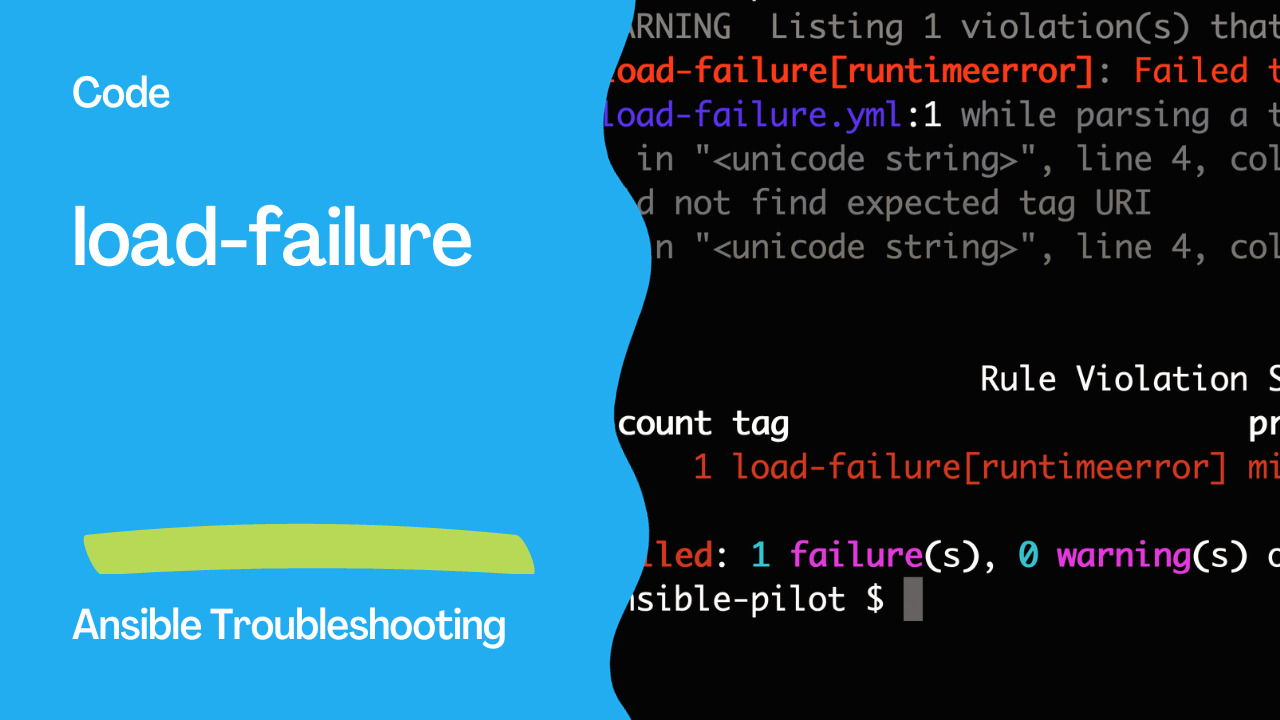
WARNING  Listing 1 violation(s) that are fatal
load-failure[runtimeerror]: Failed to load YAML file
load-failure.yml:1 while parsing a tag
  in "<unicode string>", line 4, column 1
did not find expected tag URI
  in "<unicode string>", line 4, column 3


                    Rule Violation Summary
 count tag                        profile rule associated tags
     1 load-failure[runtimeerror] min     core, unskippable

Failed: 1 failure(s), 0 warning(s) on 1 files.
See also: Ansible 'list object has no attribute' Error: Fix Guide
The Correct Order
Let's rectify the previous example to fix the load-failure error:
---
- name: Example playbook
  hosts: all
  tasks:
    - name: Display a message
      ansible.builtin.debug:
        msg: "Hello world!"
Possible Error Codes:
load-failure[not-found]: This code indicates that one or more files or folders specified as arguments were not found on disk. Ensure that the file paths in your playbook are correct and that the files exist.
load-failure[runtimeerror]: This code indicates that one or more files with syntax error. Typical an incorrect YAML format.
Conclusion
In conclusion, the "load-failure" error is a crucial indicator of issues in your Ansible playbooks. It can be caused by unsupported encodings, non-compliant file structures, custom YAML objects, or vault decryption problems. By understanding the possible causes and handling them appropriately, you can ensure that your Ansible playbooks are free from "load-failure" errors.
The "load-failure" error is an essential aspect of Ansible linting, helping users identify and resolve issues in their playbooks and roles. Understanding the potential causes of this error, such as unsupported encoding, non-compliant file structures, custom YAML objects, or vault decryption problems, is vital for effective troubleshooting.
While this error is not skippable, meaning it cannot be bypassed during linting, users have the option to exclude specific files causing the issue by configuring the exclude_paths. This approach ensures that other playbooks and roles can be processed without hindrance.
The "load-failure" error serves as a valuable tool in maintaining the integrity and quality of Ansible content. By addressing and rectifying the issues that trigger this error, Ansible users can create robust and reliable automation scripts, enhancing the overall efficiency and effectiveness of their IT operations.
See also: Effective Techniques to Clear Host Errors in Ansible Playbooks
The Error
load-failure: Failed to load or parse fileThis occurs when ansible-lint cannot load a YAML file, module, or plugin.
Common Causes & Fixes
Missing Collection
# Error: couldn't resolve module/action 'community.general.timezone'
ansible-galaxy collection install community.general
ansible-galaxy collection install -r requirements.yml
Syntax Error in YAML
# Find the exact error
ansible-lint playbook.yml -v

# Validate YAML syntax
python3 -c "import yaml; yaml.safe_load(open('playbook.yml'))"
yamllint playbook.yml
Missing Python Dependency
# Plugin needs a Python package
pip install jmespath    # For json_query
pip install netaddr     # For ipaddr filter
pip install passlib     # For password_hash
Broken Role/Include
# WRONG - file doesn't exist
- include_tasks: missing-file.yml

# FIX - verify path
- include_tasks: tasks/actual-file.yml
Version Mismatch
# Ensure compatible versions
pip install ansible-lint --upgrade
pip install ansible-core --upgrade

# Check versions
ansible-lint --version
ansible --version
Debugging Steps
# Step 1: Verbose output
ansible-lint playbook.yml -vvv

# Step 2: Check specific file
python3 -c "
import yaml
with open('playbook.yml') as f:
    try:
        yaml.safe_load(f)
        print('YAML valid')
    except yaml.YAMLError as e:
        print(f'YAML error: {e}')
"

# Step 3: Verify collections
ansible-galaxy collection list

# Step 4: Check role dependencies
ansible-galaxy role list
Skip load-failure
# .ansible-lint
skip_list:
  - load-failure

# Or per-file
exclude_paths:
  - broken-legacy-playbook.yml
Common Scenarios
| Symptom | Cause | Fix |
|---|---|---|
couldn't resolve module | Missing collection | ansible-galaxy collection install |
syntax error | Invalid YAML | Fix YAML syntax |
No module named | Missing Python dep | pip install |
Role not found | Missing role | ansible-galaxy role install |
Template error | Jinja2 syntax error | Fix template syntax |
Unexpected mapping | YAML indentation | Fix indentation |
Prevent load-failure
# requirements.yml — pin all dependencies
collections:
  - name: community.general
    version: ">=9.0.0"
  - name: ansible.posix

roles:
  - name: geerlingguy.docker
# Install before linting
ansible-galaxy install -r requirements.yml
ansible-lintFAQ
Can I ignore load-failure for specific files?
# .ansible-lint
exclude_paths:
  - legacy/
  - vendor/
load-failure vs syntax-check?
load-failure is ansible-lint trying to parse and understand the file. syntax-check (ansible-playbook --syntax-check) is Ansible's built-in parser. Both catch different issues.
Why does it work with ansible-playbook but not ansible-lint?
ansible-lint loads files differently — it parses the entire project tree. Missing includes or dynamic paths may cause load-failure even if they'd work at runtime.
Related Articles
Category: installation