Ansible no_log: Protect Sensitive Data in Playbook Output
By Luca Berton · Published 2024-01-01 · Category: troubleshooting
How to use Ansible no_log to hide sensitive data from output. Protect passwords, API keys, and tokens in playbook logs with practical examples.
As an automation expert, you are likely familiar with the benefits of using Ansible as a configuration management tool. Ansible is a powerful automation platform that allows you to manage your infrastructure and automate repetitive tasks. However, one critical concern when using Ansible is the protection of sensitive information such as passwords, access keys, and other confidential data. Fortunately, Ansible provides a way to protect this information using the no_log statement.
Direct answer: add no_log: true to any Ansible task, block, or play that handles passwords, API keys, or tokens, and Ansible replaces that task's output with censored in the console, callbacks, and AWX/AAP job logs. no_log only hides data at runtime — it doesn't encrypt anything at rest, so pair it with Ansible Vault for stored secrets.
The no_log statement is a powerful feature in Ansible that allows you to prevent sensitive data from being logged or stored in your logs. This statement is particularly useful when working with playbooks that involve sensitive data such as passwords or access keys. By default, Ansible logs all output to the console and to a log file. However, when the no_log statement is added to a task, Ansible will not log any output from that task to the console or log file.
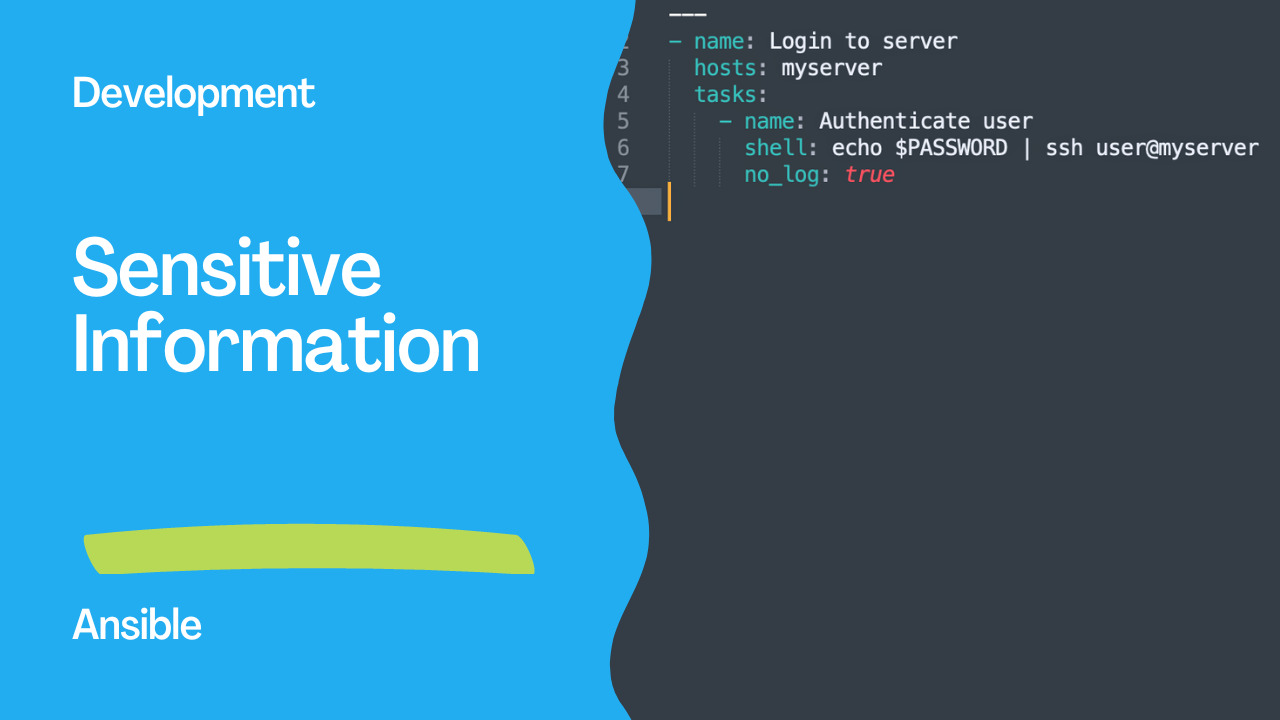
To use the no_log statement, you simply need to add it to the task where sensitive information is used. For example, if you are using a task that involves logging into a server using a password, you can add the no_log statement to the task to prevent the password from being logged. Here's an example:
- name: Login to server
  hosts: myserver
  tasks:
    - name: Authenticate user
      shell: echo $PASSWORD | ssh user@myserver
      no_log: true
In this example, the no_log statement has been added to the task that involves logging into the server. This ensures that the password is not logged or stored in any logs. It's essential to note that the no_log statement only applies to the task where it is used. If the same sensitive data is used in another task, the no_log statement must be added to that task as well.
In addition to the no_log statement, Ansible also provides other methods to protect sensitive data, such as using Ansible Vault. Ansible Vault is a feature that allows you to encrypt sensitive data using a password. The encrypted data can then be stored in your playbooks or inventory files, and Ansible will automatically decrypt the data when it's needed.
Links
Conclusion
In conclusion, protecting sensitive information is critical when working with Ansible. Using the no_log statement is one way to prevent sensitive data from being logged or stored in logs. By adding the no_log statement to tasks where sensitive data is used, you can ensure that your logs don't contain any confidential information. Additionally, Ansible Vault is another powerful tool that you can use to encrypt sensitive data. By combining these methods, you can be confident that your sensitive information is protected when using Ansible.
See also: Ansible expect Module: Automate Interactive Commands (Examples)
Basic no_log
- name: Set database password
  ansible.builtin.user:
    name: dbadmin
    password: "{{ vault_db_password | password_hash('sha512') }}"
  become: true
  no_log: true
Output shows censored instead of task details.
When to Use no_log
# Passwords
- ansible.builtin.uri:
    url: https://api.example.com/auth
    method: POST
    body:
      username: admin
      password: "{{ vault_api_password }}"
    body_format: json
  no_log: true

# API keys
- ansible.builtin.command: "curl -H 'Authorization: Bearer {{ api_token }}' https://api.example.com"
  no_log: true

# Certificates and private keys
- ansible.builtin.copy:
    content: "{{ vault_ssl_private_key }}"
    dest: /etc/ssl/private/server.key
    mode: '0600'
  no_log: true
See also: Install and Configure Ansible Extension for VSCode
Conditional no_log
# Log in development, hide in production
- name: Deploy config
  ansible.builtin.template:
    src: config.j2
    dest: /etc/myapp/config.yml
  no_log: "{{ ansible_verbosity < 3 }}"
no_log in Loops
- name: Create users with passwords
  ansible.builtin.user:
    name: "{{ item.name }}"
    password: "{{ item.password | password_hash('sha512') }}"
  loop: "{{ users }}"
  no_log: true  # Hides ALL loop iterations
  loop_control:
    label: "{{ item.name }}"  # Shows only the name
See also: Ansible by Example books by Apress
loop_control label (Alternative)
For loops where you want partial visibility:
- name: Deploy configs
  ansible.builtin.template:
    src: "{{ item.template }}"
    dest: "{{ item.dest }}"
  loop: "{{ configs_with_secrets }}"
  loop_control:
    label: "{{ item.dest }}"  # Only shows destination
Play-Level no_log
# ansible.cfg
[defaults]
no_log = true  # DON'T do this — hides everything, makes debugging impossible
What no_log Hides
| Hidden | Not Hidden |
|---|---|
| Task arguments/results | Task name |
| Variable values | Changed/ok/failed status |
| Command output | Task timing |
| Loop item details | Host name |
Debugging with no_log
# Temporarily override in emergencies
ANSIBLE_DISPLAY_ARGS_TO_STDOUT=true ansible-playbook site.yml -vvv
FAQ
Does no_log prevent Ansible from logging to syslog?
Yes — no_log: true prevents data from appearing in stdout, callbacks, syslog, and AWX/AAP job output.
Can AWX/AAP override no_log?
No — no_log is respected by AWX. Admins cannot see censored data in job output.
Should I use no_log on every task with variables?
No — only on tasks that handle actual secrets (passwords, keys, tokens). Overusing no_log makes debugging extremely difficult.
What about ansible-vault?
Vault encrypts data at rest (in files). no_log hides data at runtime (in output). Use both together for comprehensive protection.
Basic no_log
- name: Set user password
  ansible.builtin.user:
    name: deploy
    password: "{{ vault_password | password_hash('sha512') }}"
  become: true
  no_log: true
Without no_log, the hashed password appears in task output.
What no_log Hides
# Without no_log — password visible in output!
TASK [Set password] ****
changed: [web1] => {"changed": true, "password": "$6$rounds=656000$..."}

# With no_log: true
TASK [Set password] ****
changed: [web1] => {"censored": "the output has been hidden due to the fact that 'no_log: true' was specified for this result"}
Common Use Cases
# API tokens
- uri:
    url: https://api.example.com/deploy
    headers:
      Authorization: "Bearer {{ api_token }}"
    method: POST
  no_log: true

# Database credentials
- community.mysql.mysql_user:
    name: app
    password: "{{ vault_db_password }}"
    priv: "mydb.*:ALL"
  no_log: true

# Environment variables with secrets
- command: /opt/deploy.sh
  environment:
    AWS_ACCESS_KEY_ID: "{{ vault_aws_key }}"
    AWS_SECRET_ACCESS_KEY: "{{ vault_aws_secret }}"
  no_log: true
Conditional no_log
# Only hide in production
- user:
    name: deploy
    password: "{{ password | password_hash('sha512') }}"
  no_log: "{{ env == 'production' }}"

# Debug mode override
- uri:
    url: https://api.example.com/data
    headers: { Authorization: "Bearer {{ token }}" }
  no_log: "{{ not debug_mode | default(true) }}"
no_log with Loops
- user:
    name: "{{ item.name }}"
    password: "{{ item.password | password_hash('sha512') }}"
  loop: "{{ users }}"
  no_log: true  # Hides ALL loop iterations
  become: true
Debugging with no_log
# Problem: no_log hides errors too!
# Solution: temporarily disable for debugging
- user:
    name: deploy
    password: "{{ password | password_hash('sha512') }}"
  no_log: false  # TEMPORARY — remove after debugging!
  become: true

# Or use -vvv which shows censored output location
ansible-playbook site.yml -vvv
Global no_log (ansible.cfg)
# NOT recommended — hides ALL output
[defaults]
no_log = true  # Don't do this!

# Better: set display_args_to_stdout
display_args_to_stdout = false
Vault + no_log (Best Practice)
# group_vars/all/vault.yml (encrypted)
vault_db_password: "SuperSecret123"
vault_api_token: "tok_abc123..."

# playbook.yml
- mysql_user:
    name: app
    password: "{{ vault_db_password }}"
  no_log: true

# Encrypt the vault file
ansible-vault encrypt group_vars/all/vault.yml
What no_log Does NOT Hide
- Task name
- Host name
- Changed/ok/failed status
- Task start/end time
- Module arguments
- Return values
- Registered variable content
Callback Plugin Considerations
# Some callback plugins log all output
# Ensure your logging respects no_log
[defaults]
stdout_callback = default
# Avoid: callback_whitelist = log_plays (logs to files!)
FAQ
no_log hides errors — how do I debug?
Temporarily set no_log: false, or run with -vvv. The verbose output shows where censored data would appear.
Does no_log protect data at rest?
No — no_log only affects console/callback output. Use ansible-vault to encrypt data at rest in files.
Should I use no_log on every task?
Only on tasks that handle secrets (passwords, tokens, keys). Overusing no_log makes debugging difficult.
Basic no_log
- ansible.builtin.user:
    name: alice
    password: "{{ 'secret123' | password_hash('sha512') }}"
  no_log: true
  become: true
What no_log Hides
# Without no_log:
TASK [Create user] ****
changed: [web1] => {"name": "alice", "password": "$6$abc..."}

# With no_log:
TASK [Create user] ****
changed: [web1] => {"censored": "the output has been hidden due to the fact that 'no_log: true' was specified for this result"}
Common Use Cases
# API tokens
- uri:
    url: https://api.example.com/deploy
    headers:
      Authorization: "Bearer {{ vault_api_token }}"
  no_log: true

# Database passwords
- community.postgresql.postgresql_user:
    name: appuser
    password: "{{ vault_db_password }}"
  no_log: true

# SSH keys
- copy:
    content: "{{ vault_ssh_private_key }}"
    dest: /home/deploy/.ssh/id_rsa
    mode: '0600'
  no_log: true
Conditional no_log
# Only hide in production
- user:
    name: alice
    password: "{{ user_password | password_hash('sha512') }}"
  no_log: "{{ env == 'production' }}"
  become: true
Debug Without Exposing
- uri:
    url: "{{ api_url }}"
    headers:
      Authorization: "Bearer {{ api_token }}"
  register: api_result
  no_log: true

# Show response without the request details
- debug:
    msg: "API returned status {{ api_result.status }}"
no_log on Loops
- user:
    name: "{{ item.name }}"
    password: "{{ item.password | password_hash('sha512') }}"
  loop: "{{ users }}"
  no_log: true
  become: true
Environment Variables
- command: /opt/deploy.sh
  environment:
    DB_PASSWORD: "{{ vault_db_pass }}"
    API_KEY: "{{ vault_api_key }}"
  no_log: true
Global no_log (ansible.cfg)
# NOT recommended — hides ALL output
[defaults]
no_log = True  # Don't do this
FAQ
Does no_log affect Ansible Tower/AAP logs?
Yes — no_log: true censors output in Tower/AAP job logs too.
Can I use no_log on a block?
- block:
    - task1: ...
    - task2: ...
  no_log: true  # Applies to all tasks in block
What if I need to debug a no_log task?
Temporarily set no_log: false or use -vvvv (note: verbose mode may still show some censored data in newer Ansible versions).
Related Articles
Category: troubleshooting