Ansible expect Module: Automate Interactive Commands (Examples)
By Luca Berton · Published 2024-01-01 · Category: installation
How to use Ansible expect module to automate interactive CLI prompts. Handle passwords, confirmations, multi-step wizards with regex matching and timeout.
Introduction
As an automation expert, you may have encountered situations where you need to interact with command-line interfaces that require user input. Ansible provides a solution to this challenge with the "expect" module. The "expect" module is a powerful tool that allows you to automate the interaction with command-line interfaces using Ansible.
The "expect" module works by sending predefined responses to a command-line interface based on expected prompts. It can also handle complex scenarios with multiple prompts and dynamic responses. This makes it an ideal solution for automating tasks that involve interactive command-line interfaces such as routers, switches, and firewalls.
To use the expect module, you need to have the pexpect Python module installed on your Ansible control node. The pexpect module is a Python module that provides an interface to the expect command-line utility. You can install it using the following command:
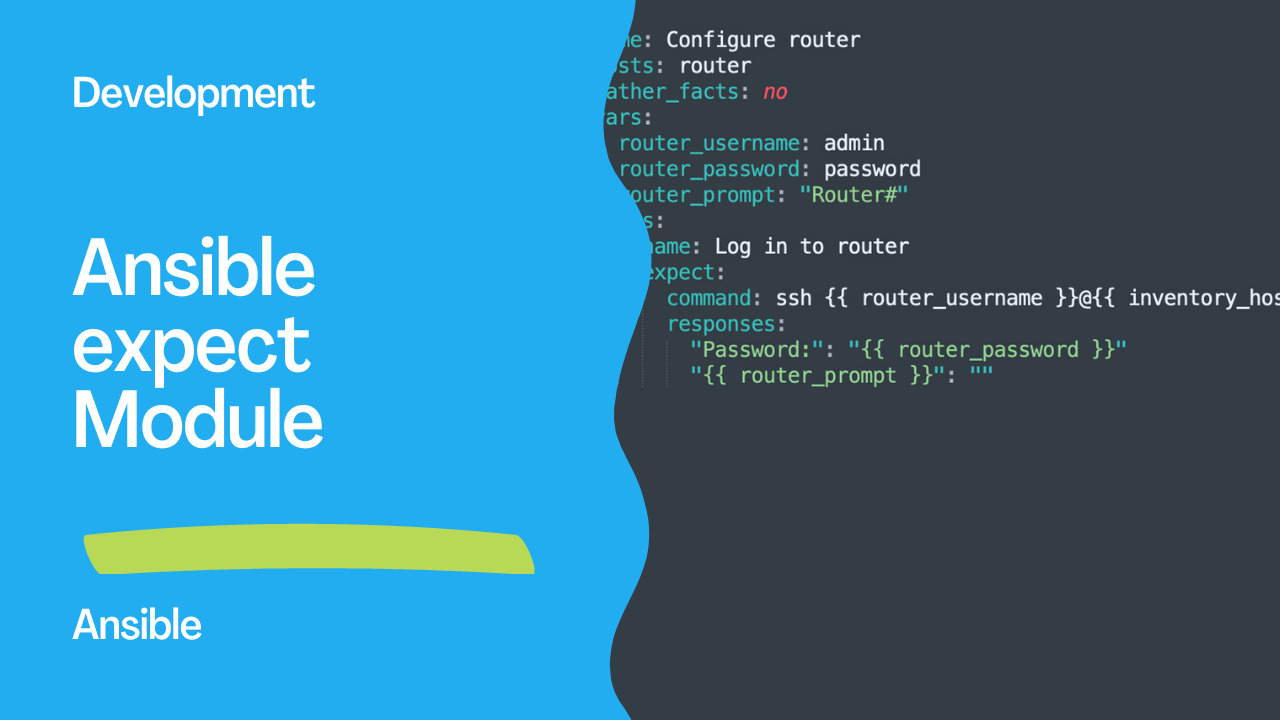
pip install pexpectOnce you have the "pexpect" module installed, you can use the "expect" module in your Ansible playbook. Here's an example:
- name: Configure router
  hosts: router
  gather_facts: no
  vars:
    router_username: admin
    router_password: password
    router_prompt: "Router#"
  tasks:
    - name: Log in to router
      expect:
        command: ssh {{ router_username }}@{{ inventory_hostname }}
        responses:
          "Password:": "{{ router_password }}"
          "{{ router_prompt }}": ""
In this example, the expect module is used to log in to a router using SSH and configure it. The "responses" section defines the expected prompts and the corresponding responses. When the ssh command is executed, the expect module will send the "router_password" variable when the "Password:" prompt is detected. When the "Router#" prompt is detected, the expect module will send an empty response.
It's essential to note that the expect module requires a secure connection between the Ansible control node and the target host. Therefore, it's recommended to use SSH or HTTPS when using the expect module.
See also: Ansible no_log: Protect Sensitive Data in Playbook Output
Links
Conclusion
In conclusion, the expect module is a powerful tool that allows you to automate the interaction with command-line interfaces using Ansible. By sending predefined responses to expected prompts, you can automate complex scenarios that involve user input. To use the "expect" module, you need to have the pexpect module installed on your Ansible control node, and you must ensure a secure connection between the control node and the target host. With these considerations in mind, the expect module can be a valuable addition to your Ansible playbook for automating tasks that involve interactive command-line interfaces.
Basic Usage
- name: Answer password prompt
  ansible.builtin.expect:
    command: passwd username
    responses:
      "New password:": "SecureP@ss123"
      "Retype new password:": "SecureP@ss123"
  become: true
  no_log: true
See also: Install and Configure Ansible Extension for VSCode
Prerequisites
- name: Install pexpect
  ansible.builtin.pip:
    name: pexpect
    state: present
  become: true
Common Use Cases
MySQL secure installation
- name: MySQL secure install
  ansible.builtin.expect:
    command: mysql_secure_installation
    responses:
      "Enter password for user root:": "{{ mysql_root_pass }}"
      "Press y\\|Y for Yes": "y"
      "New password:": "{{ mysql_new_pass }}"
      "Re-enter new password:": "{{ mysql_new_pass }}"
      "Remove anonymous users": "y"
      "Disallow root login remotely": "y"
      "Remove test database": "y"
      "Reload privilege tables": "y"
  no_log: true
  become: true
SSH keygen
- name: Generate SSH key non-interactively
  ansible.builtin.expect:
    command: ssh-keygen -t ed25519 -f /home/deploy/.ssh/id_ed25519
    responses:
      "Enter passphrase": ""
      "Enter same passphrase": ""
    creates: /home/deploy/.ssh/id_ed25519
  become_user: deploy
Confirmation prompts
- name: Accept license agreement
  ansible.builtin.expect:
    command: /opt/installer/setup.sh
    responses:
      "Do you accept.*\\(yes/no\\)": "yes"
      "Installation directory": "/opt/myapp"
      "Continue\\?": "y"
    timeout: 120
See also: Ansible by Example books by Apress
Regex Patterns in Responses
responses:
  # Case-insensitive match
  "(?i)password:": "secret"
  # Match any of several prompts
  "(yes|no)\\?": "yes"
  # Partial match
  "\\[Y/n\\]": "Y"
Multiple Responses (Same Prompt)
- name: Handle repeated prompts
  ansible.builtin.expect:
    command: setup-wizard
    responses:
      "Enter value:":
        - "first_value"
        - "second_value"
        - "third_value"
Key Parameters
| Parameter | Description |
|---|---|
command | Command to run |
responses | Dict of prompt regex → answers |
timeout | Max seconds to wait (default: 30) |
echo | Show command output (default: false) |
creates | Skip if file exists |
removes | Skip if file doesn't exist |
chdir | Working directory |
expect vs Alternatives
| Approach | When to Use |
|---|---|
expect | Interactive CLI with prompts |
command | Non-interactive commands |
shell | Commands needing pipe/redirect |
| Module-specific | Dedicated modules (mysql_user, etc.) |
expect only for tools that have no Ansible module and require interactive input.
FAQ
Why does it hang?
The regex doesn't match the actual prompt. Run the command manually first to see exact prompt text, then match it precisely.
Can I handle timeouts per prompt?
No — timeout is global. The entire command must complete within the timeout.
Is expect idempotent?
No — expect always runs the command. Use creates or when conditions to add idempotency.
Basic Usage
- name: Change user password interactively
  ansible.builtin.expect:
    command: passwd myuser
    responses:
      (?i)new password: "SecurePass123"
      (?i)retype: "SecurePass123"
  become: true
  no_log: true
Install Requirement
The expect module requires pexpect on the remote host:
- name: Install pexpect
  ansible.builtin.pip:
    name: pexpect
  become: true
Automate Interactive Installers
- expect:
    command: /opt/installer/setup.sh
    responses:
      "Accept license agreement": "yes"
      "Installation directory": "/opt/myapp"
      "Configure now": "y"
      "Admin username": "admin"
      "Admin password": "{{ vault_admin_password }}"
    timeout: 300
  become: true
  no_log: true
SSH Key Passphrase
- expect:
    command: ssh-keygen -t ed25519 -f /home/deploy/.ssh/id_ed25519
    responses:
      "passphrase": "{{ vault_key_passphrase }}"
      "same passphrase": "{{ vault_key_passphrase }}"
  become: true
  become_user: deploy
  no_log: true
Database Initialization
- expect:
    command: mysql_secure_installation
    responses:
      "Enter password for user root": ""
      "VALIDATE PASSWORD": "y"
      "password validation policy": "2"
      "New password": "{{ vault_mysql_root }}"
      "Re-enter new password": "{{ vault_mysql_root }}"
      "Remove anonymous users": "y"
      "Disallow root login remotely": "y"
      "Remove test database": "y"
      "Reload privilege tables": "y"
  become: true
  no_log: true
Handle Multiple Response Patterns
- expect:
    command: /opt/configure.sh
    responses:
      # Regex patterns (case-insensitive)
      (?i)continue: "yes"
      (?i)proceed: "yes"
      (?i)overwrite: "no"
      (?i)password: "{{ vault_password }}"
      # Exact match
      "Do you agree?": "I agree"
    timeout: 120
With Echo Disabled
- expect:
    command: sudo -S whoami
    responses:
      "\\[sudo\\] password": "{{ vault_sudo_pass }}"
    echo: false  # Don't log responses
  no_log: true
expect vs command/shell
| Feature | expect | command/shell |
|---|---|---|
| Interactive prompts | ✅ | ❌ |
| Password input | ✅ | ❌ (use stdin pipe) |
| Regex matching | ✅ | N/A |
| Timeout control | ✅ | ✅ (async) |
| Requires pexpect | ✅ | ❌ |
| Performance | Slower | Faster |
When to Use Alternatives
# Instead of expect for passwords, use dedicated modules:
- ansible.builtin.user:
    name: myuser
    password: "{{ password | password_hash('sha512') }}"

# Instead of expect for mysql:
- community.mysql.mysql_user:
    name: root
    password: "{{ vault_mysql_root }}"

# Use shell with stdin for simple cases:
- shell: echo "yes" | /opt/script.sh
Key Parameters
| Parameter | Description |
|---|---|
command | Command to run |
responses | Dict of prompt→response |
timeout | Max wait time (seconds) |
echo | Echo responses (default: true) |
chdir | Working directory |
creates | Skip if file exists |
removes | Skip if file doesn't exist |
FAQ
Why "pexpect is not installed"?
Install it: pip install pexpect on the remote host. The expect module delegates to pexpect for interactive handling.
Can I handle dynamic prompts?
Use regex patterns in the responses dict. Patterns are matched with re.search().
Is expect idempotent?
No — expect always runs the command. Use creates or removes parameters to add idempotency, or check state beforehand with when.
Related Articles
- Ansible inventory best practices
- Ansible no_log: Protect Sensitive Data in Playbook Output
- Install and Configure Ansible Extension for VSCode
See also
Category: installation