Leveraging Ansible Callback Plugins for Enhanced Performance
By Luca Berton · Published 2024-01-01 · Category: troubleshooting
Profiling, Troubleshooting, and Optimizing Resources in Ansible Automation with timer, profile_tasks, and profile_roles Callback Plugins
Introduction
Ansible is a powerful open-source automation tool used for configuration management, application deployment, and task automation. To harness the full potential of Ansible, it’s essential to fine-tune its configuration according to your specific needs. In this article, we’ll delve into theansible.cfg file and explore how to optimize Ansible’s performance by utilizing callback plugins. Specifically, we will focus on the [defaults] section of the ansible.cfg file and the configuration options callback_whitelist and callbacks_enabled.
See also: Optimizing Ansible Automation Platform with Callback Plugins in ansible.cfg
Understanding Callback Plugins
Callback plugins in Ansible are used to customize the output of playbooks and provide additional functionality during playbook execution. They can be configured globally in theansible.cfg file or per-playbook using the ansible.cfg setting in a playbook. Callback plugins offer a wide range of capabilities, from generating custom reports to monitoring playbook execution time.
The ansible.cfg File
The Ansible.cfg file is a central configuration file that governs Ansible’s behavior. It is typically located in the/etc/ansible/ directory for system-wide configurations or in the project directory for playbook-specific configurations. To modify Ansible’s behavior, you can edit this file to include various settings related to callback plugins.
Configuring Callback Plugins in ansible.cfg
Within theansible.cfg file, configuration settings for callback plugins are placed in the [defaults] section:
[defaults]
callbacks_enabled=ansible.posix.timer,ansible.posix.profile_tasks,ansible.posix.profile_roles
The callbacks_enabled option lists the callback plugins to activate during playbook execution — here the three performance plugins ansible.posix.timer, ansible.posix.profile_tasks, and ansible.posix.profile_roles. These are aggregate (non-stdout) callbacks, which must be explicitly enabled before they run.
> Note: This option was named callback_whitelist before ansible-core 2.11. If you are following older guides that use callback_whitelist=..., rename it to callbacks_enabled=... — they are the same setting and the old name is deprecated. The matching environment variable is ANSIBLE_CALLBACKS_ENABLED.
Benefits of Callback Plugins
Configuring callback plugins in ansible.cfg provides several benefits:
- Performance Optimization: Callback plugins like
ansible.posix.timerallow you to measure the execution time of tasks and roles, helping identify performance bottlenecks in your playbooks.
- Profiling Playbooks: Callbacks such as
ansible.posix.profile_tasksandansible.posix.profile_rolesenable detailed profiling of playbook execution, aiding in troubleshooting and optimization efforts.
- Custom Reporting: Callback plugins can be customized to generate specific reports or logs, making it easier to track the progress of your Ansible automation.
- Selective Execution: By configuring callback plugins, you can choose which callbacks are active, reducing noise and focusing on the information that matters most to you.
Links:
https://docs.ansible.com/ansible/latest/collections/ansible/posix/timer_callback.html https://docs.ansible.com/ansible/latest/collections/ansible/posix/profile_tasks_callback.html https://docs.ansible.com/ansible/latest/collections/ansible/posix/profile_roles_callback.htmlPlaybook code
Let’s suppose we have the following ping.yml Ansible Playbook that tests the connection with the target host.
---
- name: Ping module Playbook
  hosts: all
  tasks:
    - name: Test connection
      ansible.builtin.ping:
We can execute the ping.yml playbook with the ansible-playbook command:
ansible-playbook -i inventory ping.ymlExecution with Callback Plugins
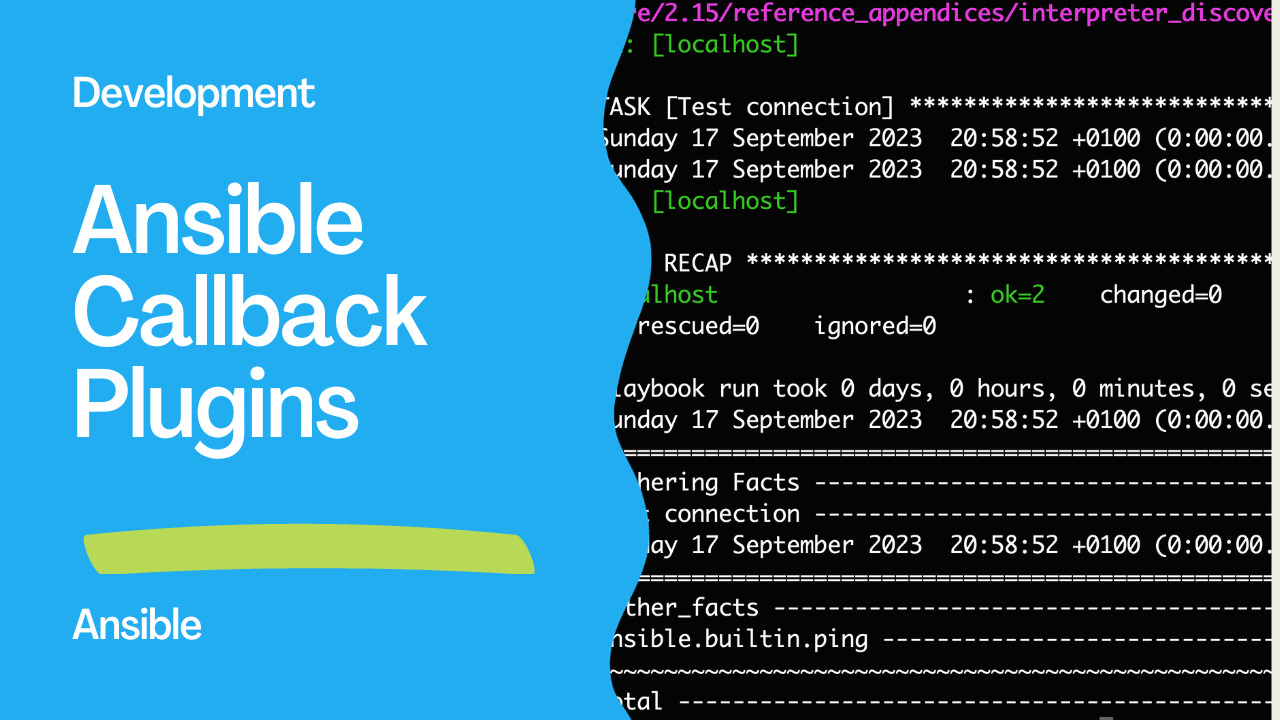
In the following, the output with the timer, profile_tasks, and profile_roles Callback Plugins enabled in the ansible.cfg file:
PLAY [Ping module Playbook] **********************************************************************************

TASK [Gathering Facts] ***********************************************************************************
Sunday 17 September 2023  20:51:42 +0100 (0:00:00.008)       0:00:00.008 ******
Sunday 17 September 2023  20:51:42 +0100 (0:00:00.007)       0:00:00.007 ******
ok: [demo.example.com]

TASK [Test connection] ***********************************************************************************
Sunday 17 September 2023  20:51:42 +0100 (0:00:00.633)       0:00:00.642 ******
Sunday 17 September 2023  20:51:42 +0100 (0:00:00.633)       0:00:00.641 ******
ok: [demo.example.com]

PLAY RECAP ***********************************************************************************************
demo.example.com                  : ok=2    changed=0    unreachable=0    failed=0    skipped=0    rescued=0    ignored=0

Playbook run took 0 days, 0 hours, 0 minutes, 0 seconds
Sunday 17 September 2023  20:51:43 +0100 (0:00:00.211)       0:00:00.853 ******
===============================================================================
Gathering Facts ----------------------------------------------------------------------------------- 0.63s
Test connection ----------------------------------------------------------------------------------- 0.21s
Sunday 17 September 2023  20:51:43 +0100 (0:00:00.211)       0:00:00.853 ******
===============================================================================
gather_facts ------------------------------------------------------------ 0.63s
ansible.builtin.ping ---------------------------------------------------- 0.21s
~~~~~~~~~~~~~~~~~~~~~~~~~~~~~~~~~~~~~~~~~~~~~~~~~~~~~~~~~~~~~~~~~~~~~~~~~~~~~~~
total ------------------------------------------------------------------- 0.85s
Execution without Callback Plugins
In the following, the output without the timer, profile_tasks, and profile_roles Callback Plugins enabled in the ansible.cfg file:
ansible-playbook -i inventory ping.yml

PLAY [Ping module Playbook] **********************************************************************************

TASK [Gathering Facts] ***********************************************************************************
ok: [demo.example.com]

TASK [Test connection] ***********************************************************************************
ok: [demo.example.com]

PLAY RECAP ***********************************************************************************************
demo.example.com                  : ok=2    changed=0    unreachable=0    failed=0    skipped=0    rescued=0    ignored=0
See also: Ansible Version Comparison: Compare Versions with version Test
Conclusion
The ansible.cfg file is a powerful tool for fine-tuning Ansible’s behavior, and callback plugins offer a way to significantly enhance its performance and functionality. By configuring the [defaults] section of ansible.cfg with options like callback_whitelist and callbacks_enabled, you can tailor Ansible’s callback plugin usage to your specific requirements. This control level helps improve performance and streamlines your Ansible automation workflows, making them more efficient and informative.
Related Articles
Category: troubleshooting
Watch the video: Leveraging Ansible Callback Plugins for Enhanced Performance — Video Tutorial