Install TechSmith Camtasia 2022 (Screen Recorder and Video Editor) in macOS
By Luca Berton · Published 2024-01-01 · Category: installation
How to install TechSmith Camtasia (Screen Recorder and Video Editor) to macOS 12.6 Monterey format Mac Universal (Intel Chip and Apple Silicon) on a MacBook.
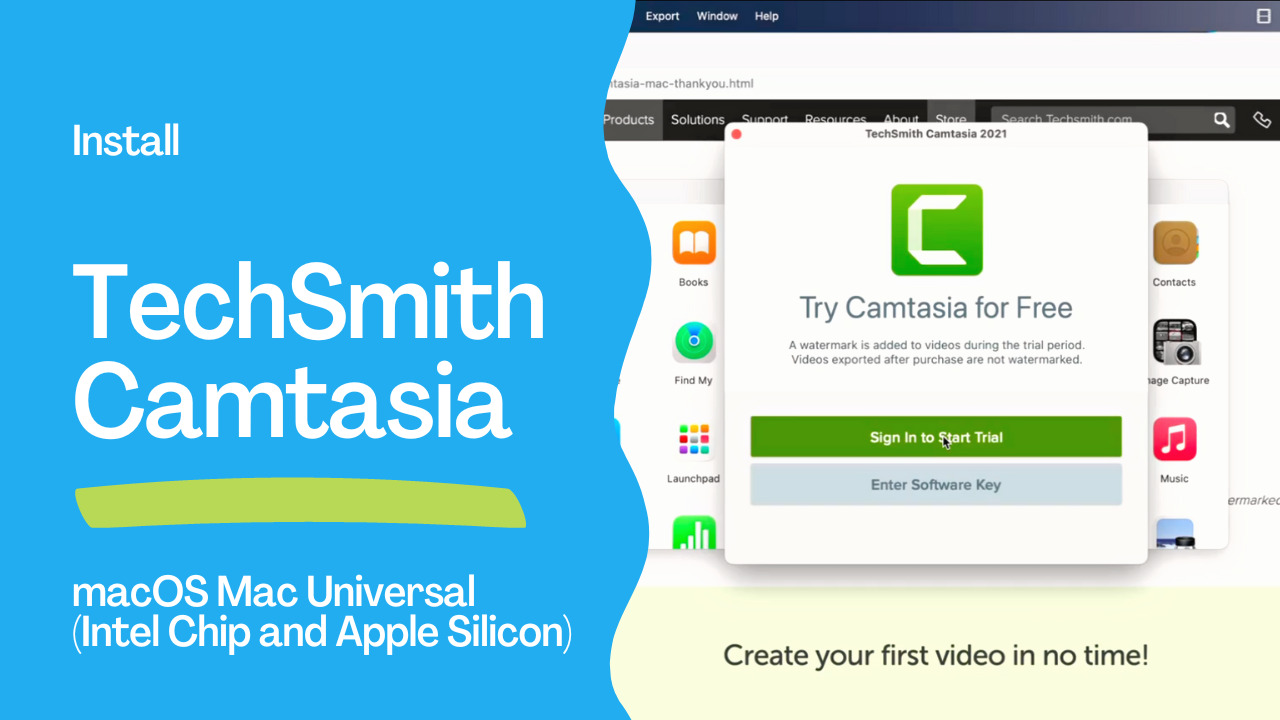
TechSmith Camtasia
I really recommend TechSmith Camtasia as Screen Recorder and Video Editor software. It runs smoothly in modern macOS and Windows systems.I found the installation is fast, and the dashboard is very intuitive.
I recommend this software to whoever would like to create online content and would like to share digital videos with the world.
I personally used this software for my Ansible Pilot channel, and I’m fully satisfied. I use it to record my external screen and make voiceovers after it.
The current price model is €349.85 for a one-lifetime license and the first year of maintenance. The software has some promotions during the year so stay tuned to TechSmith’s newsletter. I really recommend the 15 days trial of the software to test on your hand the quality and features.
The software is available in English, French, German, Chinese, Japanese, Spanish, and Portuguese language.
See also: Install Ansible on macOS Monterey with Homebrew
Conclusion
Now you know how to install TechSmith Camtasia (Screen Recorder and Video Editor) to macOS 12.6 Monterey on a MacBook Pro M1 Pro.
Related Articles
- Ansible Windows administration walkthrough
- Install Ansible on macOS Monterey with Homebrew
- Install Visual Studio Code: Manual, Homebrew, Ansible Methods
See also: Install Visual Studio Code: Manual, Homebrew, Ansible Methods
Automating Camtasia Installation with Ansible
For teams managing multiple Mac workstations, automate Camtasia deployment:
---
- name: Install Camtasia on macOS
  hosts: mac_workstations
  tasks:
    - name: Install Camtasia via Homebrew Cask
      community.general.homebrew_cask:
        name: camtasia
        state: present

    - name: Verify installation
      ansible.builtin.command:
        cmd: mdfind "kMDItemCFBundleIdentifier == 'com.techsmith.camtasia*'"
      register: camtasia_check
      changed_when: false

    - name: Display installation status
      ansible.builtin.debug:
        msg: "Camtasia installed at: {{ camtasia_check.stdout }}"
Why Use Camtasia for Ansible Content Creation?
| Feature | Use Case |
|---|---|
| Screen recording | Record terminal sessions demonstrating Ansible playbooks |
| Video editing | Cut and trim demo recordings |
| Annotations | Highlight commands, add callouts to code |
| Export formats | MP4 for YouTube, GIF for documentation |
| Templates | Consistent branding across tutorial videos |
Camtasia Alternatives on macOS
| Tool | Free? | Best For |
|---|---|---|
| Camtasia | No ($300) | Full editing + recording |
| OBS Studio | Yes | Screen recording only |
| ScreenFlow | No ($169) | Mac-native recording + editing |
| QuickTime | Yes (built-in) | Simple screen recording |
| Asciinema | Yes | Terminal-only recording (text-based) |
FAQ
Is Camtasia available for Apple Silicon Macs?
Yes. Camtasia 2022+ runs natively on Apple Silicon (M1/M2/M3/M4) Macs.
Can I automate Camtasia installation with Homebrew?
Yes. brew install --cask camtasia installs the latest version. Use the community.general.homebrew_cask Ansible module for automation.
What's the best screen recorder for Ansible tutorials?
Camtasia is excellent for polished tutorials with editing. For quick terminal demos, consider Asciinema (free, text-based) or OBS Studio (free, video-based).
Category: installation
Watch the video: Install TechSmith Camtasia 2022 (Screen Recorder and Video Editor) in macOS — Video Tutorial