Install Ansible on macOS Monterey with Homebrew
By Luca Berton · Published 2024-01-01 · Category: installation
Learn how to install the latest release of Ansible and its dependencies on macOS 12.6 Monterey using the Homebrew Package Manager.
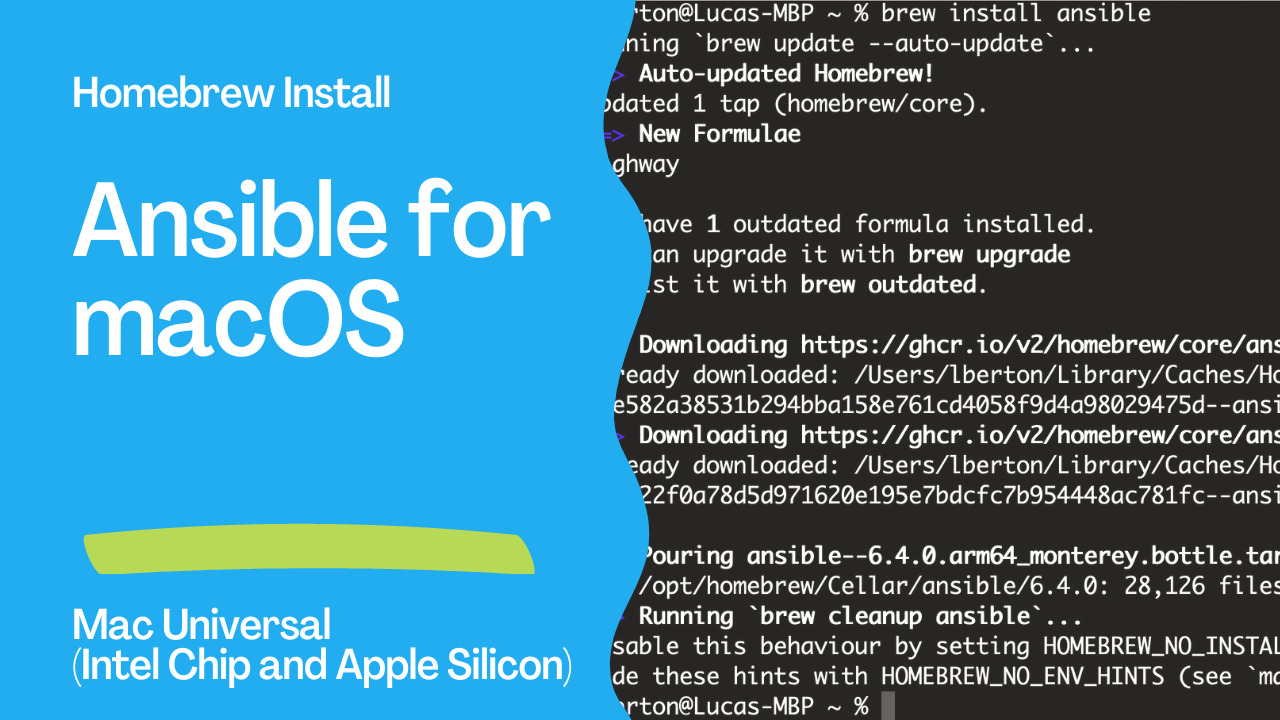
How to Install Ansible for Mac Universal (Intel Chip and Apple Silicon) using Homebrew?
Homebrew is an incredible package manager for macOS, allowing you to install and maintain up-to-date software easily.See also: Run Windows 11 Client ARM64 Insider Preview in Apple Silicon (M1, M2, M3) with VMware Fusion
Links
- https://formulae.brew.sh/formula/ansible
code
Ansible is available as package “ansible” in Homebrew Package Manager for Mac Universal (Intel Chip and Apple Silicon)
installation
lberton@Lucas-MBP ~ % brew install ansible
Running `brew update --auto-update`...
==> Auto-updated Homebrew!
Updated 1 tap (homebrew/core).
==> New Formulae
highway
You have 1 outdated formula installed.
You can upgrade it with brew upgrade
or list it with brew outdated.
==> Downloading https://ghcr.io/v2/homebrew/core/ansible/manifests/6.4.0
Already downloaded: /Users/lberton/Library/Caches/Homebrew/downloads/d0e2c11f4aa8bcabca08e582a38531b294bba158e761cd4058f9d4a98029475d--ansible-6.4.0.bottle_manifest.json
==> Downloading https://ghcr.io/v2/homebrew/core/ansible/blobs/sha256:0a173d0d505628d07
Already downloaded: /Users/lberton/Library/Caches/Homebrew/downloads/8b047b2c1cc2bf0f7df03f22f0a78d5d971620e195e7bdcfc7b954448ac781fc--ansible--6.4.0.arm64_monterey.bottle.tar.gz
==> Pouring ansible--6.4.0.arm64_monterey.bottle.tar.gz
🍺  /opt/homebrew/Cellar/ansible/6.4.0: 28,126 files, 347.7MB
==> Running `brew cleanup ansible`...
Disable this behaviour by setting HOMEBREW_NO_INSTALL_CLEANUP.
Hide these hints with HOMEBREW_NO_ENV_HINTS (see `man brew`).
lberton@Lucas-MBP ~ %
verification
% ansible --version
ansible [core 2.13.4]
  config file = None
  configured module search path = ['/Users/lberton/.ansible/plugins/modules', '/usr/share/ansible/plugins/modules']
  ansible python module location = /opt/homebrew/Cellar/ansible/6.4.0/libexec/lib/python3.10/site-packages/ansible
  ansible collection location = /Users/lberton/.ansible/collections:/usr/share/ansible/collections
  executable location = /opt/homebrew/bin/ansible
  python version = 3.10.6 (main, Aug 30 2022, 04:58:14) [Clang 13.1.6 (clang-1316.0.21.2.5)]
  jinja version = 3.1.2
  libyaml = True
lberton@Lucas-MBP ~ %
Conclusion
Now you know how to install Ansible for Mac Universal (Intel Chip and Apple Silicon) using Homebrew in macOS.See also: Install Visual Studio Code: Manual, Homebrew, Ansible Methods
Related Articles
- Can Ansible Install an OS?
- 'How to install Ansible in Pop!_OS 24.04 — Ansible install'
- Install Ansible on macOS: Homebrew & pip Installation Guide
Alternative Installation: pip
If you prefer more control over the Ansible version:
# Install Python 3 via Homebrew
brew install python3

# Create a virtual environment
python3 -m venv ~/ansible-venv
source ~/ansible-venv/bin/activate

# Install Ansible
pip install ansible

# Verify
ansible --version
Post-Installation Setup
# Create default configuration directory
mkdir -p ~/.ansible

# Create a basic ansible.cfg
cat > ~/.ansible.cfg << EOF
[defaults]
inventory = ~/ansible/inventory
host_key_checking = False
retry_files_enabled = False

[privilege_escalation]
become = True
become_method = sudo
EOF

# Create inventory directory
mkdir -p ~/ansible
echo "[local]\nlocalhost ansible_connection=local" > ~/ansible/inventory
See also: Install TechSmith Camtasia 2022 (Screen Recorder and Video Editor) in macOS
Test Your Installation
# Ping localhost
ansible localhost -m ansible.builtin.ping

# Gather facts
ansible localhost -m ansible.builtin.setup | head -30

# Run an ad-hoc command
ansible localhost -a "uname -a"
FAQ
Does Ansible run natively on Apple Silicon (M1/M2/M3)?
Yes. Homebrew installs native ARM64 binaries on Apple Silicon Macs. Ansible runs natively without Rosetta 2.
Which method is better: Homebrew or pip?
Homebrew is simpler for getting started. pip with virtual environments gives you more control over versions and avoids conflicts with system Python packages. For professional use, pip with venv is recommended.
How do I update Ansible installed via Homebrew?
brew upgrade ansibleCategory: installation
Watch the video: Install Ansible on macOS Monterey with Homebrew — Video Tutorial